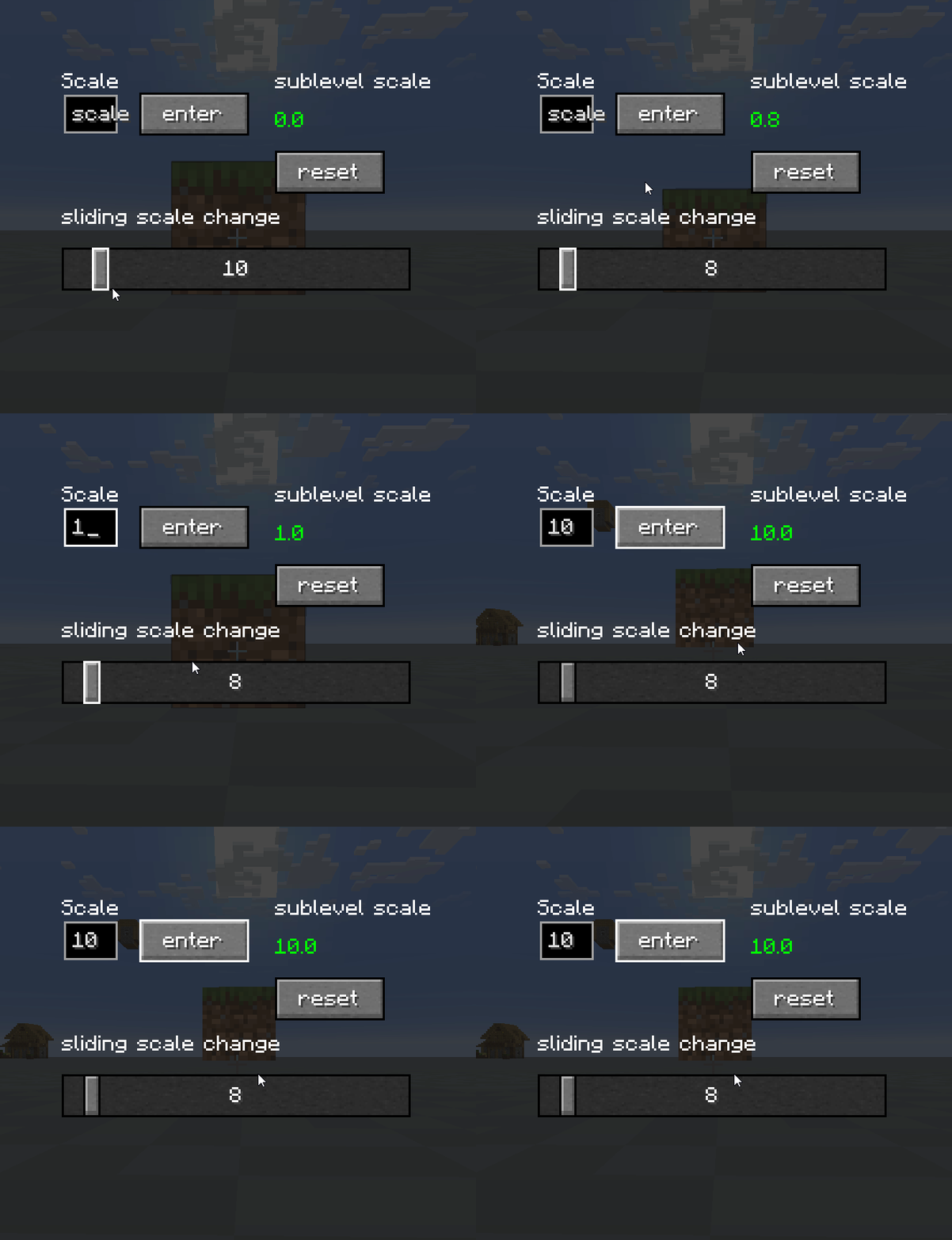
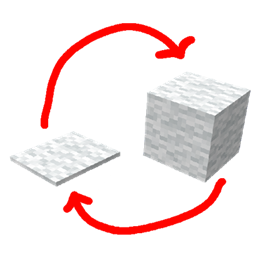
This mod adds an incredibly clear and easy-to-use configuration menu for adjusting the size of Sable sub-levels. It allows you to change their size without typing commands — just drag the slider or enter a value manually right from the menu. All size adjustments are applied in real-time!
In the Sable Scaling Tool creative tab, you will find an item of the same name. Simply right-click this item on any surface to open the Sub-level size settings menu.