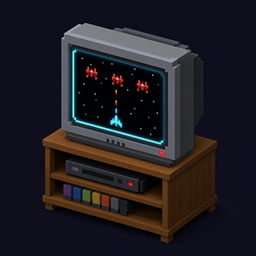
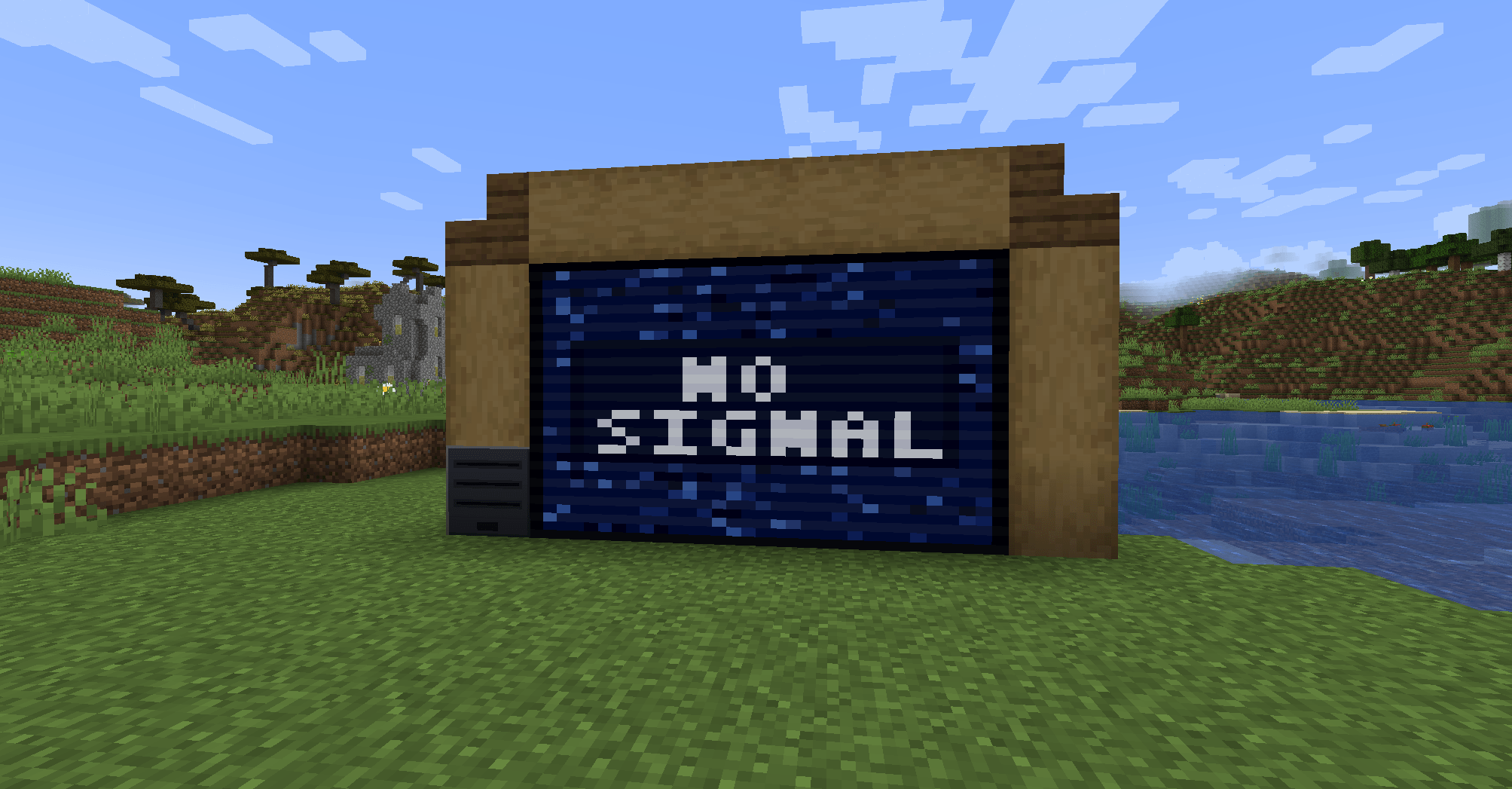
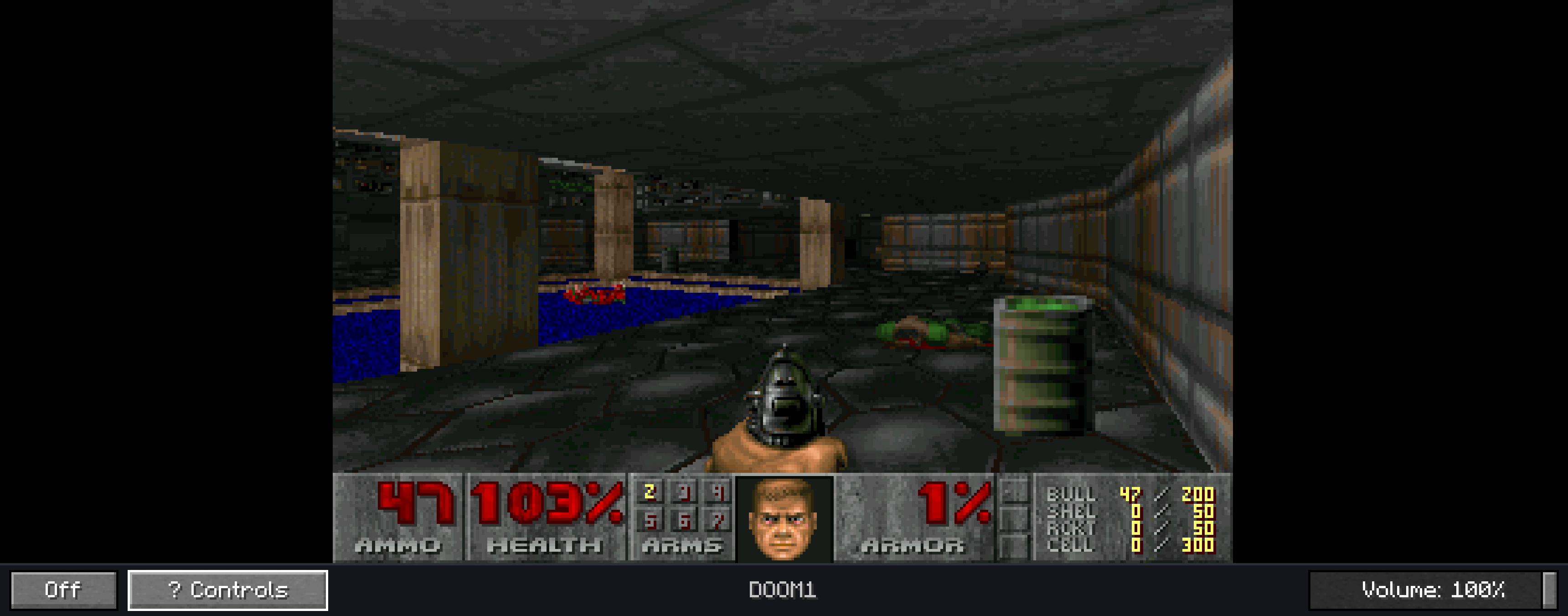
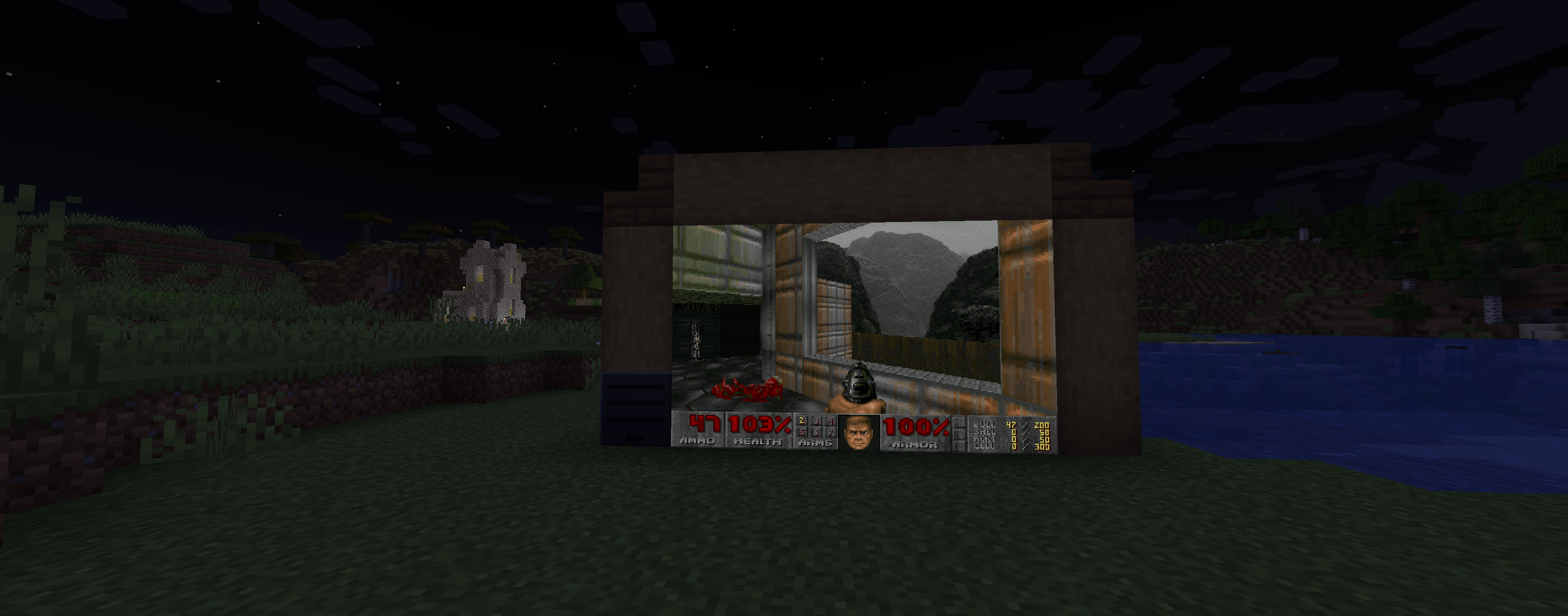
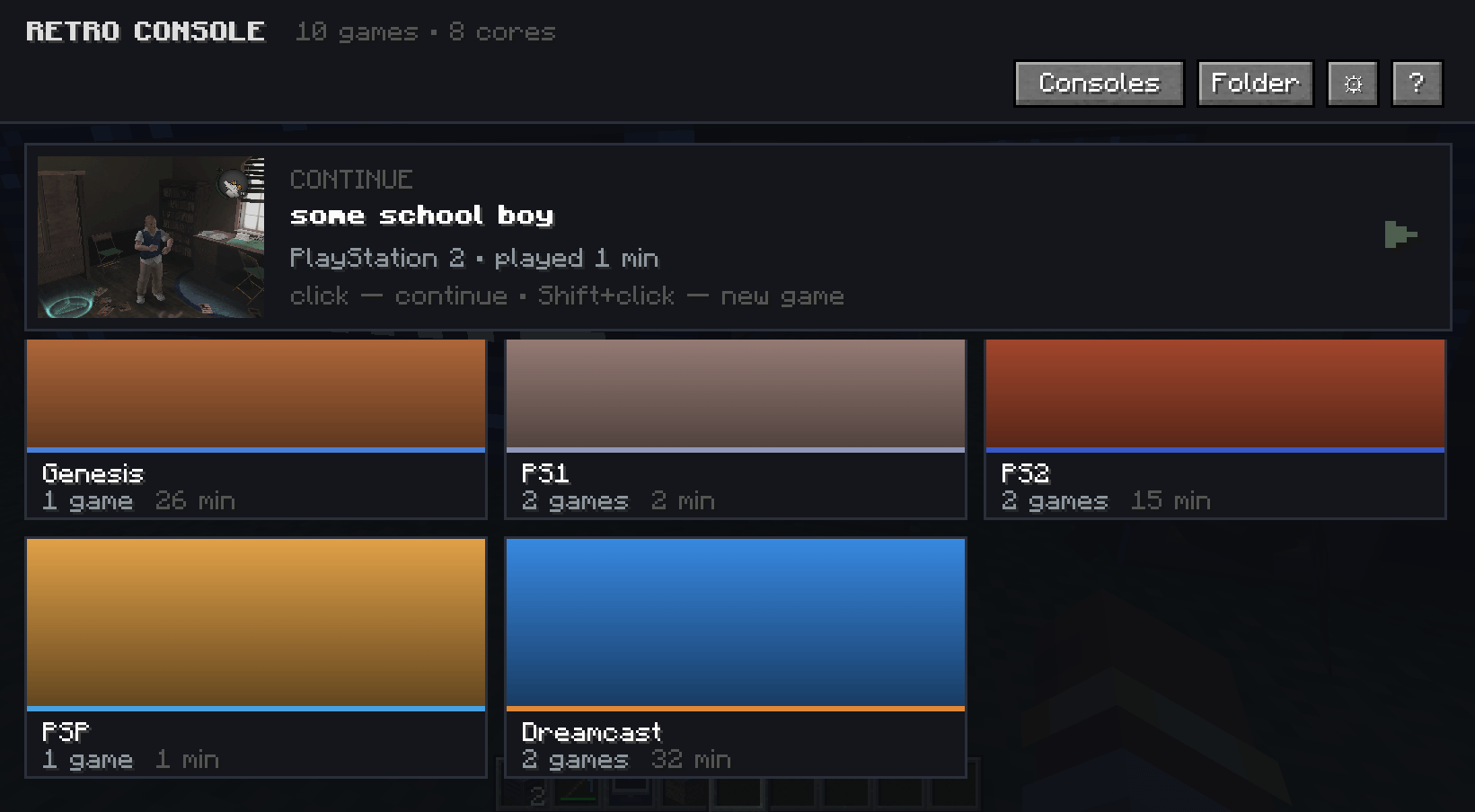
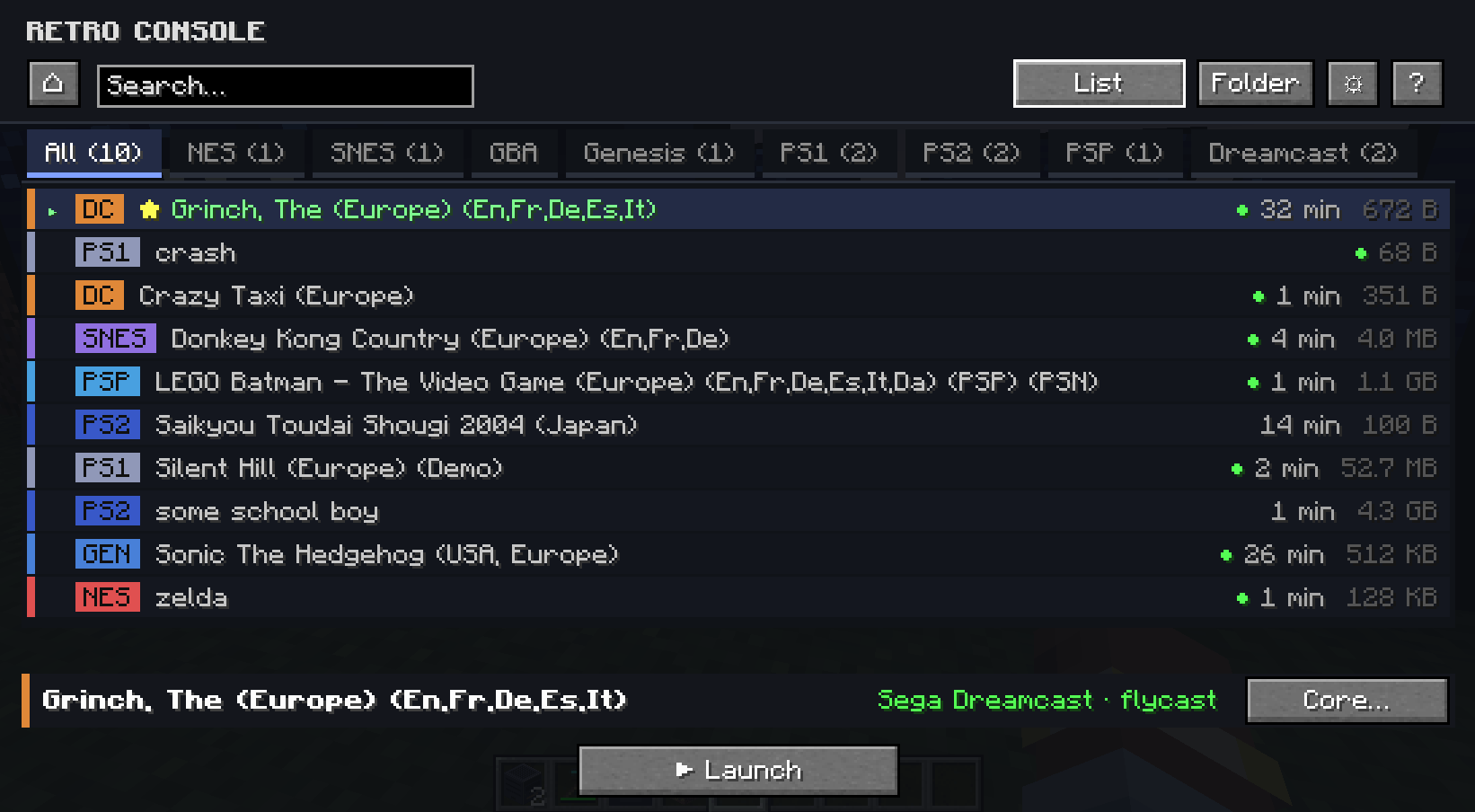
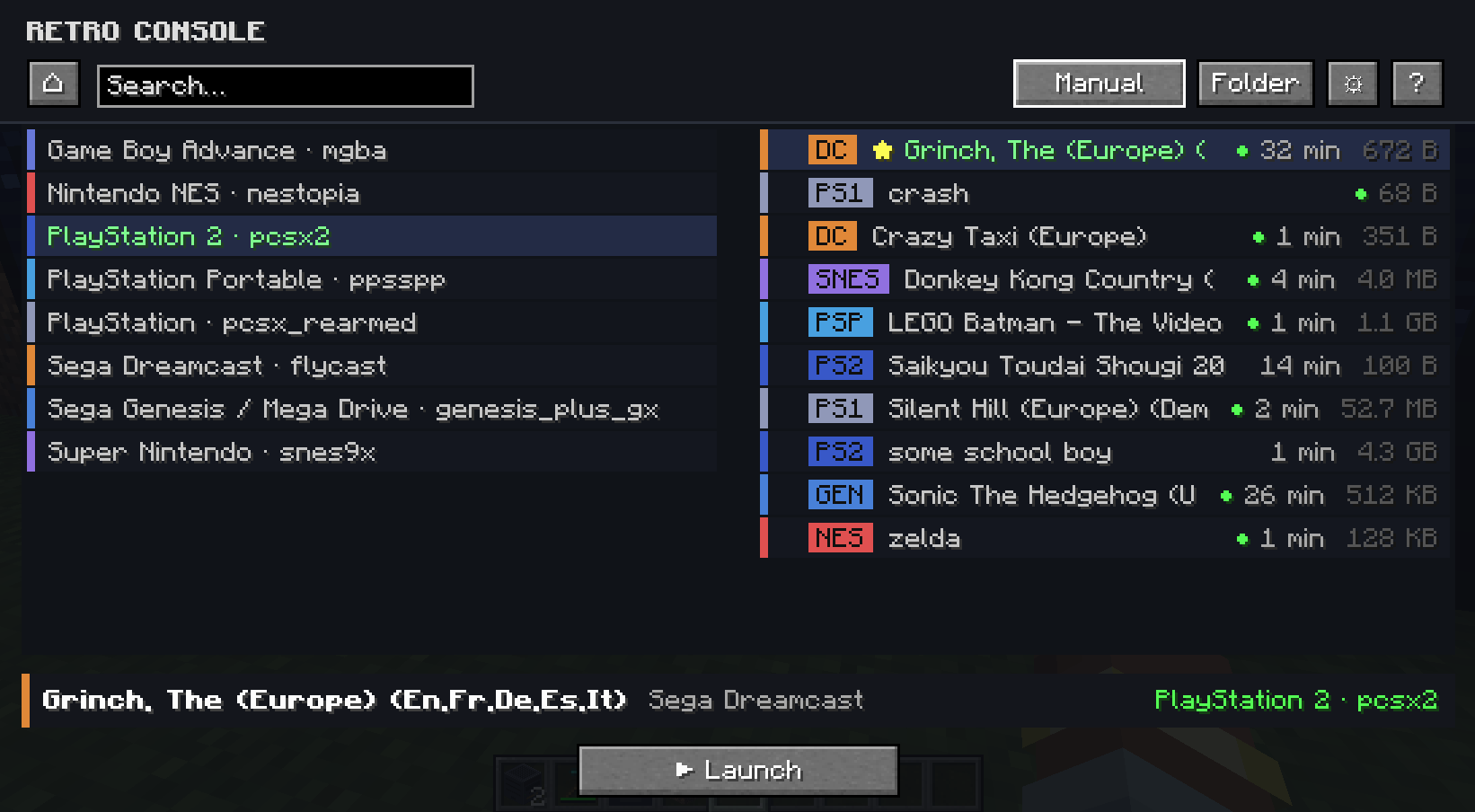
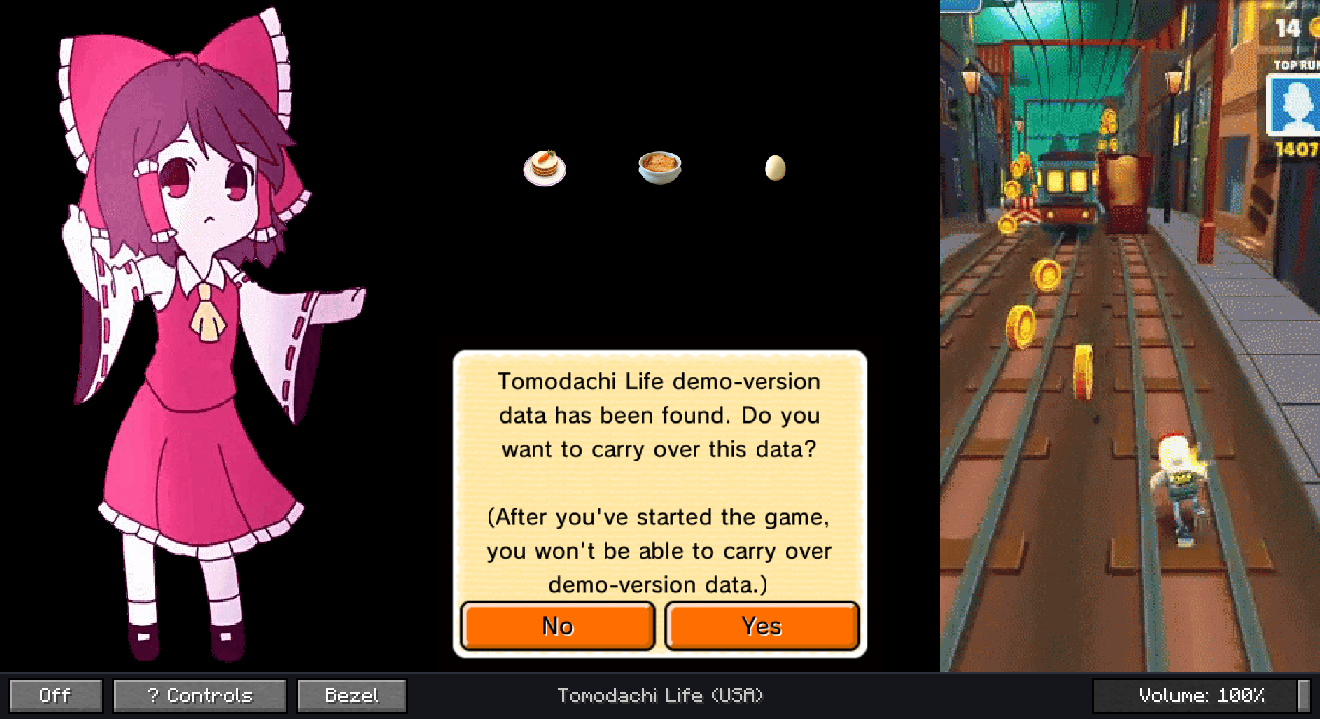
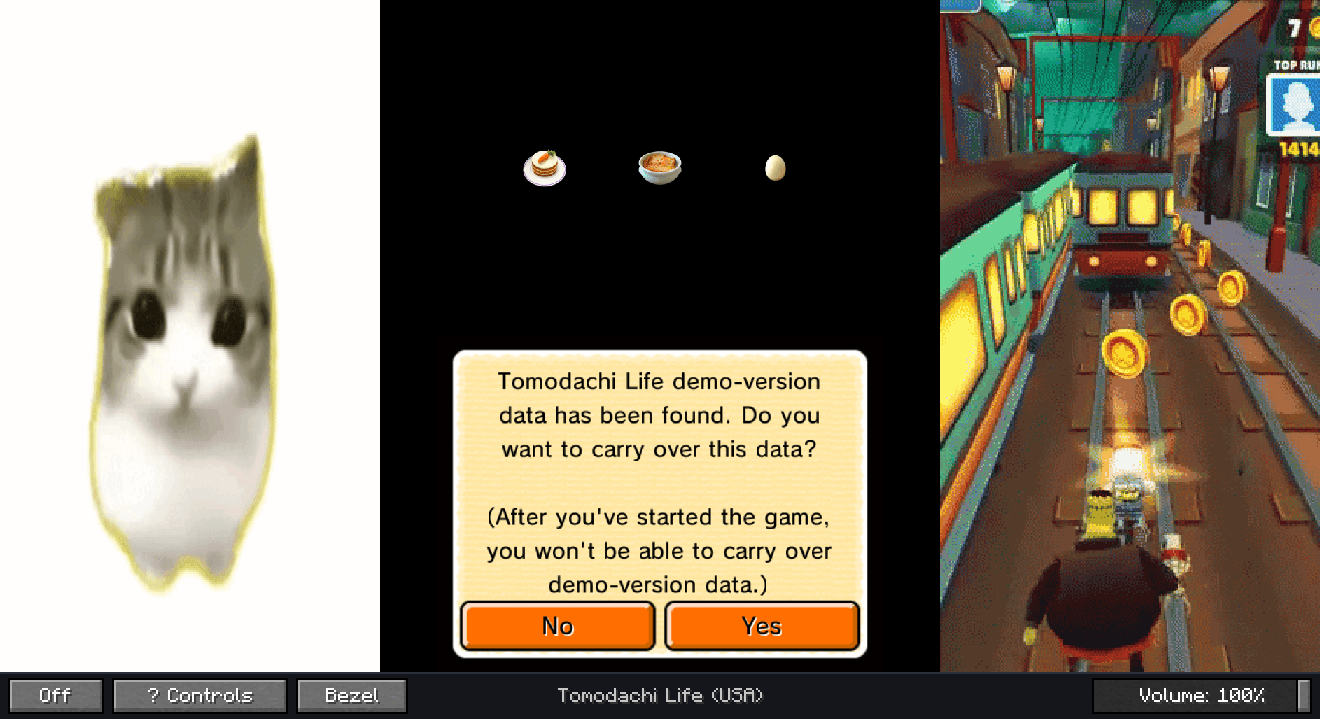
RetroConsole brings libretro emulation into Minecraft 1.21.1 (NeoForge). Place a console in your world, build a TV wall from Screen blocks, browse your game library, and play on in-world displays or in a fullscreen viewer.
Early release (0.1.0) — expect rough edges. Feedback welcome on GitHub.
| Minecraft | 1.21.1 |
| Loader | NeoForge 21.1.x |
| Java | 21 |
| OS | Windows or Linux (64-bit) |
macOS is not supported.
This mod does not ship libretro cores, BIOS files, or ROMs. You must supply them yourself and only use content you have the legal right to use.
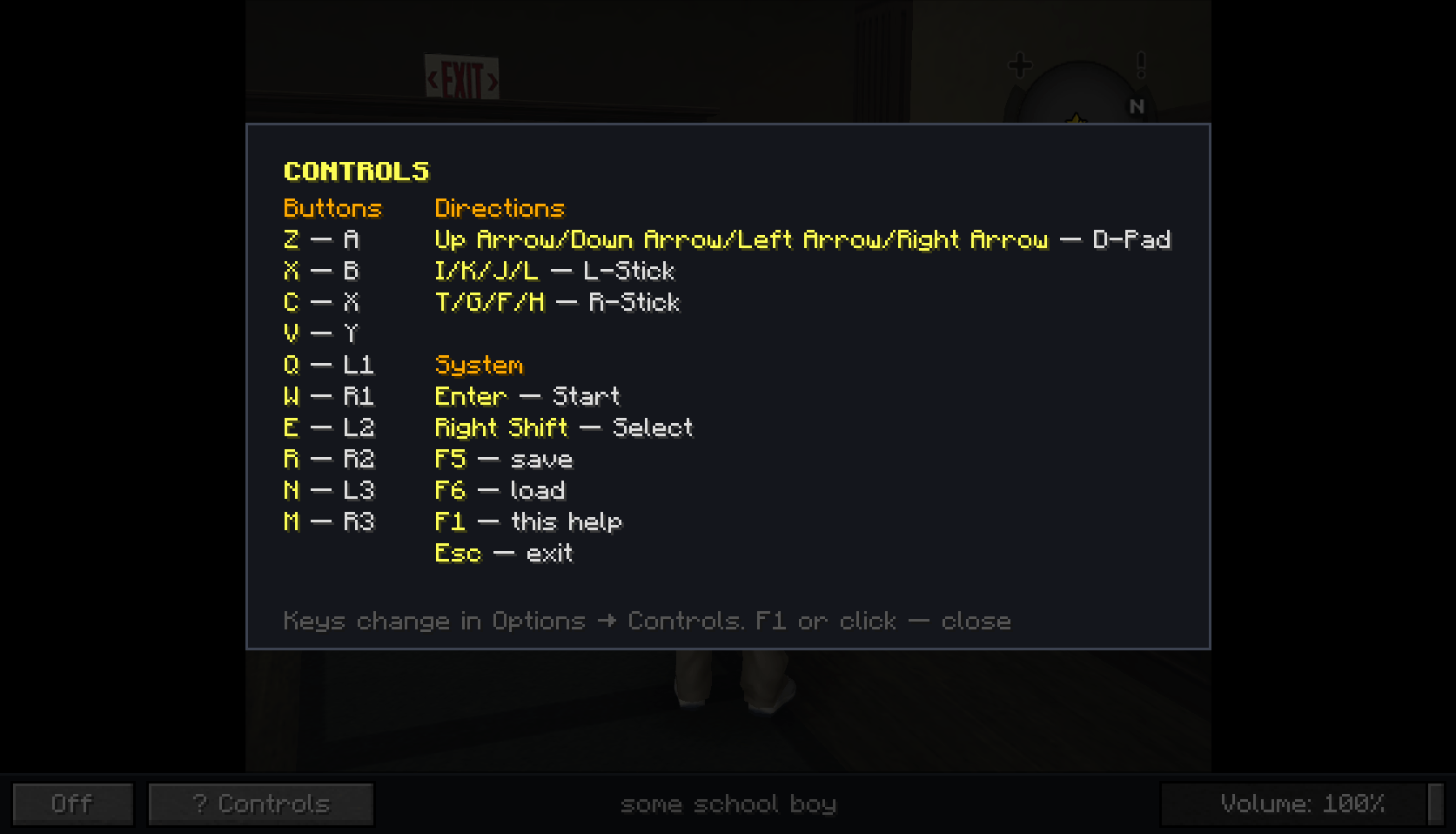
mods folder.config/retroconsole/ is created automatically..dll / .so) from the libretro buildbot → config/retroconsole/cores/config/retroconsole/roms/<system>/ (e.g. nes/, gba/, ps2/)config/retroconsole/system/ (see wiki/README on GitHub)Tested on Windows 11. Other libretro cores may work but are not guaranteed.
| Core | System |
|---|---|
| nestopia_libretro | NES |
| snes9x_libretro | SNES |
| mgba_libretro | GBA |
| genesis_plus_gx_libretro | Genesis / Mega Drive |
| pcsx_rearmed_libretro | PS1 |
| pcsx2_libretro | PS2 (needs BIOS) |
| ppsspp_libretro | PSP |
| flycast_libretro | Dreamcast (needs BIOS) |
Supported catalog folders also include: gb, sms, psp, segacd, saturn — depending on which core you install.
On a dedicated server, ROMs and cores live on the server. Emulation runs server-side; clients receive video/audio streams. Saves and stats are per-player on the server.
Open ⚙ in the library, or Mods → RetroConsole → Config.
retroconsole-common.toml — folder pathsretroconsole-server.toml — streaming distances, session limits (maxCoreSlots, maxPcsx2Sessions), video quality presetsEmulator: Arrow keys = D-Pad · Z/X/C/V = A/B/X/Y · Q/W/E/R = L1/R1/L2/R2 · Enter = Start · Right Shift = Select · I/K/J/L and T/G/F/H = analog sticks TV view: F1 = help · F5/F6 = quick save/load · Esc = exit Rebind under Options → Controls → Retro Console.