Lock player inventory slots to specific items or item tags.
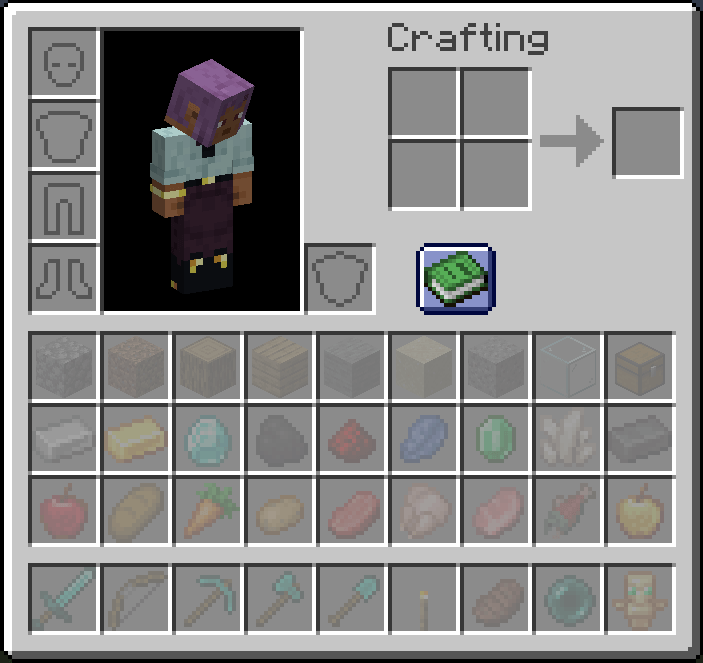
Ever wanted to keep a dedicated slot for your sword, always have slot 0 as your torch, or enforce item organization across your server? Restricted Inventory lets you do exactly that — configure any inventory slot (0–35) to only accept a specific item or item tag, server-wide or per player.
minecraft:torch) or an entire item tag (e.g. #minecraft:swords)All commands use the /restrictedinventory prefix.
| Command | Description | Permission |
|---|---|---|
/restrictedinventory config |
Opens the Restriction Config Screen | Admin (OP level 4), or any player when useClientRestriction is enabled |
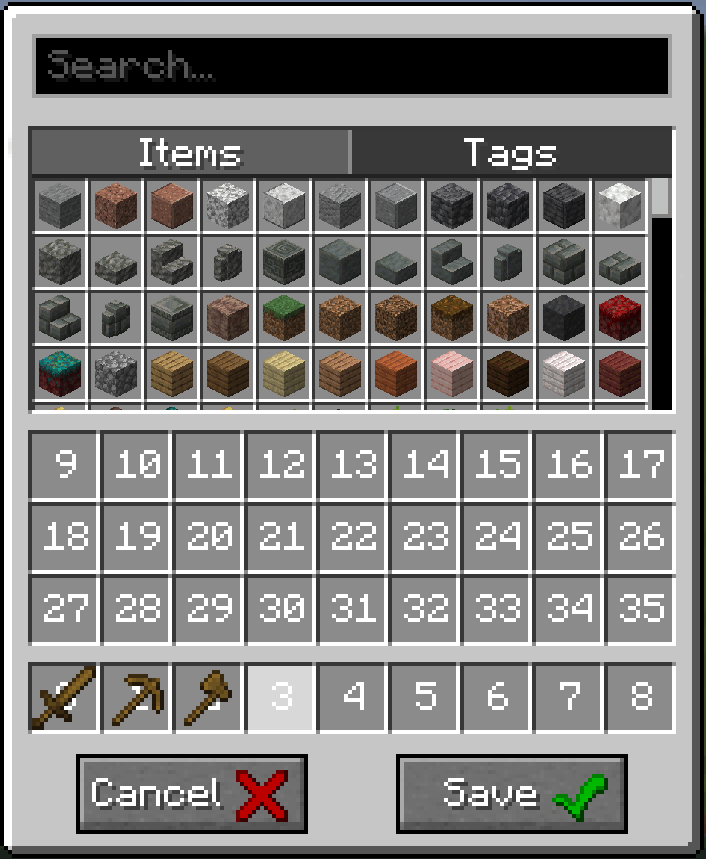
useClientRestriction is false (server-wide mode): only server operators (OP level 4) can open the config screen.useClientRestriction is true (per-client mode): every player can open their own config screen.The config screen is the in-game GUI for editing slot restrictions. Open it with /restrictedinventory config.
Restrictions are defined in a simple JSON config file. Both specific items and item tags are supported.
{
  "useClientRestriction": false,
  "restrictedSlots": {
    "0": "minecraft:torch",
    "1": "#minecraft:swords",
    "8": "minecraft:totem_of_undying"
  }
}| Slot range | Location |
|---|---|
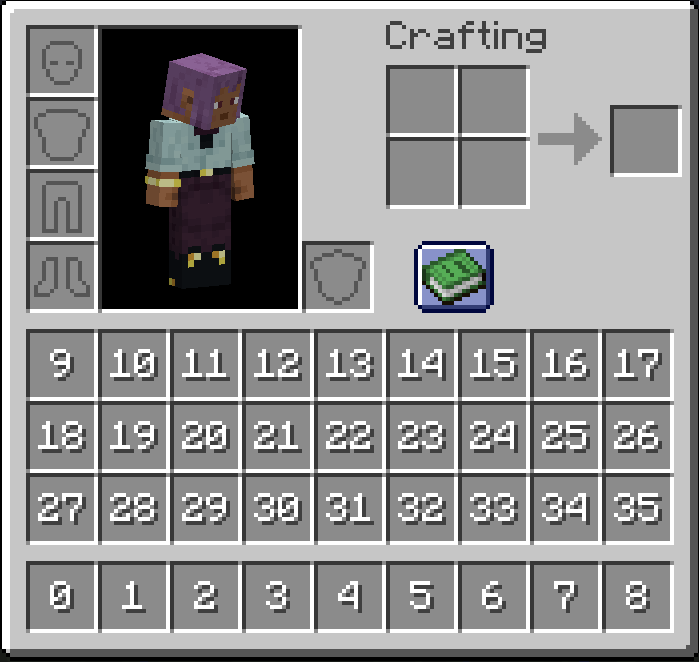
| 0–8 | Hotbar (survival mode only) |
| 9–35 | Main inventory |
Note: Slot indices 0–8 correspond to the hotbar in survival mode. In creative mode, the hotbar uses a different inventory layout and slot restrictions will not apply there.
This mod hooks into vanilla's slot placement and item pickup logic via Mixin. Mods or block entities that insert items directly into the player inventory (bypassing standard slot logic) may not respect the restrictions. Mods that also modify Slot, Inventory, or AbstractContainerScreen may conflict.