Minecraft can keep eating your PC even when you're not actually playing.
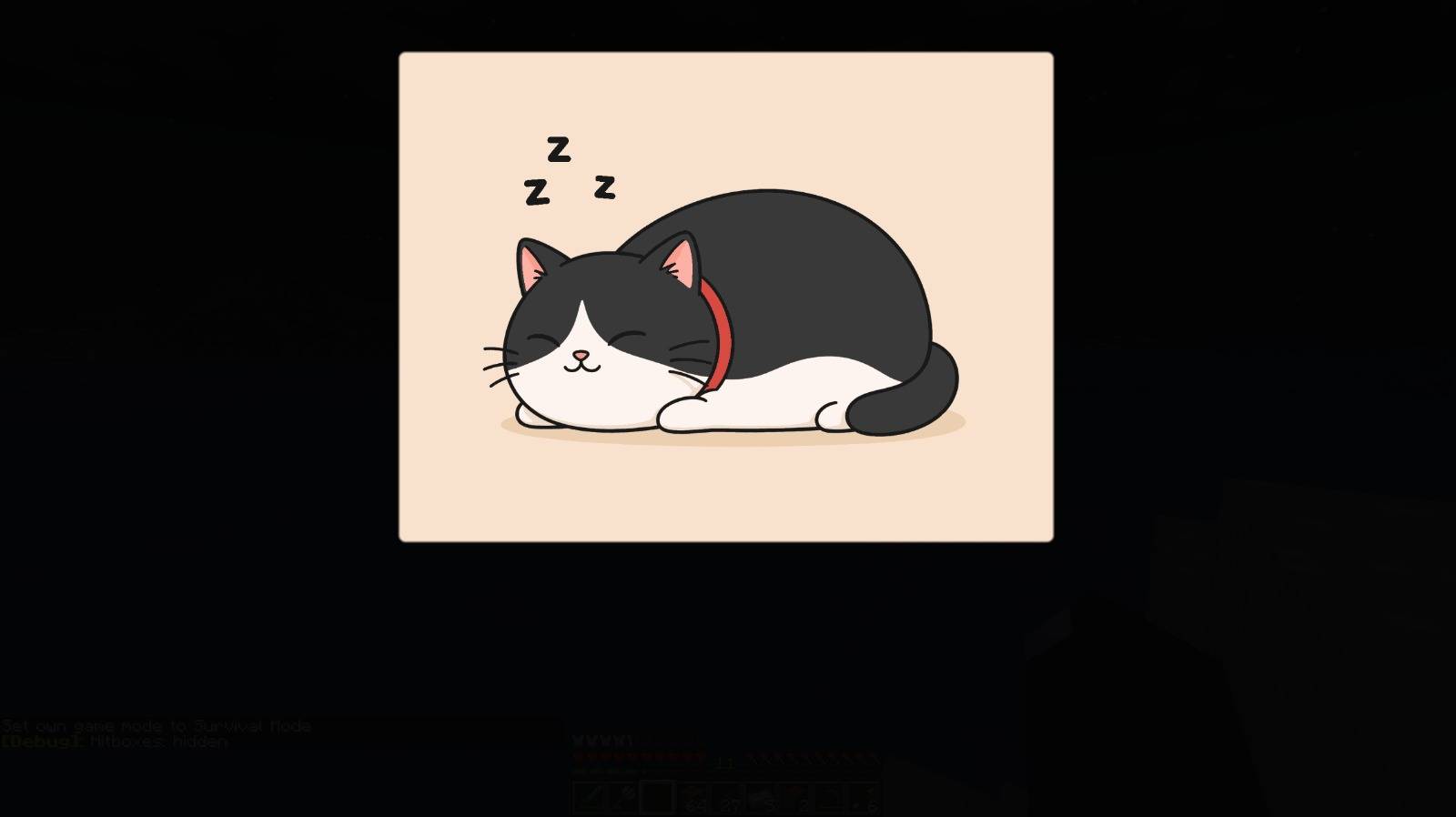
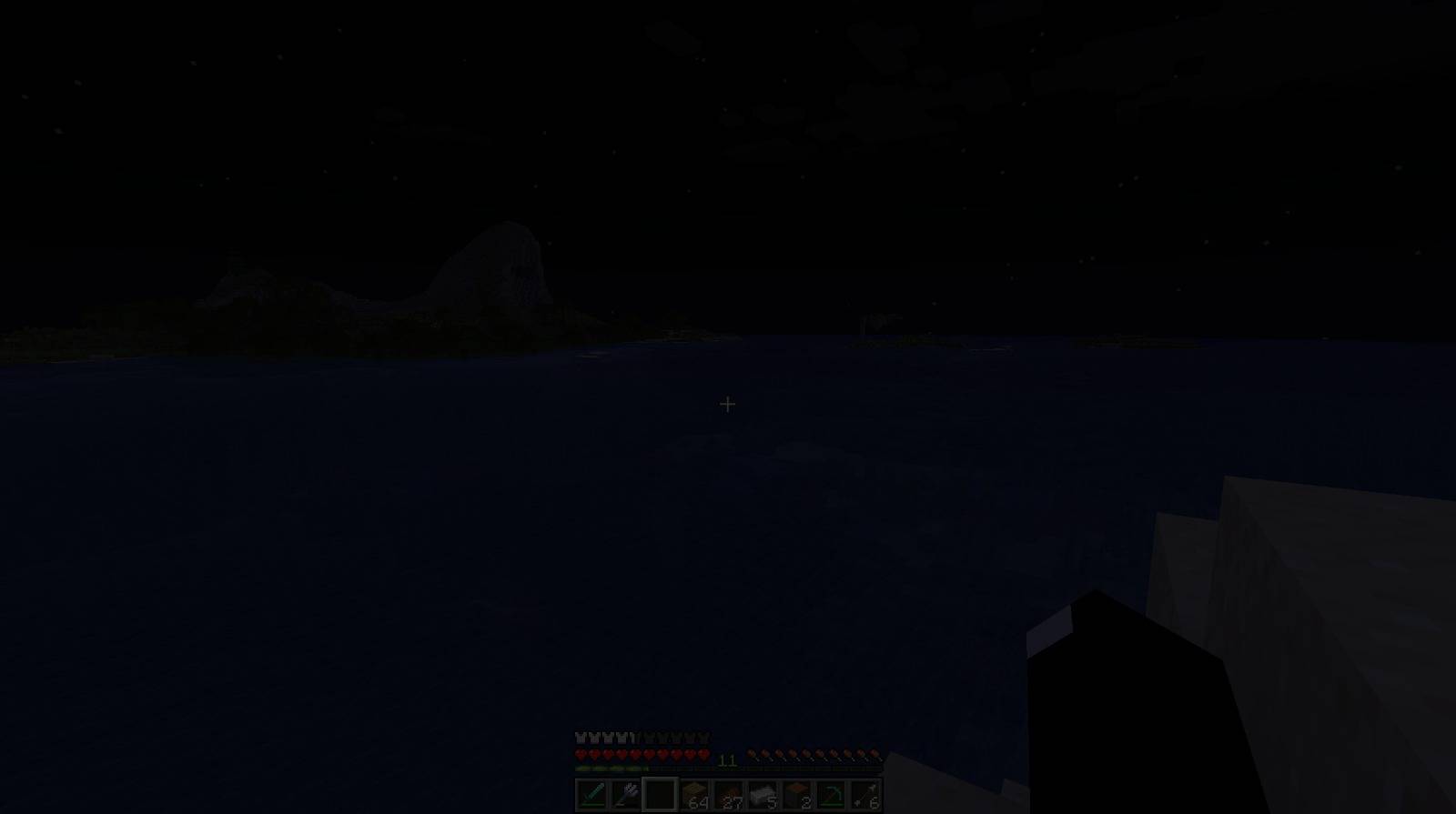
RestMode fixes that by putting Minecraft into a quiet rest state while you're AFK or away. It reduces the game's load, fades the sound, dims the screen, and shows a customizable sleep overlay. When you return, everything is restored automatically.
Setup: R7 5800H, RTX 3050 Laptop, 24 chunk render distance, 12 chunk simulation distance.
Measured while standing fully AFK. Each value is a 2-minute average.
Bracket values are compared to Vanilla.
| Setup | Custom Sleep Screen | GPU Usage | GPU Temp | CPU Usage | CPU Temp |
|---|---|---|---|---|---|
| Vanilla | ❌ | 58.5% | 60°C | 14% | 75°C |
| Embeddium + ModernFix | ❌ | 49% (1.19x lower) | 59°C (-1°C) | 10% (1.40x lower) | 64°C (-11°C) |
| RestMode | ✅ | 25% (2.34x lower) | 47°C (-13°C) | 4% (3.50x lower) | 49°C (-26°C) |
| RestMode + Embeddium + ModernFix | ✅ | 21% (2.79x lower) | 46°C (-14°C) | 3% (4.67x lower) | 49°C (-26°C) |
Embeddium and ModernFix are made for better performance while actively playing
RestMode is made for when Minecraft is open, but you are not playing
It lowers idle settings to make Minecraft much lighter in the background.
Playing with RestMode active is not intended and will feel bad >.<
- Automatically detects when you're AFK or away from the game
- Reduces PC load while Minecraft is idle
- Lowers FPS during rest mode
- Can reduce particles and simulation distance
- Smoothly fades the game sound
- Dims the screen while resting
- Supports a custom sleep screen image
- Restores your original settings when you come back
- Works fully client-side, no server install required
You can replace the default sleep screen with your own PNG image.
Put your custom image here:
".minecraft/config/restmode/sleep_overlay.png"
The image must be named sleep_overlay.png
RestMode can be configured in-game from:
Mods -> RestMode -> Config
You can adjust AFK timers, rest behavior, overlay position, overlay size, image opacity, screen darkness, and more.
Custom sleep screen images are selected and provided solely by the user. This mod does not include, provide, host, or grant rights to any third-party images; users are responsible for ensuring they own or have permission to use any image they add, and infringing content may be removed upon notice.