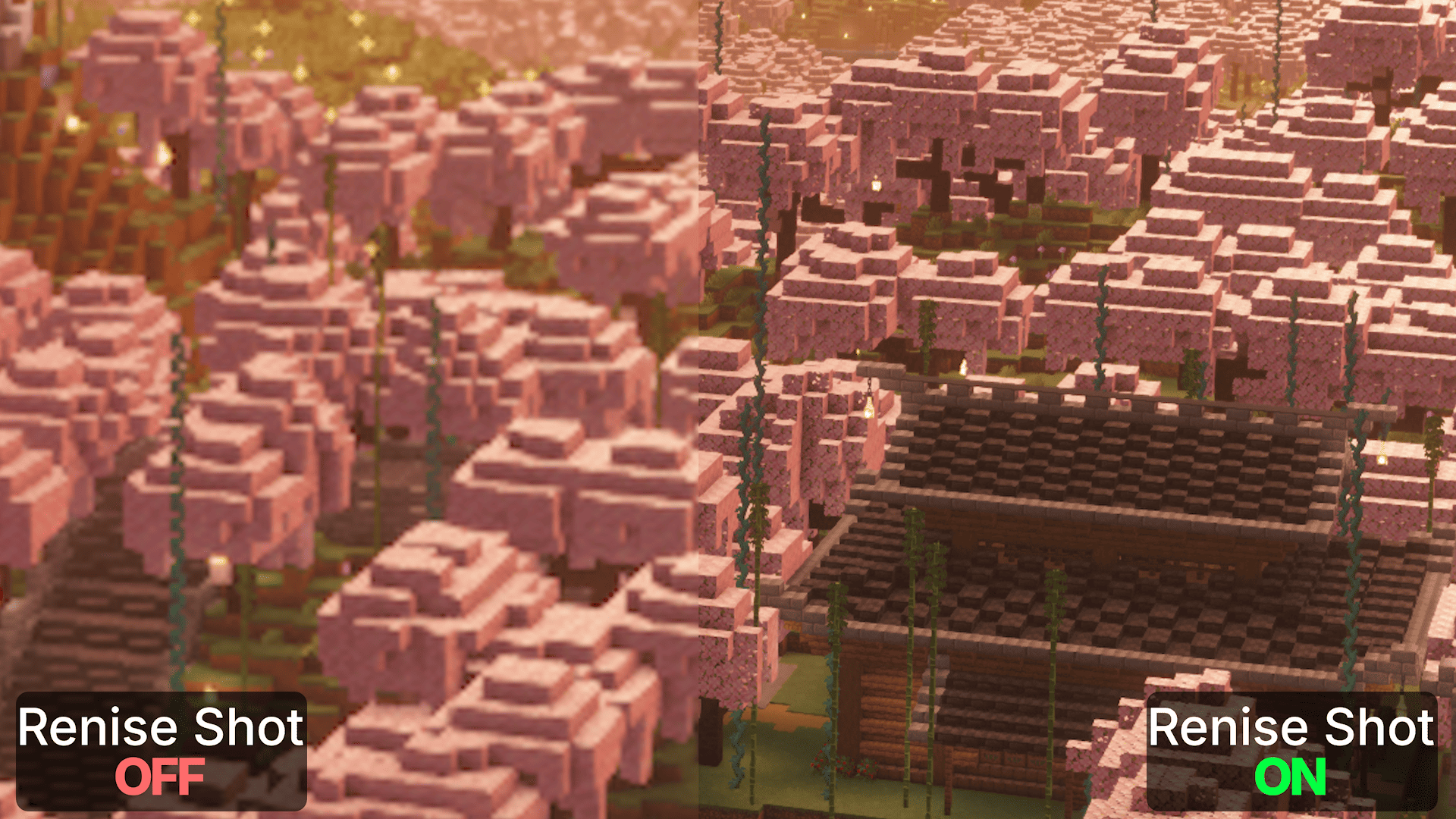
A lightweight client-side Fabric mod for taking high-resolution screenshots.
It keeps the familiar Fabrishot workflow while offering faster support for new versions, more reliable screenshot capture, and fixes for some Fabrishot issues.
Press F9 to take a screenshot.
The game is temporarily rendered at the configured resolution, the screenshot is captured, and the original resolution is restored automatically.
By default, screenshots are captured at 3840 × 2160 (4k).
%time% and %world% variablesScreenshots are saved to Minecraft's default screenshots folder with the huge_ prefix by default.
With Mod Menu and Cloth Config installed, Renice Shot can be configured directly in-game. Both are optional.
Without them, settings can be changed manually in config/renice-shot.properties
The maximum screenshot resolution depends on the limits supported by your graphics hardware.