Redstone Circuit
[Overview]
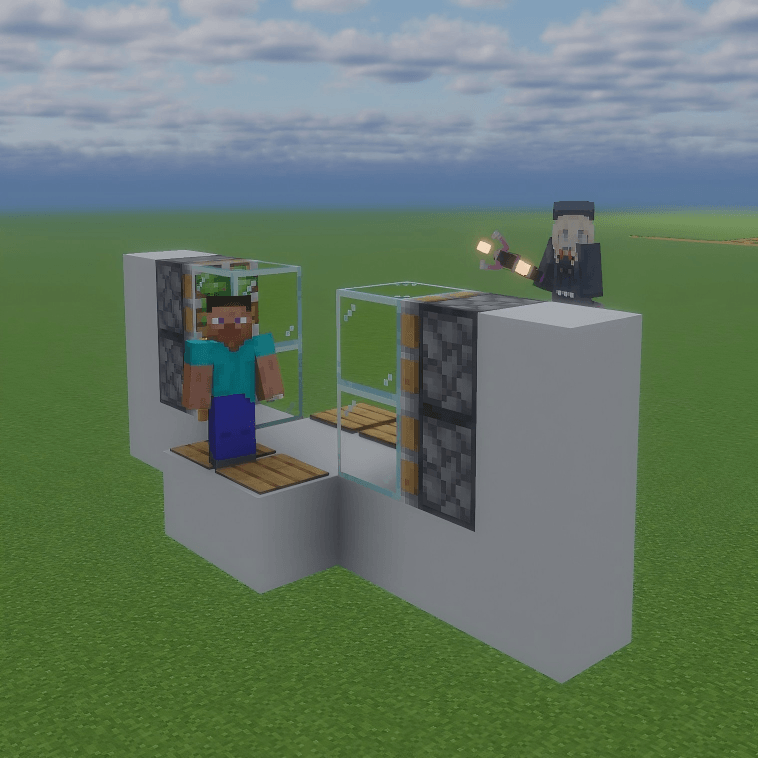
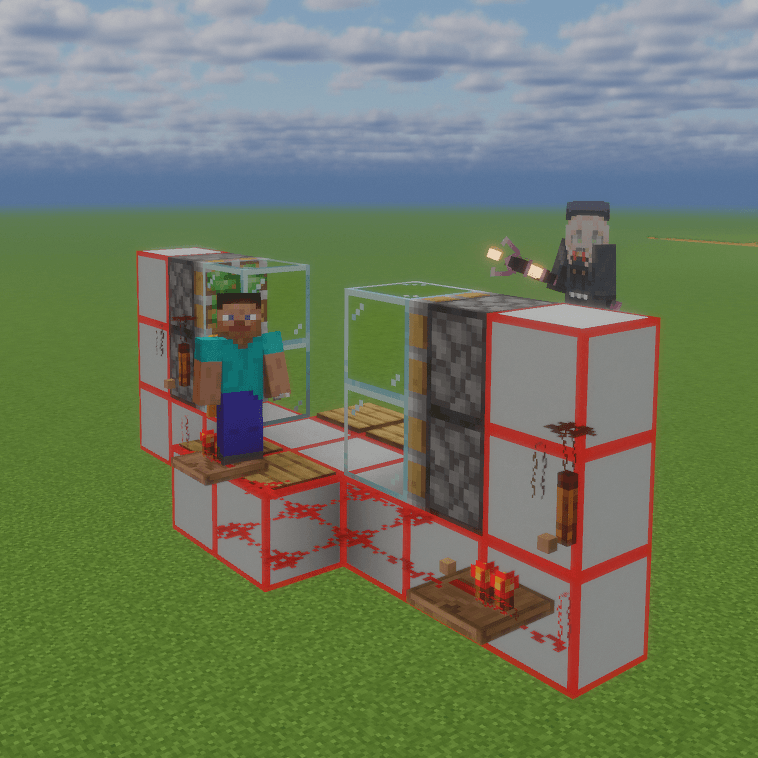
Redstone Circuit stores redstone components inside blocks: the block still sends and receives redstone, and the
signals behave exactly like the component inside it. Wear the Redstone Goggles to see the component, its facing,
its delay and its connections. Besides that it adds some new redstone components.
[Features]
- Components inside blocks: dust, repeaters, comparators, torches, levers and buttons can all be stored inside a
block (shift-right-click with the component in hand; empty-handed shift-right-click takes it back).
- Vanilla behaviour: emission side, weak/strong power, delays and decay all follow the vanilla rules; no vanilla
redstone behaviour is changed.
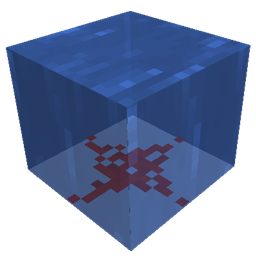
- Any face: components can sit on a block's top and bottom faces too, and connect exactly as they would on the
ground.
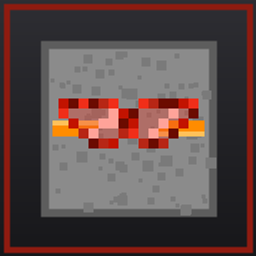
- Redstone Goggles: worn on the head (no armour value), they turn blocks that hold redstone translucent and draw
the component and its connections inside; taking them off restores the normal look.
- Redstone Wrench: select a component, then shift-right-click a neighbouring block to lock that one line and cut
the rest automatically. The far end may be a piston, a redstone lamp, or anything else that has no redstone of
its own.
- Superconducting Redstone Dust: used like dust, but the signal does not decay.
- Retaining Repeater: delays like a repeater, but passes on the strength it was given instead of restoring 15.
- Double Repeater / Double Retaining Repeater: same settings, twice the delay.
- Weather Detector: cycle clear / rain / thunder with an empty hand; outputs 15 while the weather matches, and it
never needs to see the sky.
- Rotation Rod: turns a component's input face to the side you clicked, then its output face, and cycles back.
- Empty-hand settings: right-click to change a repeater's delay, a comparator's mode or the weather detector's
setting.
- Redstone Structure Block: right-click to open its screen and select a region - the first operation only shows
the border, the second one really does it. What you capture goes into a 结构 (Structure) item you can carry, and
it can be released in place or anywhere else. What travels keeps working: the pistons, redstone and hoppers
inside a structure are real blocks, not a picture.
- Two ways to drive a structure: a face table (each face injects into the cells you name while it is energized)
and a key panel (bind a key name to a cell; pressing it pushes one pulse), plus an output table (a cell carrying
a signal makes one face answer with a set strength). Structure items show a small 3D preview.
- Logic Integrator: seven logic gates.
- Transmission Gate: main input on the front, main output on the back, four side inputs; the main input passes
only while exactly one side input carries a signal.
- Block Placer: nine slots of storage; it places what it holds in front of itself. (If the placer itself is
physicalized, it puts out a separate physics structure block.)
- Controller: lets a signal through while it is inside a set strength range.
- Redstone Transformer: outputs the signal it receives on the front at a set strength on the back.
- Clock Source: one pulse of a set strength every chosen period.
- Signal Extender: extends the output time by a set duration.
[Compatibility]
Actively adapted for Create, Create: Aeronautics and Jade; none of them is required.
- The Create / Create: Aeronautics support is NeoForge only: when a block holding redstone is taken by a
contraption or a physics structure, its component travels with it and keeps working, and the goggles, wrench
and rotation rod work on a moving machine too. The Fabric build does not include it.
- Jade works on both builds, and shows the state of the new components as well.
[Installation]
- Minecraft 1.21.1, required on both client and server.
- NeoForge build: NeoForge 21.1.100 or newer (21.1.250 or newer recommended), no other dependencies.
- Fabric build: Fabric Loader 0.15.11 or newer plus Fabric API.
[Notes]
- The data lives in the world's own saved data: uninstalling the mod does not damage a world (the stored
components drop as items).
- Configuration: config/redstonecircuit-common.toml on NeoForge, config/redstonecircuit.json on Fabric.
- Known limit (high-frequency / sub-tick clocks): solver notifications are coalesced to the tick boundary by
default (solverCoalesceNotifications=true), so redstone inside blocks that is "squeezed from both ends" (a
comparator in subtract mode with an ordinary dust feeding back beside it, for example) cannot fall to 0: it
oscillates between 7 and 8 (the dust outside between 6 and 7) and never reaches 15 either. Vanilla cascades its
notifications within one tick and can fall to 0 cleanly. Set solverCoalesceNotifications to false to get that
behaviour back, at the cost of dozens of solver rounds per tick, lag on large builds and possible
"did not settle" warnings (bounded degradation, never a freeze). The default is deliberate.
- Known and deliberate: pushing a block that holds redstone away with a piston leaves the signal behind at the
old position.