Rechanted is a mod that increases the depth of the minecraft enchanting system by making enchanting cost not only XP but also resources.
It motivates players to value resources and XP in any stage of the game. Enchantments are now divided into rarities, and the enchanting table creates a random book from the chosen tier that can apply directly to its respective gear. Rechanted is highly configurable, so you can tweak the loot pools and resource costs for obtaining enchantments to your liking.
It also introduces a plethora of new custom enchantments, special gem items, visual effects, and advancements for a full suite of engaging features to make enchanting an intersting grind!
We highly recommend you follow the advancements and explore the mod in game. If you want to learn more about the mod before jumping in, then please keep reading for a straight forward breakdown!
Upon crafting and placing an enchanting table you will notice it looks lifeless. To get it to work, smack it with an emerald. Then, you must charge your enchanting table. Place a 3x3 grid of the resource block for the tier you are targeting. Next, ensure you fulfil the bookshelf requirments. Lastly, insert some lapiz then your table will spring to life!
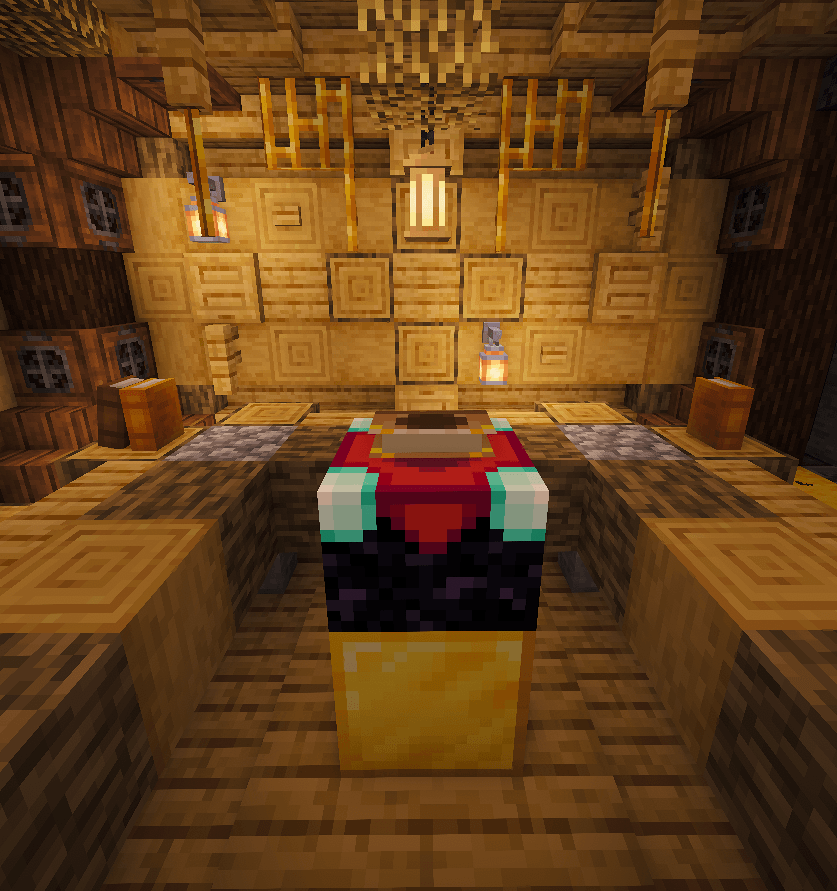
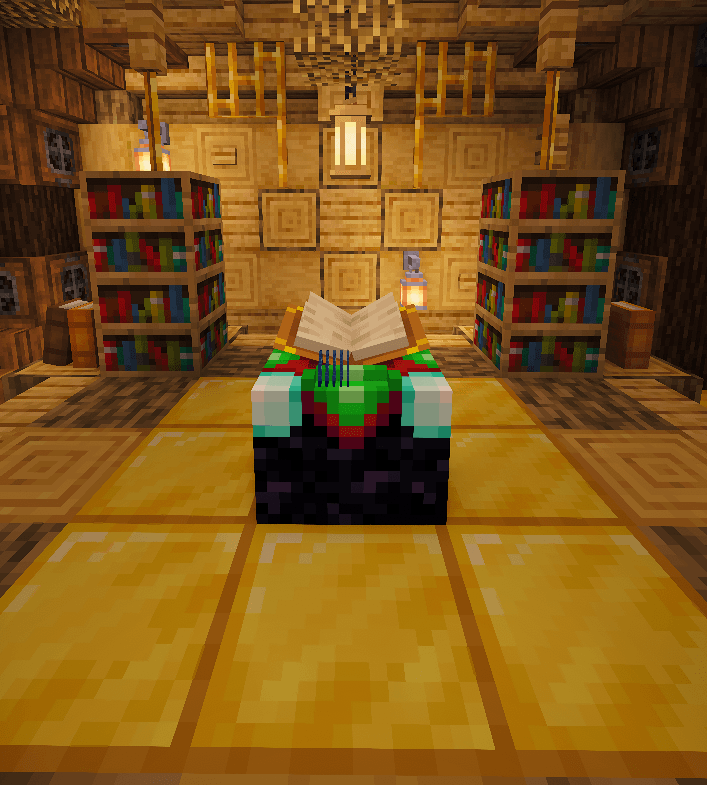
(Pro Tip: you may want to build multiple enchanting tables for each tier to avoid breaking and placing floor blocks over and over to swap tiers!)
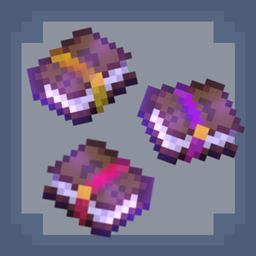
Rechanted overhauls enchanting such that every enchanting table "hit" now directly generates an enchanted book that contains a random enchantment from the chosen rarity. Each hit costs experience, consumes lapis, and has a tiny chance to destroy the bookshelves or floor blocks currently charging the table. These costs increase with each rarity and are listed in the enchanting menu when hovering over a book. You can even view the full loot tables, the odds of getting each enchantment/level, as well as an enchantment descripiton!
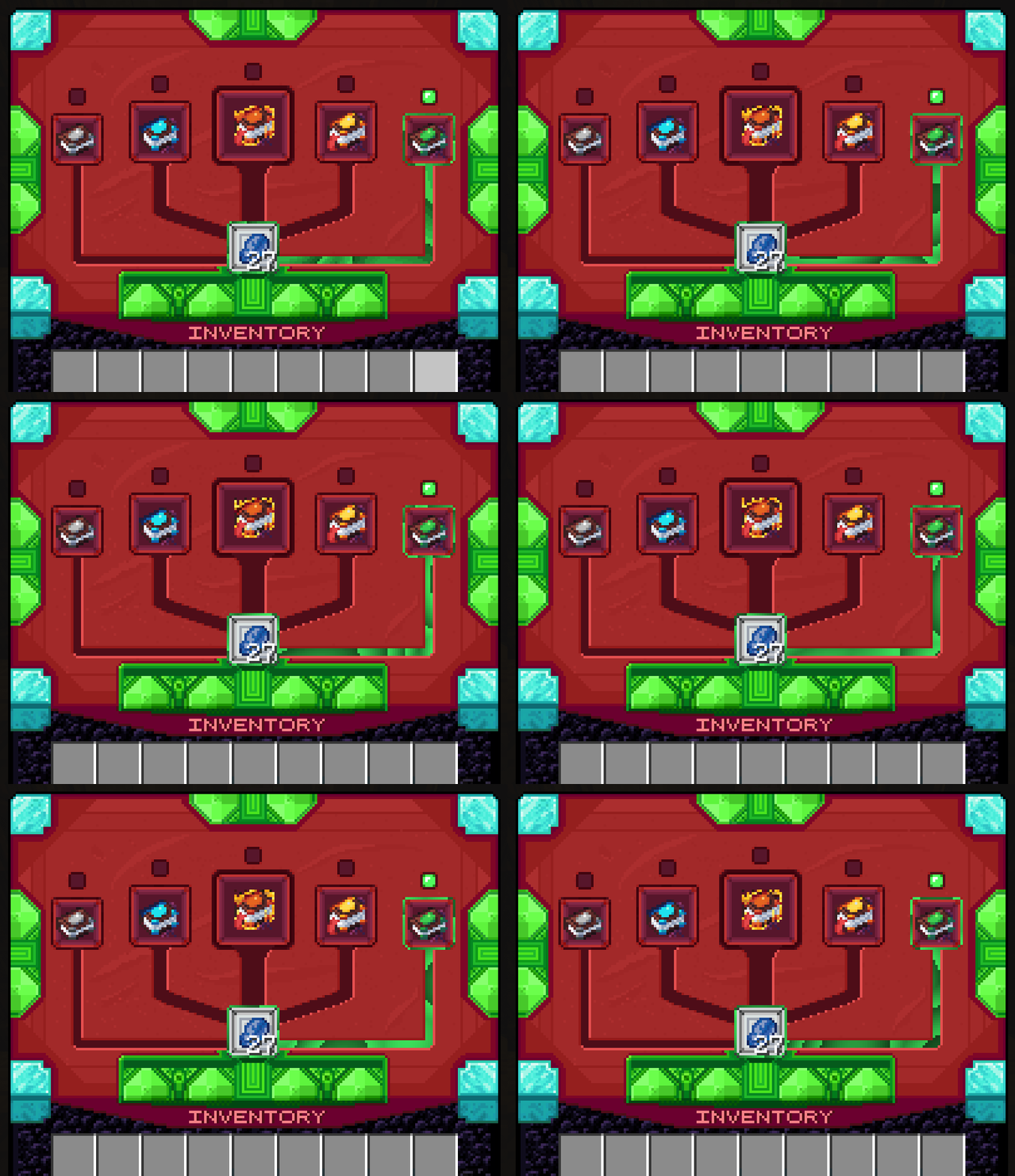
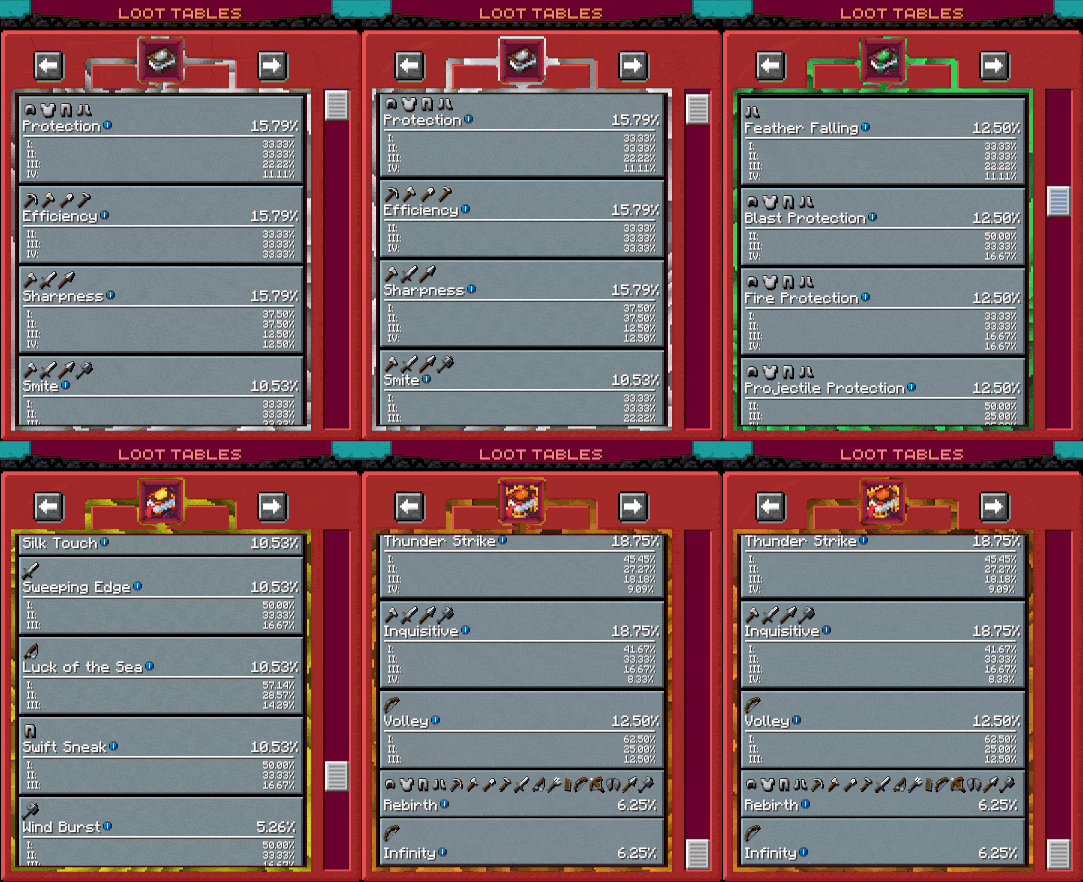
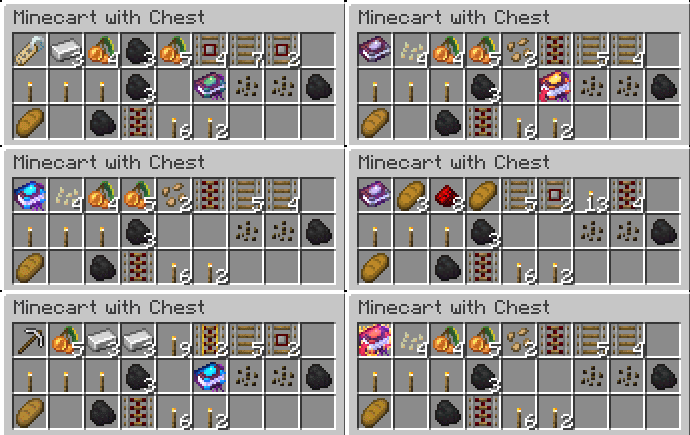
These new enchanted books can also spawn randomly from loot in the world, replacing all that mediocre enchanted gear you otherwise don't need. Yes, the loot from all structures, fishing, or anything is now more than likely a book you can actually use. This encourages world exploration and improves the potential usefulness of any random loot you find.
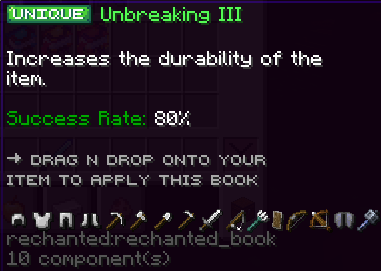
These books are also special in that you do not need to merge them onto gear with an anvil. Instead, you can directly apply the book onto the gear item of choice with no XP cost. You can also upgrade the level of enchantments on existing gear by applying the same enchantment of equal level to it (ex. Apply Sharpness III to a sword that already has Sharpness III and it will upgrade to Sharpness IV). Be careful, though! Each book comes with a random chance for whether or not it will actually apply. If that roll of the dice fails, then the book is lost forever!
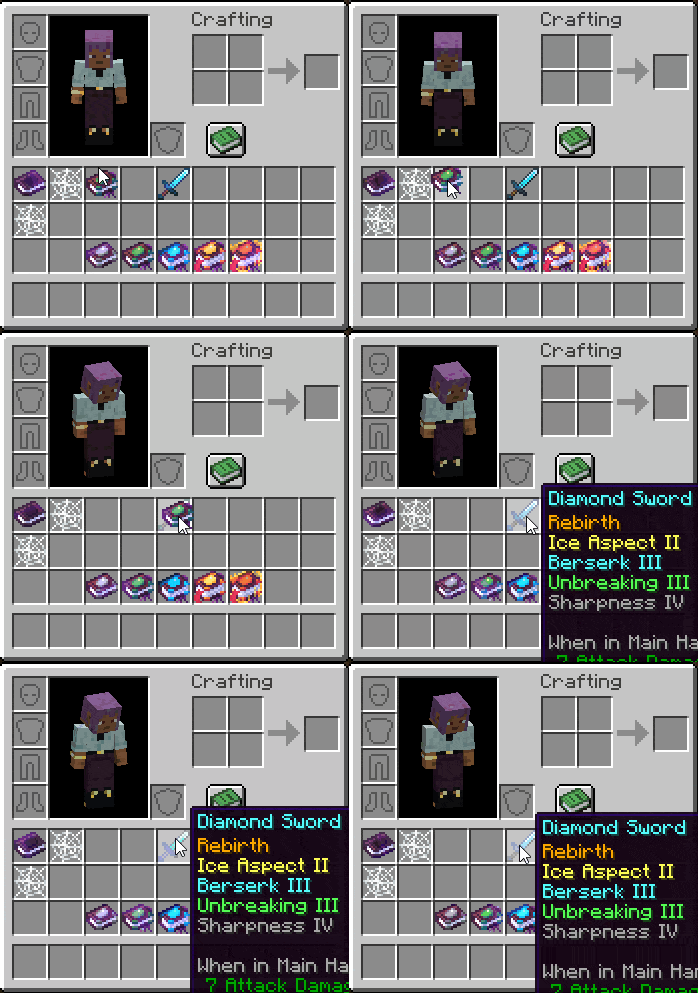
Finally, with a system like this, it's natural to find duplicates or otherwise unwanted books. These can be traded with friends of course, but if you don't have any, you can store them for later or place them into a grindstone to get back some resources you may have lost! Epic!!
What makes this mod so great is that its highly configurable. We strongly encourage you to tweak settings if anything does not fit your playstyle or preferences. The default config leans more into randomness and grind such that XP and most minerals are always desired and valuable to obtain. This may not be your cup of tea, and that's okay!
Configurable properties include but are not limited to:
Here's a list of the new enchantments we've added. Some of these are common ideas in mods that add enchantments, so make sure there's no conflicts if you config Rechanted with those!
Finally, here's a guide for how to add enchantments from other mods or generally modify loot pools for a rarity. If you're familiar with making modpacks, configs, and resource packs, some of this may be redundant, but we'll be thorough just in case:
1.) Add/remove the enchantment in the desired tier in the config file "rechanted-common.toml" (this file doesn't generate until the mod is run for the first time; it will be in your modpack's config directory and not in a subfolder). Each echantment tier has its own set of similar config values. Look for "enchantments" list under the tier you want to modify.
2.) If adding an enchantment, make sure you correctly format it as: "enchantment-name|weight|level-range|level-weights". It must be enclosed in quotation marks, each of the named values should be separated by a | symbol, and the whole thing must have comma at the end (unless it's the last value in the list). The default config already defines all the loot pools this way, so you can use that as an example. Just in case, here is a clarification of all the required values
3.) If you're adding/modifying pools using just enchantments from Rechanted or vanilla Minecraft up to 1.21.1, you are done. However, if you are adding enchantments from other mods, there could be one extra step to do in rare cases if the custom enchantment doesn't contain a description. This requires using a resource pack. Explaining how to make one is redundant since there are existing guides on how to do this. However, you DO need to know that you have to target either assets/rechanted/lang/en_us.json in your resource pack to add a description. You can target Rechanted or the mod the enchantment is from and it should work. You have to create an entry in this json file in the format: "enchantment.mod_id.enchantment_name.desc": "This is my custom enchantment description!", where mod_id is the registered id of the mod it's from, and enchantment_name is the registered enchantment name. (ex. Let's say I'm adding an enchantment called 'Speedy' from a mod called 'CoolEnchantments' or something. The registered enchantment name would likely be "cool_enchantments:speedy". So, the final definition for a custom description would be "enchantment.cool_enchantments.speedy.desc": "Increases the player's running speed."). Also, the "Incompatible with" list is automatically generated; you do not need to add that yourself!