Take control of your Minecraft keybinds. Set them up, organize them, and resolve conflicts without the hassle.
Modded Minecraft can mean hundreds of keybinds spread across dozens of mods. Finding the right controls, dealing with conflicts, and configuring everything for a new modpack can quickly become frustrating.
QuickSetup makes keybind management simple.
With a guided setup wizard, smart conflict resolution, customizable profiles, and powerful search tools, QuickSetup gives you everything you need to organize your controls in one place.
The Key Manager is your central hub for managing keybinds.
From one place, you can access Quick Setup, manage your profiles, select which mods to configure, search for keybinds, and review conflicts.
No more jumping between different menus to manage your controls.
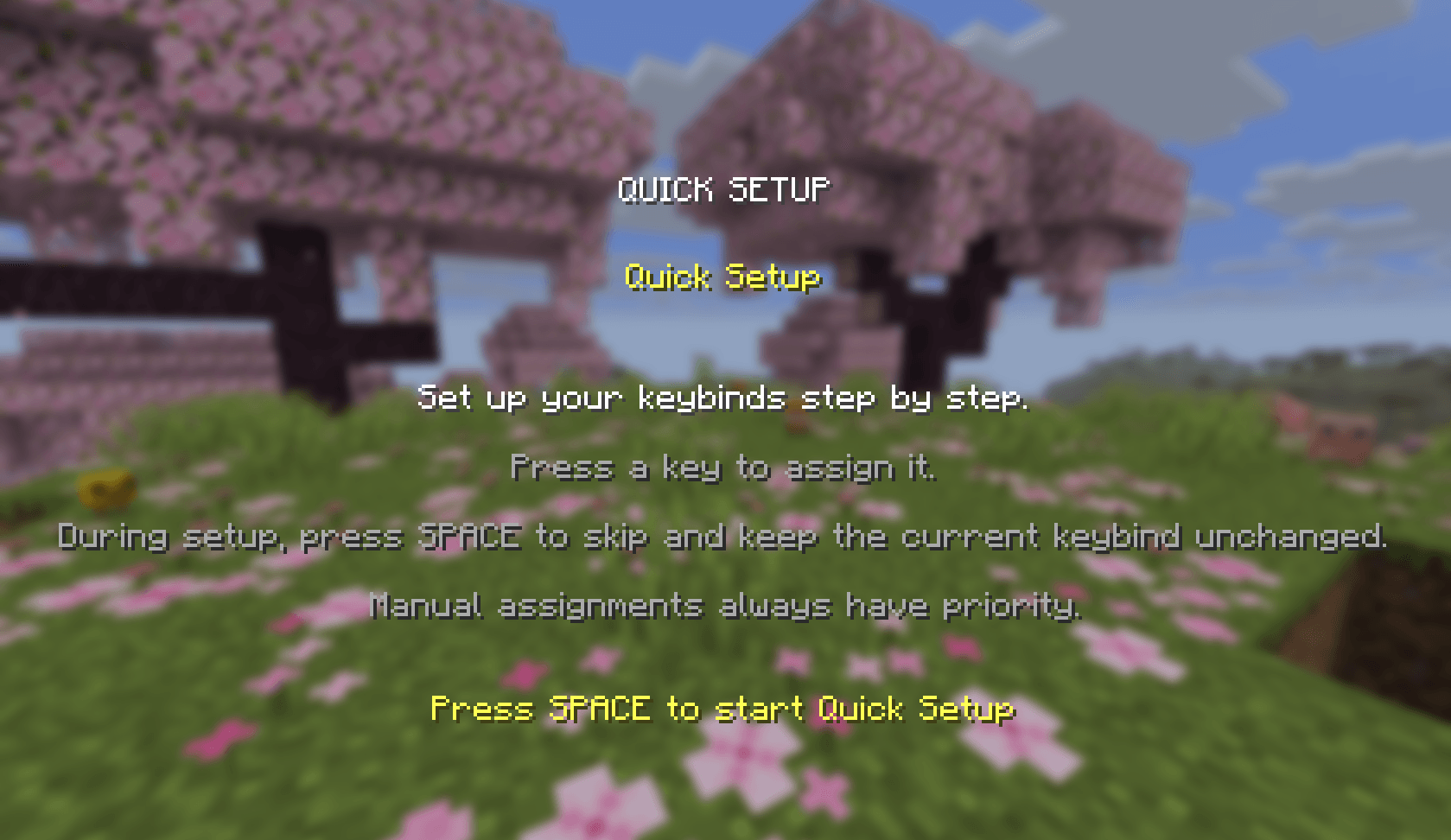
Configure your keybinds with a step-by-step wizard instead of scrolling through endless lists.
Open the Controls menu and launch Quick Setup through the Key Manager.
Choose which mod groups you want to configure.
Press Space to begin.
Review each keybind and its current key.
Press a key to assign it, or select Skip to leave it unchanged.
Review a summary of your changes when you're finished.
You decide which controls to configure and which ones to leave alone.
Assigning a key that's already in use shouldn't create more problems.
QuickSetup automatically reassigns conflicting keybinds to available keys whenever possible, helping you avoid overlapping controls.
Your manual input always takes priority. If you deliberately choose a key during setup, QuickSetup respects your decision, even when it overrides an earlier automatic assignment.
Configure your controls without worrying about accidentally breaking another mod's keybinds.
Different modpacks and playstyles can benefit from different control layouts.
QuickSetup lets you create and save your own keybind profiles, making it easier to organize and reuse your configurations.
- Create profiles: Set up separate configurations for your needs.
- Save your settings: Keep your profiles available for later use.
- Import and export: Transfer profiles using file import and export.
- Manage your configurations: Keep your keybind layouts organized in one place.
Your profiles are stored persistently, so they remain available between game sessions.
Not every mod needs to be configured every time.
QuickSetup lets you select which mod groups should be included in the guided setup. This gives you more control over the process and helps you focus on the keybinds you actually want to change.
Looking for a specific action or trying to find an existing conflict?
QuickSetup adds search tools directly to the Controls menu.
- Search by name: Find a keybind by its action name.
- Search by key: Select or press a key to find the actions assigned to it.
- Conflict overview: View existing keybind conflicts at a glance.
- Switch search modes: Move between search methods using a dedicated control.
Find keybinds quickly without manually browsing through every mod.
- Guided keybind setup wizard
- Central Key Manager
- Selectable mod groups for Quick Setup
- Automatic keybind conflict resolution
- Manual input takes priority over automatic assignments
- Create and save keybind profiles
- Import and export profiles
- Search keybinds by name or key
- One-click conflict overview
- End-of-setup summary
- Persistent profile storage
- Client-side mod for singleplayer and multiplayer
Fabric
- Minecraft 26.1.2
- Minecraft 26.2
- Minecraft 26.3
NeoForge
- Corresponding Minecraft 26.1.2, 26.2, and 26.3 variants
Check the individual download files for the exact loader and Minecraft version compatibility before installing.
QuickSetup does more than help you find keybinds. It brings setup, conflict resolution, profile management, and search tools together in one interface.
Whether you're setting up a new modpack, reorganizing your controls, or maintaining multiple configurations, QuickSetup helps you spend less time managing menus and more time playing Minecraft.
Your controls. Your profiles. Your setup.
Found a bug or have a suggestion? Leave a comment on CurseForge or open an issue in the project's issue tracker.