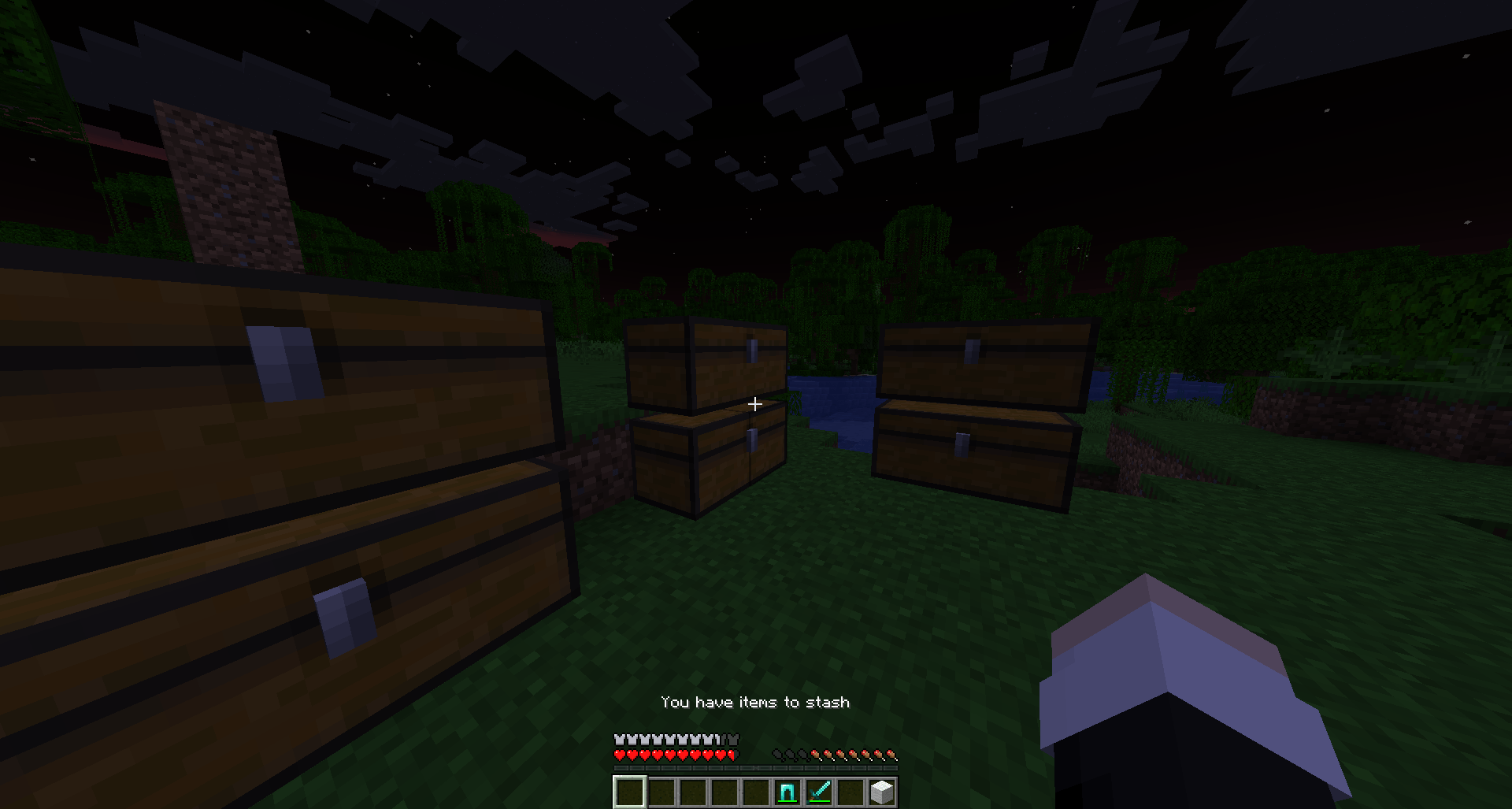
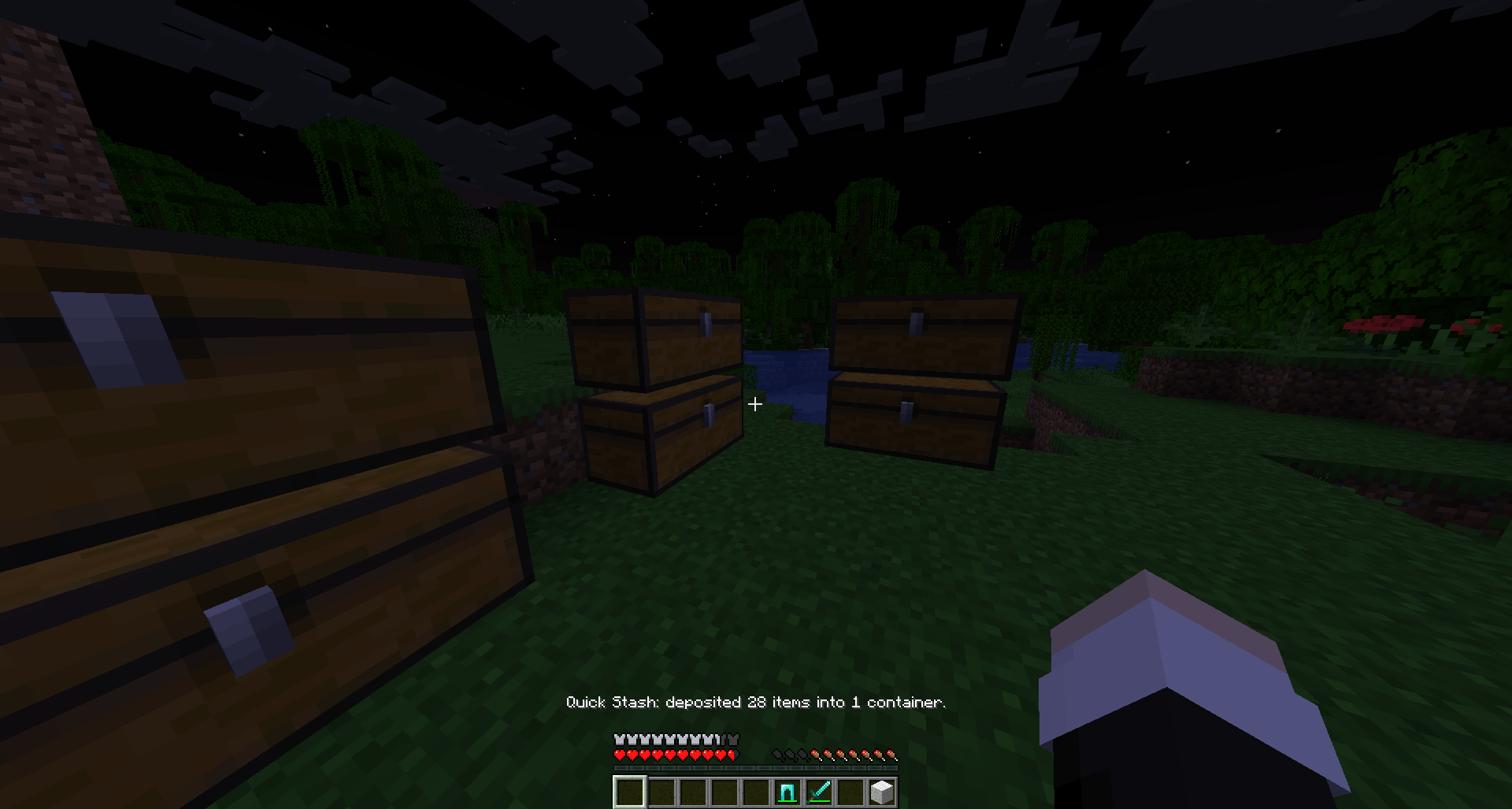
Quick Stash is a lightweight Fabric mod inspired by quick-deposit systems like Grounded's storage feature.
Press one key to automatically deposit matching inventory items into nearby supported containers.
Quick Stash is designed to be simple for single-player worlds while also giving server owners enough control to tune background availability checks for multiplayer and larger servers.
RQuick Stash does not automatically reorganize, sort, or classify your storage.
A nearby container is eligible for an item only if that container already contained an identical, stack-compatible item before the Quick Stash operation started.
Example:
If a nearby chest already contains Cobblestone, Quick Stash can deposit more compatible Cobblestone into that chest.
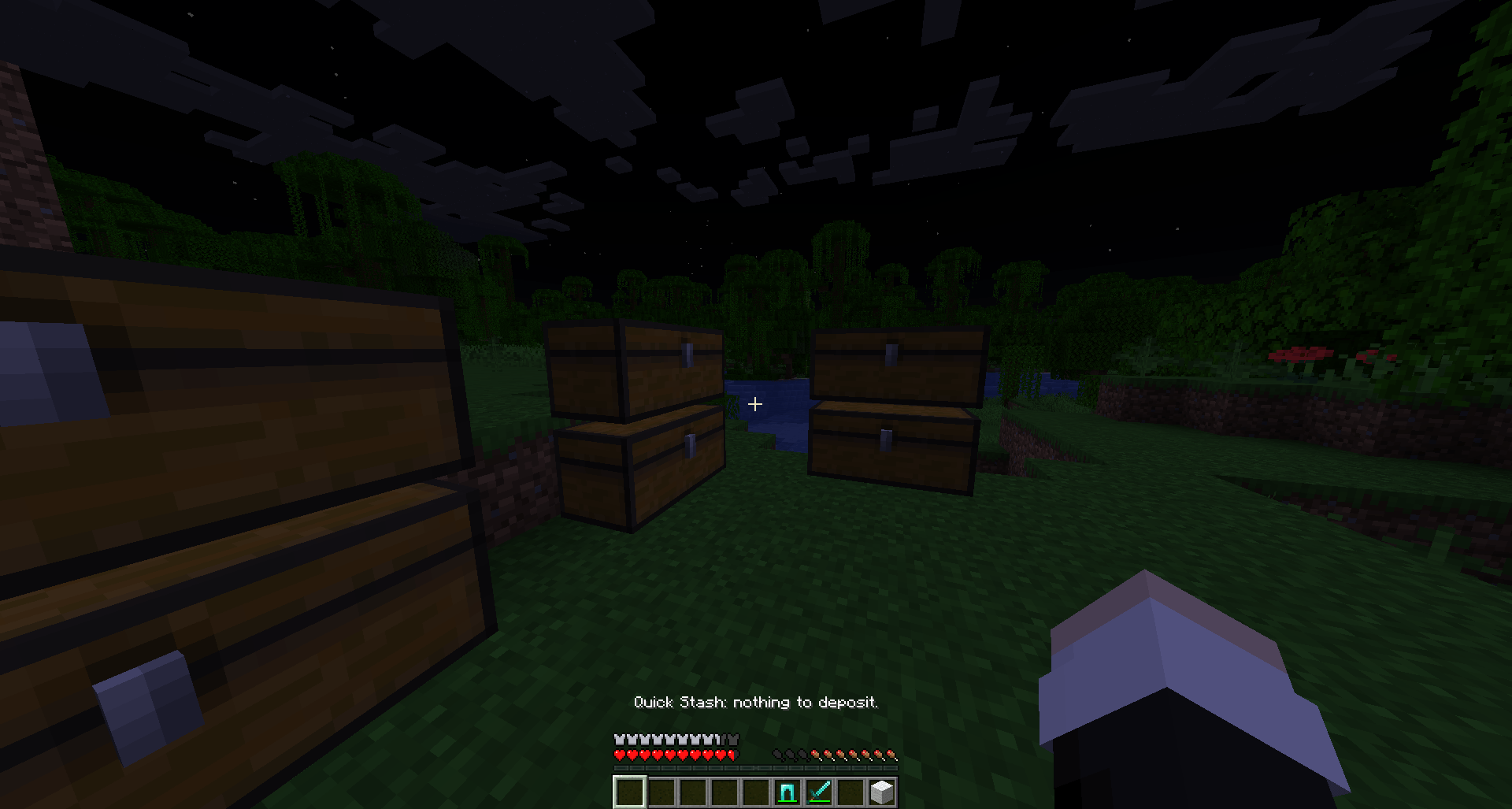
If no nearby supported container already contains that item, the item remains in your inventory.
When depositing:
Quick Stash intentionally uses a conservative inventory policy.
Only main inventory slots 9–35 are considered for automatic deposit.
The following are excluded:
This helps prevent important equipped or actively-used items from being moved unexpectedly.
Quick Stash is server-authoritative.
The client only sends the Quick Stash action request.
The server decides:
The client does not send container positions, item data, or transfer results.
On first startup, Quick Stash creates:
config/quickstash.properties
Default configuration:
automatic_hints_enabled=true
availability_check_interval_ticks=60
max_availability_checks_per_tick=8
availability_cache_ttl_ticks=120
search_radius=6
movement_threshold=1.5
deposit_cooldown_ticks=10
Times are measured in server ticks.
Minecraft normally runs at 20 ticks per second.
Restart the server after changing the configuration.
Default: true
Enables or disables automatic background checks used for the "You have items to stash" action-bar hint.
When set to false:
For servers that want zero Quick Stash background scan work, this can be disabled.
Default: 60
Minimum: 20
Maximum: 72000
Controls the target interval between availability checks.
The scheduler distributes checks across server ticks rather than checking every online player at once.
The interval is a target cadence, not a strict guarantee. On heavily populated servers, the scheduler may stretch the full round to respect the per-tick safety cap.
Default: 8
Minimum: 1
Maximum: 16
Limits how many player availability checks may be scheduled in a single server tick.
Quick Stash also enforces an internal hard maximum of 16 checks per tick.
This helps prevent aggressive configuration values or large player populations from creating synchronized availability-check spikes.
Default: 120
Minimum: 1
Maximum: 72000
Controls how long cached availability state may be reused before a safety refresh is required.
Quick Stash avoids unnecessary full nearby-container scans when:
The TTL provides a periodic safety refresh so nearby container changes can still be detected even when the player remains stationary.
Default: 6
Minimum: 1
Maximum: 10
Controls how far Quick Stash searches for supported containers.
Larger values increase the amount of world data that must be checked.
For larger servers, keeping the default radius is recommended unless a larger radius is specifically needed.
Default: 1.5
Minimum: 0
Maximum: 4
Controls how far a player can move before their cached availability state is considered stale.
A value of 0 still allows a completely stationary player to reuse cached state, while any actual movement invalidates the movement-based cache.
Default: 10
Minimum: 1
Maximum: 200
Controls the server-side cooldown for manual Quick Stash requests.
The default of 10 ticks is approximately half a second.
For larger multiplayer servers, a conservative starting point is:
automatic_hints_enabled=true
availability_check_interval_ticks=100
max_availability_checks_per_tick=8
availability_cache_ttl_ticks=160
search_radius=6
movement_threshold=1.5
deposit_cooldown_ticks=10
For servers that prioritize minimizing all automatic background work:
automatic_hints_enabled=falseManual Quick Stash remains fully functional when automatic hints are disabled.
Quick Stash does not check every online player in one large batch.
Availability work is distributed across ticks using a deterministic round-robin scheduler.
For example, with 200 connected players and the default 60-tick interval, checks are spread across multiple ticks instead of running one 200-player batch.
The scheduler also:
Before performing a full nearby-container scan, Quick Stash performs cheap inventory checks first.
It also fingerprints only the inventory slots relevant to Quick Stash and reuses cached availability when player state has not meaningfully changed.
Nearby container search uses precomputed spherical offsets and skips unloaded chunks.
All world and inventory access remains on the normal server thread.
Quick Stash does not perform unsafe asynchronous world or inventory access.
For very large or heavily modded servers, administrators should profile their actual environment using Spark or another Minecraft profiler.
Useful scenarios to test include:
Quick Stash does not claim a guaranteed player-count limit because real performance depends on server hardware, other mods, loaded entities, world activity, and storage layout.
When automatic hints are enabled, Quick Stash may display:
You have items to stash
The hint only appears when at least one inventory item can actually be deposited into a nearby supported container with available capacity.
The hint is state-aware and is not repeatedly spammed while the same availability state remains active.
A debounce is also used around the search-radius boundary.
1.21.10.16.14 or newer in the 0.16 line0.116.5+1.21.121mods folder.For multiplayer, install Quick Stash on both the client and server.
Quick Stash is designed to make repetitive storage management faster without taking control of your storage layout.
It only deposits matching items into storage that already contains those items.
It does not reorganize your chests or move items between containers.