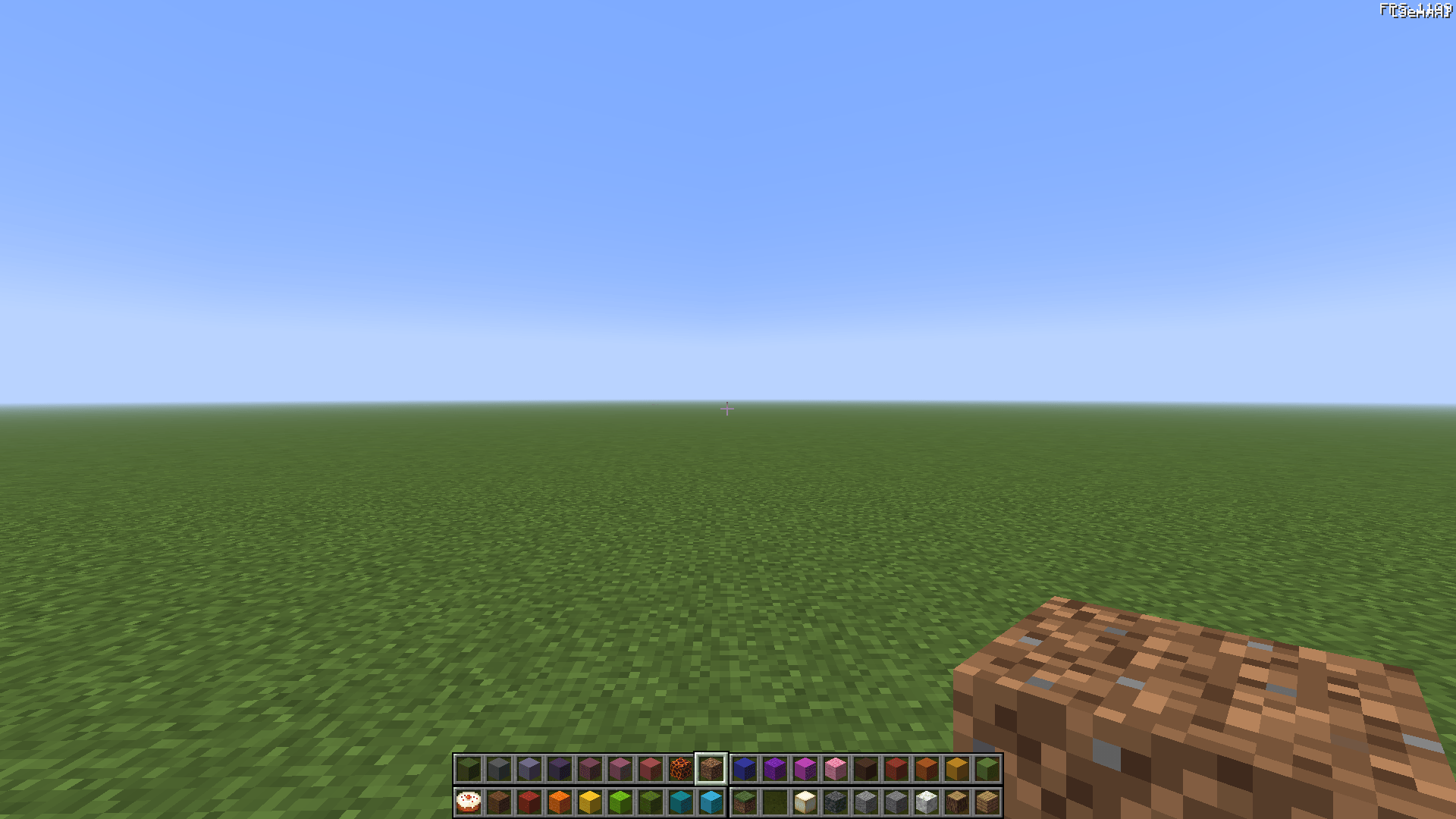
More room for building. The familiar hotbar, expanded.
QuadHotbar adds up to four hotbars on screen at once for NeoForge 1.21.1 and Forge 1.20.1. Switch between hotbars and keep more items within reach without constantly opening your inventory.
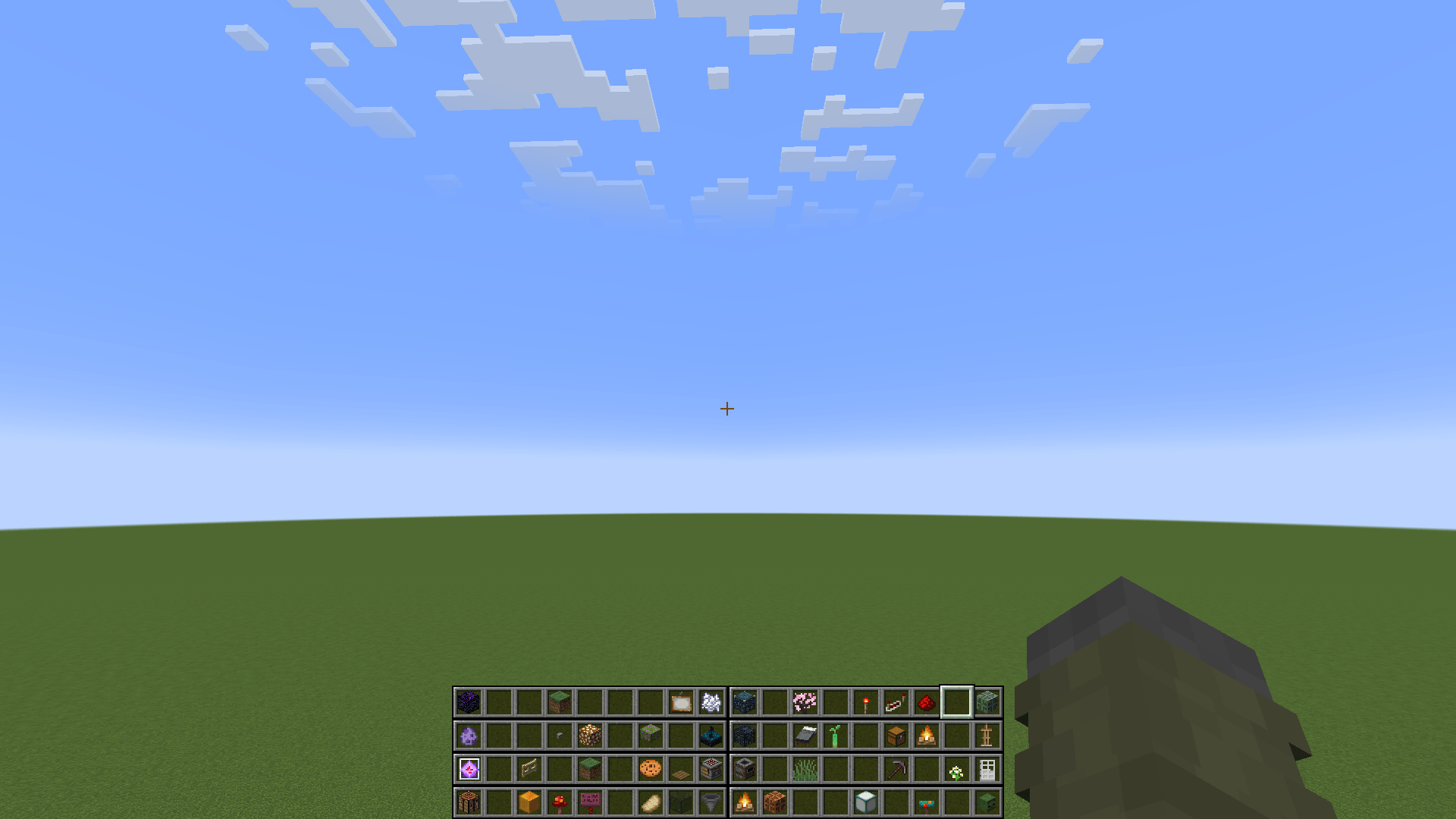
The experimental Freedom mode expands this to eight hotbars and up to 100 inventory pages.
Created for KharkivTiles 1:1, a large-scale project to recreate Kharkiv in Minecraft. When you're building an entire city, constantly swapping blocks through the standard hotbar quickly becomes a chore. QuadHotbar grew out of the need for a practical solution.
QuadHotbar 1.1.0-beta1 is the beta release of a major update.
The core mechanics and settings have been tested on Forge 1.20.1 and NeoForge 1.21.1, in both singleplayer and multiplayer. Freedom mode and its related features are still being developed and tested, so bugs and compatibility issues with other mods may occur.
If you encounter a problem, please report it through GitHub Issues or on the mod's CurseForge page.
All keybindings are available in Minecraft's standard Controls menu.
Open the QuadHotbar settings screen from the Mods menu or through its assigned keybinding. The main options are under General settings.
Use the extended hotbar — enables or disables QuadHotbar. When disabled, the normal vanilla hotbar is used.
Number of hotbars — choose from two to four in standard mode, or up to eight in Freedom mode.
Switching hotbar sets — Freedom mode lets you switch between entire sets of visible hotbars rather than changing them one at a time. Each set draws from a portion of your inventory pages, calculated automatically from the number of visible hotbars. For example, with 8 hotbars and 8 inventory pages, the first set uses the first two pages, the next set uses the following two, and so on.
Scroll between hotbars — allows the mouse wheel to switch hotbars. When disabled, scrolling stays within the selected hotbar.
Show all keybinds — displays all QuadHotbar keybindings in the Controls menu, including those not used by your current settings.
Inventory row order — determines the order in which each page's additional inventory rows are used.
Main hotbar — selects the main hotbar's position. Additional hotbars are arranged relative to the chosen corner.
If your projects are so grand and ambitious that the usual four hotbars just aren't enough, true Freedom mode was made especially for you.
It gives you up to eight visible hotbars and a ridiculous number of extra pages that you can cycle through with dedicated keybindings, so you can forget what it's like to run out of room for blocks.
This mode is experimental: its features are still being developed and tested.

Each page contains 36 slots: the main hotbar and three additional rows.
Hotbars use items directly from these pages, so no duplicate copies of items are created.
The mod automatically determines how many inventory pages are needed for each complete hotbar set.
For example:
Reducing the number of pages does not delete items. Hidden pages become accessible again when you increase the setting.
Additional pages are stored separately for each world or server and are not transferred between them. They also follow the world's death rules and the keepInventory game rule.

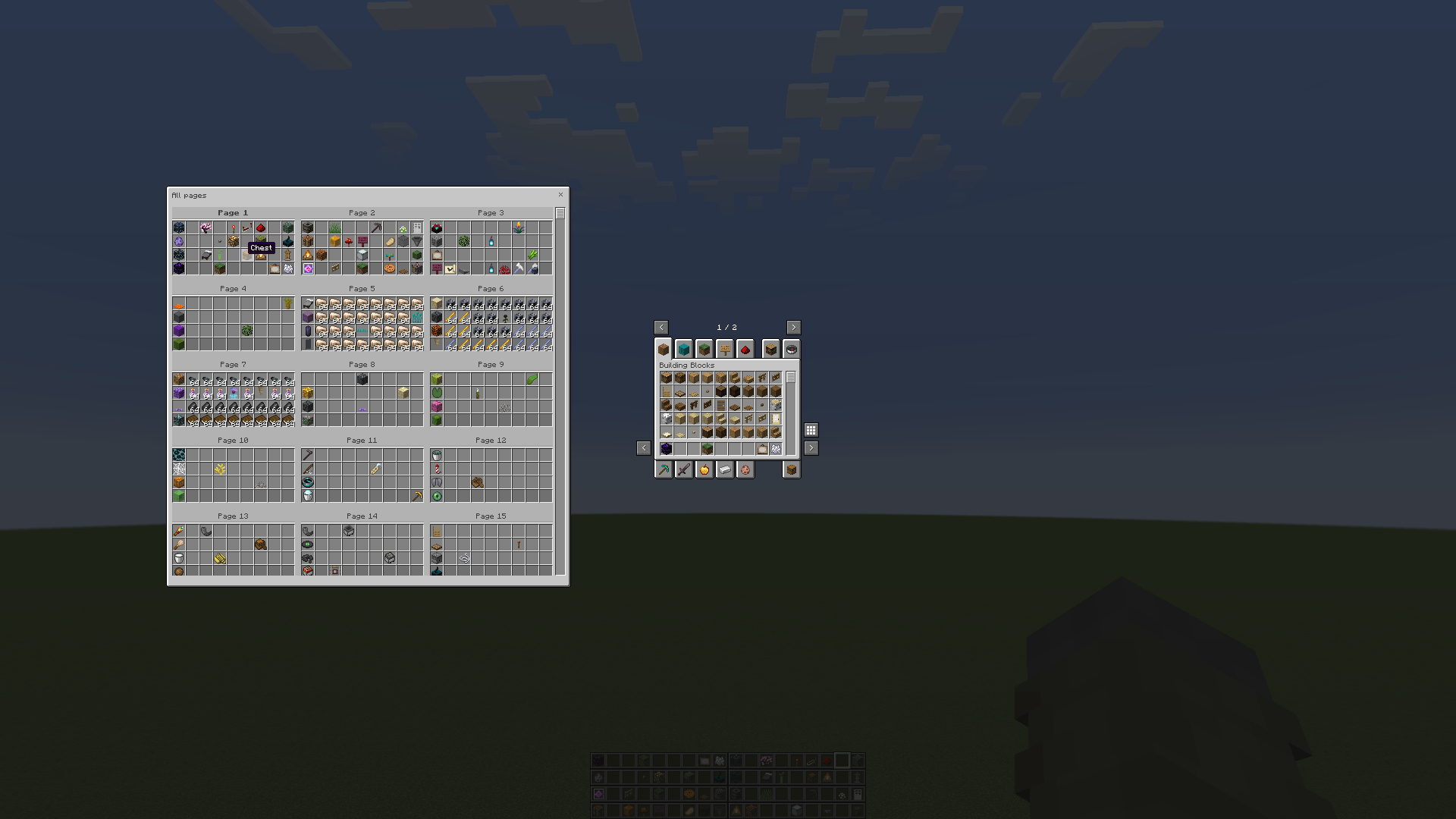
The window lets you browse all available inventory pages and move items between them without constantly switching your active inventory page.
By default, it appears to the right of the vanilla inventory. Open it with the grid button or its dedicated keybinding.
The window requires Freedom mode, at least two available inventory pages, and permission from the server.
Main settings:

Servers can restrict Freedom mode, the number of inventory pages and hotbars, and access to and the size of the pages window.
Main options:
allowFreedom — allow Freedom mode.maxInventoryPages — maximum inventory pages, from 1 to 100.maxHotbarRows — maximum visible hotbars, from 2 to 8.allowPageOverview — allow the all-pages window.showOverviewButton — show the button used to open the window.allowContainerOverview — allow the window alongside container screens.maxOverviewWidth / maxOverviewHeight — limit the window's dimensions.exemptOperators — exempt operators from global restrictions.unrestrictedPlayers / playerOverrides — define exemptions and individual restrictions for specific players.For example, to limit all players to two inventory pages and four hotbars:
maxInventoryPages = 2
maxHotbarRows = 4
exemptOperators = false
Restrictions do not delete items on hidden pages or overwrite personal client settings.