Loading...
Beta Modpages Unclaimed

Project Brazier

A Medieval themed RPG Mod (formerly known as Dark Roleplay Medieval)

0 Likes
1917769 Downloads
Created by JTK222

Description

Brazier Modding Logo (W.i.P.)

Project Brazier

The Dark Ages are shining bright like never before!
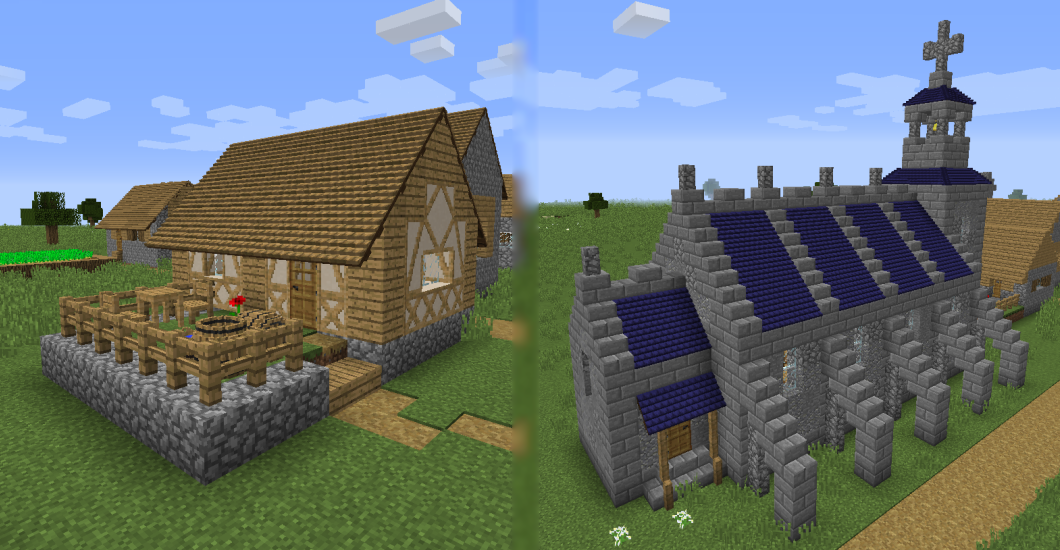
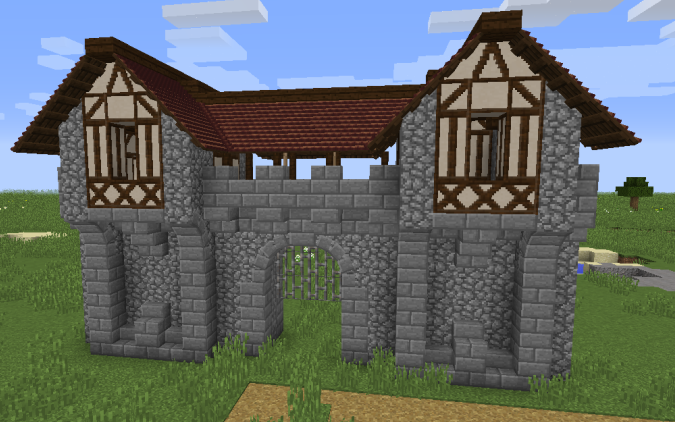
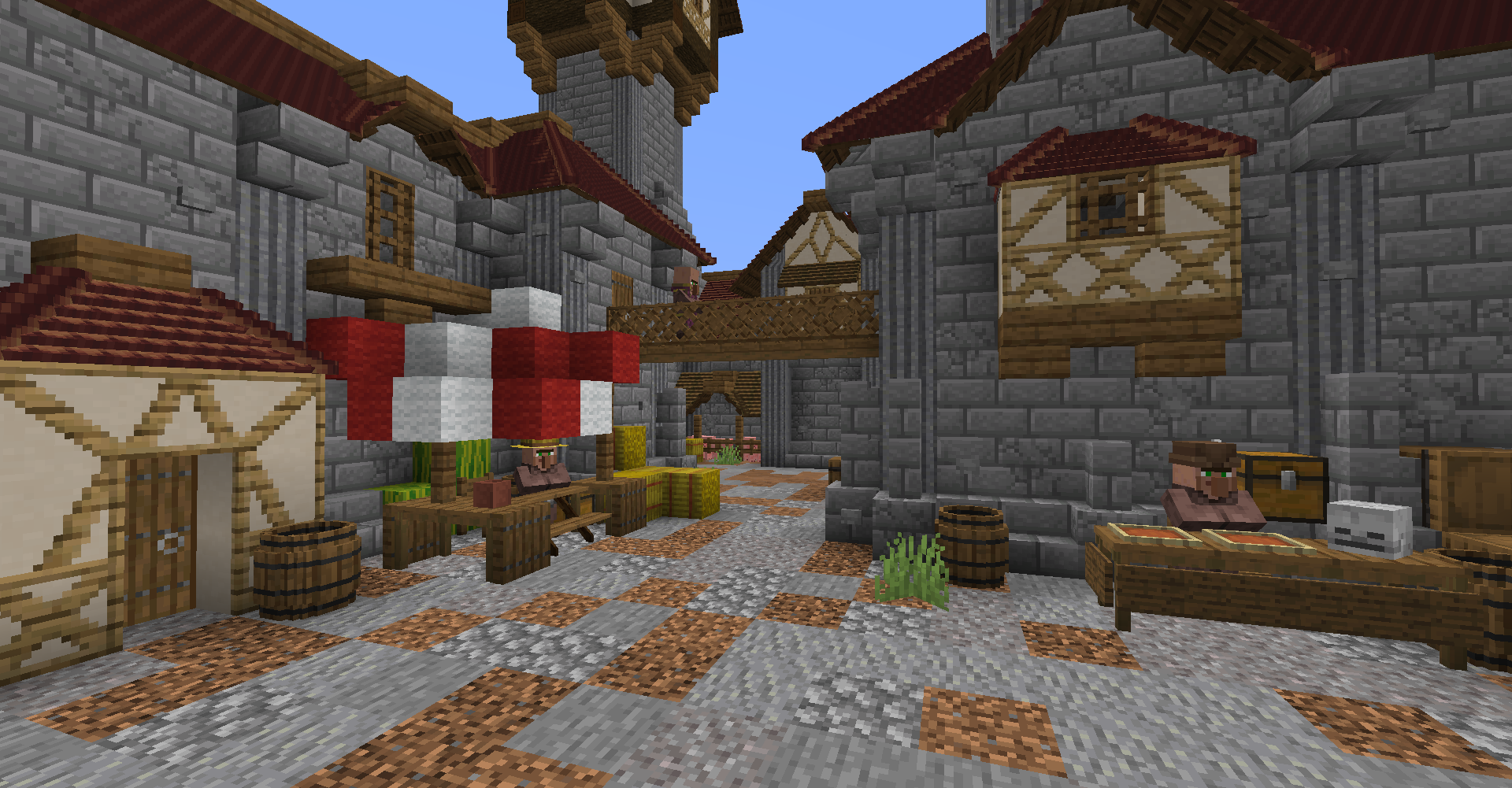
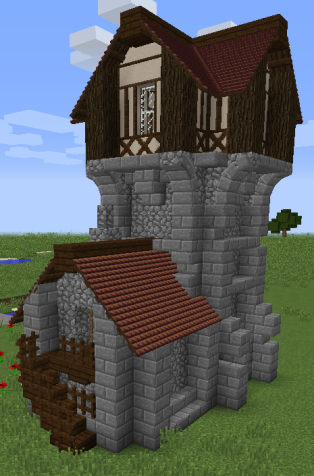
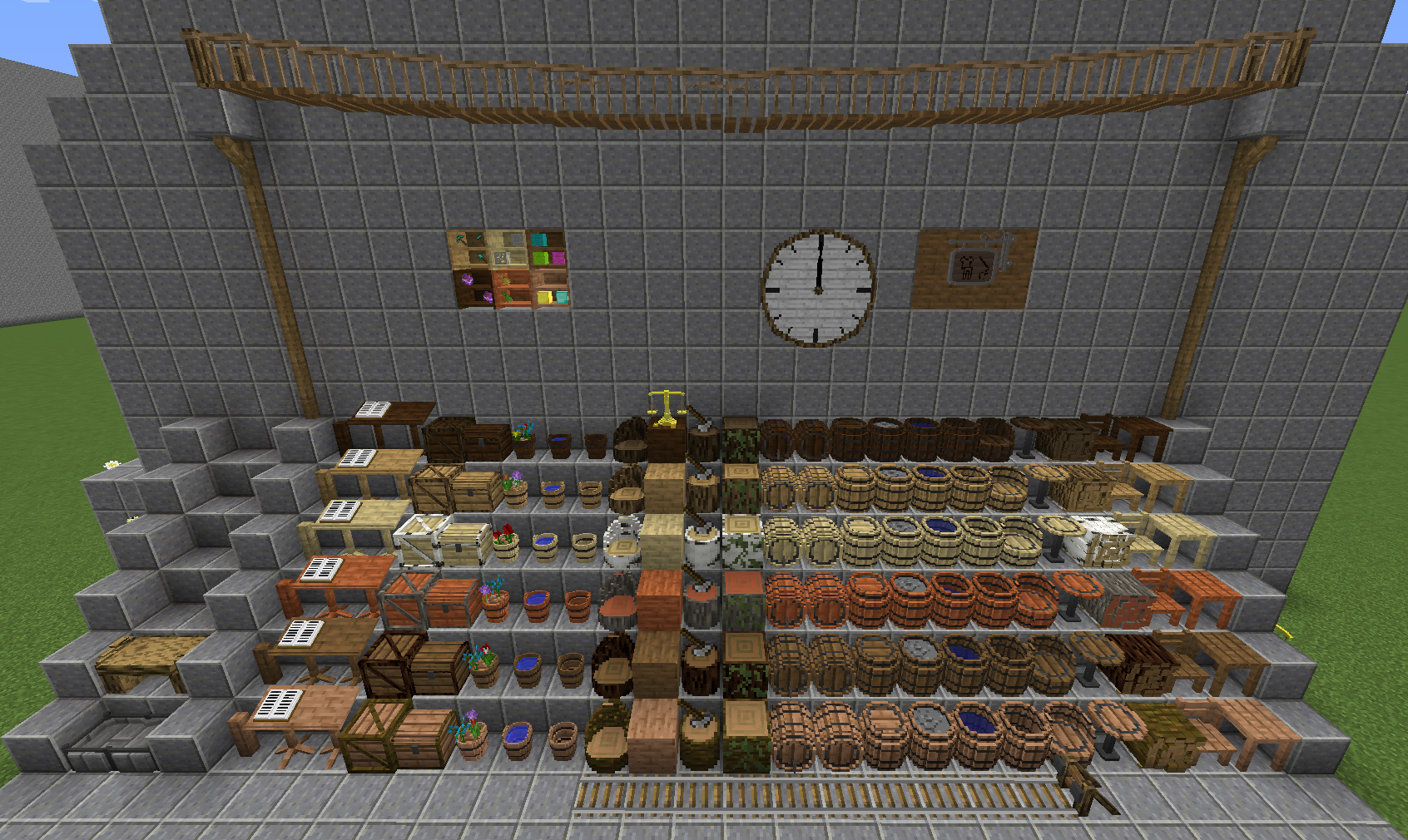
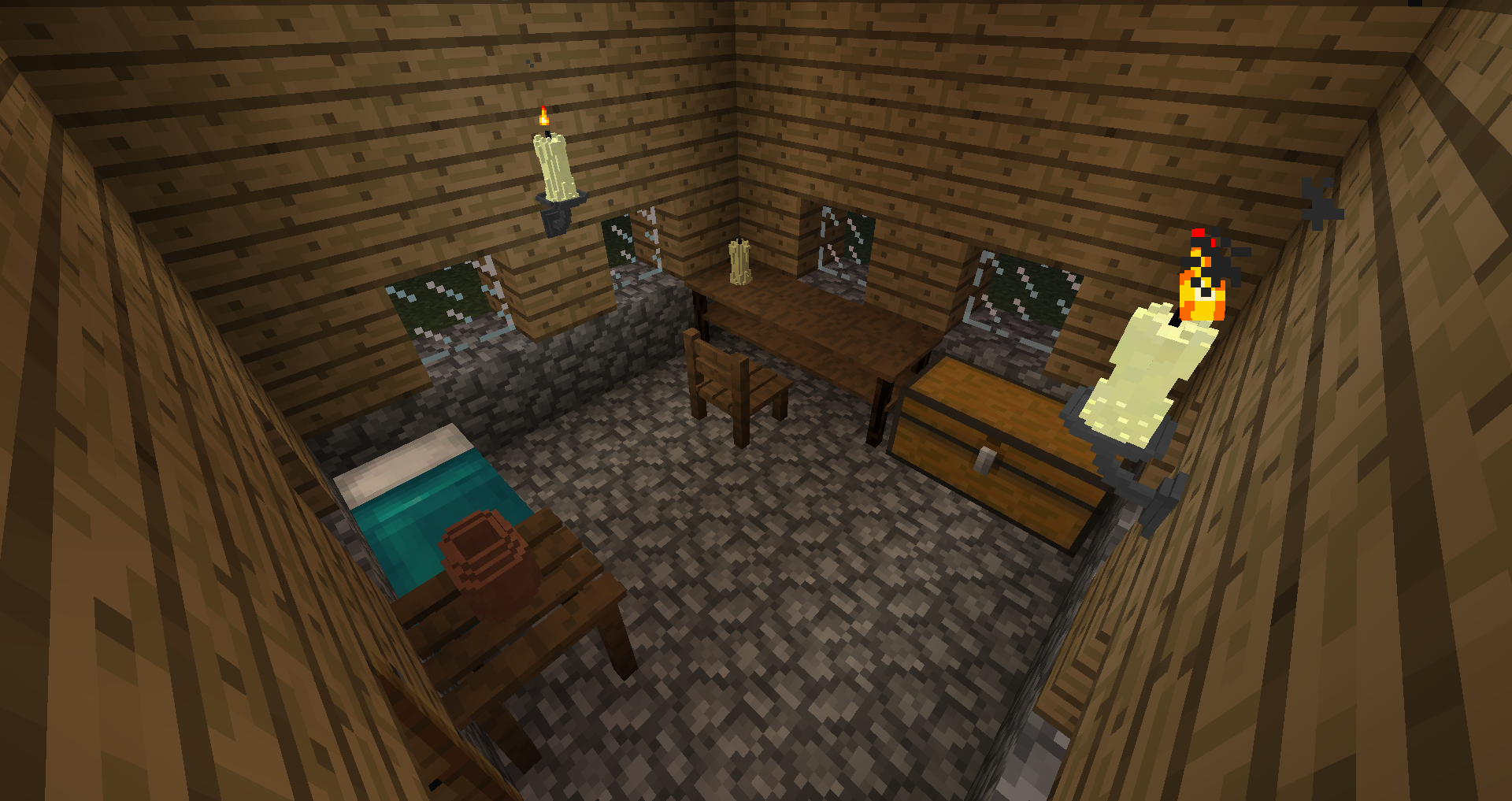
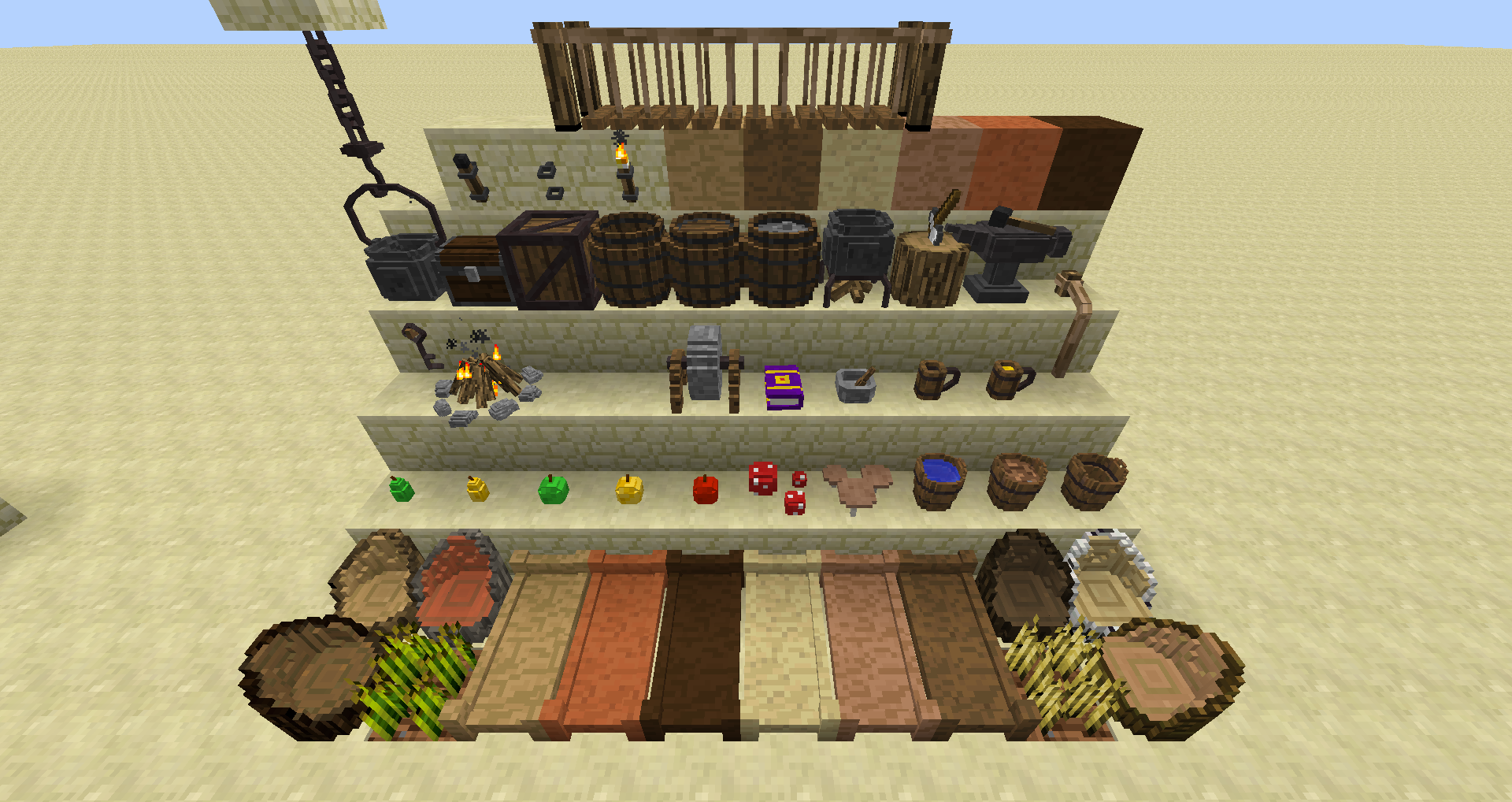
Project Brazier is your all-in-one bundle for a medieval themed RPG experience in Minecraft. Whether you want to live in a castle, as a knight, or be a peasant foraging for wild berries to survive, Project Brazier has all that, or well it will once it's finished.

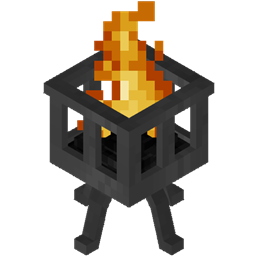
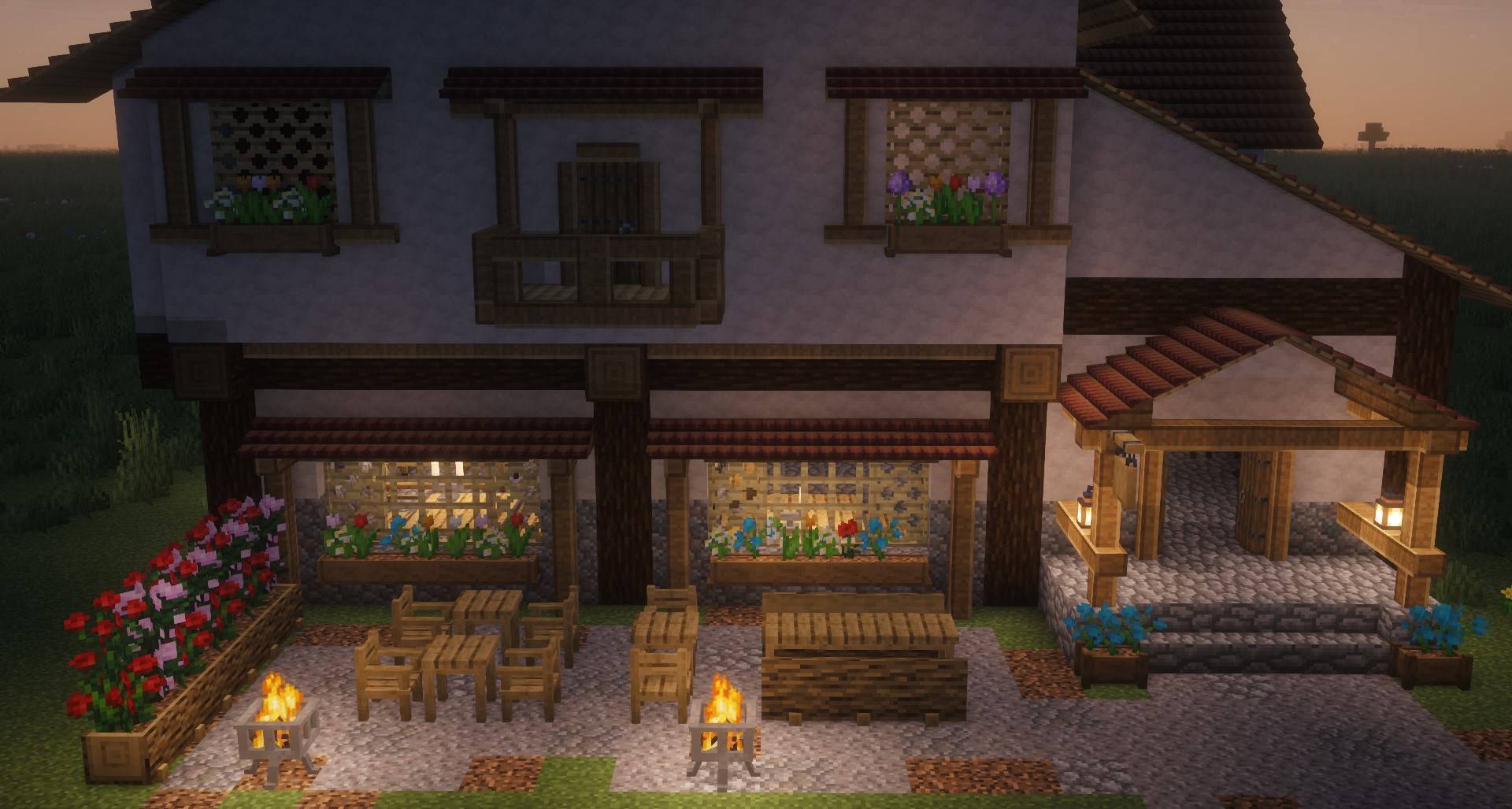
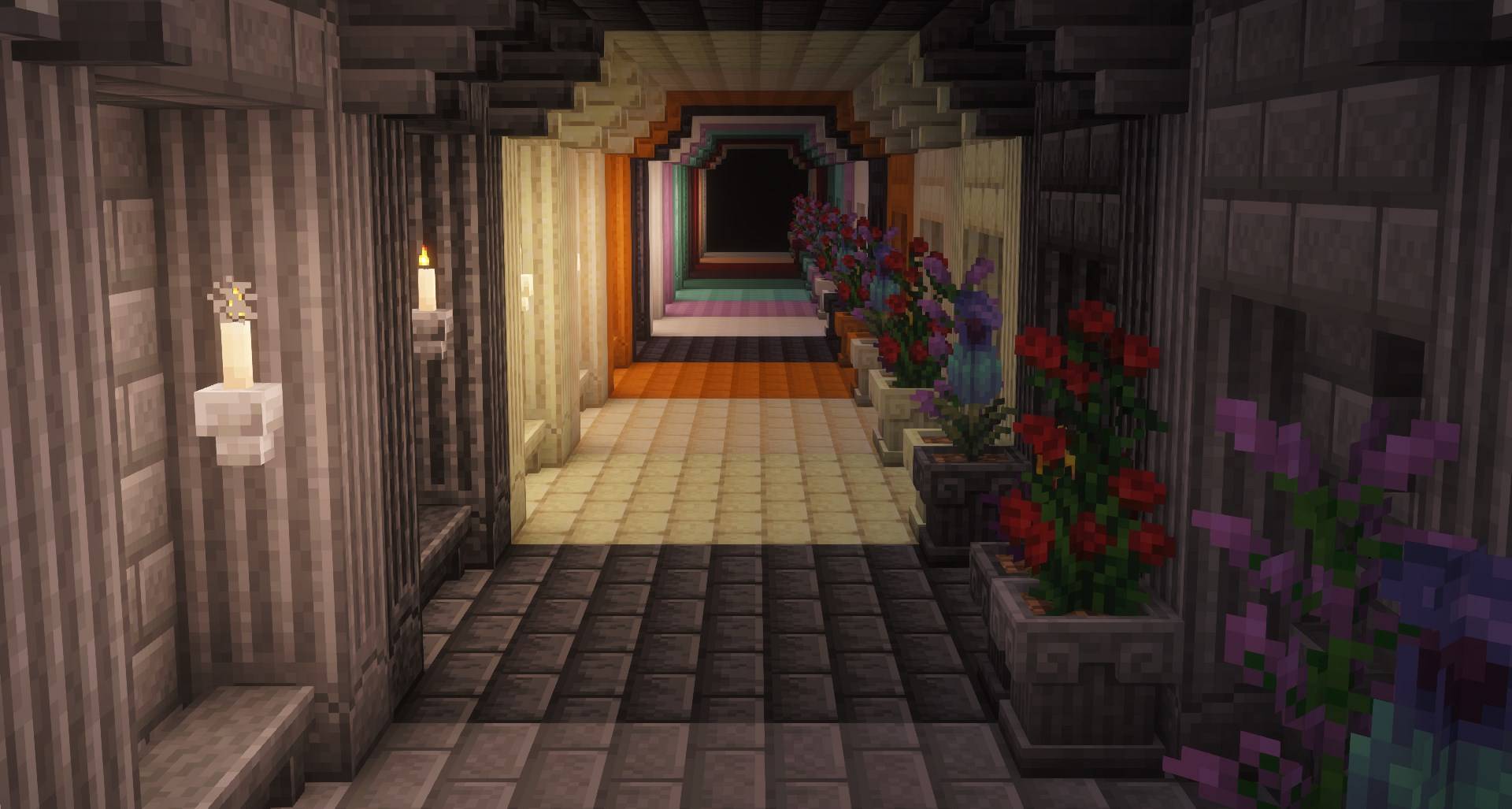
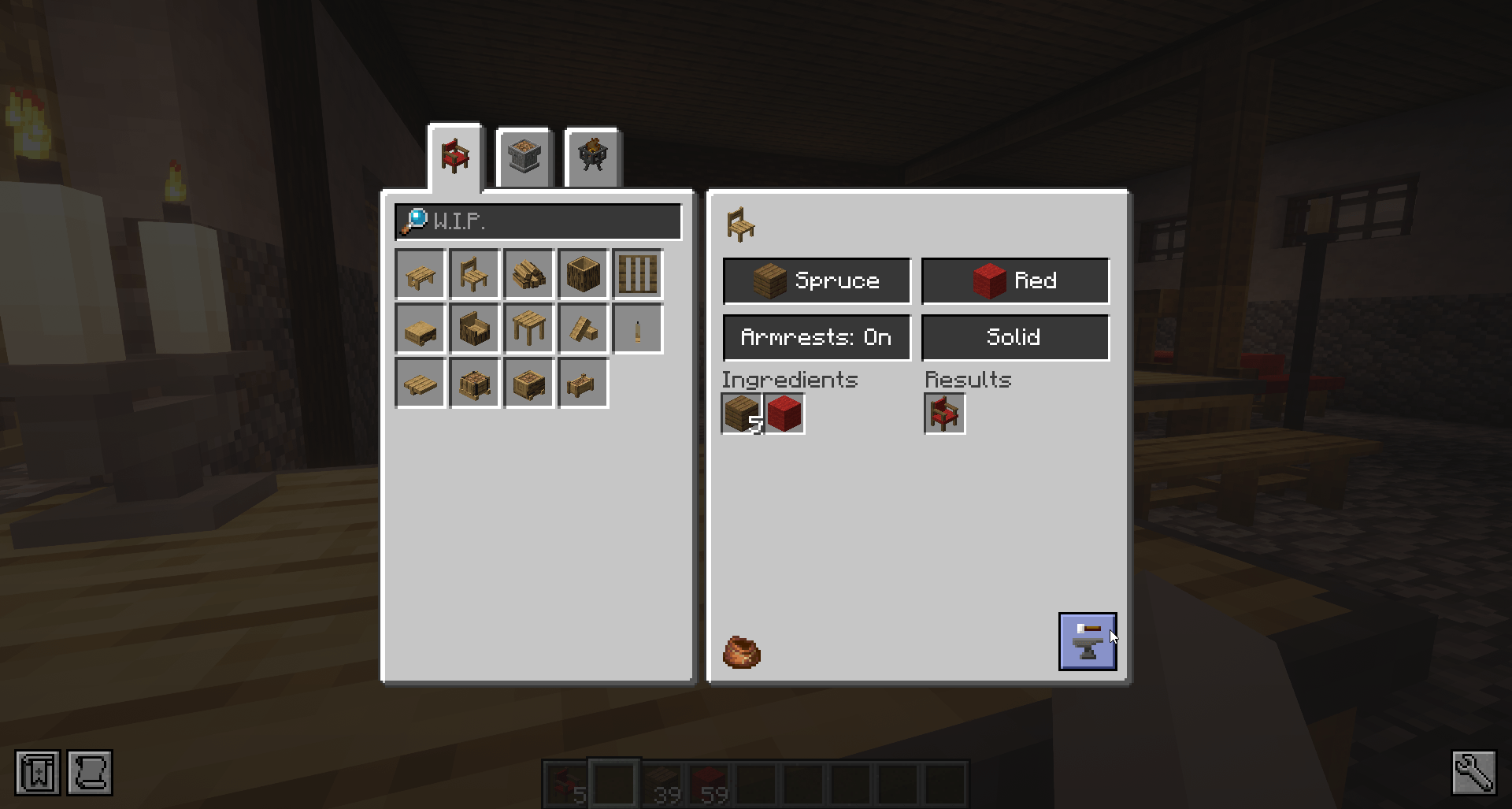
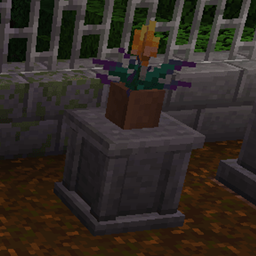
In the meantime, enjoy the amazing decorations and building blocks the mod provides. Or make use of all the vanity items the mod provides, to spice up your roleplay server.



Want to contact us? Maybe to suggest something, or just to have a small chat? You can find us on Discord!


FAQ


Fabric?
A: Going Forward from 1.21.1 all version of the mod 

Can you port this to version x.xx?
A: I don't like self harm, therefore I'll pass on this



AD Become Premium to remove Ads!

What means Verified?

  • Compatibility: The mod should be compatible with the latest version of Minecraft and be clearly labeled with its supported versions.
  • Functionality: The mod should work as advertised and not cause any game-breaking bugs or crashes.
  • Security: The mod should not contain any malicious code or attempts to steal personal information.
  • Performance: The mod should not cause a significant decrease in the game's performance, such as by causing lag or reducing frame rates.
  • Originality: The mod should be original and not a copy of someone else's work.
  • Up-to-date: The mod should be regularly updated to fix bugs, improve performance, and maintain compatibility with the latest version of Minecraft.
  • Support: The mod should have an active developer who provides support and troubleshooting assistance to users.
  • License: The mod should be released under a clear and open source license that allows others to use, modify, and redistribute the code.
  • Documentation: The mod should come with clear and detailed documentation on how to install and use it.

AD Become Premium to remove Ads!

How to Install

1

Download Forge & Java

Download Forge from the offical Site or here. If you dont have Java installed then install it now from here. After Downloading Forge you can run the file with Java.

2

Prepare

Lounch Minecraft and select your Forge istallation as Version this will create a Folder called Mods.

3

Add Mods

Type Win+R and type %appdata% and open the .minecraft Folder. There will you find your Folder called Mods. Place all Mods you want to play in this Folder

4

Enjoy

You are now Ready. Re-start your Game and start Playing.

More Mods like this

Apotheosis

All things that should have been.

Corail Tombstone

Keeps safe your inventory items in graves on death with many features for better survivability and exploration, in a medieval fantasy atmosphere related to the decorative graves & the haunting souls

MineColonies

Grow your Own Massive Colony with Automation, Defense Structures, Raids and more

Runelic

A runic font for Minecraft.

Better Questing

A new and improved questing mod for Minecraft pack creators

Bountiful

Adds bounty boards, giving rewards for collecting different blocks and items.

LootBags

Adds bags of loot to mob and dungeon drops