One menu. Every Professor's Toolkit mod.
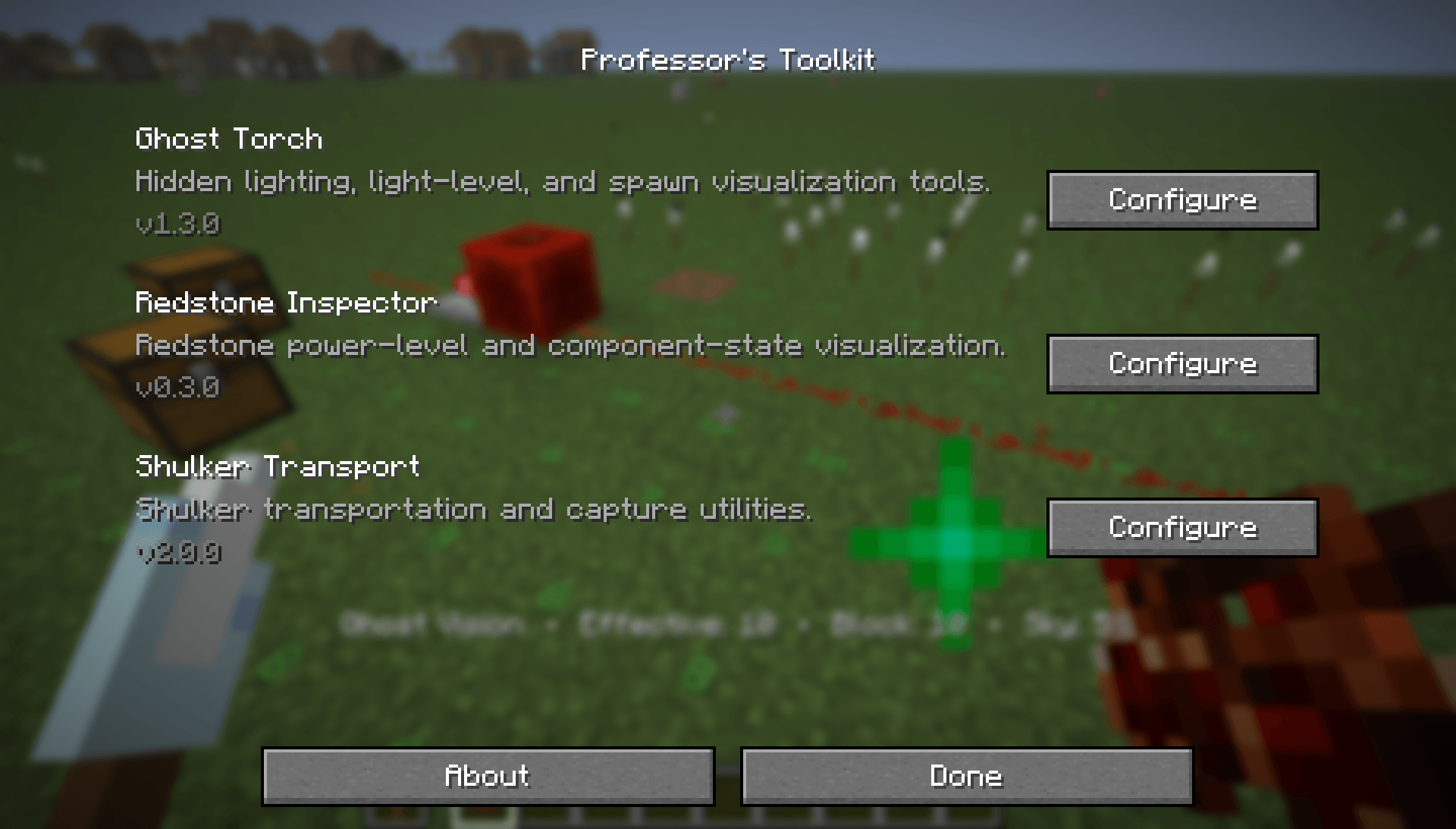
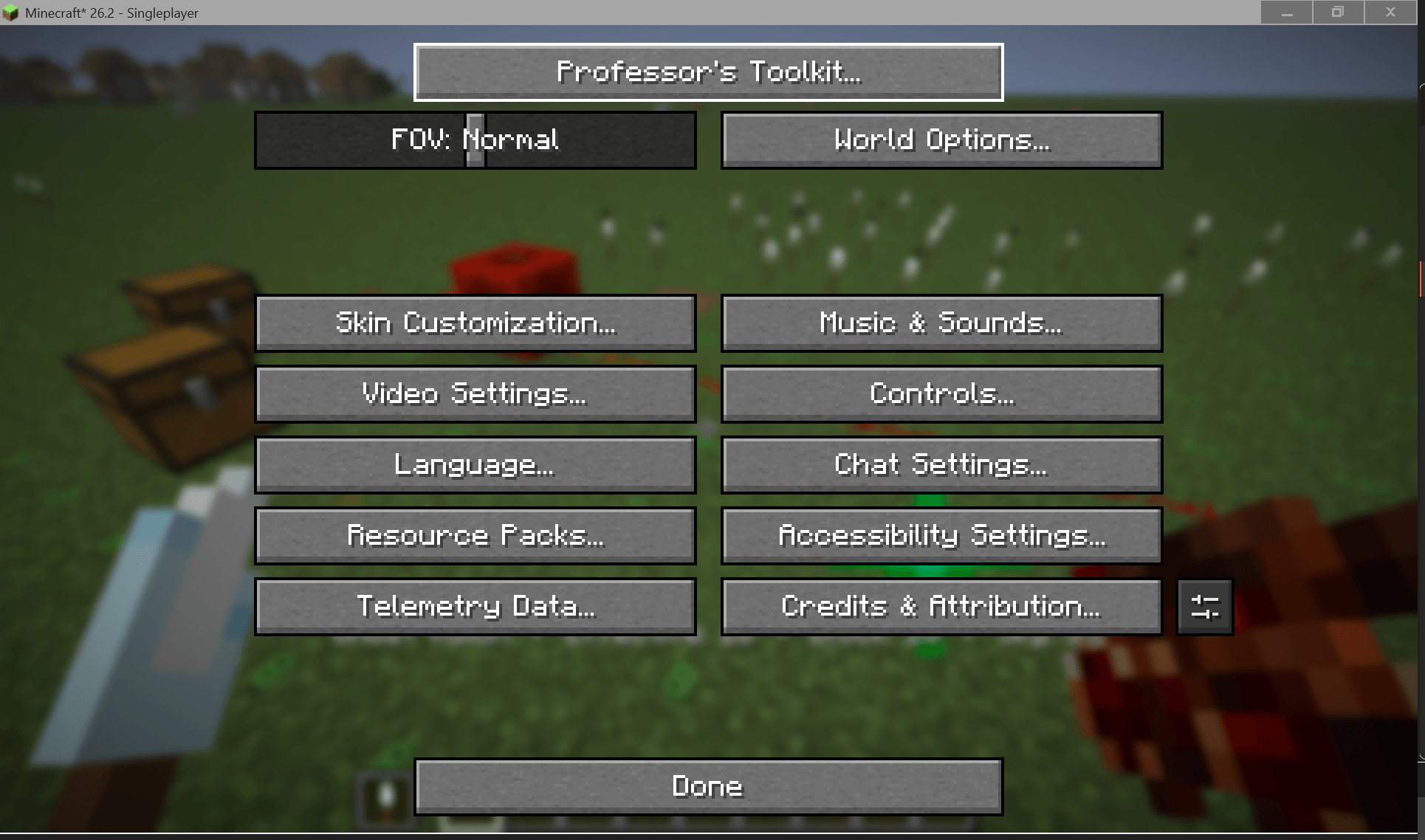
Professor's Toolkit Menu is the official shared configuration hub for the Professor's Toolkit collection. Instead of adding separate settings buttons for every installed Toolkit mod, it provides a single, unified entry in Minecraft's Options menu where you can access and configure all supported Professor's Toolkit modules.
The menu automatically detects installed Professor's Toolkit mods and displays only the ones available in your game. Each module retains its own independent configuration while benefiting from a consistent interface and centralized access.
Support for future Professor's Toolkit mods will be added as the collection expands.
Professor's Toolkit Menu exists to simplify configuration without creating unnecessary dependencies.
Each Professor's Toolkit mod is designed to function perfectly on its own. When multiple Toolkit mods are installed together, Professor's Toolkit Menu provides a single, organized location to manage them all.
Professor's Toolkit is a growing collection of vanilla-friendly quality-of-life mods focused on revealing information Minecraft already knows while preserving the core gameplay experience.
Whether you're building, engineering redstone, organizing storage, or exploring new mechanics, every Professor's Toolkit mod follows one guiding principle:
Enhance vanilla gameplay—never replace it.