Badges update automatically and link to the mod page on MineUniverse.


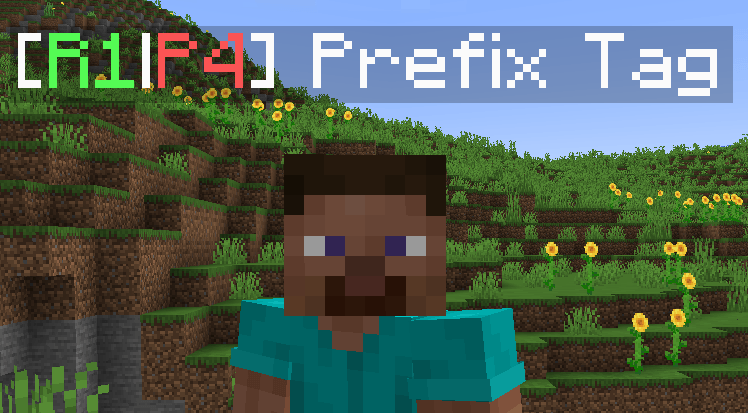
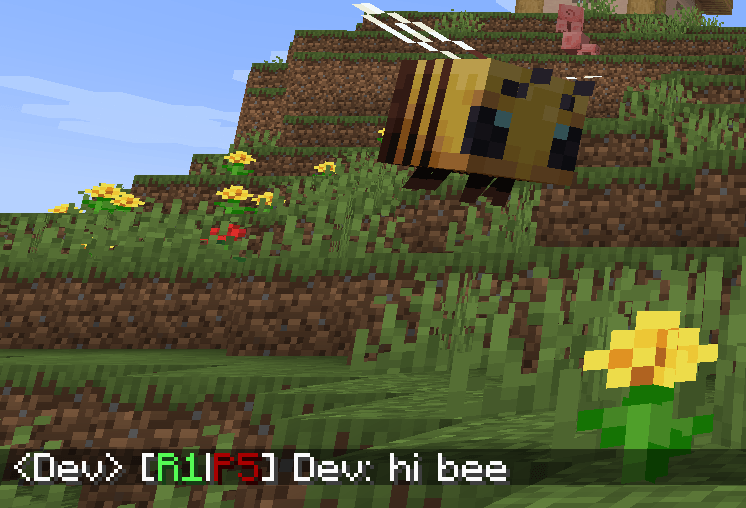
PrefixTag adds a dual tier system to your Minecraft server. Every player carries two independent ranks - one for Roleplay (R1–R5) and one for PvP (P1–P5) (or whatever u want xd) - always displayed as a combined prefix next to their name in chat and above their head in the world.
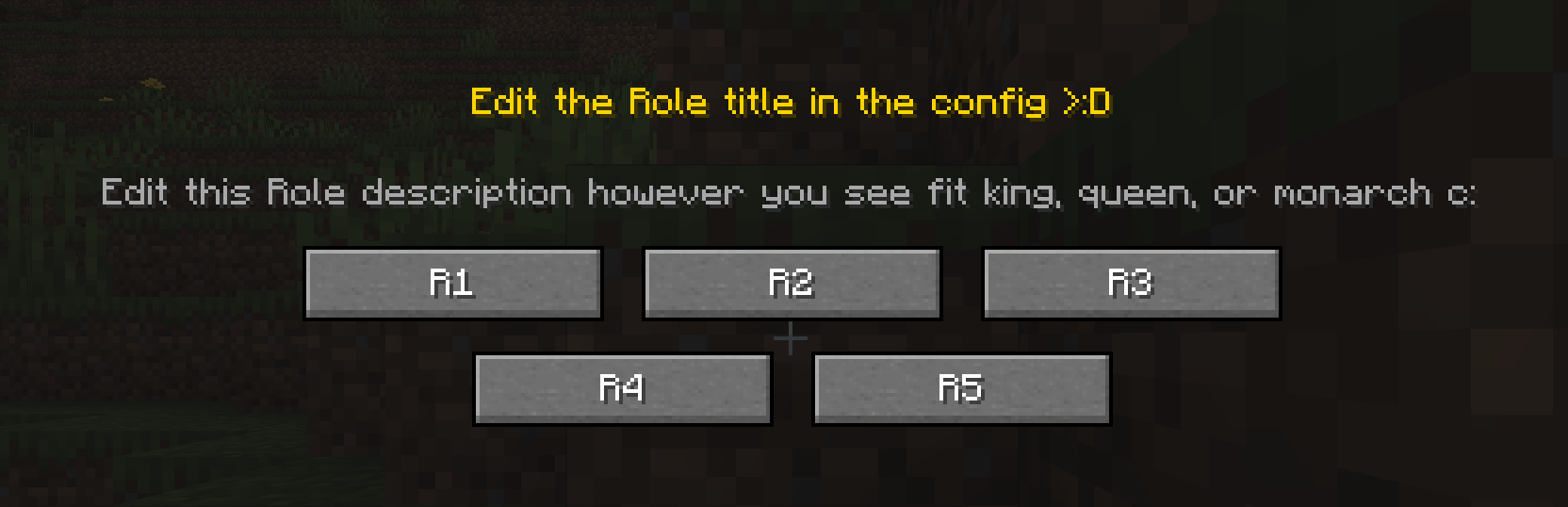
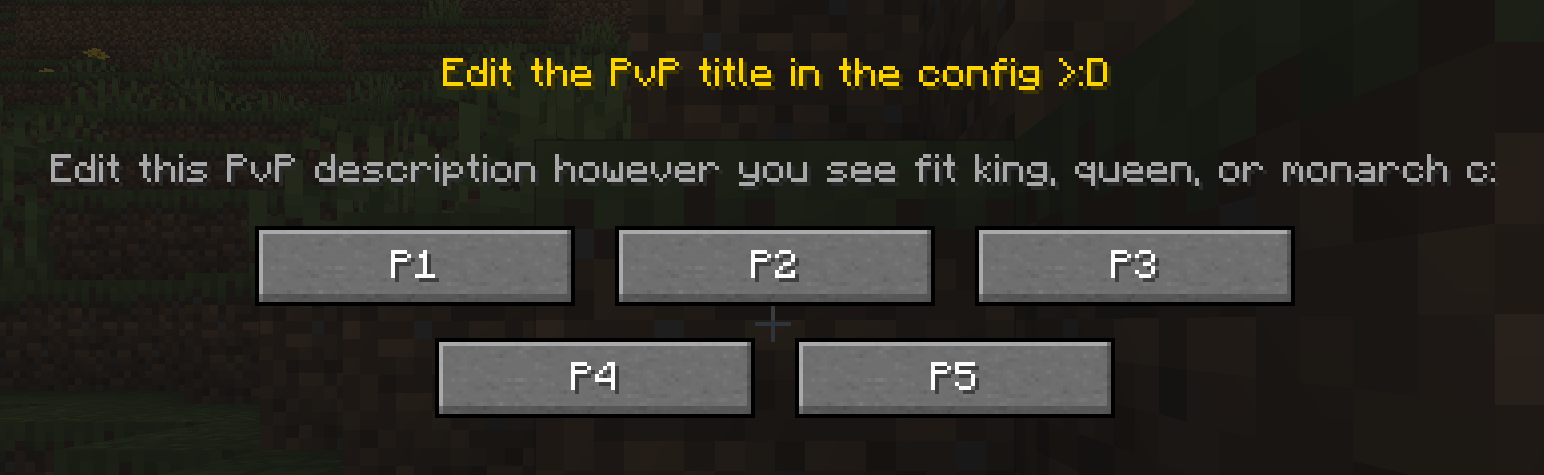
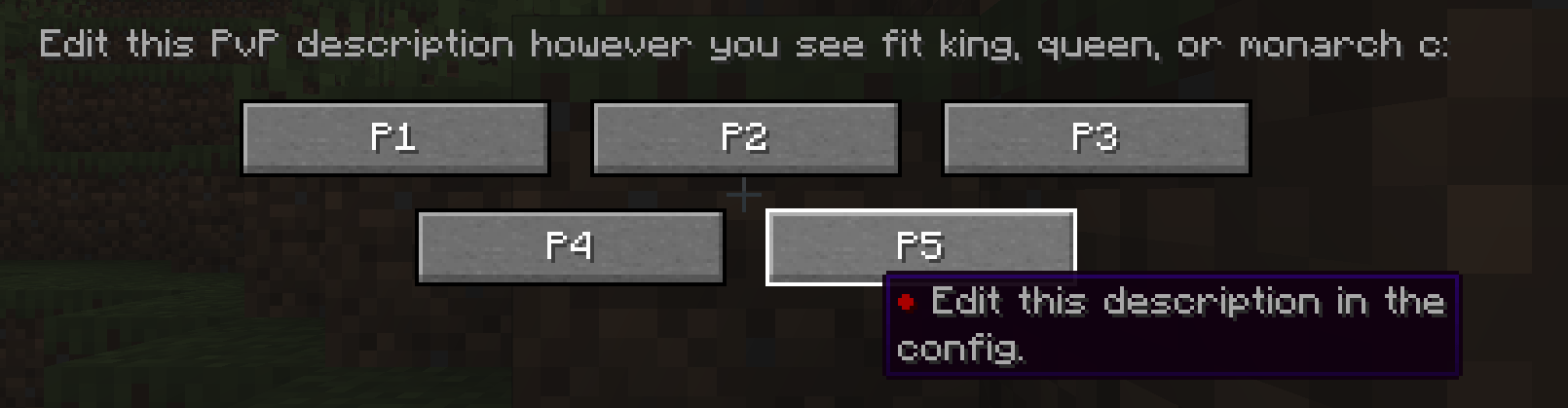
When a player joins the server for the first time, a selection screen appears. They choose their Rol tier and then their PvP tier. From that moment on, their prefix - for example [R2|P3] - is permanently visible in chat and above their head, with colors that reflect their tier level.
Admins can reassign, reset, recolor or clear the custom name of any player at any time using simple commands.
prefixtag-server.toml<details> <summary>Spoiler</summary>
| Command | What it does |
|---|---|
/tier setrol <player> <1-10> |
Set a player's Rol tier |
/tier setpvp <player> <1-10> |
Set a player's PvP tier |
/tier setcolor <player> <color> |
Set the color of a player's name |
/tier clearname <player> |
Remove a player's custom display name |
/tier online <player> <true|false> |
Toggle the online indicator (●) on a player's prefix |
/tier check <player> |
View a player's current prefix and display name |
/tier reset <player> |
Reset a player's tiers — they'll see the GUI on next login |
| Command | What it does |
|---|---|
/tierself setname <name> |
Set a custom display name (no color codes allowed) |
/tierself clearname |
Remove your custom display name |
</details>
Available colors: black, dark_blue, dark_green, dark_aqua, dark_red, dark_purple, gold, gray, dark_gray, blue, green, aqua, red, light_purple, yellow, white
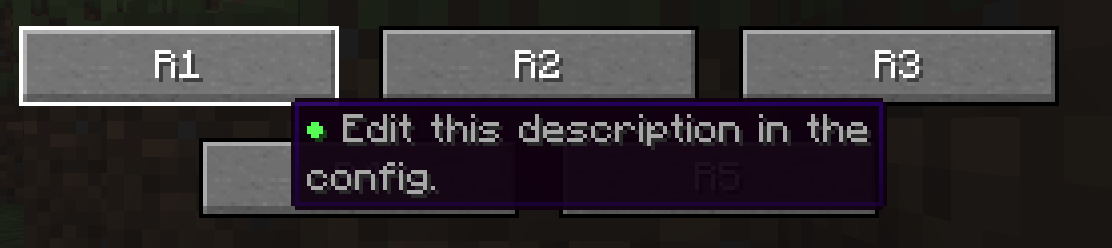
On first launch, PrefixTag generates a prefixtag-server.toml file in the world/serverconfig folder where you can customize:
R1 to Novice)You are free to include this mod in any modpack