Mineuniverse
Log in Register
Mods

Plushified

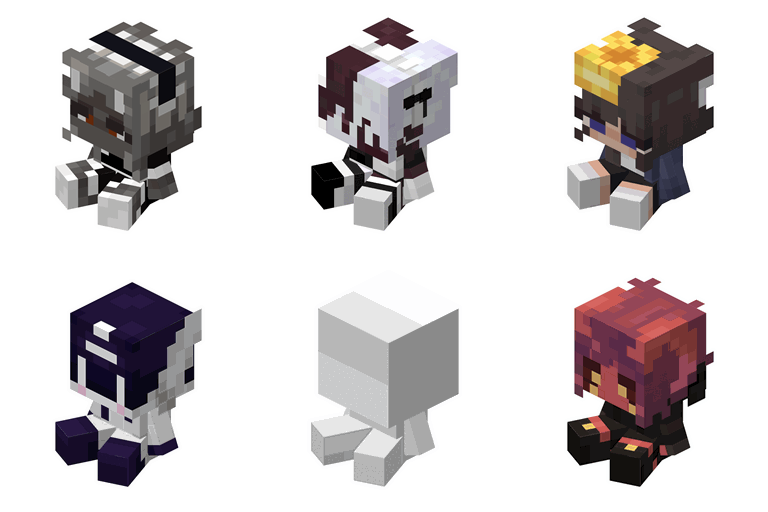
Lets you create plushies from a simple texture and a bit of json.
by backupcup
Download Claim this project
4,238 downloads
0 likes
Updated Jul 6, 2026
0 hypes
API and Library Cosmetic Utility & QoL

Button suggesting to join the Discord server Button suggesting to support the Developer on Ko-fi

\*\*DISCONTINUED\*\*


Plushified Mod Banner

Overview

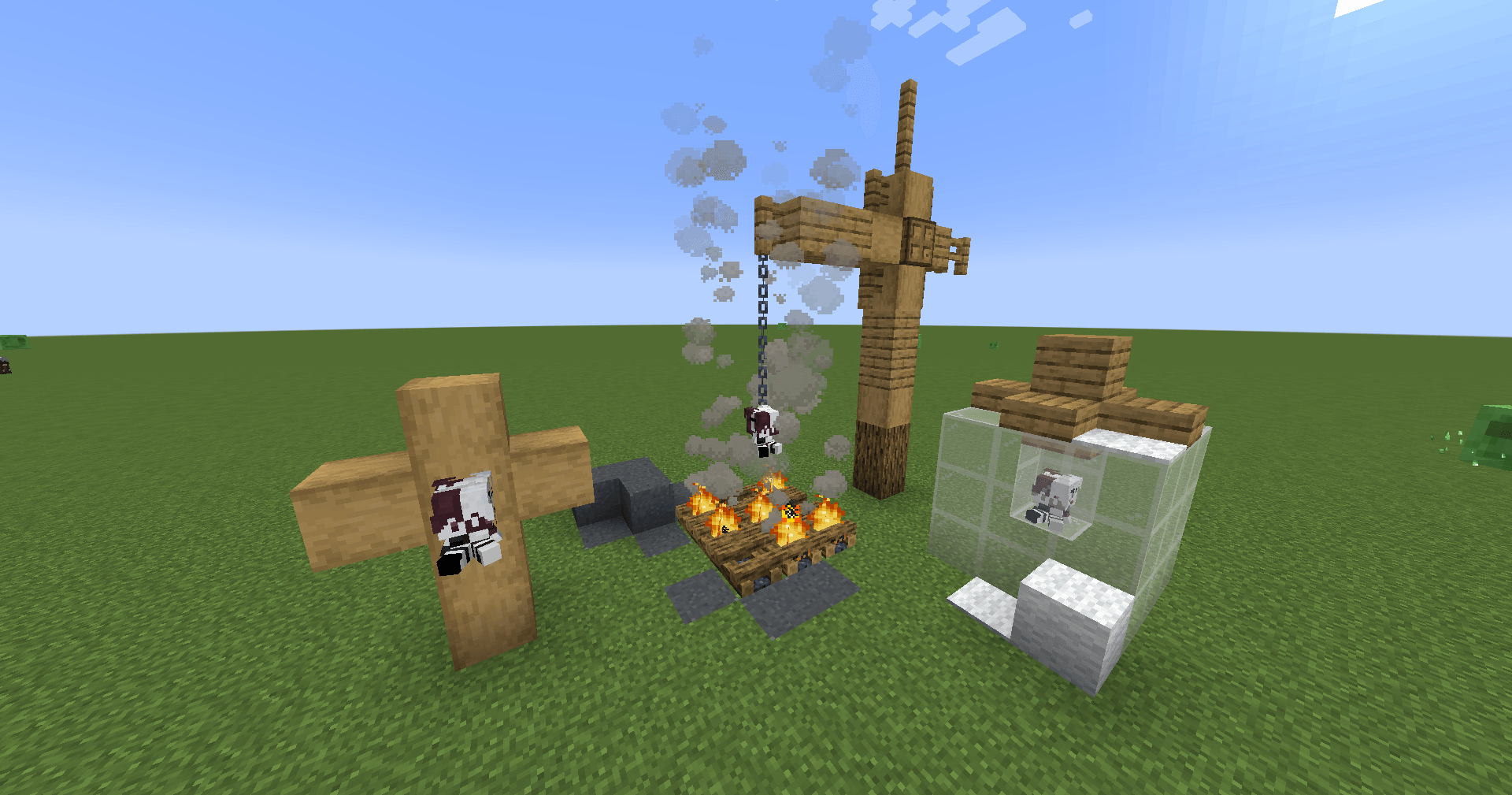
The Plushie Blocks Mod allows users to create custom plushie blocks with their own textures, sounds, and descriptions. Personalize your Minecraft world with unique plushies by simply adding a texture file and updating the configuration file.

Features

  • Custom Textures: Add your own textures for plushie blocks.
  • Custom Sounds: Assign specific sound events to your plushies.
  • Custom Descriptions: Add unique descriptions for each plushie.

How to Use

  1. Add Your Texture:

    • Place your texture files in the config/plushified/textures folder.
    • Ensure the texture name matches the "texture" field in the configuration file.
  2. Update Configuration File:

    • Open the config/plushified/config.json5 file.
    • Add a new JSON object for each plushie you want to create. Follow the format below:
    "your_plushie_name": {
        "texture": "your_texture_name",
        "soundEvent": "your_sound_event",
        "descriptionText": "your_description"
    }

    Example:

    "cup_plushie": {
        "texture": "cup_plushie",
        "soundEvent": "minecraft:block.mud.hit",
        "descriptionText": "It's only been a week, but it feels like a year."
    }

Example Configuration

Here is an example configuration with multiple plushies:

{
    "cup_plushie": {
        "texture": "cup_plushie",
        "soundEvent": "minecraft:block.mud.hit",
        "descriptionText": "It's only been a week, but it feels like a year."
    },
    "bear_plushie": {
        "texture": "bear_plushie",
        "soundEvent": "minecraft:block.wood.hit",
        "descriptionText": "A cuddly bear plushie."
    },
    "cat_plushie": {
        "texture": "cat_plushie",
        "soundEvent": "minecraft:block.wool.hit",
        "descriptionText": "A cute cat plushie to keep you company."
    }
}

Notes

  • The texture file must be named exactly as specified in the "texture" field.
  • Make sure the sound event exists in the Modpack.
  • Descriptions can be any text string to give your plushies a unique touch.

Installation

  1. Download and install the mod.
  2. Place your texture files in the config/textures folder.
  3. Edit the config/plushified/config.json5 file to add your plushie configurations.


  4. Launch Minecraft and enjoy your custom plushie blocks!

Sponsor

Bisecthosting Sponsor Banner

Plushified - 0.8.0B
MC 1.21, Fabric, Client, 1.21.1, Server
Beta 2024-08-13 Get

More from backupcup

Everlasting
798
Name Tailor
2,665
MC Dungeons Enchanting
254,024
Stained Lenses
2,499
Hexed
2,039

You Might Also Like

Thaumon
Thaumcraft-inspired decoration blocks for modern Minecraft
9,980,238
Handcrafted
Make your house a home!
99,029,678
Fancy Block Particles - Renewed
3D Digging Particles! Original mod by MorphoxL
997,906
Door(s) Coupling [FABRIC]
Couplings for Fabric 1.16
993,161
I Like Wood
This mod adds wood variants to blocks that should have them but don't and new wooden blocks.
992,209
Addendum (Fabric)
Adding new blocks to fit your ender palette! Port of Additional Ender Blocks by cleverpanda714.
991,763