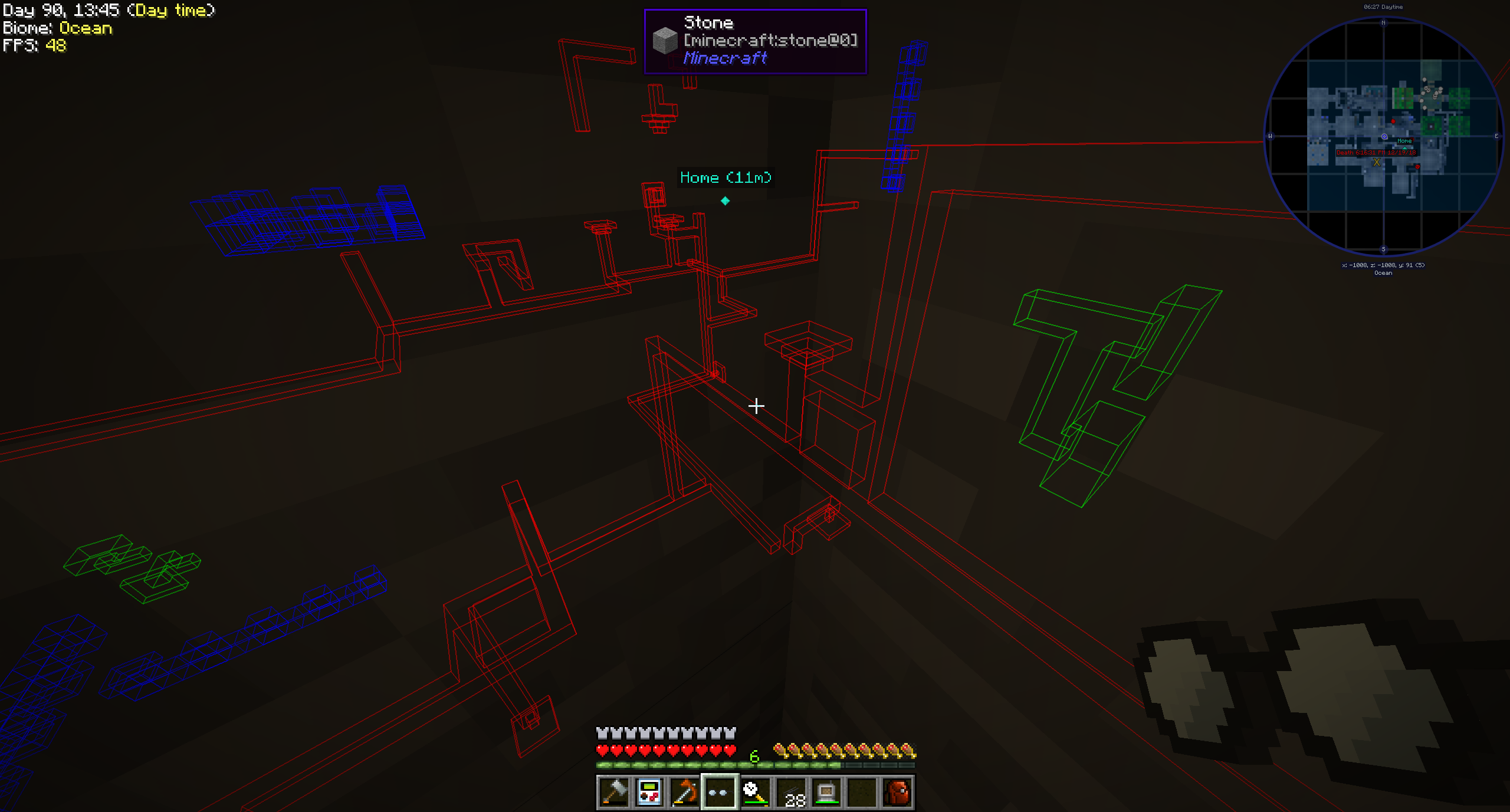
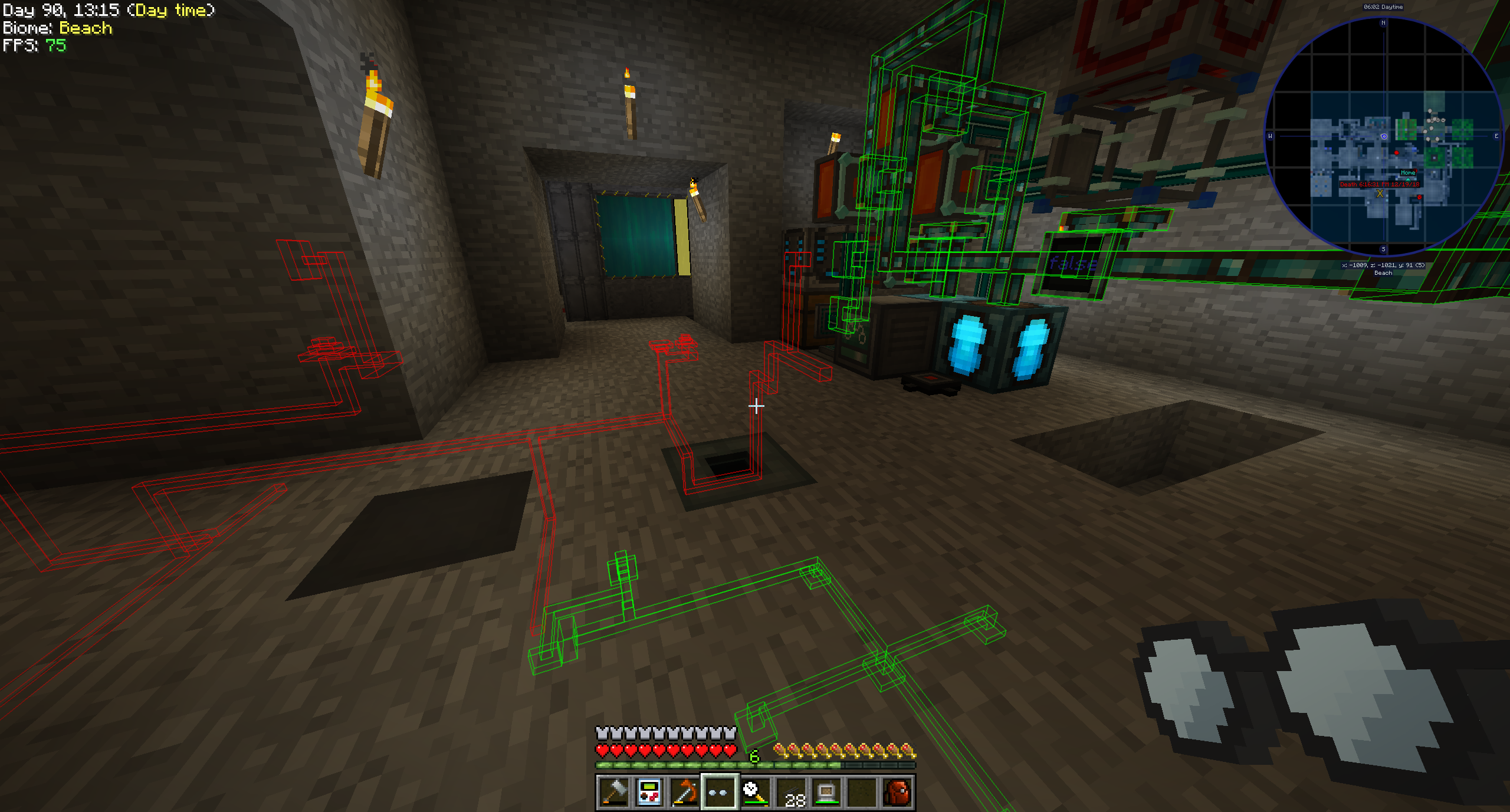
Pipe Goggles currently only adds a single item, the Pipe Goggles. They allow the wearer to see various plumbing through the walls.
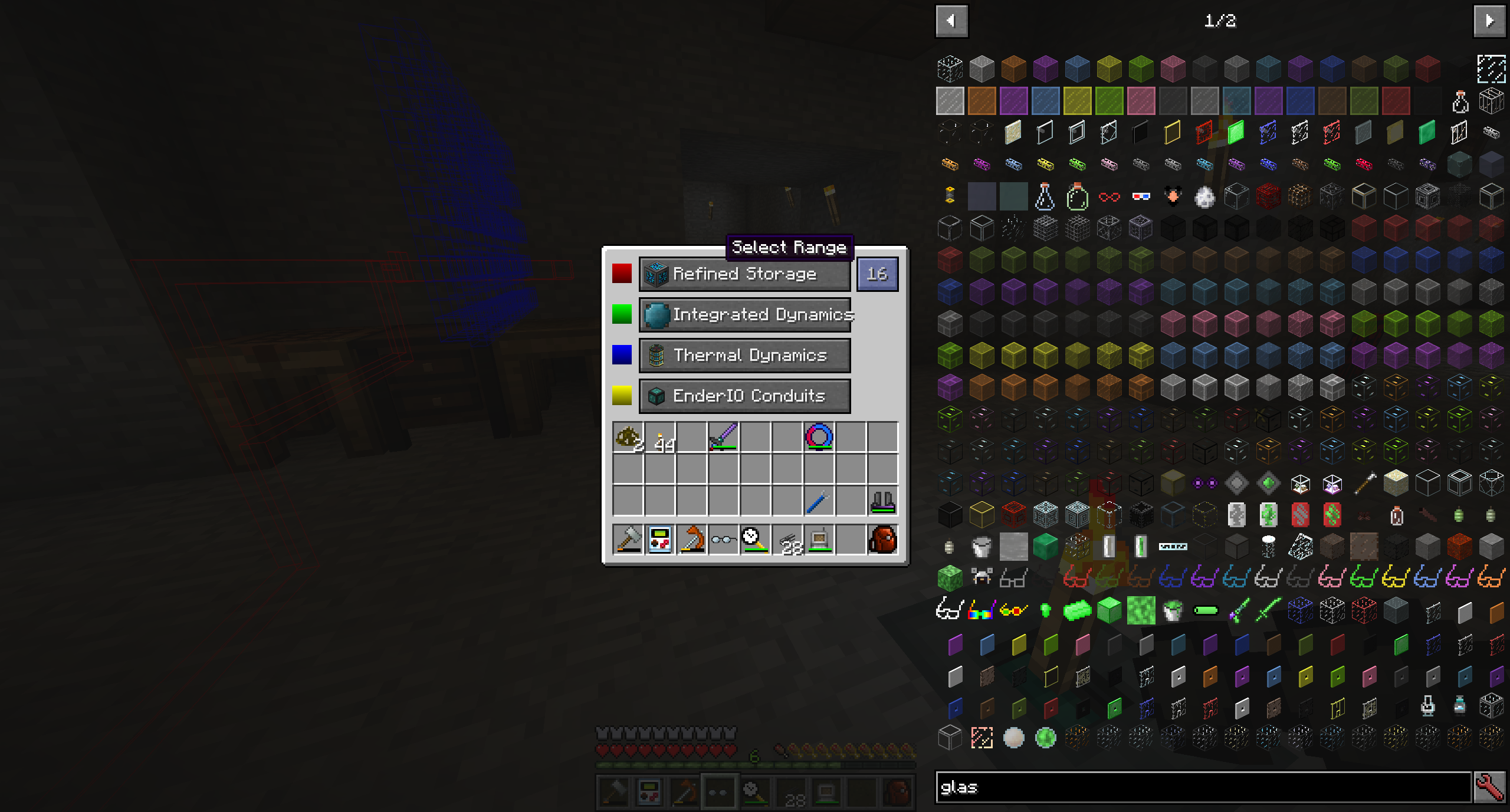
Right click with the goggles in hand to open a small configuration GUI.

Insert the pipes you want to see into the colored slots.
The goggles can be in three different modes:
You can additionally configure the range of the goggles, the line-thickness of the pipes and their opacity.
Depending on the configuration of the mod your goggles will need to be powered to work!
This is pretty straight forward and an example is better than words for this one:
{
  "neoforge:conditions": [
    {
      "type": "neoforge:mod_loaded",
      "modid": "xnet"
    }
  ],
  "blocks": [
    "xnet:netcable",
    "xnet:connector"
  ],
  "items": [
    "#xnet:cables",
    "#xnet:connectors"
  ],
  "mod": "xnet"
}
blocks are the blocks that should be highlighted. These can be block ids or tags. items are the items that enable the goggles in auto-mode to highlight the pipes. Also item ids or tags.
That file should be placed here: <your-data-pack>/data/pipegoggles/pipegoggles/mods/xnet.json.
More examples can be found here.