Pinboard, Anytime
Pin a note to the wall; whoever comes by next reads it — even if you logged out hours ago.
Voice chat and parties only work when everyone is online at the same time. On most SMP servers people aren't: time zones differ, schedules differ, someone always logs in to an empty server. This adds wall-mounted bulletin boards for exactly that gap — write a note by the iron farm saying "took 2 stacks, restocked Tuesday", and the next player who walks past sees it.
Two boards
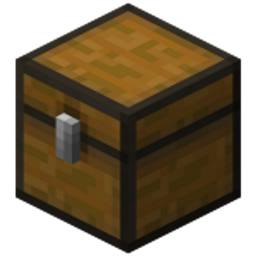
- Pinboard — per-block, like a chest. Each board you place is its own surface; put one in each base or farm room for local context.
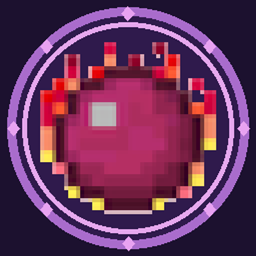
- Ender Pinboard — one shared board for the whole server. Every Ender Pinboard shows the same notes, wherever it's placed. Use it for announcements, trades, and event plans.
Features
- Two-pane reader: note list on the left, full text on the right, with author and date
- Login alerts — joining the server tells you how many unread Ender Pinboard notes await; opening the board clears the count
- Attach my location — one checkbox stamps your coordinates and dimension onto a note ("diamonds here →")
- A local board's front fills up visually as notes are added, and emits a comparator signal scaled to its note count
- Boards mount flat on walls like signs: no collision, and they pop off if the wall is broken
- Delete permissions are configurable — by default anyone can clean up a local board, while Ender Pinboard notes can only be removed by their author or an operator
- Per-player note limit on the shared board keeps one person from flooding it
How to use
- Craft a Pinboard — painting shape: 8 planks around 1 paper.
- Place it on a wall and right-click to read or write notes.
- For the server-wide board, combine a Pinboard with an Eye of Ender (shapeless) to get an Ender Pinboard.
Notes
- Notes persist with the world: local boards store theirs in the block, the ender pool in world data.
- Caps, lengths, delete permissions, and login alerts are configurable in
<world>/serverconfig/pinboard_anytime-server.toml (synced to clients automatically).
- Install on the server and on every client. No other mods required.
Free to use in any modpack. Source and issues: https://github.com/KURONAMI333/pinboard-anytime