PictureCam adds a fully functional in-game camera that lets you take photos, import images from the internet or your PC, and display them inside Minecraft as decorations. Photos can be stored and organized in an Album, and placed in the world using an Image Frame.
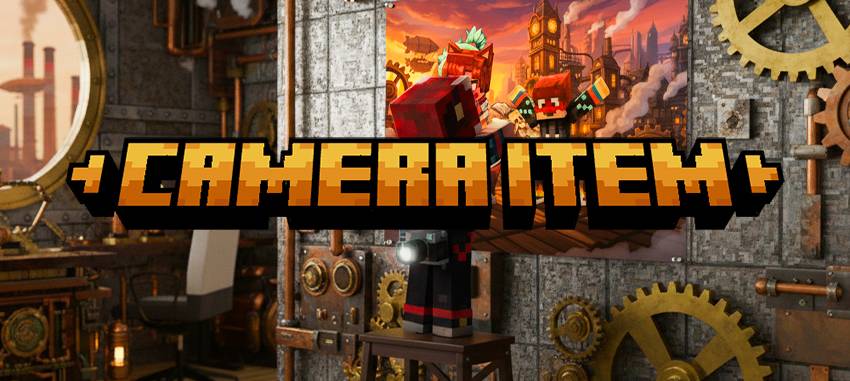
### Import images
Upload from a URL (internet).
Upload from your PC (local file).
### Album
Store multiple pictures in one item and browse them.
Great for collecting screenshots, maps, memes, and art.
### Image Frame
Place photos in the world as a decorative block/entity.
How to Use (Quick Manual)
1) Craft a Camera
Once you have the camera, use it to take pictures in-game.
After taking a picture, you’ll get an Image item.
2) Import images (URL / PC)
You can also add images by:
URL upload: paste a direct image link.
PC upload: select an image file from your computer.
The imported image becomes an Image you can store or display.
3) Store images in an Album
Craft an Album and put your images inside it.
Use the Album to browse and manage your collection.
4) Display images with an Image Frame
Craft an Image Frame and use it to display an image in the world.
Perfect for decoration, galleries, screenshots, and builds
## Recipes
Camera (Shaped)
Pattern:
I R S
I G I
I I I
Ingredients:
I = Iron Ingot (forge:ingots/iron)
R = Redstone Dust (forge:dusts/redstone)
S = Stone Button
G = Glass Pane (colorless) (forge:glass_panes/colorless)
Result:
picturecam:camera
Image Frame (Shaped)
Pattern:
S F S
S L S
S S S
Ingredients:
S = Wooden Rod / Stick tag (forge:rods/wooden)
F = String (forge:string)
L = Leather (forge:leather)
Result:
picturecam:image_frame
Album (Shapeless)
Ingredients:
String (forge:string)
Leather (forge:leather)
Paper x3
Result:
picturecam:album
Image Cloning (Special Recipe)
Lets you copy an existing Image using paper from:
picturecam:image_paper tag
Notes / Tips
Images can be used for decoration, builds, roleplay, maps/walls, galleries, and more.
If a recipe is unlocked but not visible, try disabling the recipe book filter “Only craftable”.