Splinecart
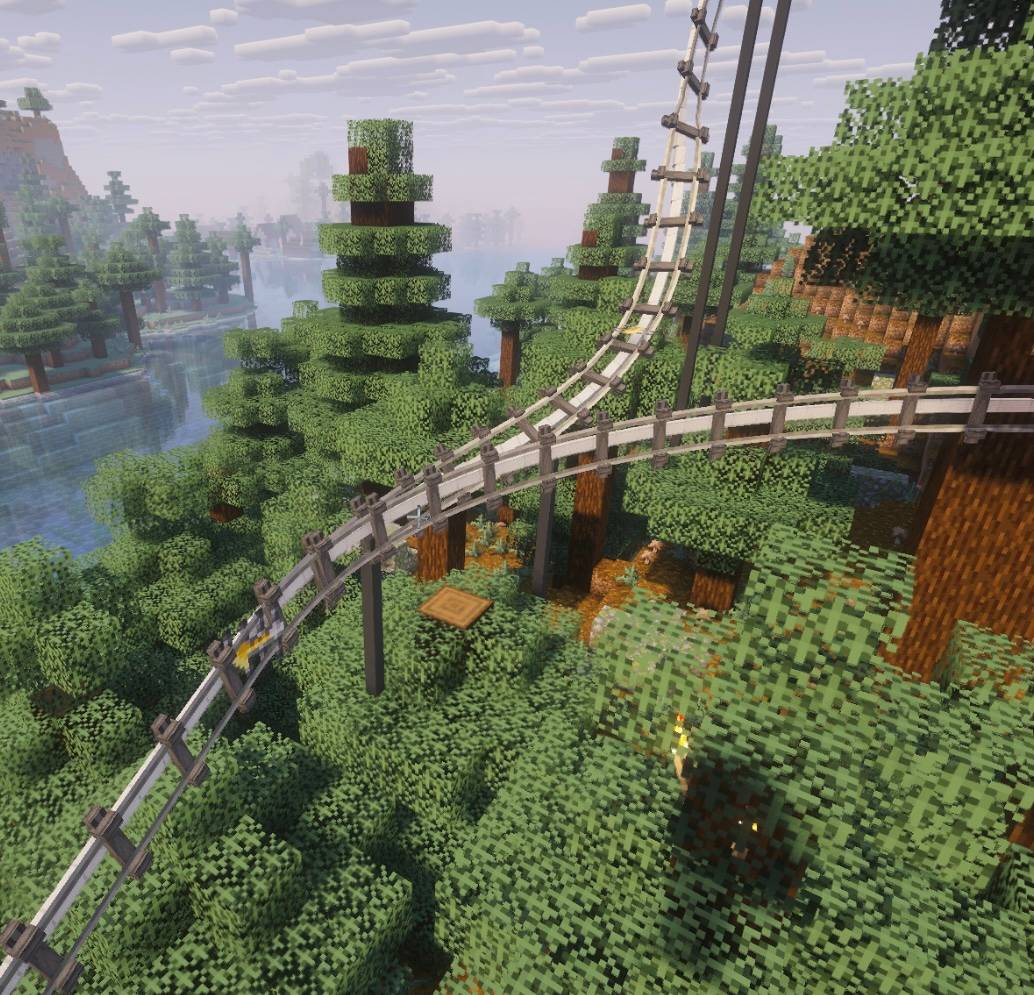
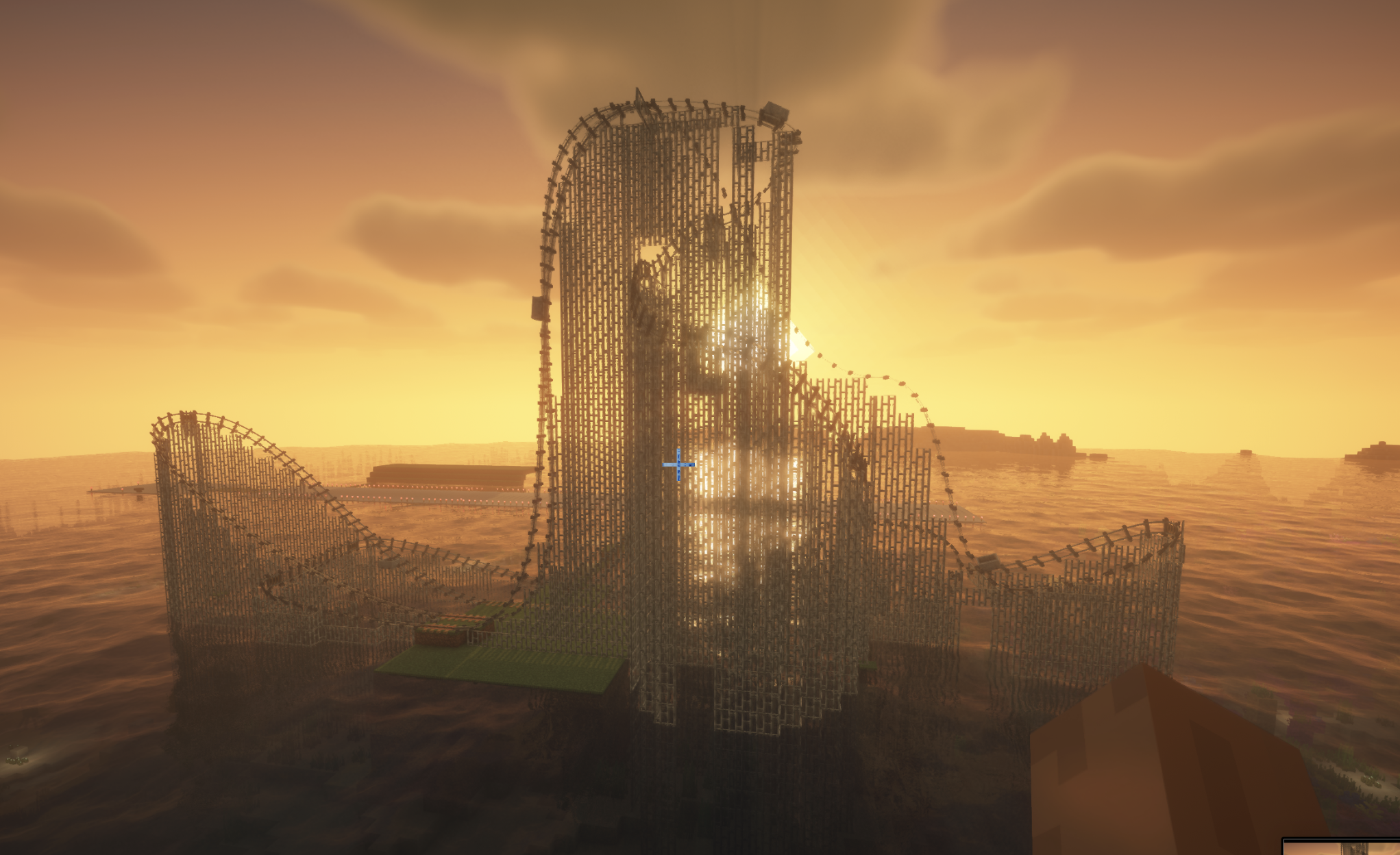
Splinecart adds smooth, realistically curved railway tracks (composite curves / splines) to Minecraft. Minecarts travel on them without jerking, with full banking and speed physics.
1. Track Ties
2. Connecting tracks and variants
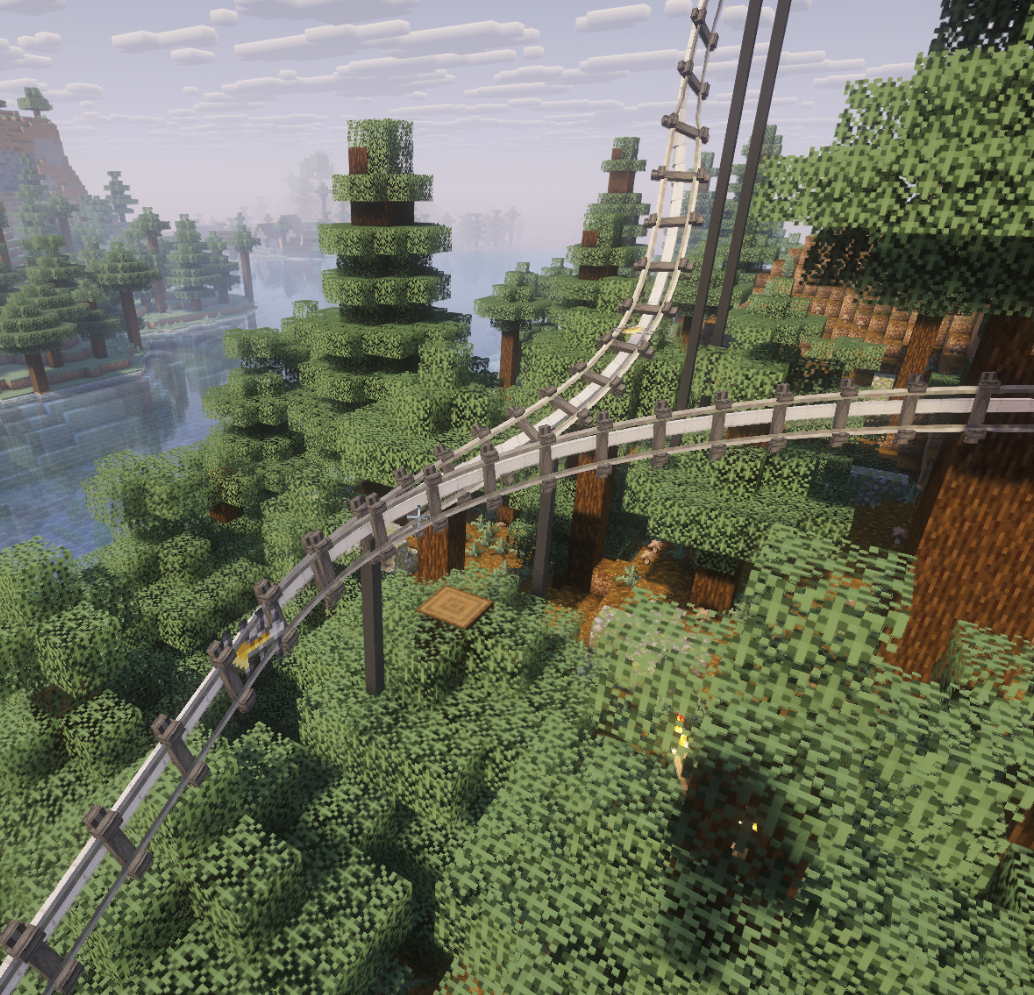
3. Turnouts / Switches
/splinecart)| Command | Effect |
|---|---|
/splinecart banking <on | off | toggle> |
Enables/disables track and minecart banking on curves. |
/splinecart supports <none | wood | metal | steel | auto> |
Sets the style of supports and pillars built under new tracks. |
/splinecart build line <x1 y1 z1> <x2 y2 z2> [type] [supports] [banking] |
Automatically places and connects a straight track segment between coordinates. |
/splinecart build path <pos1> <pos2> ... [type] [supports] [banking] |
Builds a continuous multi-point route through the given coordinates. |
/splinecart connect <x1 y1 z1> <x2 y2 z2> [type] [supports] [banking] |
Connects two existing ties with the specified track type. |
(Available types in commands: default, chain_drive, magnetic)
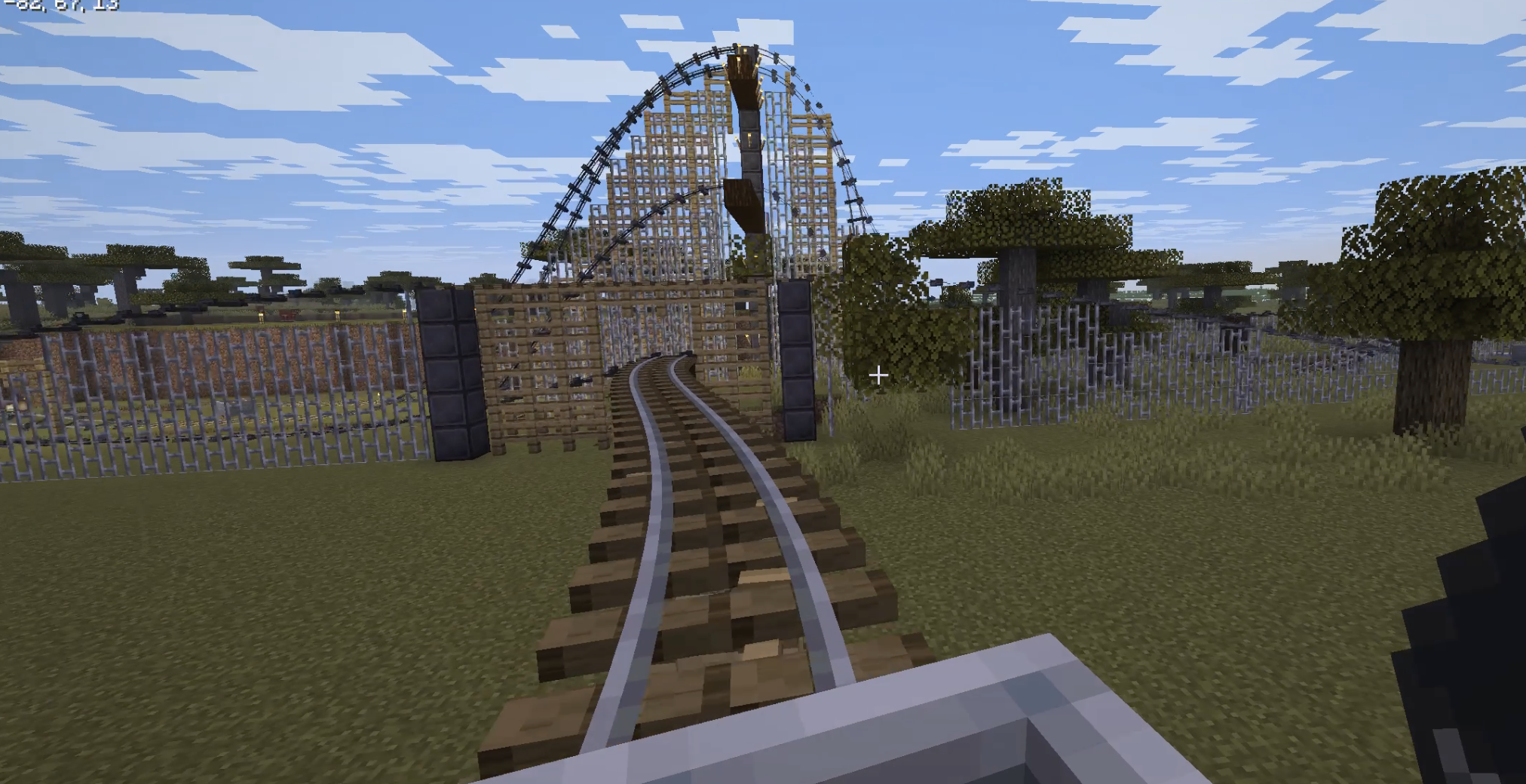
All four player-obtainable items have shaped crafting recipes in Survival. The Track Follower is a hidden entity spawned by tracks and is not crafted.
Track Ties Description: Interact to rotate when placed.
Unlocks when you pick up a Stick or any Wooden Slab.
Crafting (makes 8): [Wooden Slab] [Wooden Slab] [Wooden Slab] [Stick] [Wooden Slab] [Wooden Slab] [Wooden Slab]
Any wooden slab works in every slot marked Wooden Slab.
Track Description: Links two Track Ties blocks together.
Unlocks when you pick up a Rail or Iron Block.
Crafting (makes 4): [Iron Block]