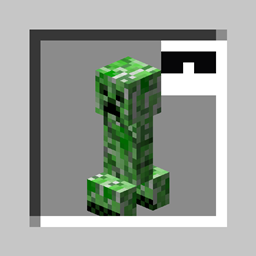
Disguise as a mob, another player - or maybe just wear a Creeper on your head! So stylish!
This mod is creative-only right now.
Equippable in the head slot, this item replaces the wearer's player model with that of the Disguise item.
A player wearing a Pig Disguise looks just like a normal Pig, but with a player name tag.
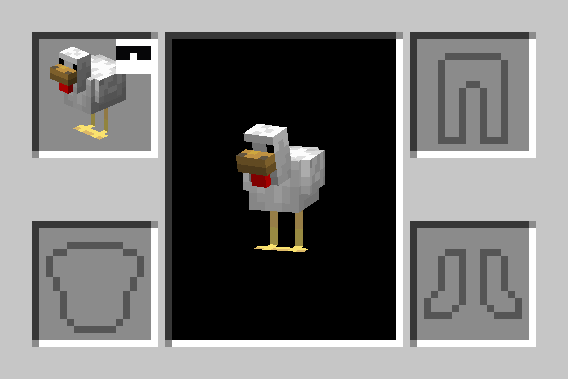
Equippable in the head slot, this item renders an entity model on the player's head.
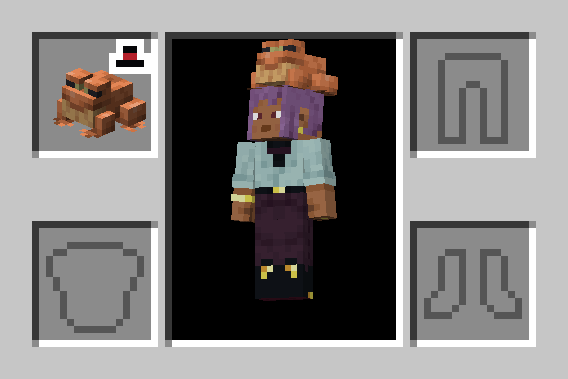
Just like a Mob Hat, but cannot be equipped.
The only command added by Peekaboo! is /disguise. This command modifies the Disguise of the source entity.
/disguise as <entity> [<nbt>]Disguises the source entity (@s) as the specified entity type argument, with optional additional entity data.
For example:
/disguise as minecraft:pig - disguises as a plain Pig/disguise as minecraft:creeper {powered:true} - disguises as a Charged Creeper/disguise skin as <player>Disguises the source player with the skin of the specified player name.
For example:
/disguise skin as Cojomax99 - replaces the source player's skin with that of Cojomax99/disguise skin clearClears the current skin disguise of the source player, if any is set.
/disguise name as <name>Replaces the source entity's custom name with the specified name Text Component.
For example:
/disguise name as "Dwight Schrute"/disguise name clearClears the current custom name disguise of the source entity, if any is set.
/disguise scale <scale>Sets the scale modifier for the current disguise of the source entity.
scale is a float between 0.1 and 20.0.
For example:
/disguise scale 0.5 - sized to 50% of normal scale/disguise scale 1 - resets scale to normal/disguise hideShadow <value>If value is true, the source entity will cast no shadow.
For example:
/disguise hideShadow true - hides the source entity's shadow/disguise clearClears all currently applied disguise properties on the source entity, if any are set.
Any Living Entity (generally: entities with AI, Players, and Armor Stands) can be disguised.
/execute as can be used to disguise another entity.
For example:
/execute as @n[type=wolf] run disguise as sheep - disguises the nearest Wolf as a Sheeppeekaboo:disguiseA specification of the Disguise to be applied when equipping an item.
Format: object with fields:
entity - optional entity data (same format as the minecraft:entity_data component), the entity disguise to applyscale - optional float between 0.1 and 20.0, the scale modifier to apply1.0changes_size - optional boolean, true if the disguise entity's bounding box should be inheritedtruecustom_name - optional Text Component, the display name override (both in-world and in the Tab List) skin_profile - optional profile data (same format as the minecraft:profile component), the player skin disguise to usehide_shadow - optional boolean, true if the entity's shadow should be hiddenfalsepeekaboo:disguise={entity:{id:'minecraft:creeper',powered:true}}peekaboo:disguise={skin_profile:{name:'Cojomax99'},scale:1.5}peekaboo:entityA specification of the entity to be rendered for the Mob Hat and Plushie items.
Format: same as the minecraft:entity_data component
peekaboo:entity={id:'minecraft:creeper',powered:true}peekaboo:sizeA scale modifier for the rendering of Disguise, Mob Hat, or Plushie items.
Format: positive float
e.g. peekaboo:size=1.5