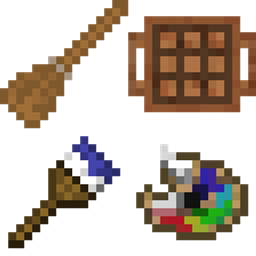
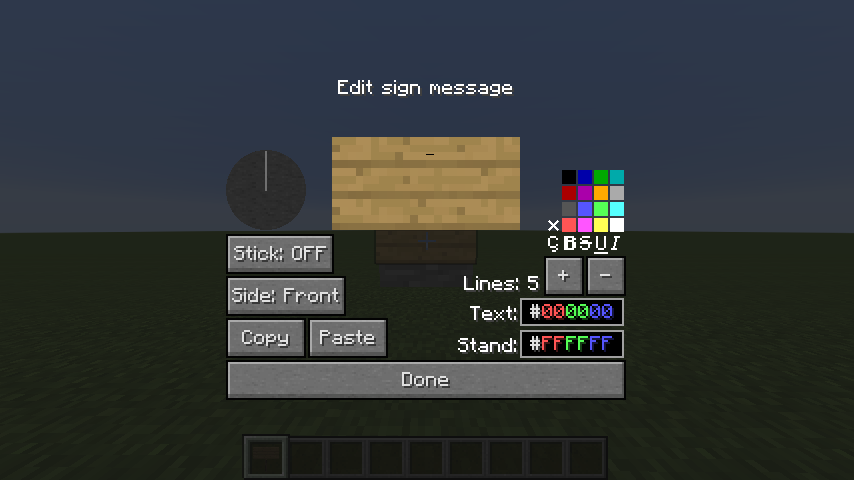
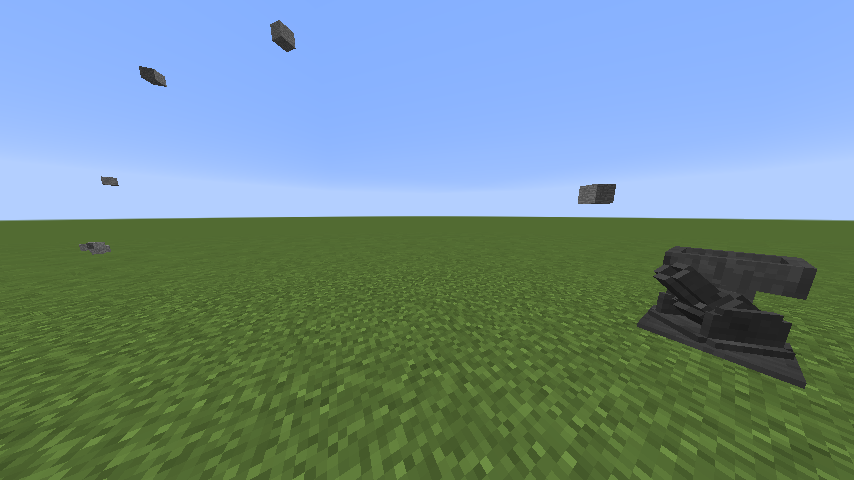
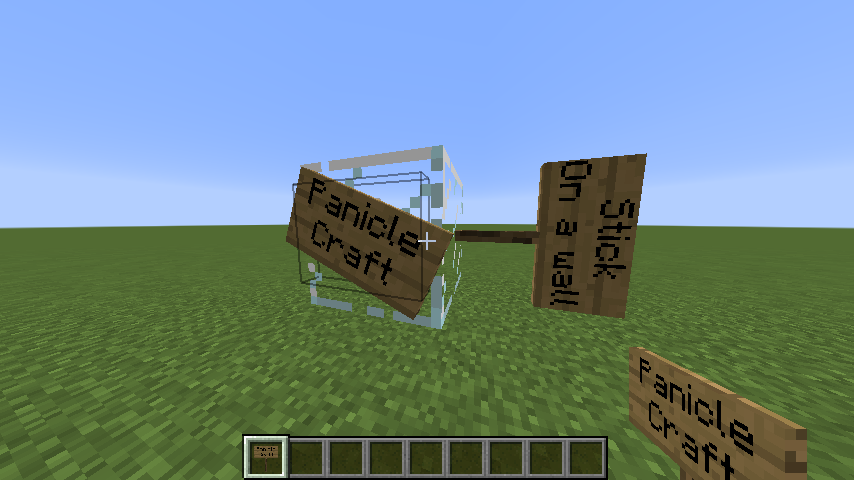
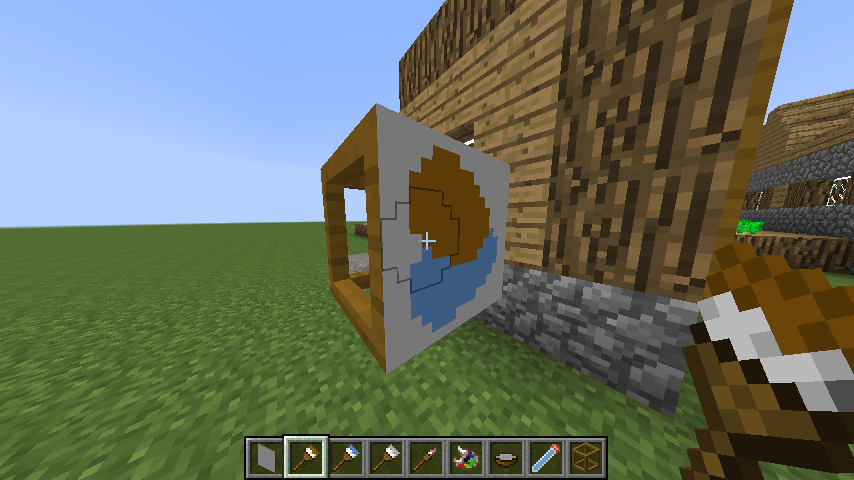
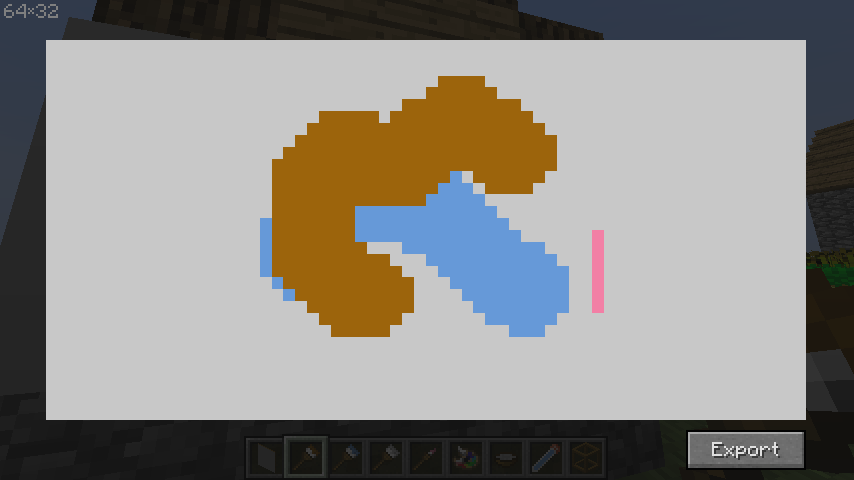
PanicleCraft is a mod with a miscellaneous components. Open images tab to see how they looks like.
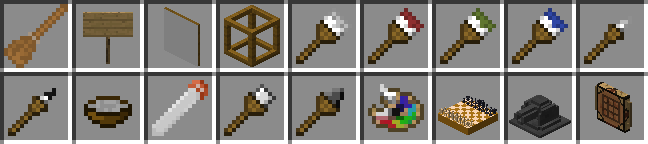
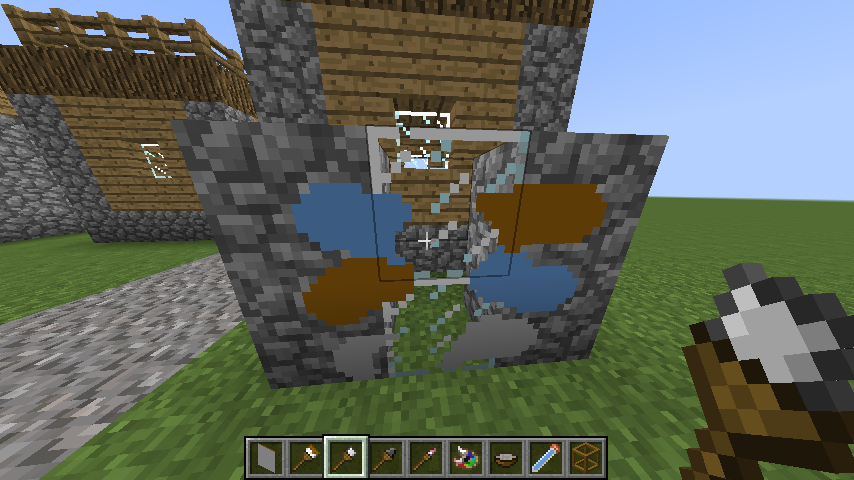
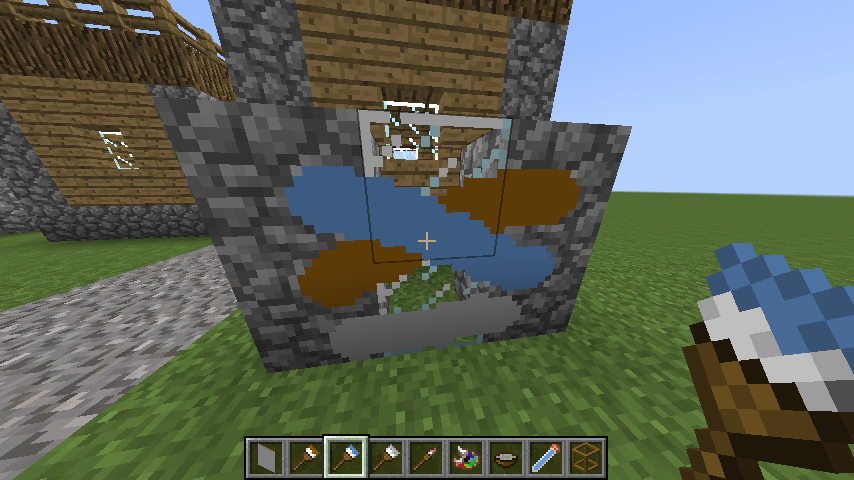
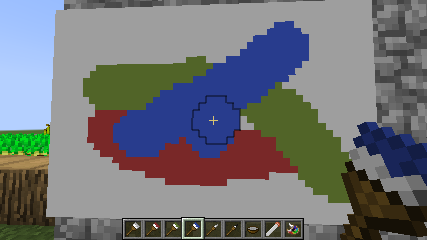
Place a canvas and paint on it using brushes. Brushes can also paint on blocks, make graffiti, but this feature is disabled by default.
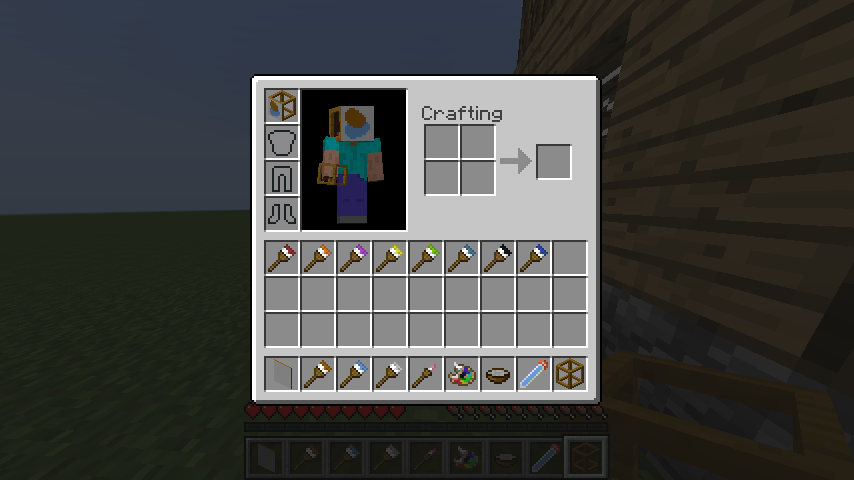
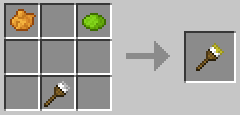
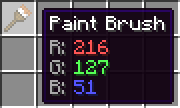
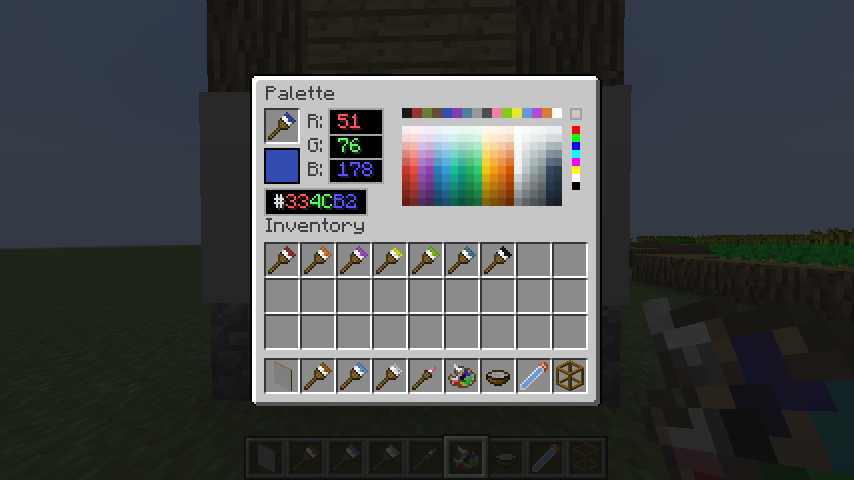
Use dyes to change brushes color in a crafting table. Palette can set any color to brush.
Canvas can be placed inside the frame on all sides. Thus, you can place a block with different pictures on the sides. To remove a painting from a frame, right-click with an empty hand while sneaking.
Painted picture can be exported in painting view. Also having permission you can import images into painting.
Paintings can be combined in a crafting table and copied on an anvil.
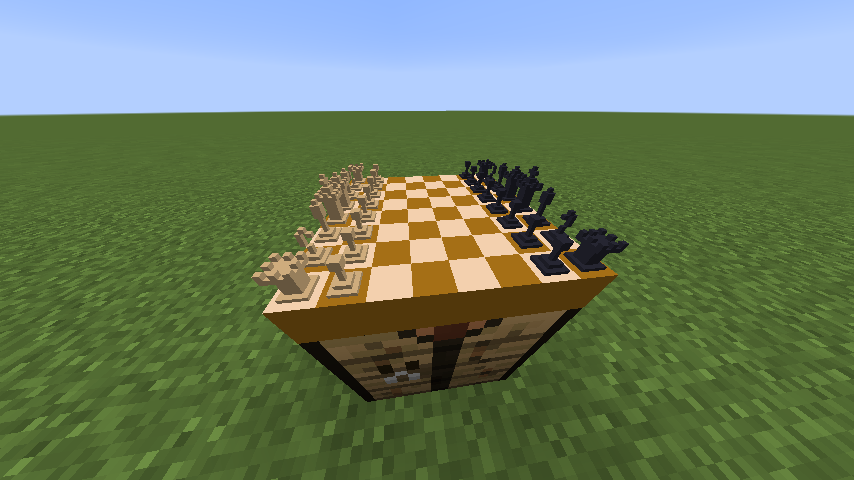
Chess board can be placed in world. It saves the state of the game on a break. The game history can be copied.
Broom can collect items around by right click.
Advanced sign can be placed in many shapes with various colors and number of lines.
Cannon can shoot items in a given direction.
Portable Workbench allows you to craft things on the go, but consumes durability.
Here is only highlight of some config parameters, see all of them in paniclecraft.cfg
Palette is not craftable by default and available only in creative. To enable crafting recipe change the config parameter painting → craftingRecipePalette to true.
Graffiti, PaintOnBlock feature is disabled by default. To enable it change the config parameter painting → allowPaintOnBlock to true.
Also you should enable crafting recipes of paint removers by changing the config parameters painting → craftingRecipePaintRemoverFromStick, craftingRecipeSmallPaintRemoverFromStick to true.
Op players can open painting editview gui with import feature by /paniclecraft painting editview command. To allow this for any player change the config parameter painting → allowPaintingEditView to true.
You can disable any unwanted component by changing enable parameter in their config block to false.
Now supported versions are 1.7.10 and 1.12.2. Upgrades to newer versions planned to be someday, if you want help me with that, welcome to github.