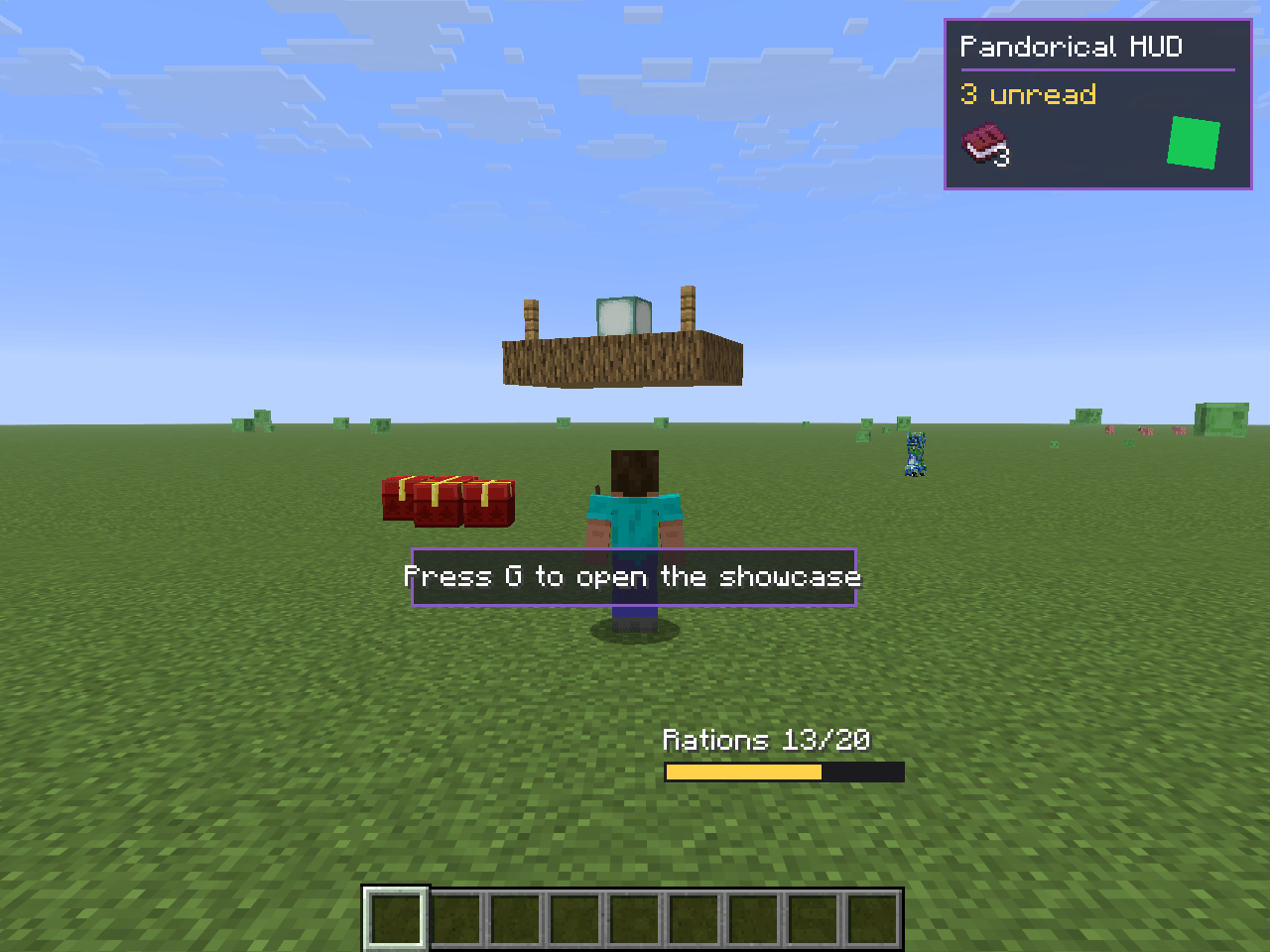
Install this if a server asked you to. It lets that server draw screens, overlays and blocks vanilla Minecraft has no way to show you.
Normally a modded server means every player installs every mod, matched version for version. Pandorical replaces that with one install. The server keeps its mods, you keep Pandorical. Its mods send the screens, overlays, blocks and keys; your client draws them. Add a mod to the server and you see it next time you log in, with nothing to download.
None of this is Pandorical's own content: no items, no blocks, no recipes, nothing added to a world. Everything you see through it comes from a mod on the server.
Every mod on the server, in-game. A Mods button on the pause menu and the options menu opens
it on a Pandorical client: the mods down the left, and the chosen one on the right with its
description, its settings if it has any, and its readme, read straight out of its jar - every mod
in this suite ships its README beside its licence. /pandorical mods opens the same screen, or
lists the mods as text on a vanilla client. The screen is built to the size of the window it
will show in, so a readme gets the room the window has. The readme is rendered by block: titles
with a rule beneath, list items hanging off their markers, code in an inset with its spacing
kept, quotes with a bar down their side, tables as a list of their rows.
A mod's settings sit in sections by whose they are: Your settings, kept on this server for
the player alone; Your client's settings, kept by the player's own game wherever they play;
and Server settings, one value for everyone, which only an op is shown. /pandorical
settings opens the menu on a mod with settings, or lists them as text on a vanilla client,
where /pandorical settings <mod> <key> <value> changes them.