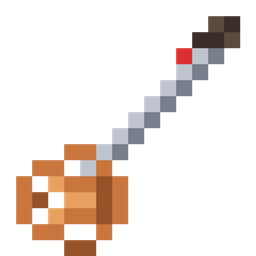
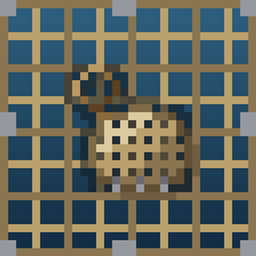
Paint pixel art onto any sign or painting.
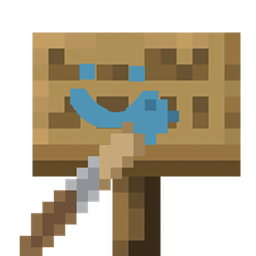
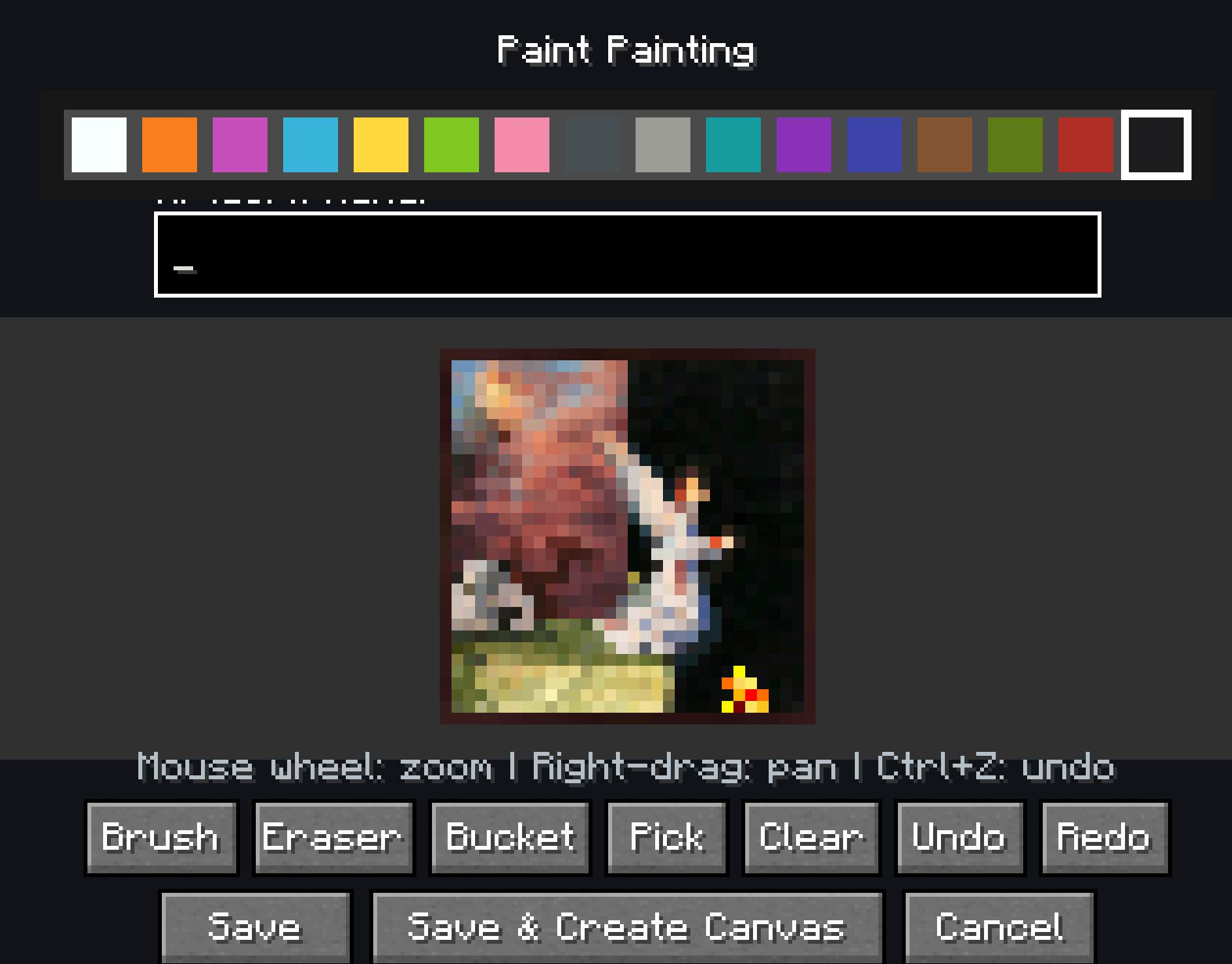
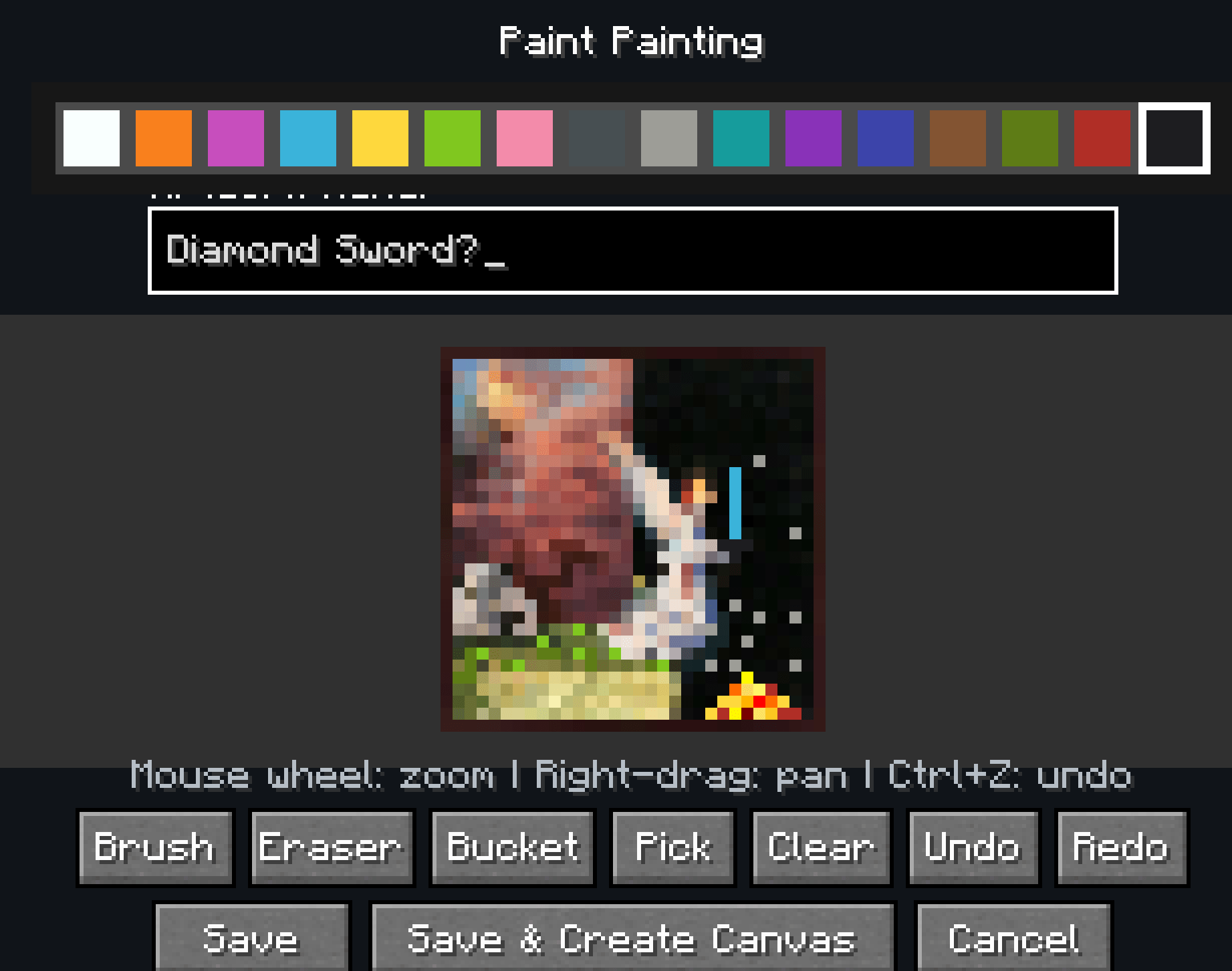
Shift right-click any vanilla sign with a Paintbrush and the editor opens for the face you clicked. Draw with the mouse, pick from a 16-color palette, and save. The sign's text is untouched, so you can have a label and a picture.
Perfect for shop signs, directional arrows, guild banners, warning markers, or just decorating a base with something that isn't text.
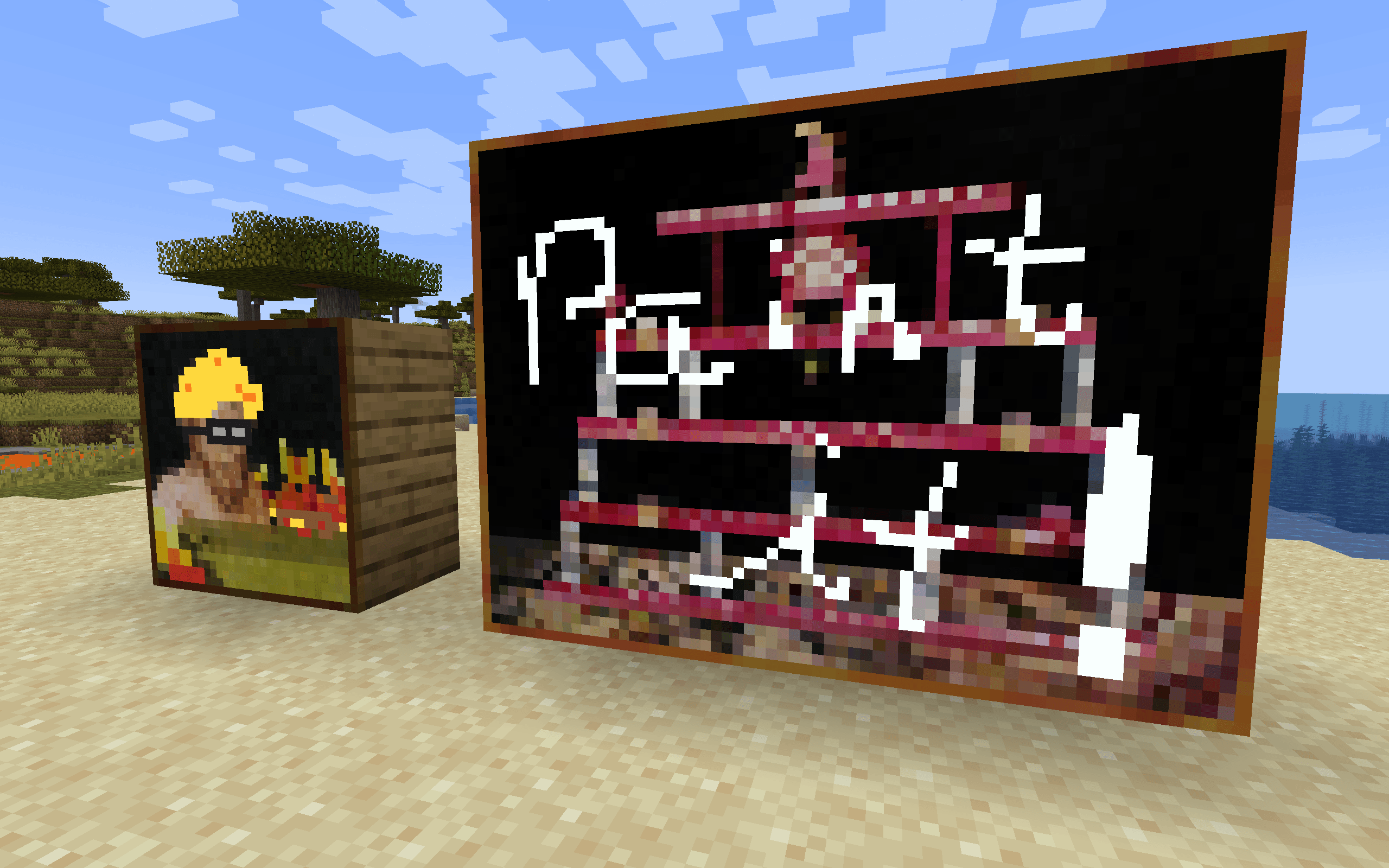
The brush works on vanilla paintings too. The canvas scales to the artwork's real pixel size and your paint sits just in front of the original art, so the vanilla painting still shows through wherever you leave pixels transparent.
Craft a Blank Canvas and place it on any wall. It automatically fits the largest blank painting the space allows, from 1×1 all the way up to 4×4. Then paint it like anything else.
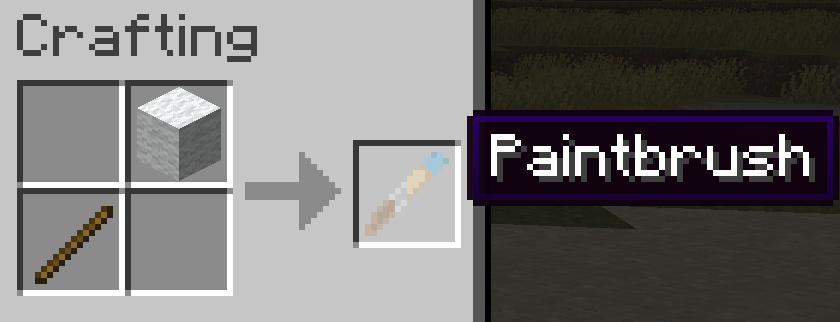
Both tools are cheap. A Paintbrush is a stick and a piece of white wool. A Blank Canvas is while wool framed by 4 sticks.
Painting a sign should obey build permissions: spawn protection, adventure mode, and the world border all apply, so nobody can redecorate your spawn
Available for NeoForge, Forge, and Fabric, on Minecraft 1.21.1 and 1.20.1.
License: MIT
Author: BulletPies