A collection of developer tools for building modpacks and datapacks. Pull textures/models out of resource packs, dump lang entries, search datapacks, and copy item IDs: all without leaving the game!
O)Press the export key (default: O) to pull whatever you're looking at into a checklist screen, where you pick which
files to copy into your export folder:
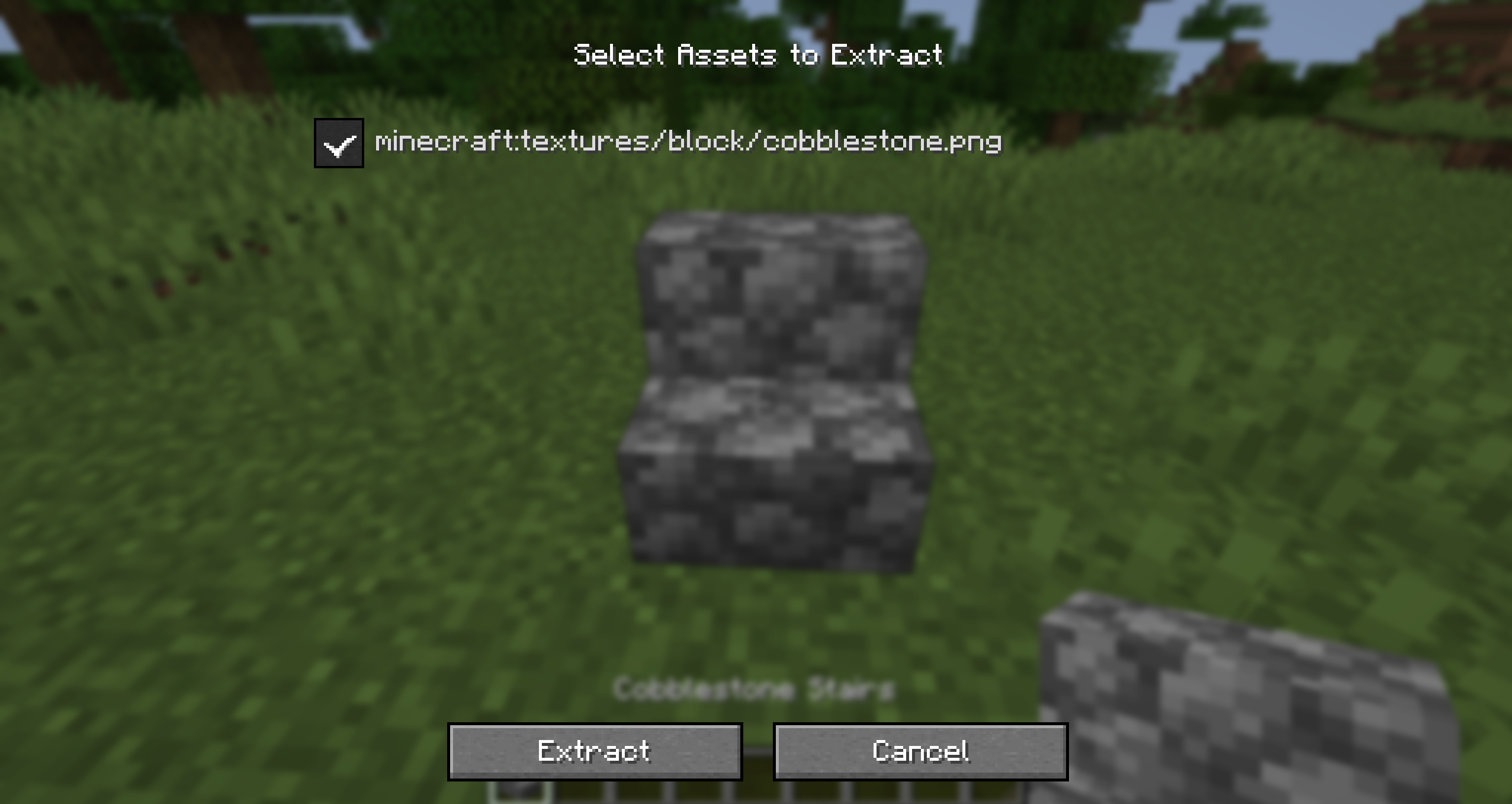
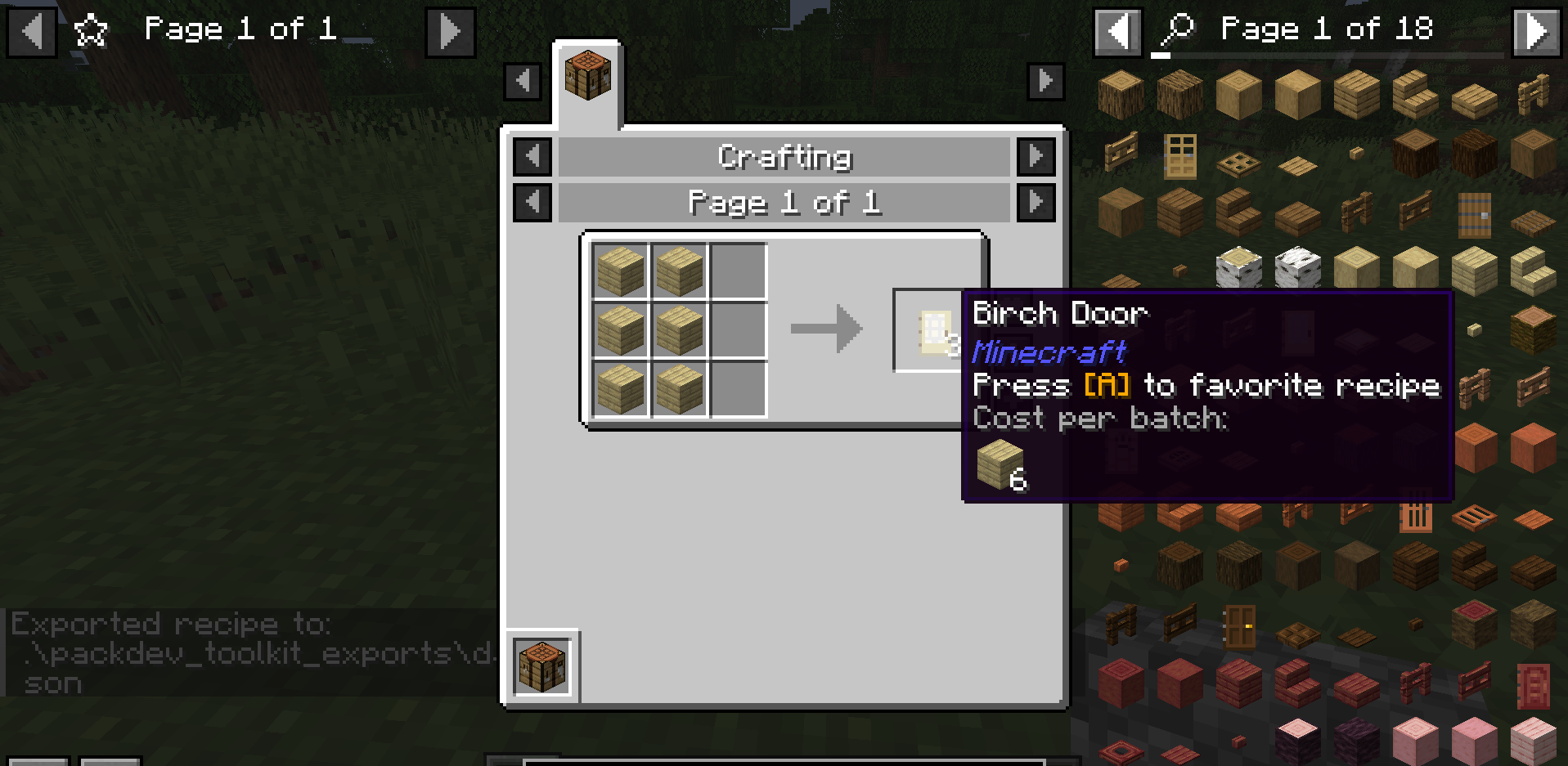
Hold Shift while pressing the export key to instead grab the raw JSON definitions (blockstate + block model, or item model) instead of the PNG textures.
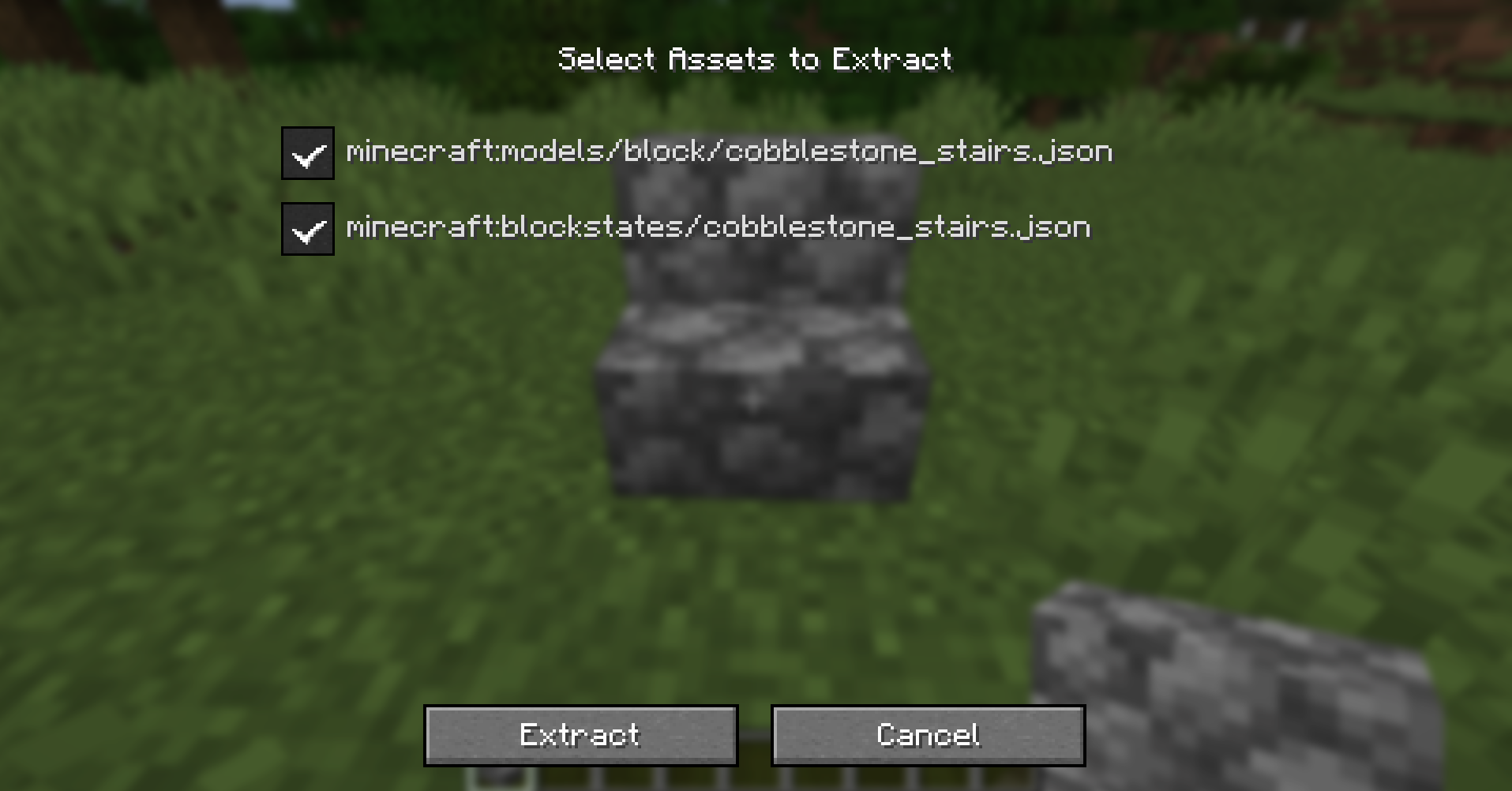
Selected files are copied into your configured export directory (see Configuration) and the containing folder is opened for you automatically.
J)Press the copy key (default: J) while looking at a block/entity, holding an item, or hovering an item in EMI to
copy its lang entry to your clipboard:
"item.minecraft.diamond": "Diamond"Handy for quickly building en_us.json entries for modpack renames.
Z)With Item Descriptions loaded, you can grab descriptions directly in their expected format.
Press the export description key (default: Z) while looking at a block/entity, holding an item, or hovering an
item/tag in EMI to automatically append its description lang key to your resource pack's en_us.json file.
This automatically merges with your existing en_us.json if it exists, without overwriting other entries.
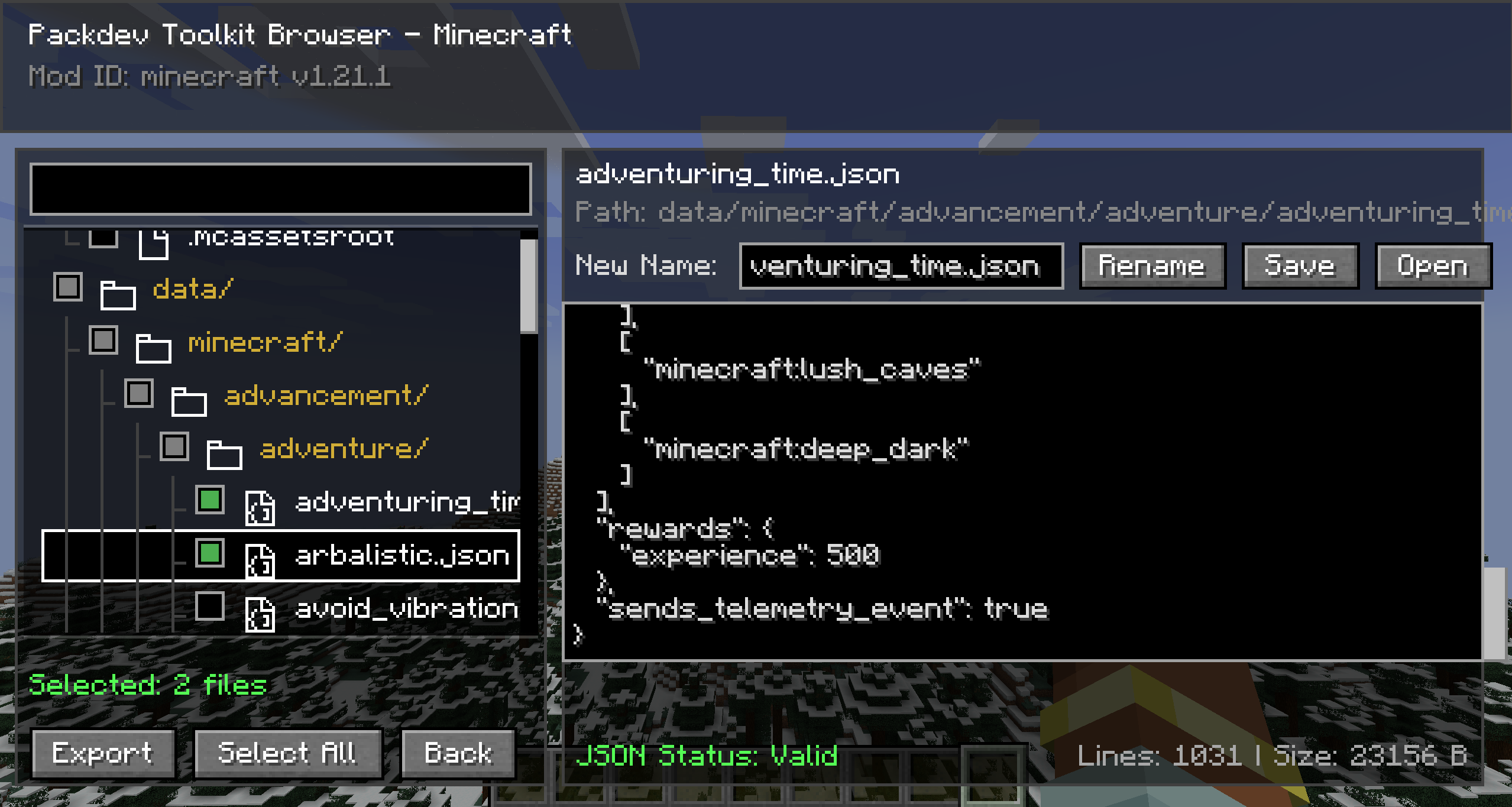
/packdev browse)This will open up a screen where you can select files from loaded mods to export to your configured data and assets
directories.
/export)Grabs item IDs, registries, or tag entries and saves them. Click the chat message to copy to your clipboard or
open the exported JSON file in your queries folder.
| Command | Dumps / Exports |
|---|---|
/export hand |
The item in your main hand (as copyable chat array) |
/export hotbar |
All 9 hotbar slots + offhand (as copyable chat array) |
/export inventory |
Your entire inventory (as copyable chat array) |
/export biomes |
All registered biomes (as a JSON file in your queries folder) |
/export structures |
All registered structures (as a JSON file) |
/export configured_features |
All registered configured features (as a JSON file) |
/export placed_features |
All registered placed features (as a JSON file) |
/export registry <registry_id> |
All entries in any registry (as a JSON file) |
/export tag <registry_id> <tag_id> |
All entries inside a specific tag (as a JSON file) |
/export tags_of <registry> <entry> |
All tags that a specific entry belongs to (as a JSON file) |
/query)Requires OP. Scans every loaded datapack for references to a given item or block and writes
the matching file IDs to a JSON file in your export folder (queries/ subfolder), then links the file in chat.
| Command | Searches |
|---|---|
/query find_item_in_loot <item> |
loot_table and loot_modifiers JSON for the item ID |
/query find_block_in_features <block> |
worldgen/configured_feature JSON for the block ID |
/query find_block_in_structures <block> |
.nbt structure files whose block palette contains the block |
Useful for answering "which loot tables have this?" or "which structures use this block?" without manually searching through datapack files.
Accessible from the config screen in-game using YACL, or packdev_toolkit.json in your config folder
You can configure three separate destination folders for different types of output. These can be relative to the game/server directory or absolute paths:
packdev_toolkit_resource_pack).packdev_toolkit_data_pack)./query and /export list files are written to (default:
packdev_toolkit_queries).Keybinds are rebindable through the Controls screen under the "Packdev Toolkit" category.
Thanks to Cassian for the idea and basic implementation of translation key copying!