Overcast
A Steam Overlay-style Chromium browser, built into Minecraft. Client-side only. Never pauses your game.
By merenotnoone
What it is
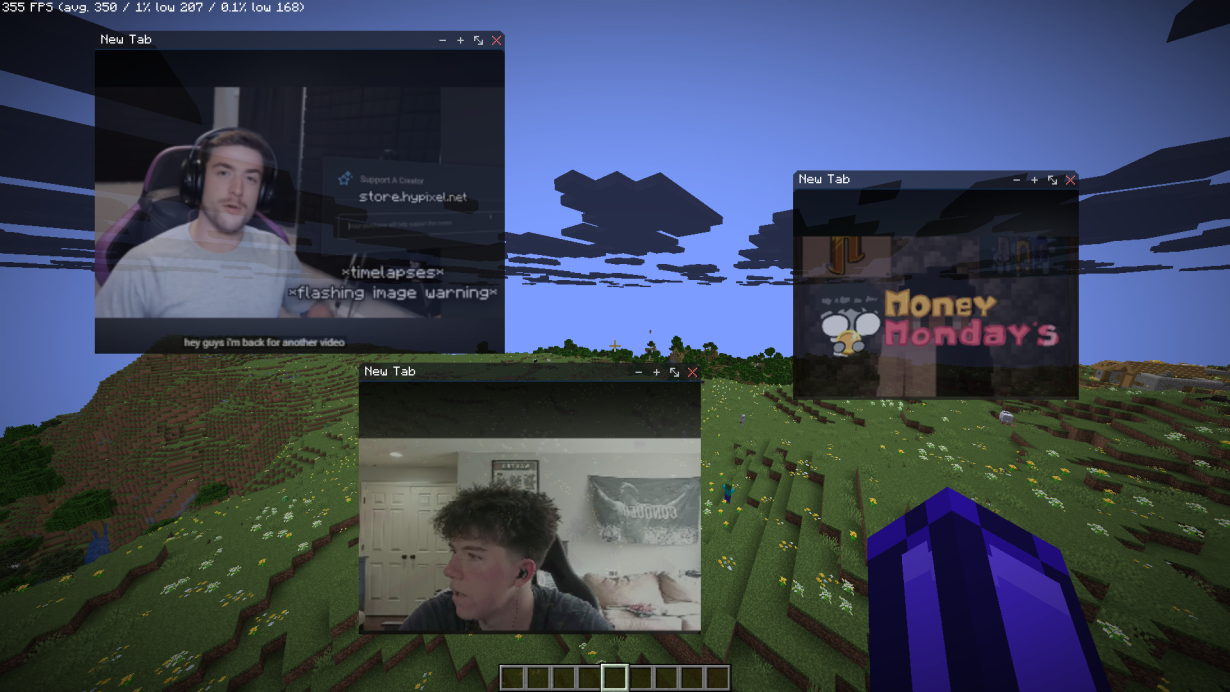
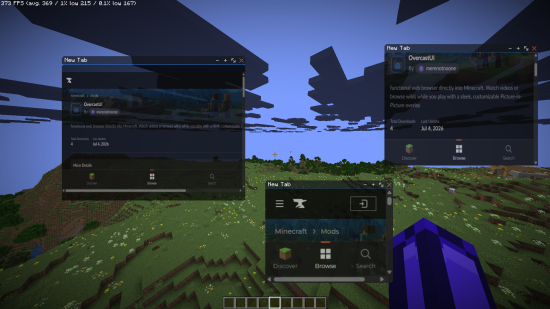
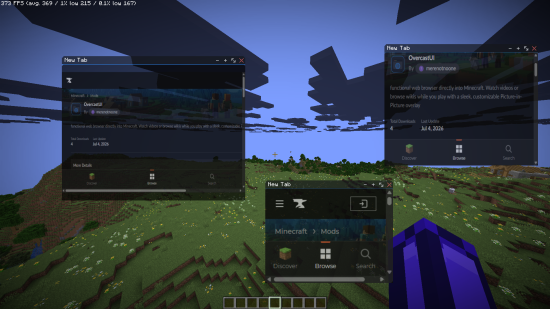
Press a hotkey (default: Shift+Tab) and a translucent overlay fades in over gameplay, chat, the pause menu — even a disconnect screen. It hosts draggable, resizable browser windows with real tabs, full nav (back/forward/reload/home), an address bar, and bookmarks — powered by an actual Chromium engine (via MCEF/JCEF). Pages render, scroll, play video with audio, and accept form input like a real browser, not a stripped-down webview.
Close the overlay and control snaps right back to the game — nothing pauses, and anything still running (like a Picture-in-Picture video) keeps going in the background.
Core features
- Multiple windows & tabs — independently draggable, resizable, each with its own tab strip
- Full nav chrome — back/forward/reload/home + address bar (URLs or DuckDuckGo search)
- Picture-in-Picture — shrink any tab into a floating window that keeps playing after you close the overlay; draggable, resizable, restorable
- Split view — two tabs side-by-side in one window
- Find-in-page (
Ctrl+F) and per-tab zoom
- Private windows for separate, unlogged browsing
- Tab suspension — idle background tabs auto-unload to save RAM/CPU, reload instantly when reopened
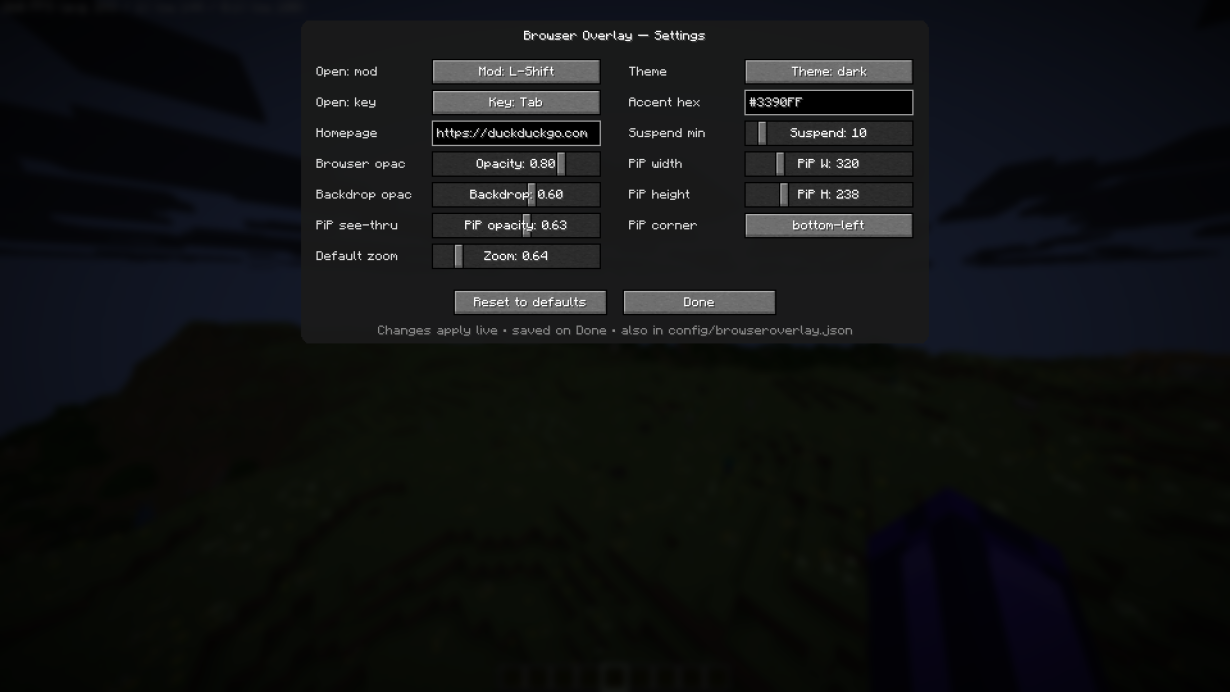
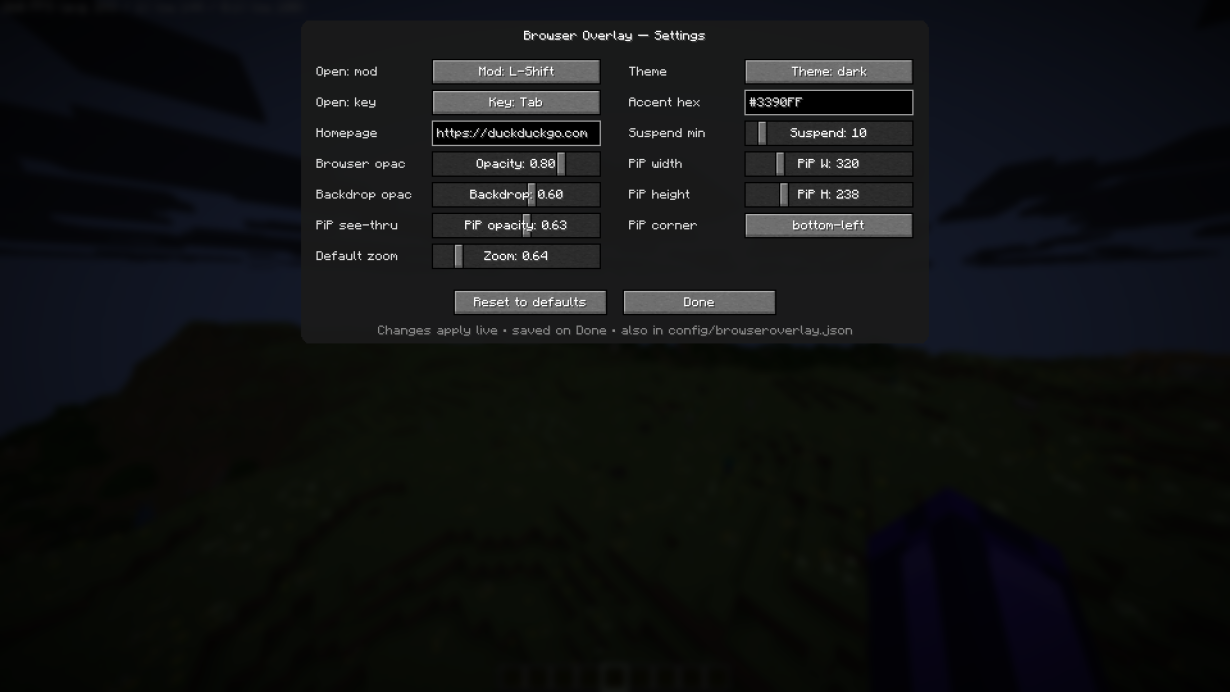
- Theming — dark/light/custom accent, adjustable browser opacity, backdrop dim, and PiP transparency
- In-game settings menu — everything above, live-adjustable, plus a rebindable hotkey
- Hand-drawn UI — vector icons, hover states, tooltips, soft shadows, eased animations, live tab titles
- Editable config at
.minecraft/config/browseroverlay.json
- Graceful fallback — shows a clear error instead of crashing if the browser engine fails to load
Great for
- Looking up wikis, crafting guides, or boss strategies mid-fight without alt-tabbing
- Watching a guide or stream in PiP while you play
- Keeping Discord, a dynamic map, or a claims dashboard one keypress away on multiplayer
- Redstone calculators, palette pickers, and other reference tools for builders
- Streamers running chat/alert overlays without a second monitor
- Browsing during AFK, farming, or travel downtime
Requirements
| |
|
| Minecraft |
26.1.2 |
| Fabric Loader |
0.19.3+ |
| Fabric API |
0.154.0+26.1.2 |
| MCEF Modern |
0.3.2+mc26.1.jcef143.0.14 |
| Java |
25 |
| Side |
Client-only |
License
All Rights Reserved © 2026 merenotnoone. Personal use and unmodified redistribution in free modpacks (with attribution) permitted. Modifying, reselling, or republishing source requires written consent — see LICENSE. MCEF/CEF binaries are separate projects under their own licenses.