A Forge 1.20.1 mod inspired by Ore Biome — rebuilt with a modern config GUI, one-click ore scanning, and adjustable biome density.
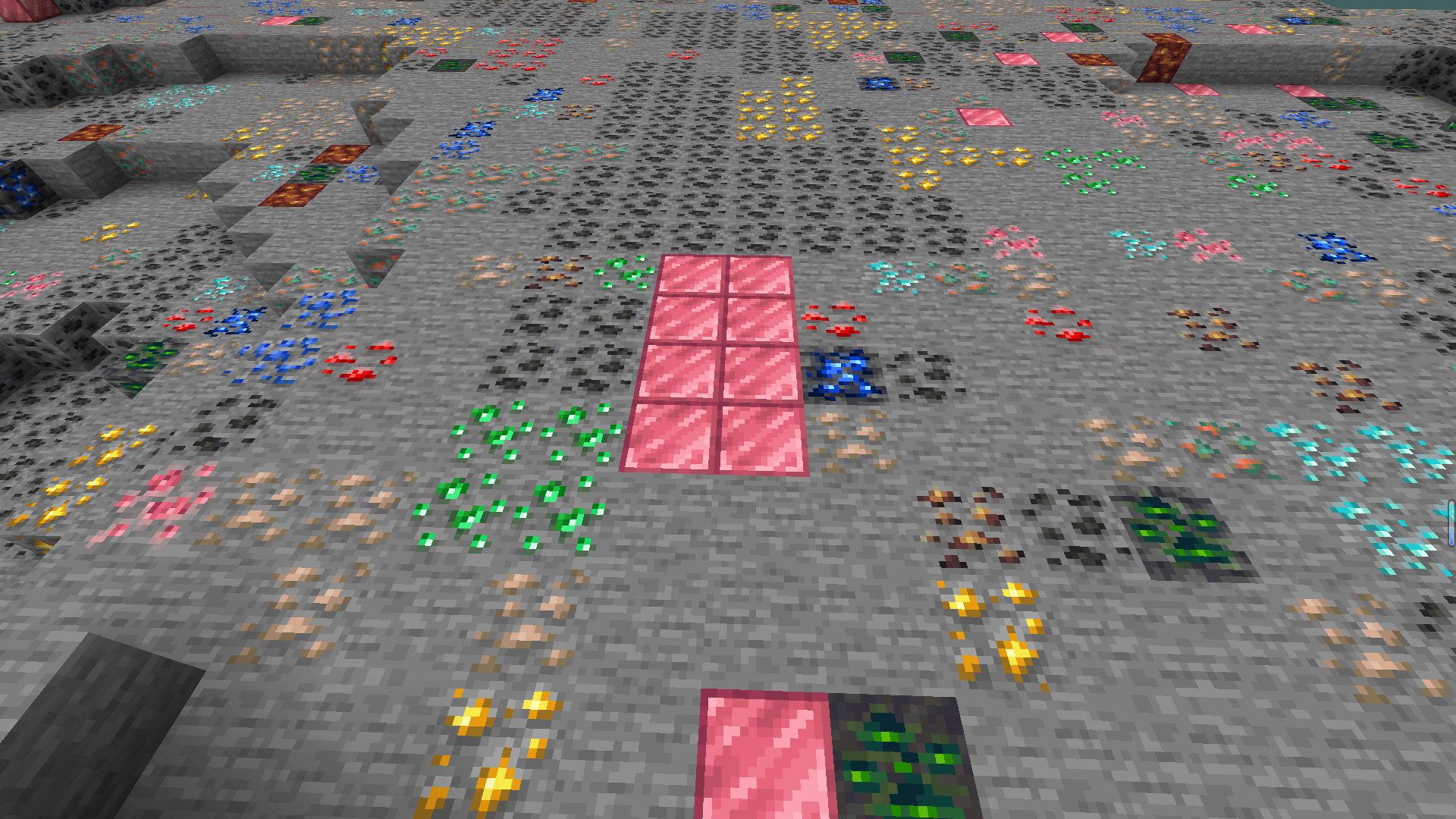
Ever wondered what it would be like if an entire biome was made of ore? This mod brings that concept to Minecraft Forge 1.20.1, allowing you to generate special ore biomes packed with the ores of your choice.
The original Ore Biome mod was a fun idea, but it stayed on 1.12.2 and relied on manually editing .cfg files. Adding modded ores was tedious and error-prone. This project is an independent reimplementation for modern Forge, redesigned from the ground up to make ore biomes easy to configure, easy to customize, and fully compatible with modpacks.
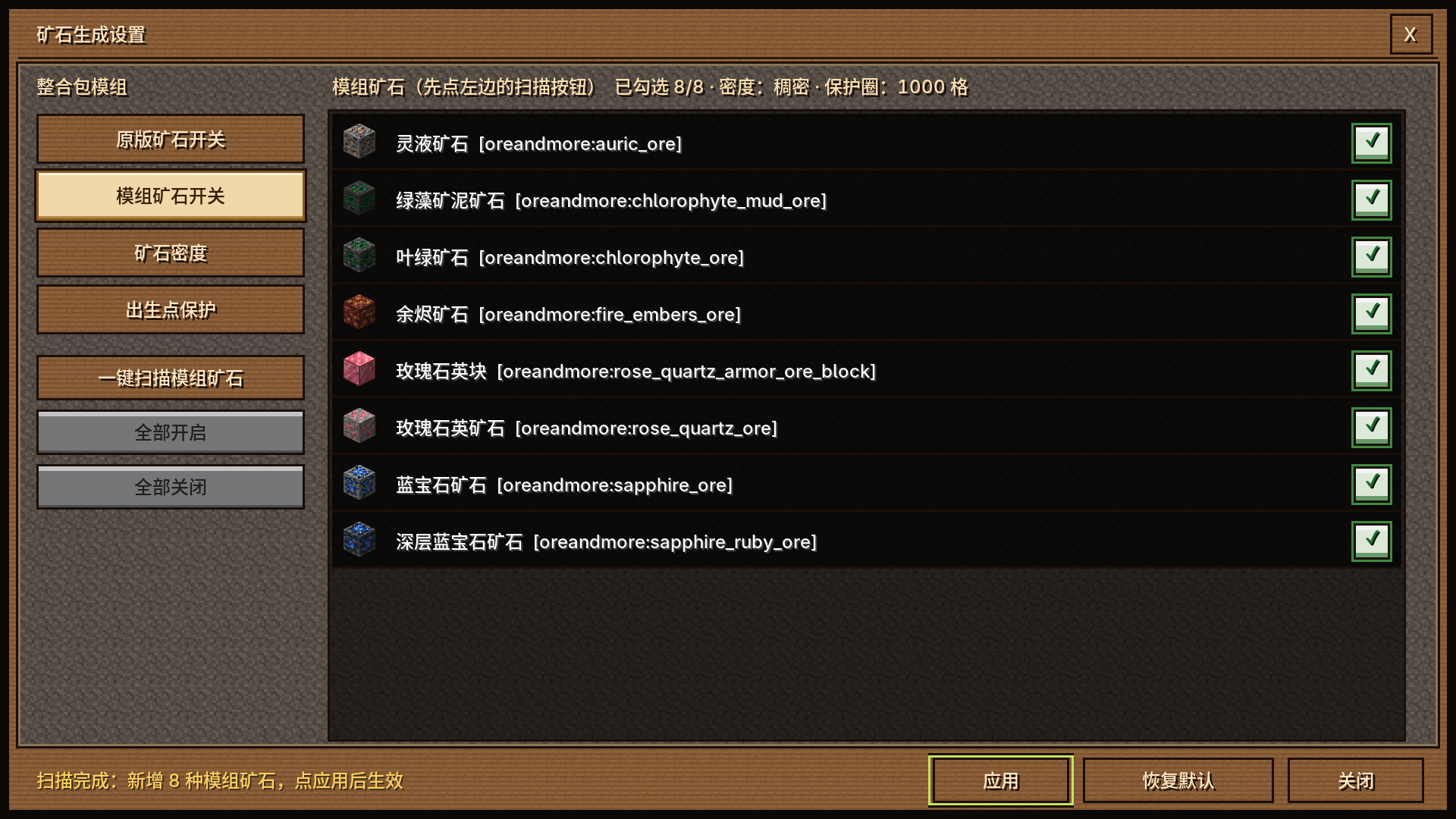
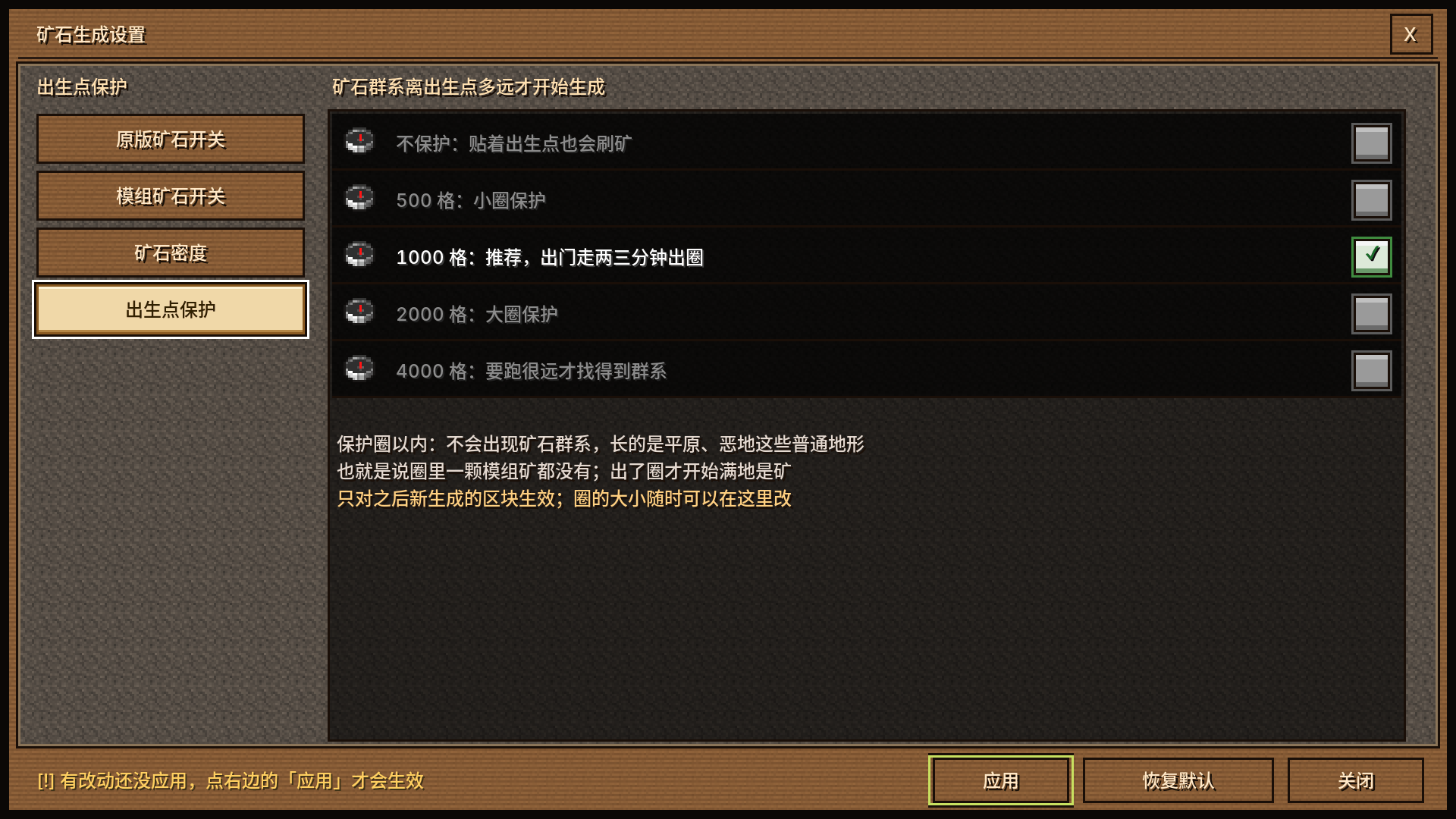
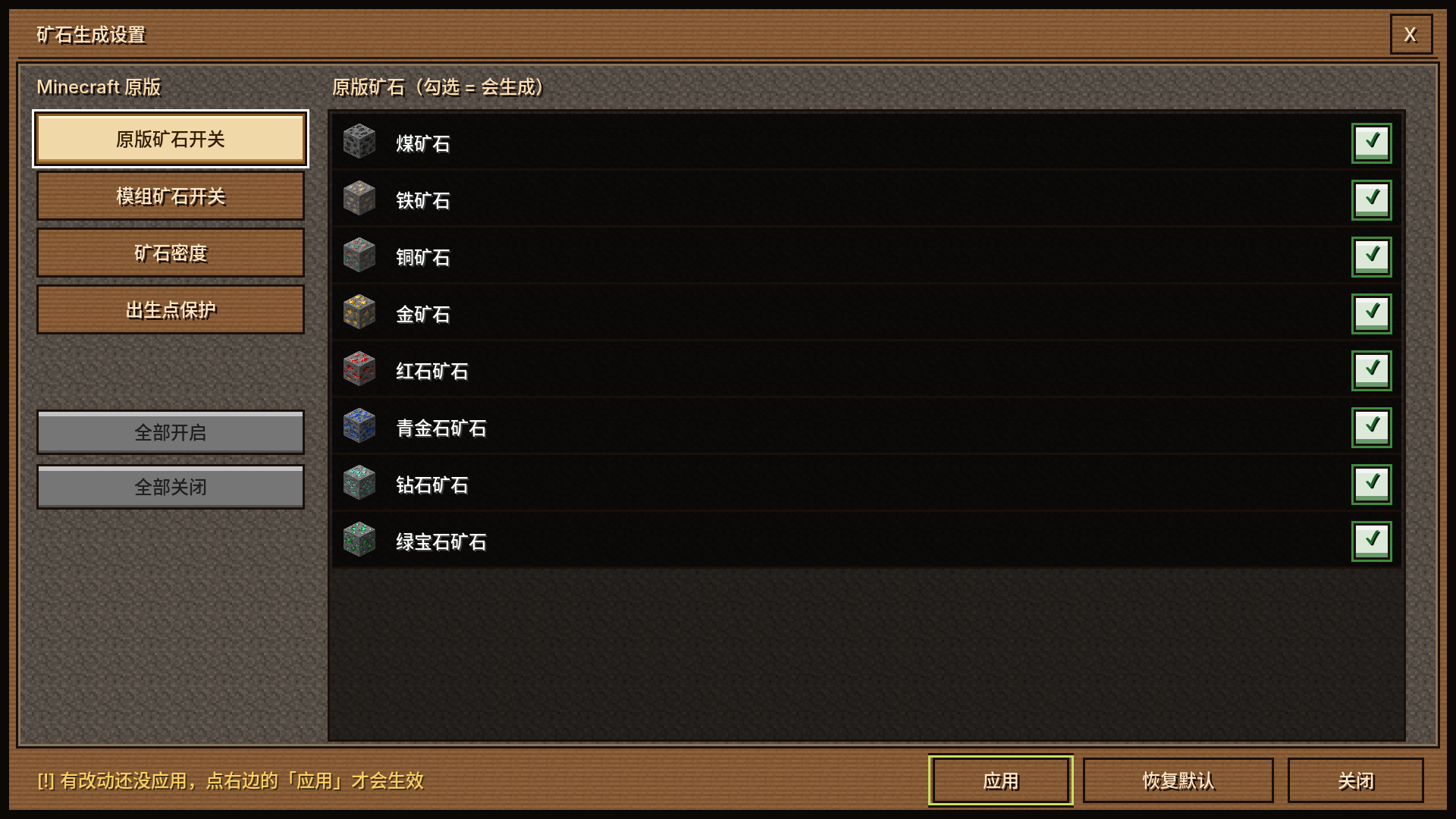
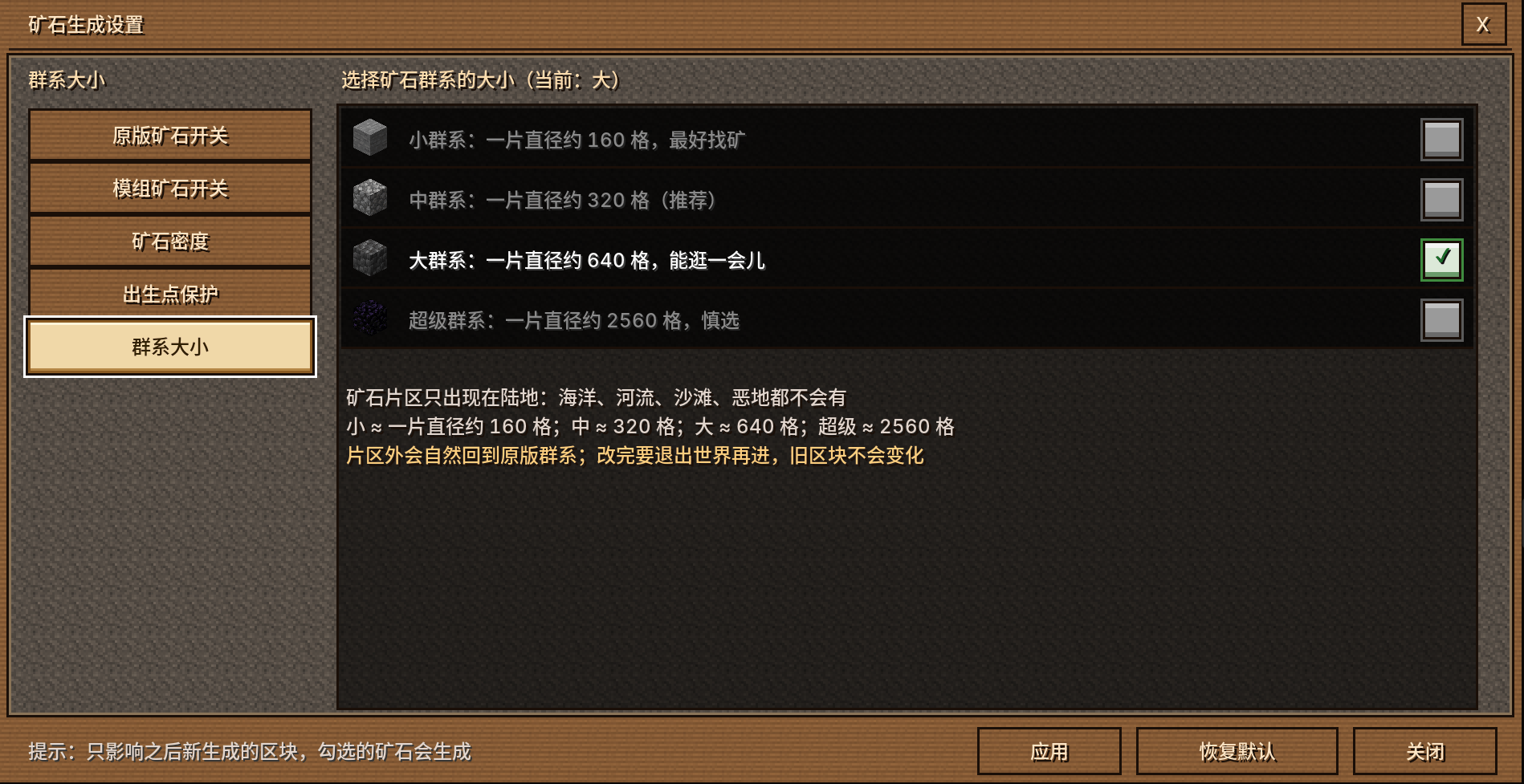
No more editing config files by hand. This mod includes a full in-game configuration screen where you can:
Forget about remembering modid:orename:metadata syntax. The GUI handles it for you.
Got a modpack with dozens of mods, each adding its own ores? Want them all in your ore biomes?
Click Scan Ores in the config GUI. The mod will automatically scan every registered ore block in your game — vanilla and modded alike — and present them in a selectable list. Just check the ores you want, save, and you're done.
Tin, silver, lead, platinum, iridium… if it's registered as an ore, this mod can find it and add it to your ore biomes.
This directly solves one of the biggest pain points of the original mod: manually adding modded ores to the config often caused world generation errors if the format was even slightly off.
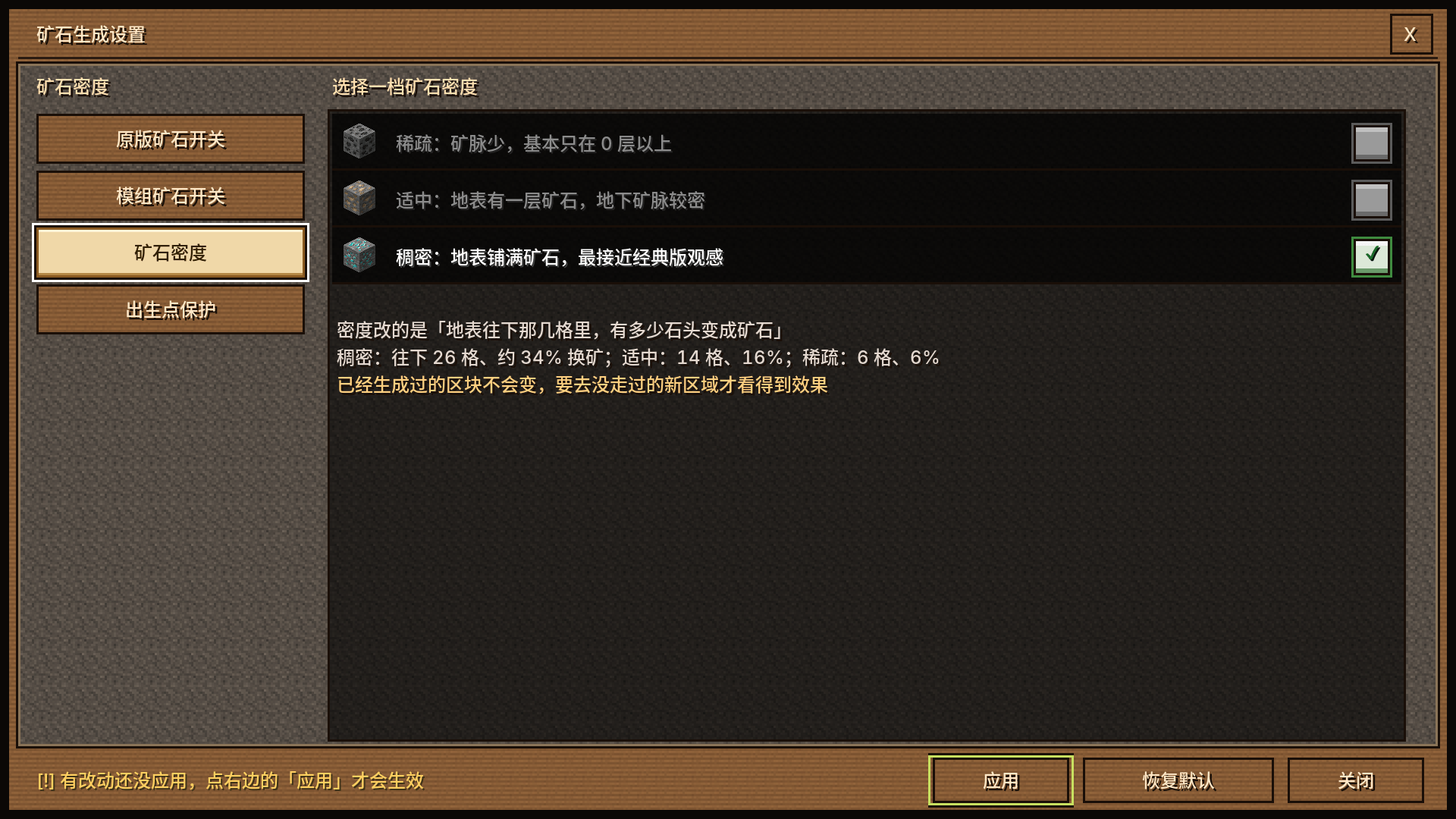
How dense should your ore biomes be? Choose from three preset modes:
| Mode | Description |
|---|---|
| Sparse | Lower biome generation chance and lower ore density. Great for normal survival gameplay. |
| Balanced | The default. A good mix of excitement and game balance. |
| Dense | More frequent ore biomes with much higher ore density. Perfect for players who want a mining paradise or need resources fast. |
Switching modes takes effect immediately — just select one in the GUI.
Launch the game.
Go to Mods → find Ore Biome Reforged → click Config.
Click Scan Ores in the config screen.
Wait for the scan to finish. A list of all registered ore blocks will appear.
Check the ores you want to include in ore biome generation.
Save the config. Restart the game or reload the world if needed.
In the config screen, find the Generation Density option.
Choose Sparse, Balanced, or Dense.
Save and enjoy.
forge:ores tag. Ores from mods that do not register correctly may not be detected.| Component | Version |
|---|---|
| Minecraft | 1.20.1 |
| Forge | 47.x |
| Environment | Client + Server |
This project is licensed under the MIT License. See the LICENSE file for details.