Put every item in its place — while keeping the important ones exactly where you left them.
Orderstone is a lightweight, client-side inventory organizer for Fabric. Sort inventories and storage, merge partial stacks, transfer matching items, and permanently protect the slots that must never move.
It is designed for players who want fast organization without handing their entire loadout over to an unpredictable sorter.
Client-side only: install Orderstone on your own game. Servers do not need to have the mod installed.
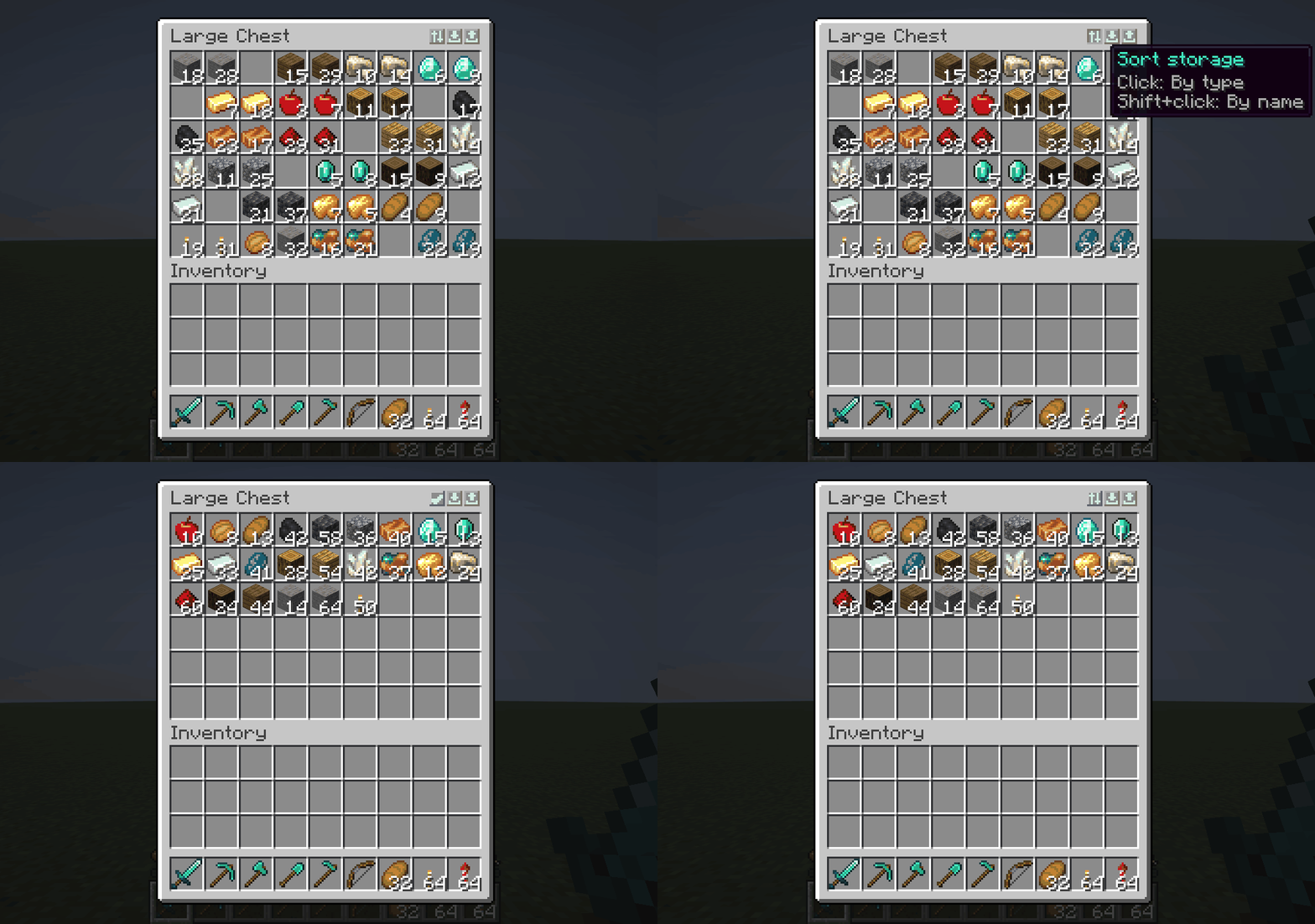
Orderstone organizes the 27-slot main inventory using a consistent item type and name order.
Your equipment stays equipment. Your crafting slots stay crafting slots. Orderstone cleans up the mess without casually redecorating your entire character.
Some slots should simply never be touched.
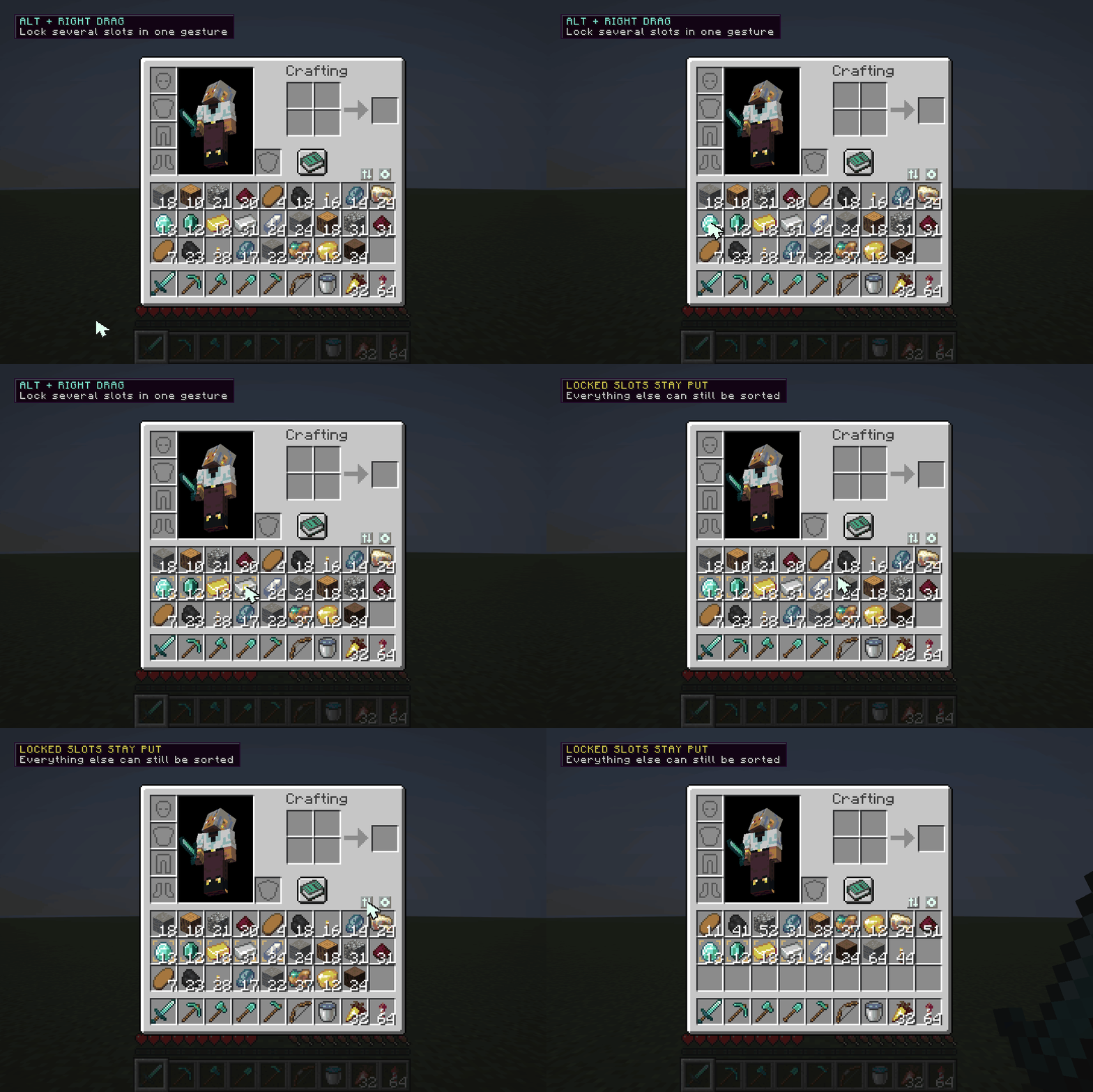
Alt + Right-click a slot to lock or unlock itAlt and drag across slots to manage several locks quicklyKeep tools, food, rockets, building blocks, or anything else exactly where your muscle memory expects it.
Orderstone adds fast organization and transfer controls to supported storage screens.
| Action | Result |
|---|---|
| Sort Inventory | Organizes the eligible slots in your player inventory |
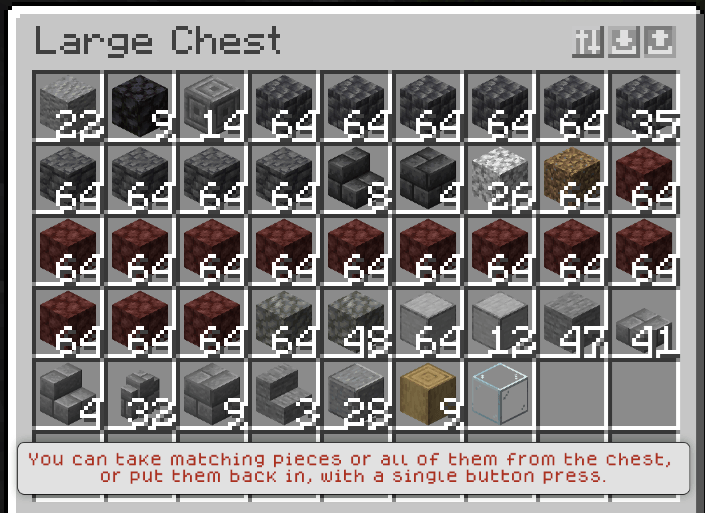
| Sort Storage | Organizes the contents of the opened container |
| Deposit Matching | Deposits inventory items whose types already exist in the container |
| Take Matching | Takes container items whose types already exist in your inventory |
| Shift + Transfer | Activates the corresponding bulk action for all eligible items |
| Alt + Right-click | Locks or unlocks a player inventory slot |
| Alt + Drag | Manages multiple slot locks in one motion |
Matching transfers are ideal for storage rooms: open the correct chest, press one button, and send only the items that belong there.
Orderstone currently supports:
Support is based on the actual slot layout, not merely the screen title. Other modded container screens are not automatically guaranteed unless they use a compatible layout or are explicitly supported.
Orderstone works through normal client inventory interactions and requires no server-side installation.
Inventory operations are planned and processed in a controlled sequence instead of flooding a remote server with clicks. The operation system validates the current screen and slot layout, accounts for slower server responses, and stops safely if the interface changes or an operation exceeds its time limit.
This makes Orderstone suitable for:
Locked slots, protected equipment areas, and configurable hotbar behavior continue to apply during container transfers.
Minecraft inventories become repetitive long before they become interesting. Sorting the same drops, feeding the same storage room, and rebuilding the same hotbar adds friction without adding meaningful gameplay.
Orderstone removes that friction while preserving player control:
No inventory overhaul. No server dependency. Just less time cleaning and more time playing.

26.1.20.19.3 or newer2526.1.2..jar file inside your mods folder.No installation is required on the server.
Orderstone is currently in beta. Its core sorting, stack merging, slot locking, and supported container operations have been tested, but unusual modded screens may use unexpected layouts.
If a modded container looks incorrect, avoid running a bulk operation and report the container name, its mod, and what happened.
Feedback and reproducible bug reports are especially valuable during the beta period.
Enjoy your organized inventory, and thanks for being part of the beta!
All Rights Reserved.