Optidum
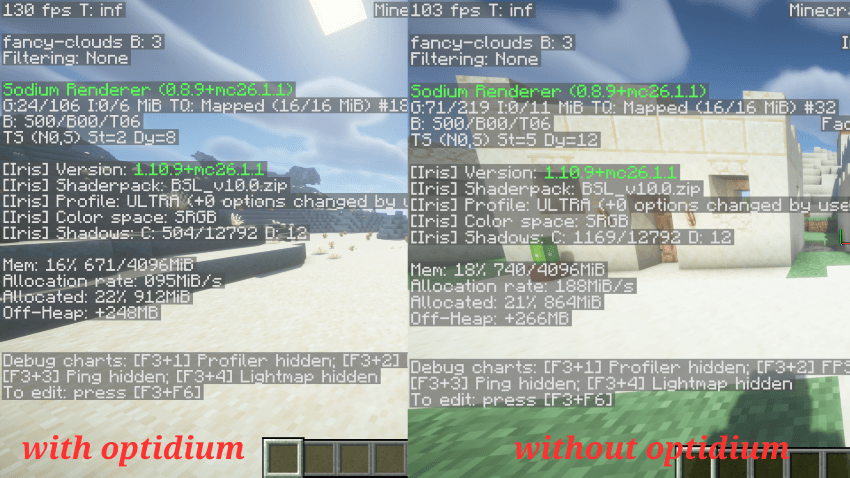
Optidum is a client-side Fabric performance addon built around Sodium. It requires Sodium and applies extra FPS-focused tuning, lag-spike protection, and configurable optimizations for smoother gameplay.
Version
Current version: 1.3
What It Does
- Requires Sodium so Optidum can target Sodium's rendering and chunk pipeline.
- Applies a Sodium performance profile for better FPS and fewer stutters.
- Reduces heavy visual settings such as clouds, particles, smooth lighting, biome blending, and entity distance scaling when performance mode is enabled.
- Detects large frame-time spikes and can temporarily reduce render distance to reduce chunk-related lag spikes.
- Keeps render-distance changes conservative so worlds do not constantly reload chunks.
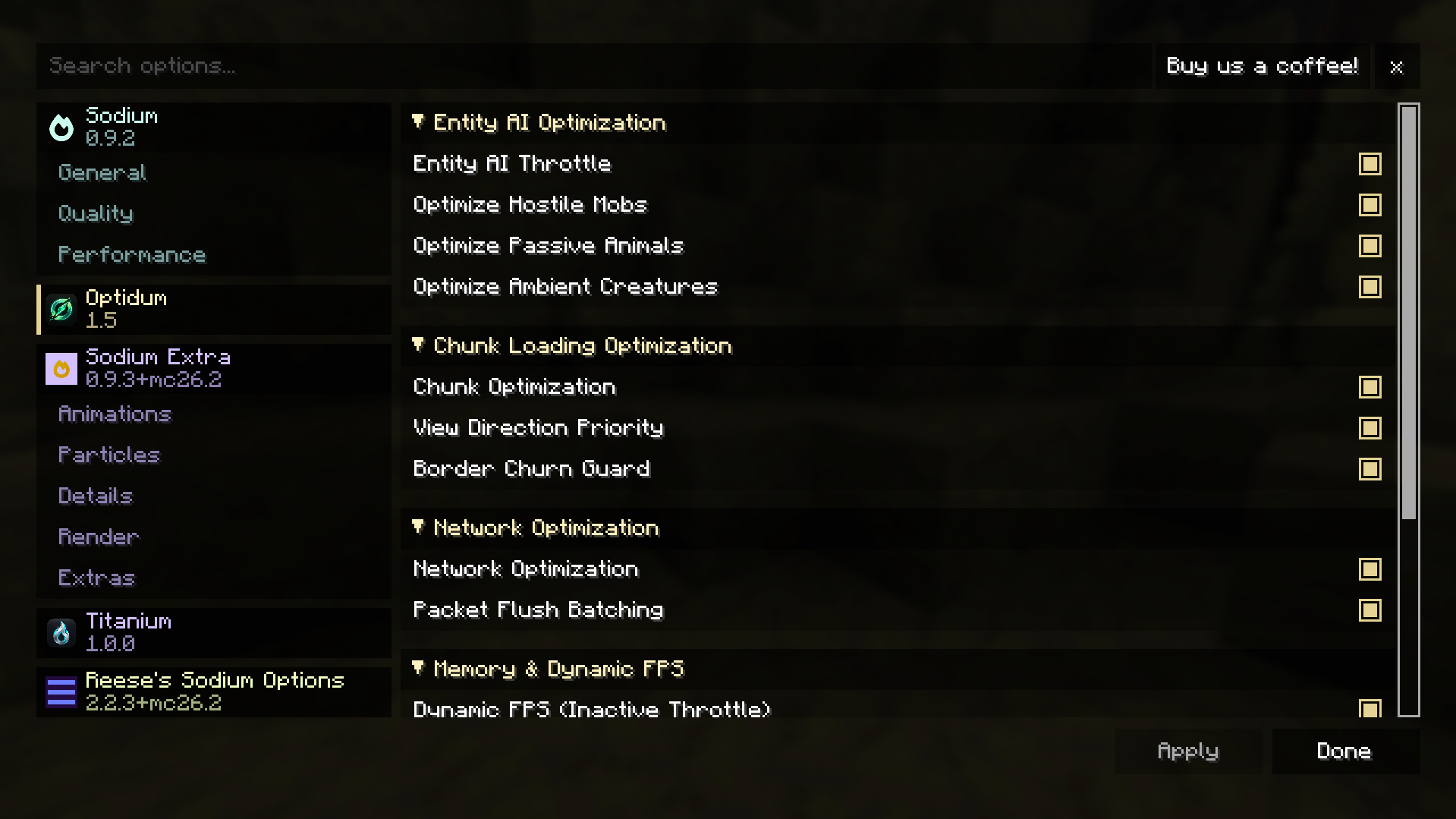
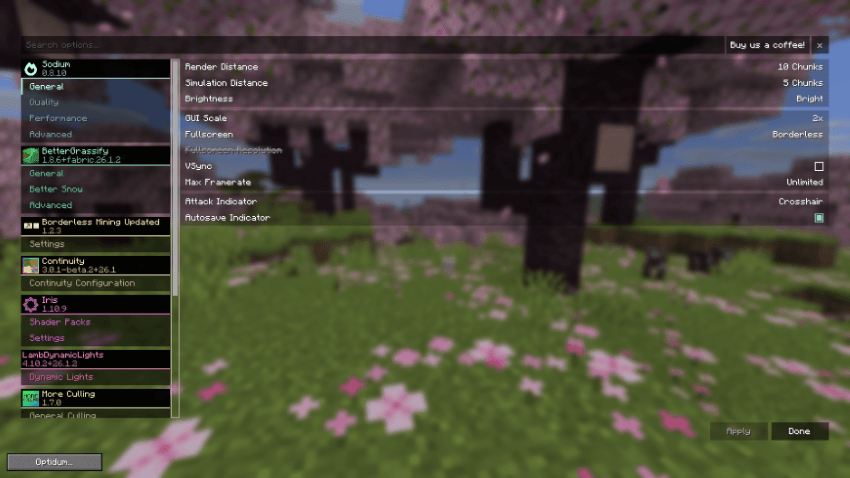
- Adds an Optidum config button directly inside Minecraft's Video Settings screen.
Main Features
Sodium Performance Profile
Optidum writes a performance-oriented Sodium config profile on startup. The profile focuses on:
- Deferred chunk updates
- Entity culling
- Fog occlusion
- Block face culling
- Compact vertex format
- Persistent mapping
- Chunk multidraw
- Lower CPU render-ahead pressure
Lag Spike Reduction
Optidum monitors frame time. When a large spike is detected, it can lower render distance by one step after a cooldown instead of constantly changing it every few seconds.
Video Settings Menu
Open Minecraft's Video Settings screen and press the Optidum button to access the Optidum configuration menu.
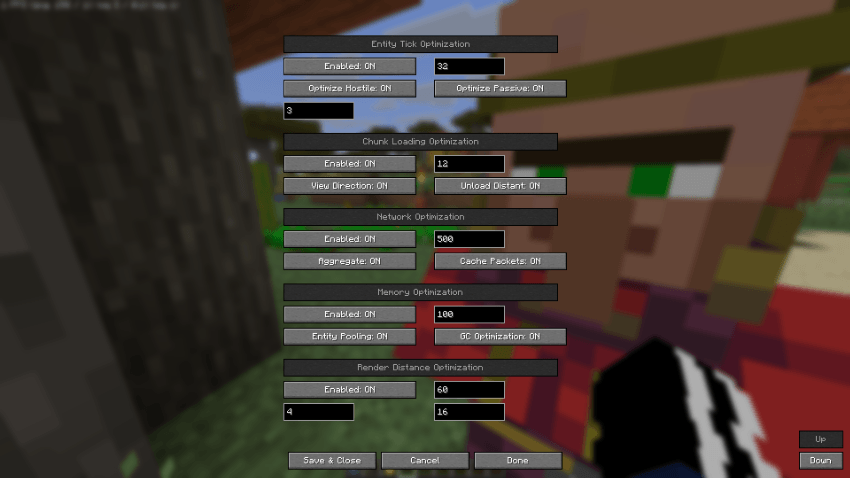
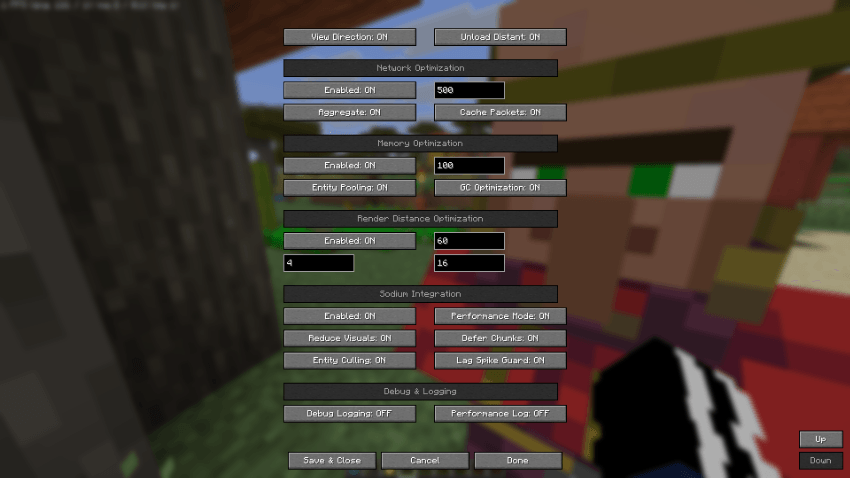
Server-Side Integrated Optimizations
Optidum also includes optimizers for integrated-world gameplay:
- Entity tick reduction based on player distance
- Chunk tracking and cache helpers
- Network packet helper logic
- Memory and garbage collection monitoring
Requirements
- Minecraft 26.1.1
- Fabric Loader 0.18.6 or newer
- Fabric API
- Sodium 0.8.0 or newer
- Java 25 or newer
Installation
- Install Fabric Loader for Minecraft 26.1.1.
- Install Fabric API.
- Install Sodium 0.8.0 or newer.
- Place the Optidum jar in your
mods folder.
- Launch Minecraft and open Video Settings to configure Optidum.
Configuration
Optidum stores its config at:
config/optidum.json
Sodium performance options are written to Sodium's config file when Optidum starts. If you change settings in-game, restart Minecraft to ensure every Sodium-side option is fully reloaded.
Recommended Use
For best results:
- Keep Sodium installed and updated.
- Use the Optidum button in Video Settings to tune target FPS and render-distance limits.
- Avoid setting max render distance too high if your world reloads chunks frequently.
- Leave lag-spike render-distance reduction enabled on lower-end systems.
License
Optidum is licensed under CC0-4.0. See LICENSE for details.
Links