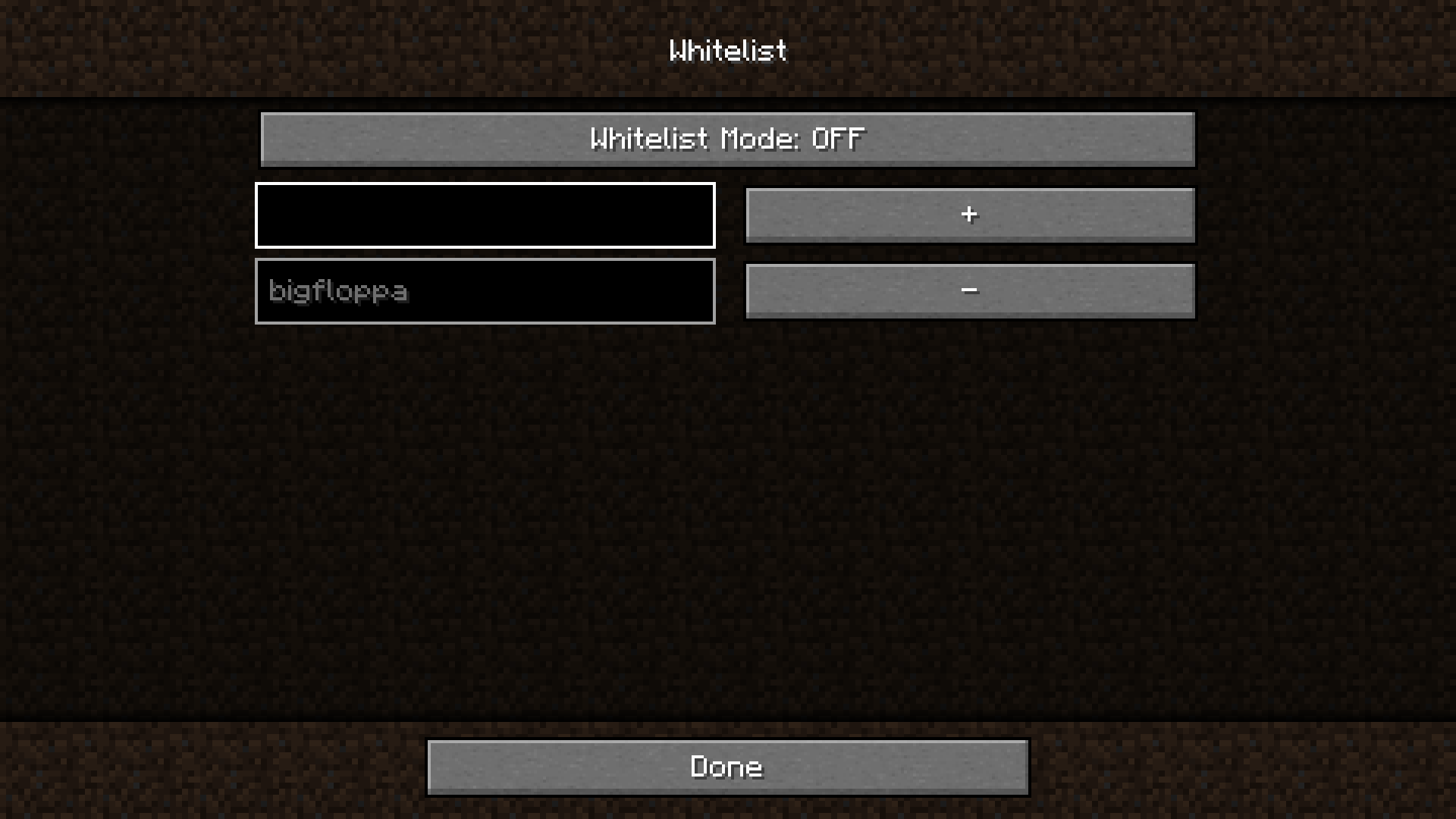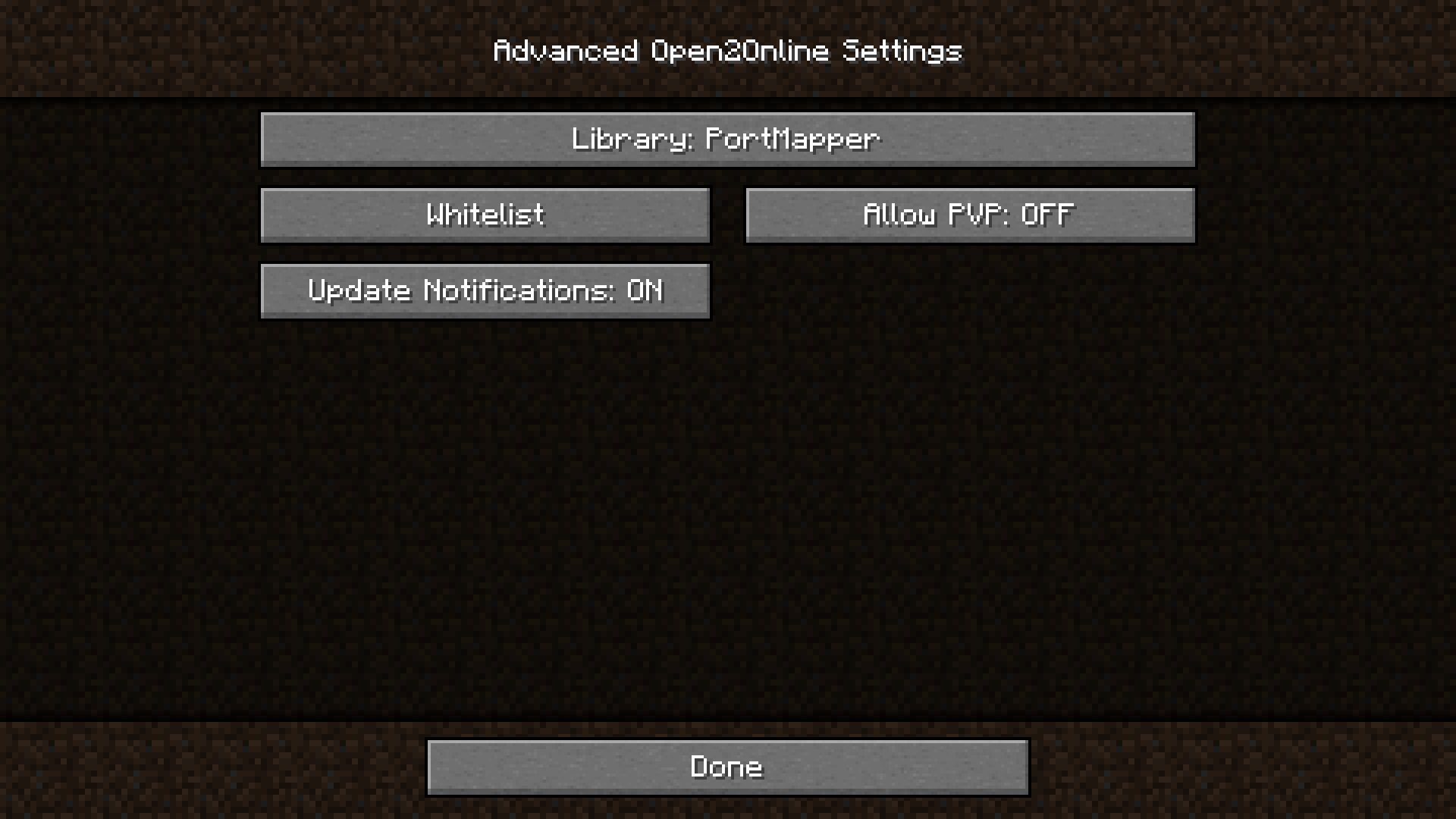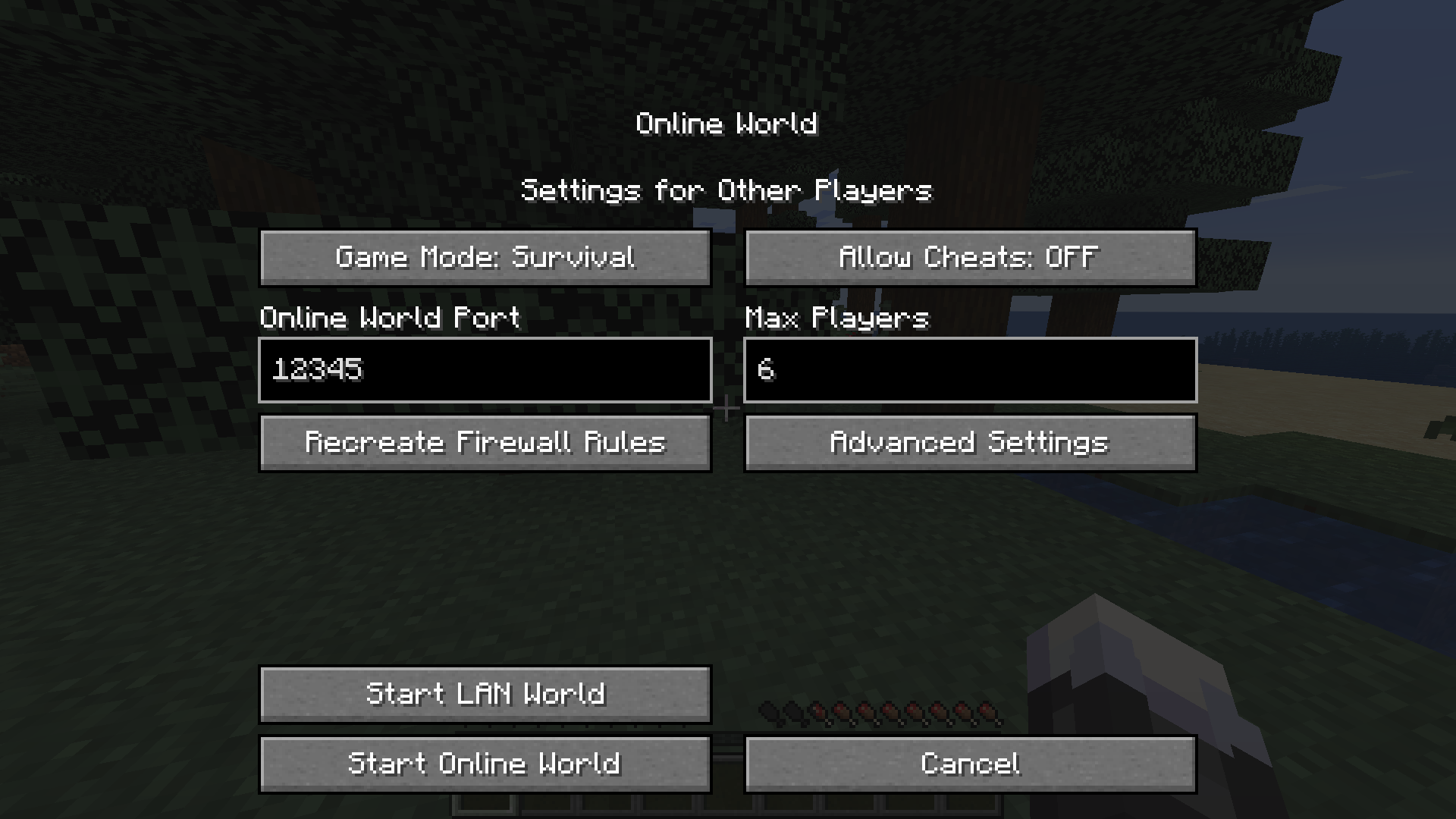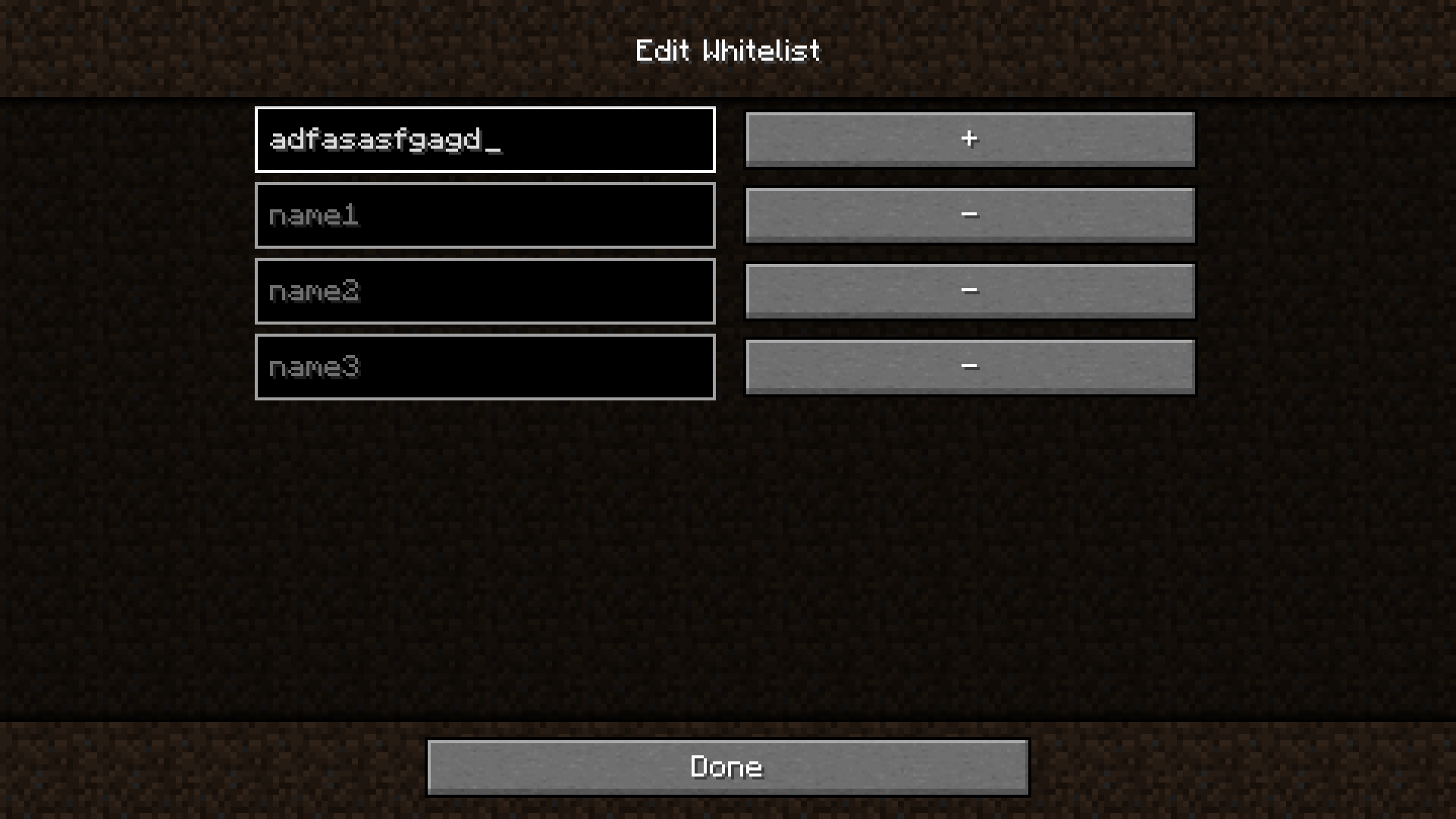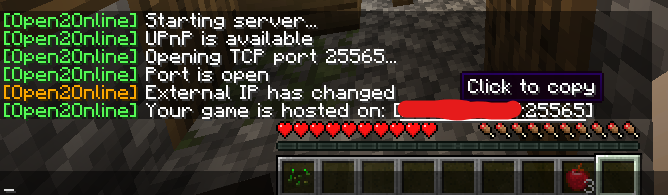
In other words, you can play with friends without Realms or LAN emulators.
Just type /open2online into chat to start the server with the current world settings.
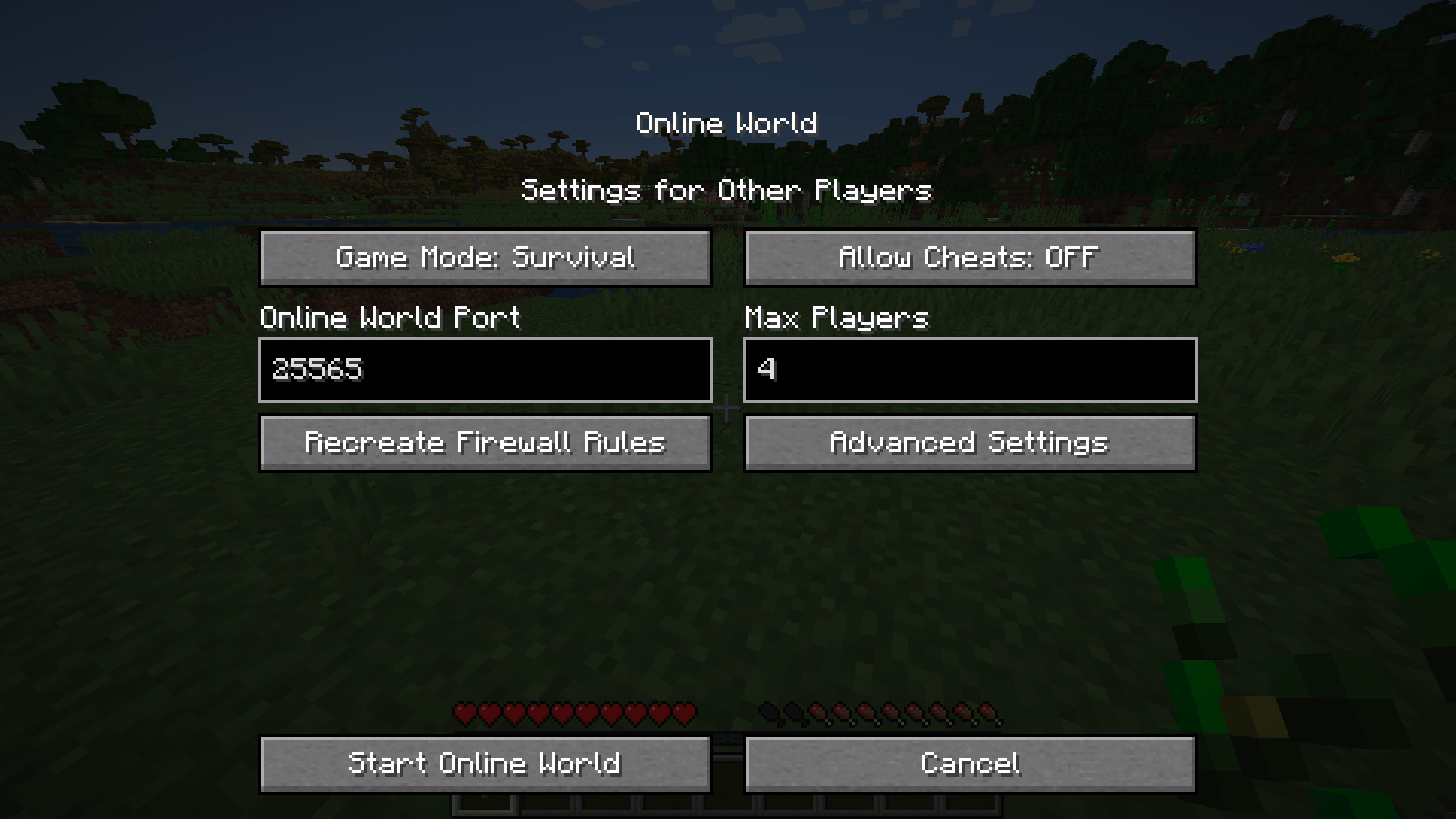
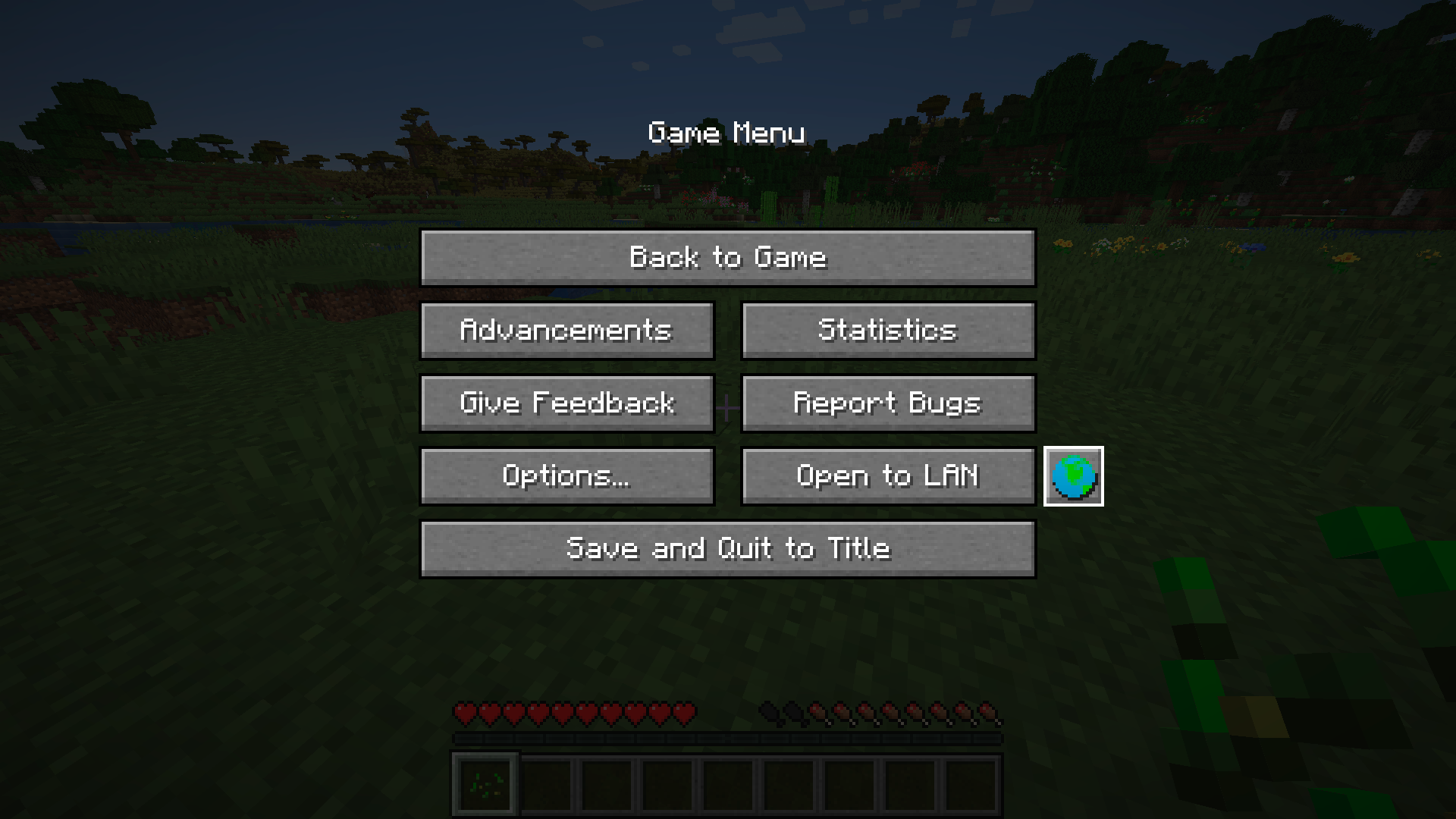
Or set up the server yourself by clicking the  button in the pause menu.
*You need UPnP (or NAP-PMP/PCP for version 1.0.0+) enabled on your router.
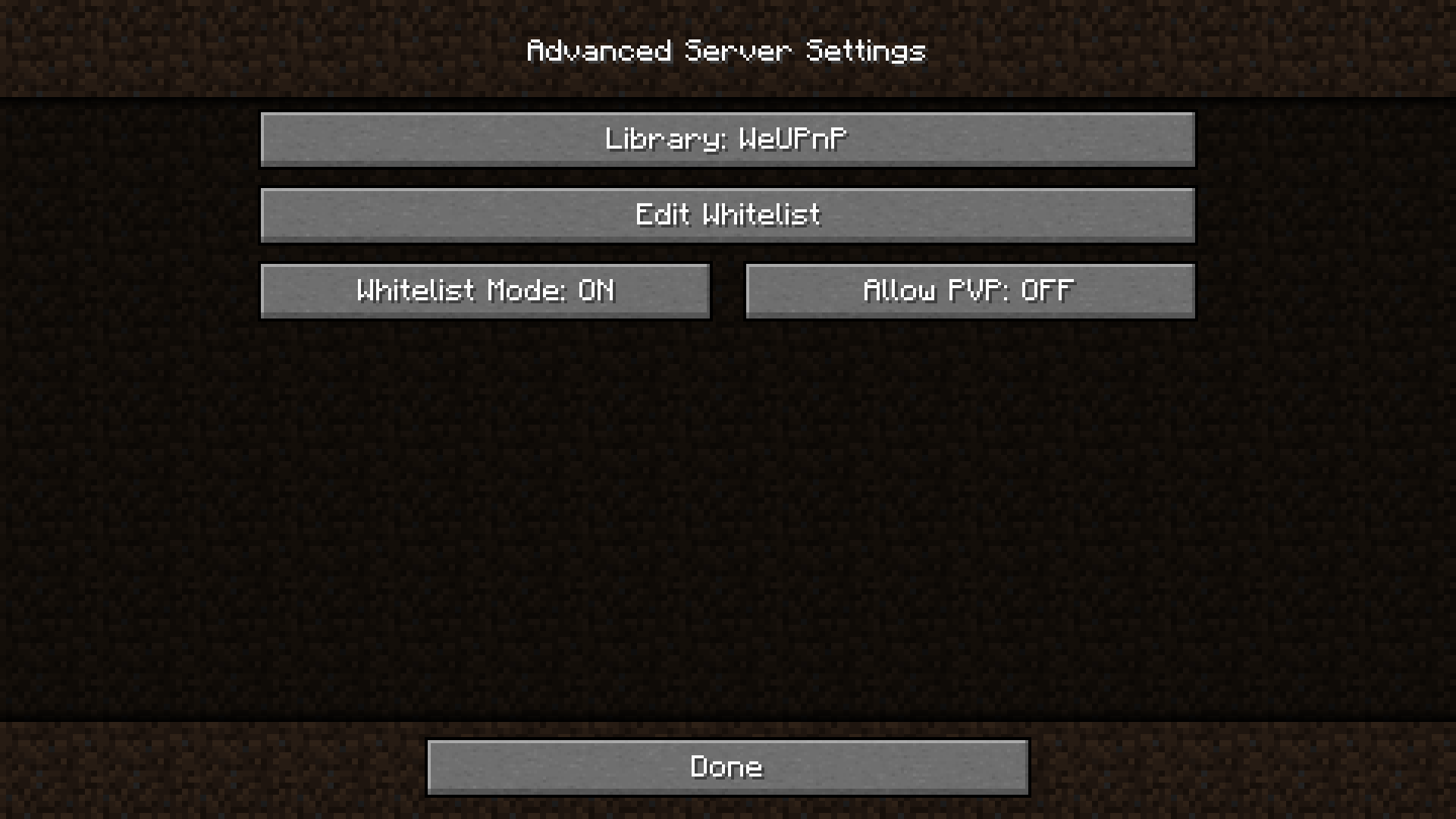
Try changing the port or library. If the port still does not open, your ISP is most likely blocking port forwarding.
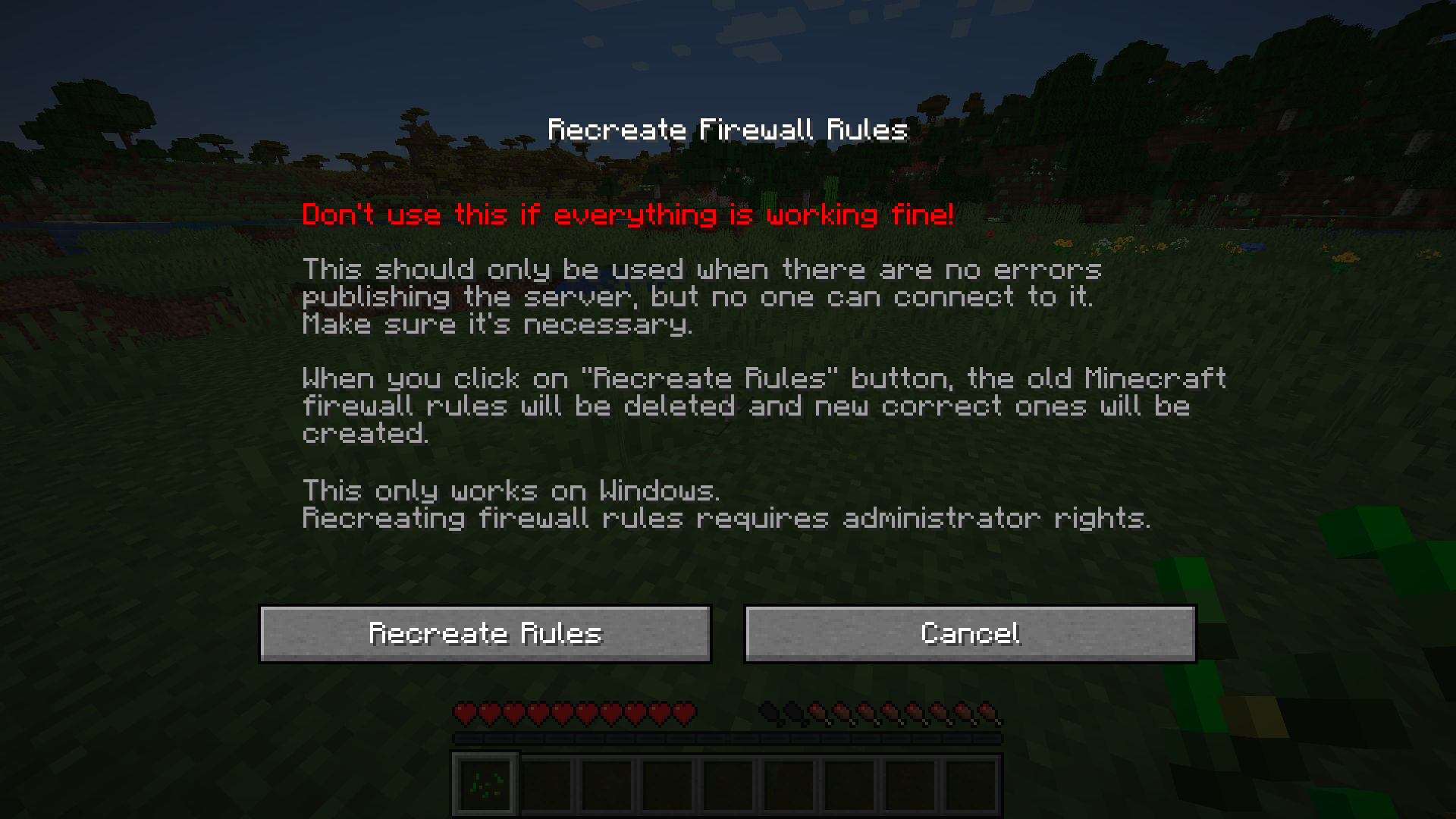
Make sure you're not using a VPN. Click on the «Recreate Firewall Rules» button and start the server. Check if the port is open using any site that allows you to do this (not a router page). If the port is closed, then something is blocking the connection. If the port is open, then everything should work. Maybe your friend should also recreate the firewall rules.