OB Backpack
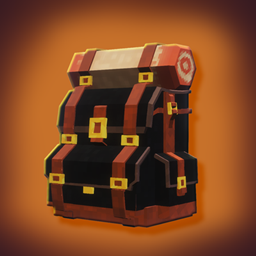
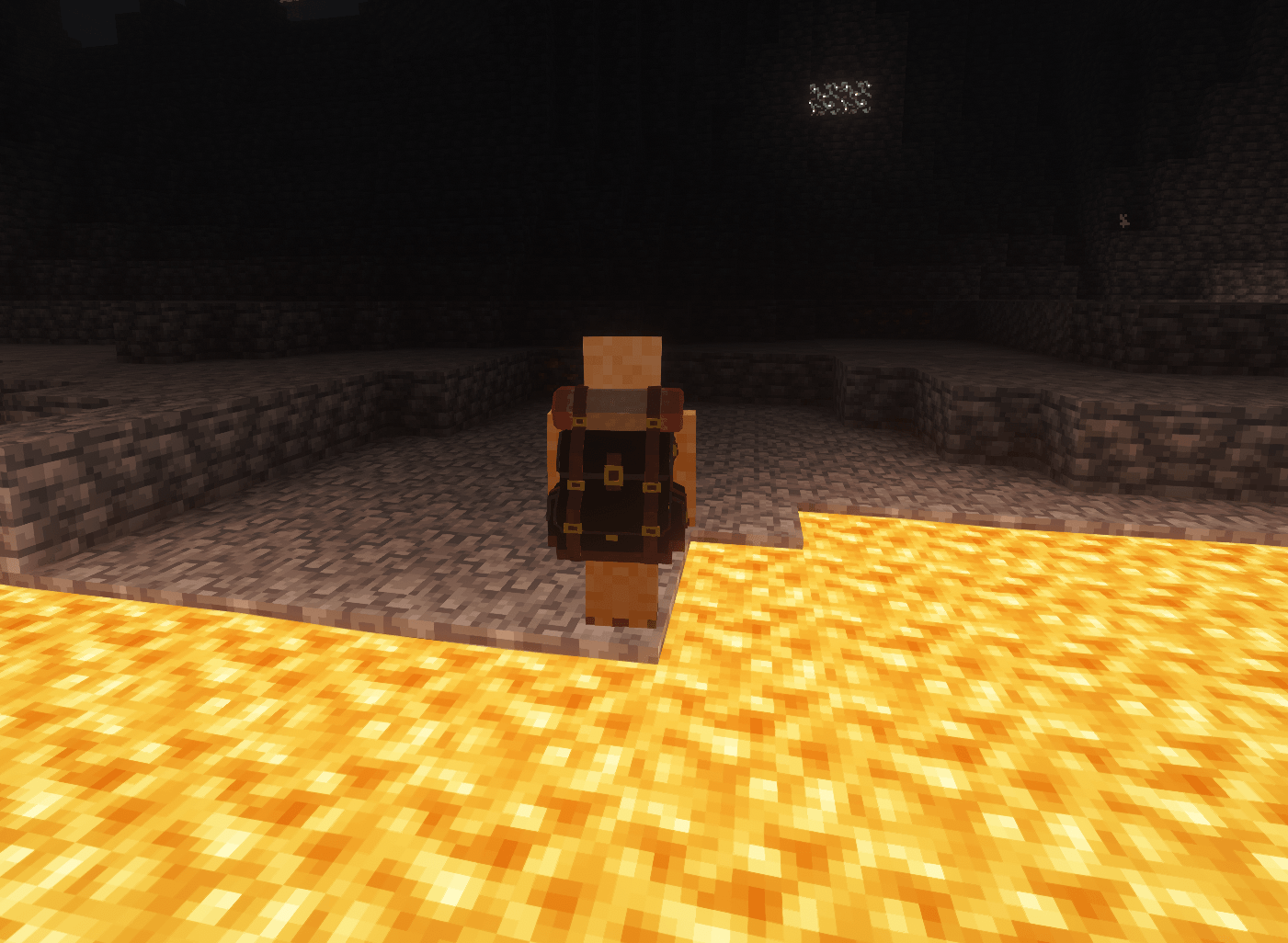
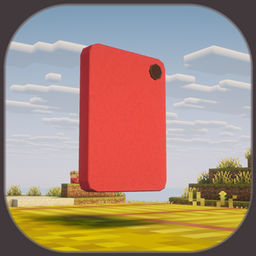
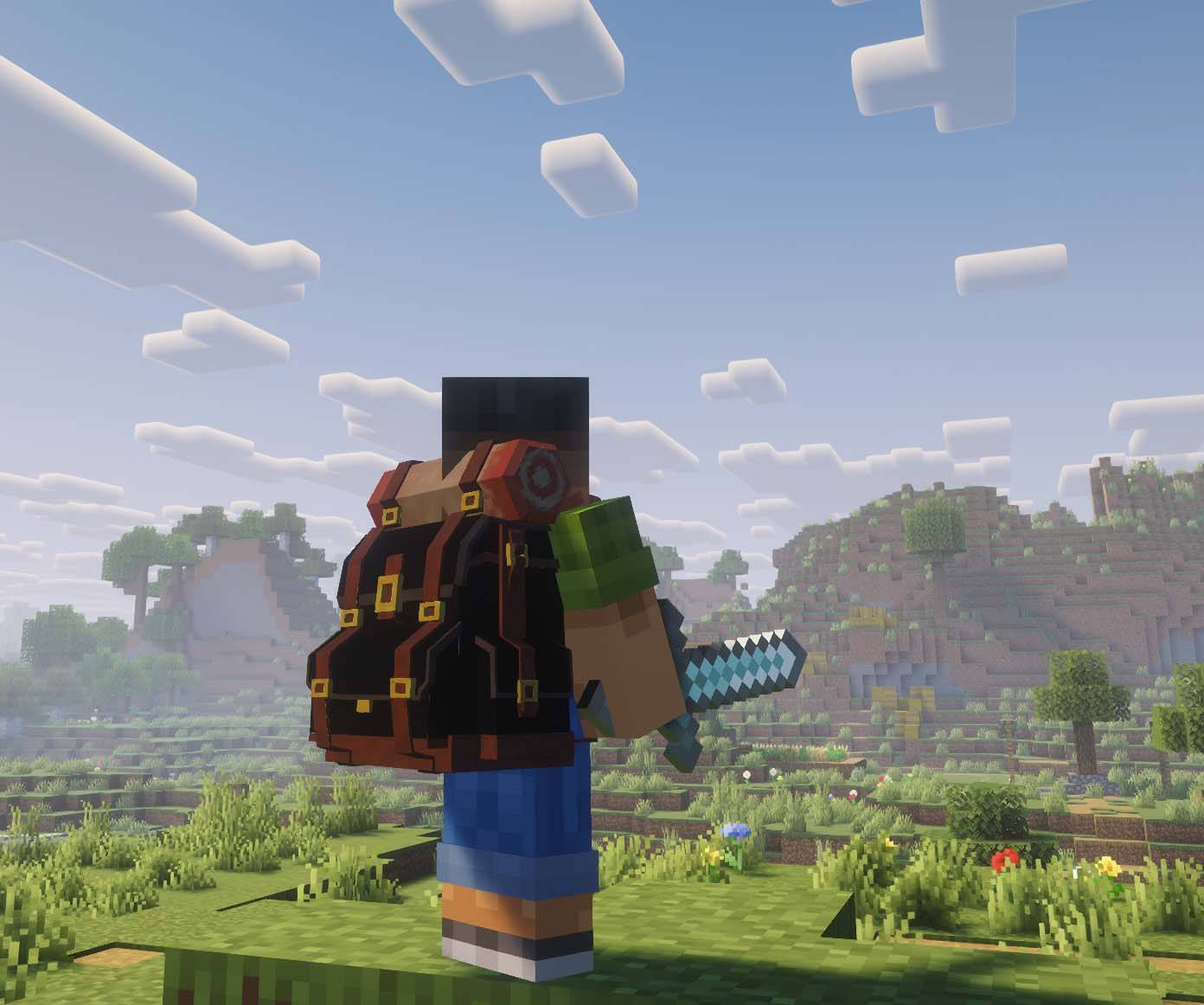
OB Backpack adds wearable backpacks that provide extra portable storage without replacing your chest armor. Backpacks use their own equipment slot and are rendered directly on your character while equipped.
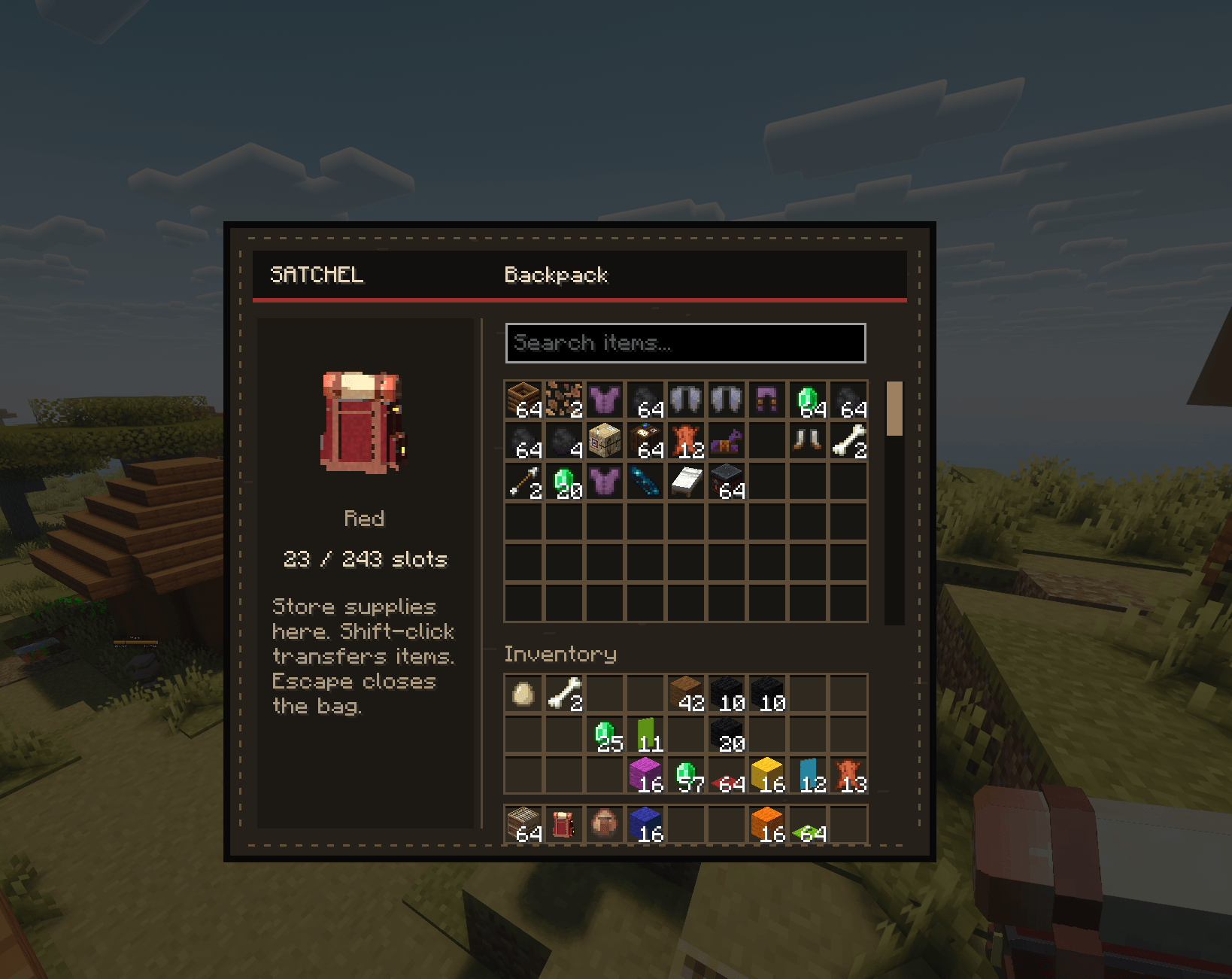
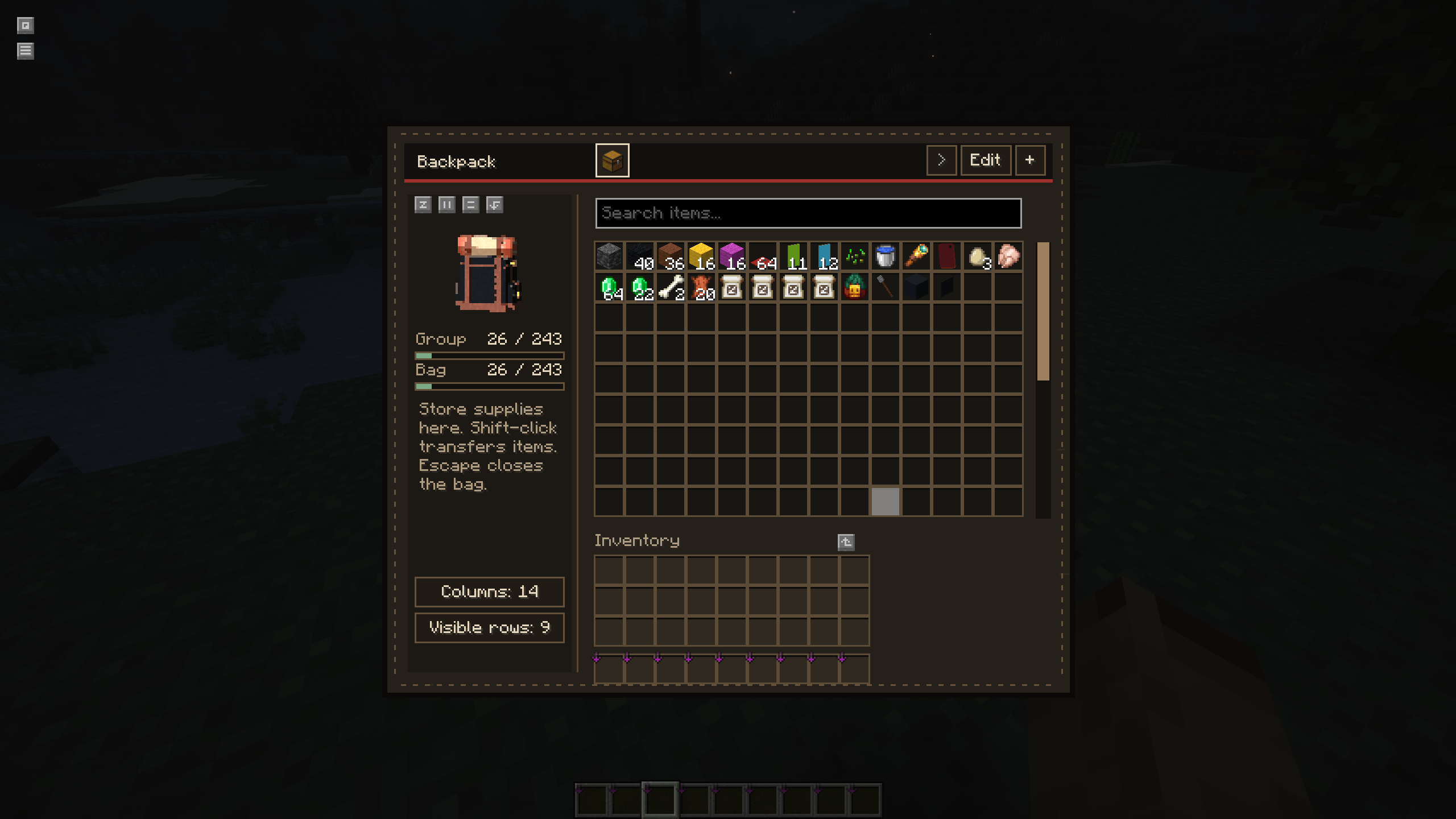
Backpacks come in multiple colors and keep their stored items when unequipped, dropped, picked up again, or after reloading the world. The storage screen includes scrolling, item search, capacity meters, and adjustable columns and visible rows for larger backpacks.
Storage Groups
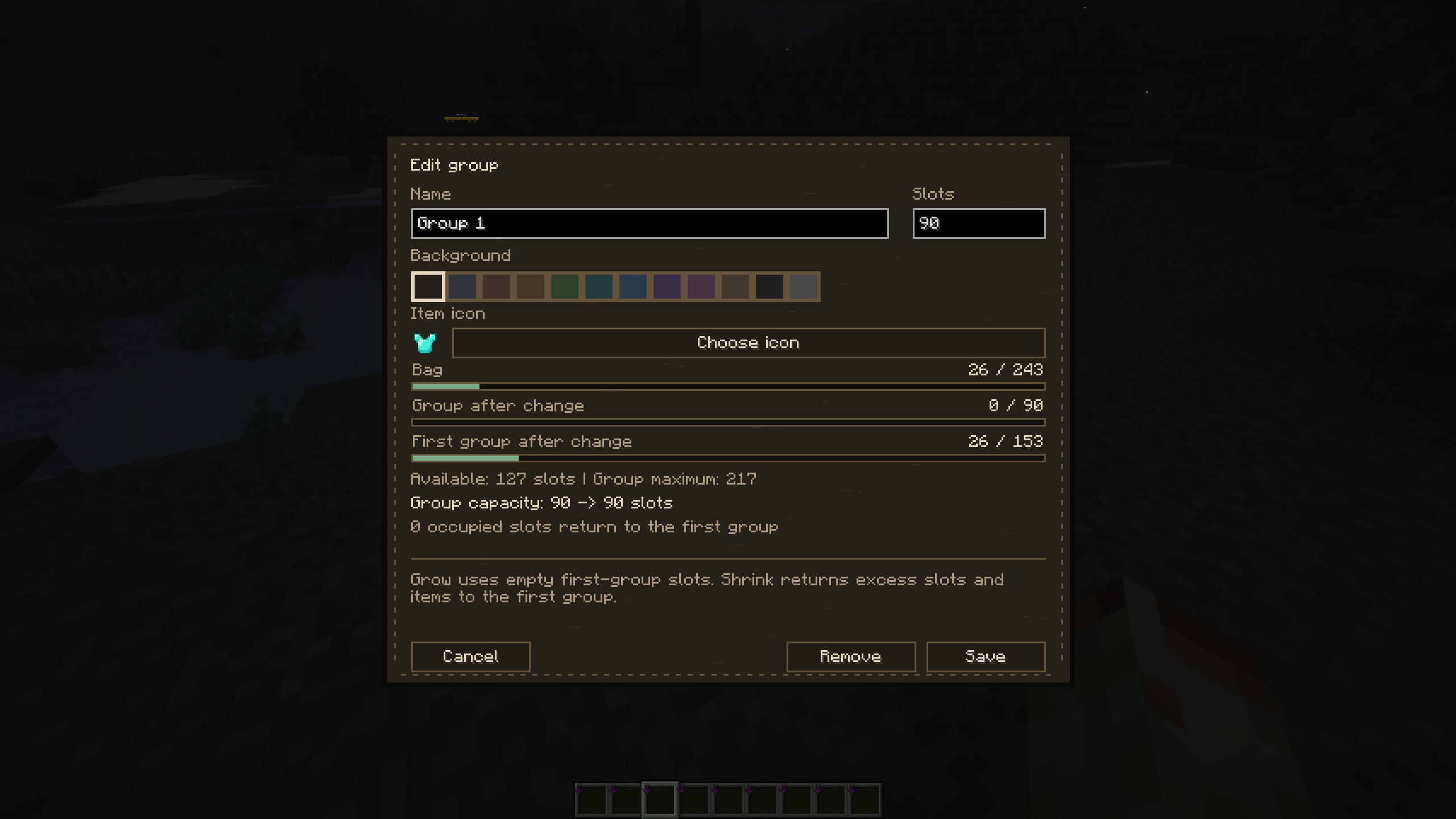
Backpack storage can be divided into separate groups to keep different types of items organized.
Groups can have their own name, item icon, background color, and assigned number of storage slots. You can quickly switch between groups using tabs at the top of the backpack screen.
Creating a group uses available slots from the first group. Groups can later be resized or removed, and released slots and stored items are safely returned to the first group.
Item search works inside the currently selected group and supports both item names and registry IDs.
Backpack Progression
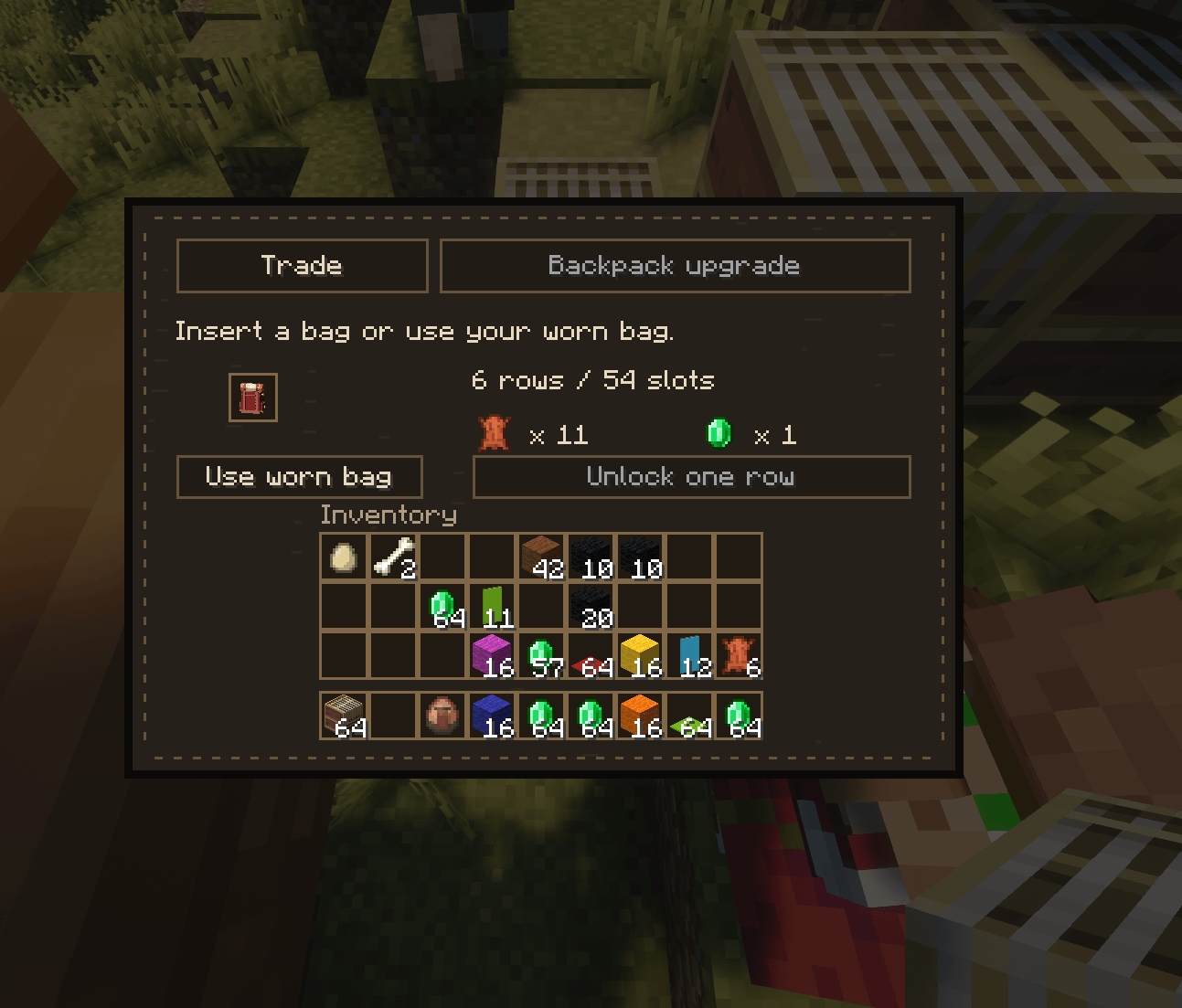
Backpacks can be obtained through Shepherd villagers. Eligible Shepherds can also upgrade a backpack by unlocking additional rows in exchange for leather and emeralds.
A backpack starts with 54 storage slots and can be expanded one row at a time up to 252 slots. Stored items, color, and storage organization are preserved while using and upgrading the backpack.
Backpacks cannot be placed inside other backpacks, and Shulker Boxes cannot be stored inside them.
Controls
Press I to open or close your equipped backpack. The same key also works while the inventory screen is open.
Use a backpack normally to equip it, or sneak-use a backpack while holding it to open that backpack directly without equipping it.
Press F9 to open the backpack calibration screen. This screen lets you preview and adjust the backpack's rotation, position, scale, straps, and rendering position for different item views.