NsTut Economy adds a player-driven economy, market, connected storage, portfolio tracking, and optional shared Team wallets across supported Fabric, Forge, and NeoForge targets.
Current source targets include Minecraft 1.20.1 (Fabric/Forge), 1.21.1 (Fabric/NeoForge), and 26.1.2 (NeoForge). Install the Economy file that matches your exact Minecraft version and loader.
Economy requires OpenUI MC on the client. Install the matching OpenUI MC version required by your Economy build.
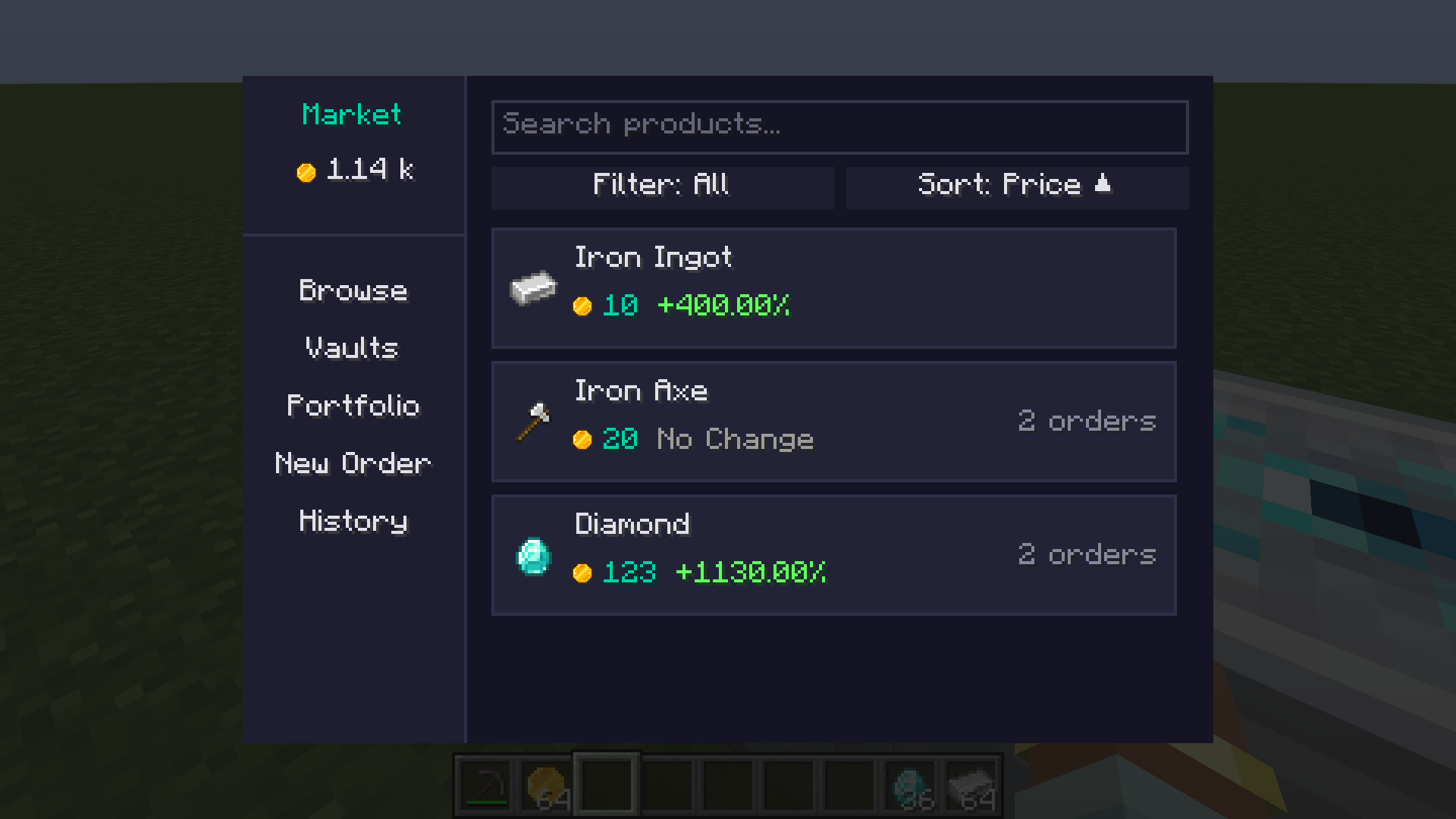
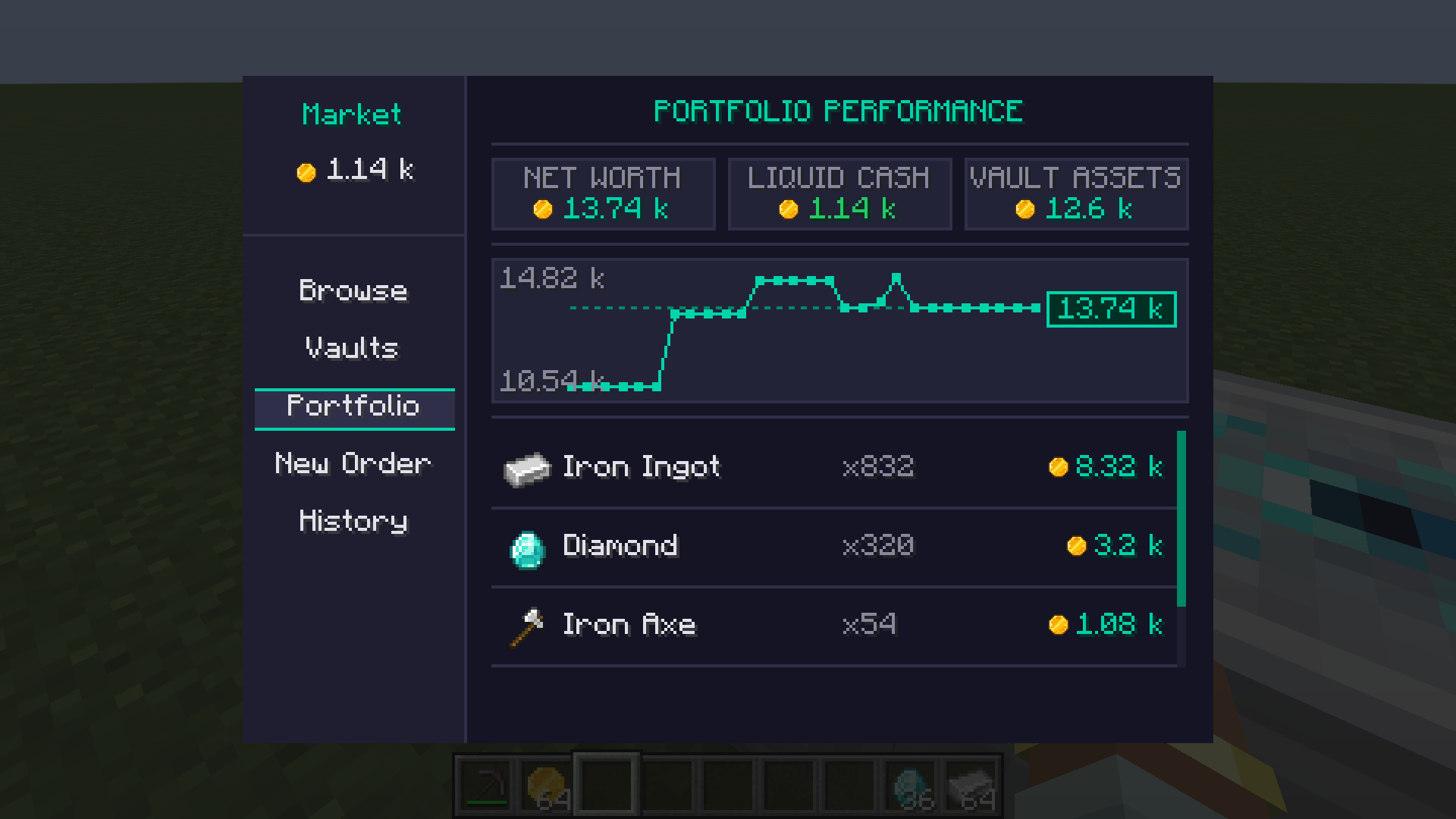
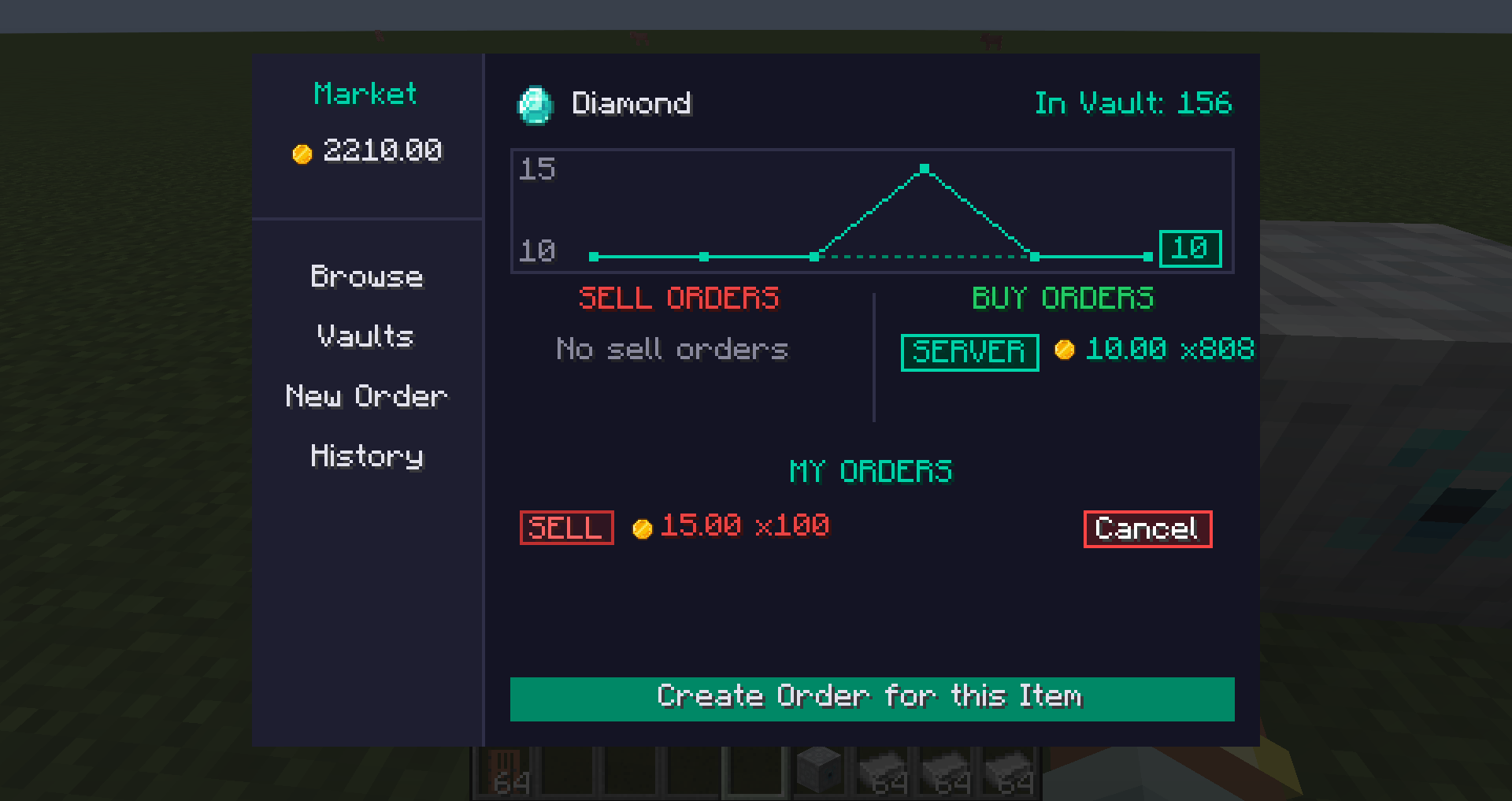
The Market Terminal brings trading and account management together in one screen:
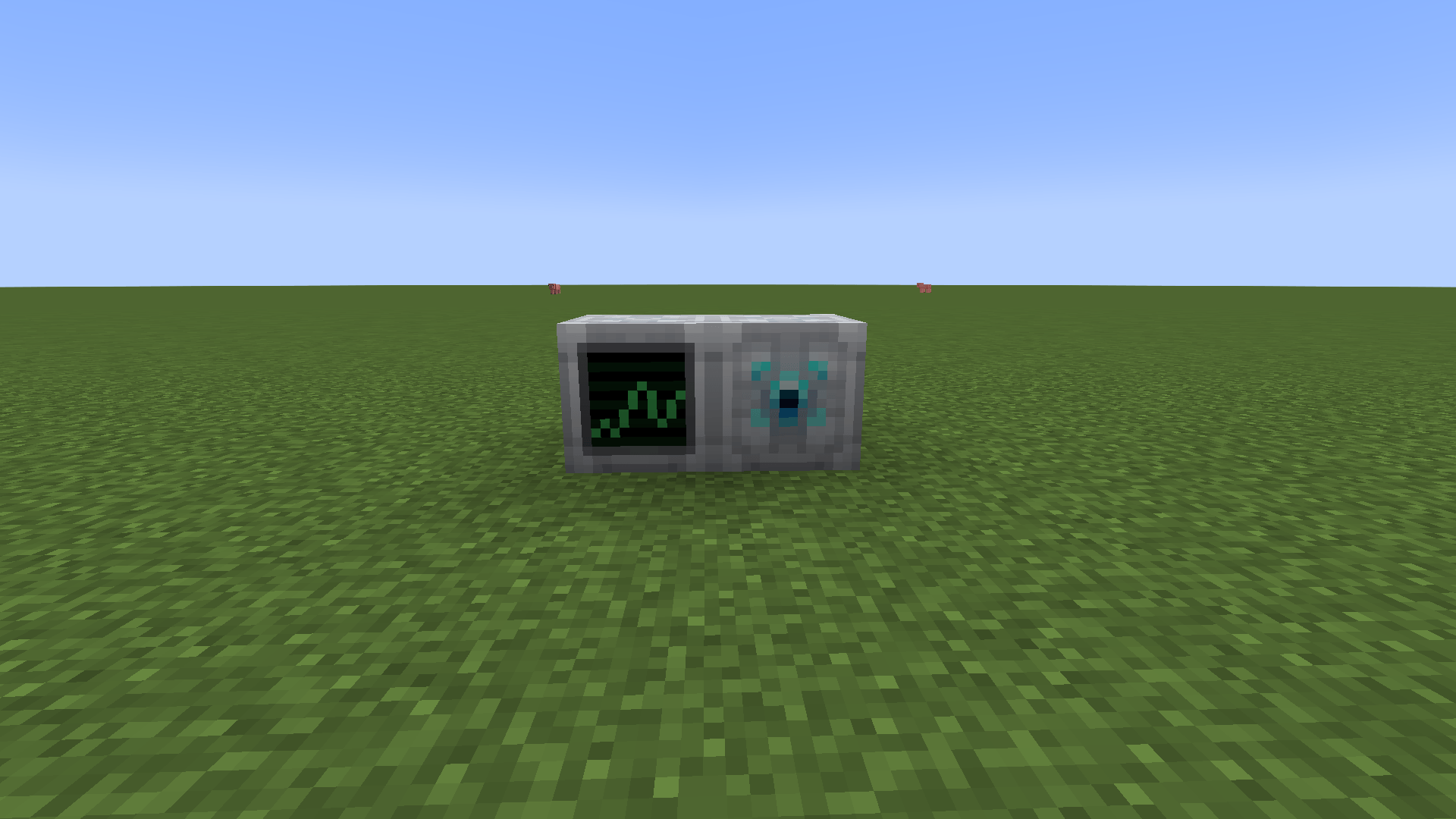
Open the Market Terminal through a Market block or /economy balance.
Players choose the commodity, quantity, and price per unit. Compatible Buy and Sell Orders match automatically. Sell Orders reserve goods from the selected principal's connected storage; purchases are delivered back into storage with free capacity.
Exact item variants with NBT/data components are distinct market commodities when their metadata differs, so pricing, holdings, and portfolio history use the same variant identity.
Server administrators can also create server-managed orders to provide market demand or supply.
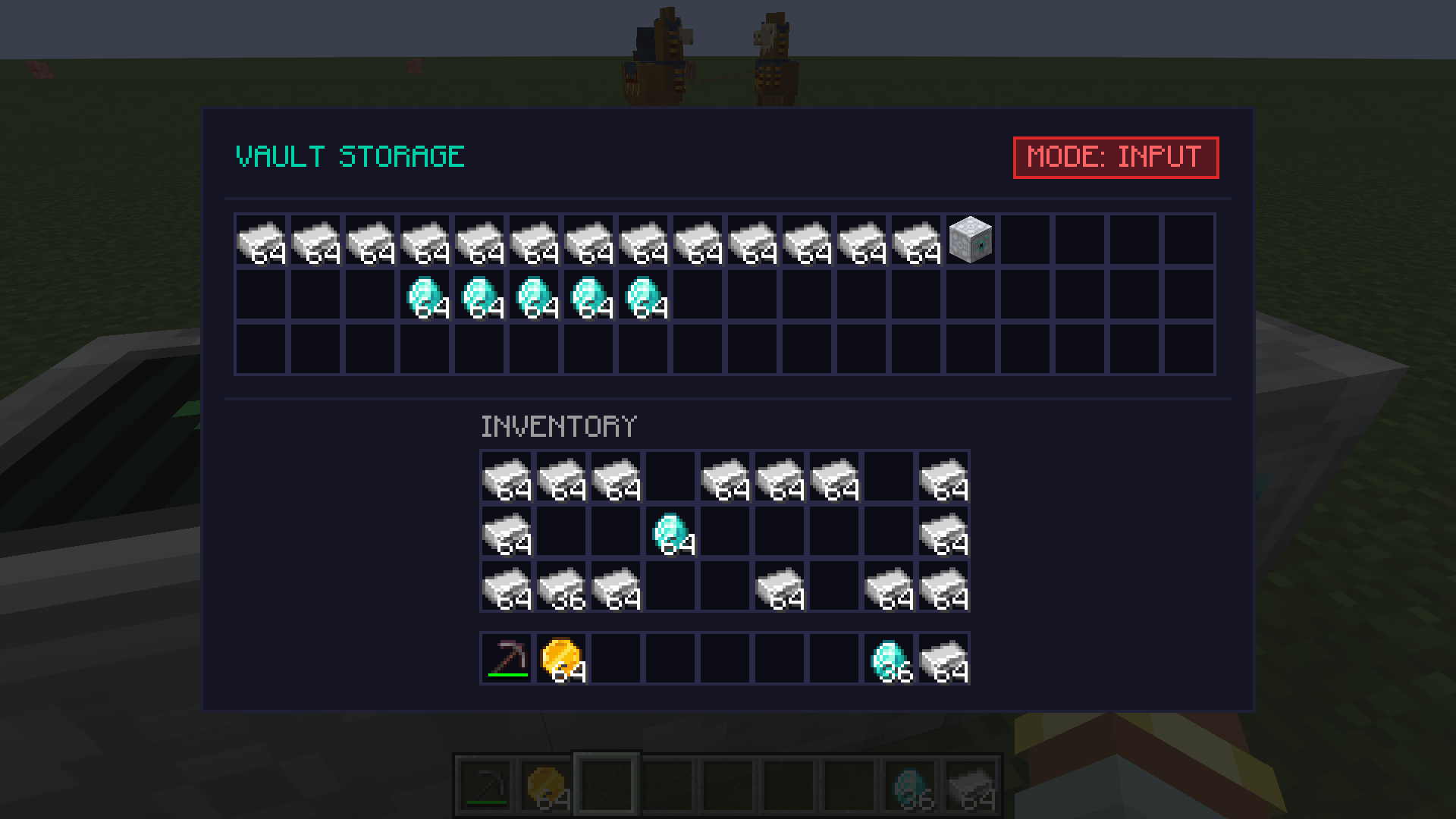
Vaults connect stored items directly to the market.
Fluid Tanks provide market-connected fluid storage.
tankCapacity in config/economy-storage.properties controls the capacity of newly created Tanks; the default is 128,000 mB and persisted Tanks keep their saved capacity.Fluid quantities are shown in millibuckets (mB), with compact values such as 1k mB and 128k mB.
Every Vault and Tank has a market mode:
BOTH - supplies Sell Orders and receives purchases.INPUT ONLY - supplies Sell Orders but does not receive purchases.OUTPUT ONLY - receives purchases but does not supply Sell Orders.These modes affect market participation only. Direct compatible inventory/fluid automation is independent of market mode.
The Containers tab follows the currently selected Personal/Team Market principal and lists that principal's registered Vaults and Tanks. Cards show location, owner, market mode, status, and capacity/content information.
Authorized Team administrators can reassign storage ownership between themselves and the current Team and can change Team storage I/O mode. Permission is revalidated server-side for every change.
Economy supports shared Team principals. With FTB Teams installed, party teams are supported automatically; Personal and server teams are not turned into duplicate Economy wallets. Addons may register a custom TeamEconomyProvider; a custom provider takes precedence over the built-in FTB Teams fallback. Team-wallet lifecycle records persist the provider's stable id, so removing a custom integration cannot make the FTB fallback reinterpret or settle its wallets.
Team economy is enabled by default when a usable provider exists and can be disabled with enabled=false in config/economy-team.properties.
See docs/TEAM_ECONOMY.md in the repository for provider, permission, migration, and lifecycle details.
1k, 2.5m, 1b, and 1t.| Command | Permission | Description |
|---|---|---|
/economy balance |
Player | Legacy shorthand for your Personal balance / Market entry |
/economy balance <personal|team> [player] |
Player / OP for another player | View an explicit Personal or current-Team balance |
/economy pay <player> <amount> |
Player | Legacy Personal-payment shorthand |
/economy pay personal <player> <amount> |
Player | Pay from your Personal account |
/economy pay team <player> <amount> |
Player | Pay another player from your Team account; requires payout permission and rejects self-payment |
/economy team [balance] |
Player | View Personal/Team balances, current role, and Market wallet selection |
/economy team deposit <amount> |
Player | Deposit Personal funds into the current Team wallet |
/economy team pay <player> <amount> |
Player | Direct Team payout to another player; OWNER by default |
/economy team use <personal|team|default> |
Player | Select the wallet used by new market actions or restore policy default |
/economy serverorder buy <commodity> <qty> <price> |
OP Level 2 | Create a server Buy Order |
/economy serverorder sell <commodity> <qty> <price> |
OP Level 2 | Create a server Sell Order |
/economy serverorder list |
OP Level 2 | List active server orders and IDs |
/economy serverorder remove <order-id> |
OP Level 2 | Remove a server order |
/economy give <player> <amount> |
OP Level 2 | Legacy Personal admin shorthand |
/economy give <personal|team> <player> <amount> |
OP Level 2 | Add funds to the explicit principal |
/economy take <player> <amount> |
OP Level 2 | Legacy Personal admin shorthand |
/economy take <personal|team> <player> <amount> |
OP Level 2 | Remove funds from the explicit principal |
/economy set <player> <amount> |
OP Level 2 | Legacy Personal admin shorthand |
/economy set <personal|team> <player> <amount> |
OP Level 2 | Set the explicit principal balance |
For fluid server orders, quantity is entered in mB; for example, 16000 represents 16k mB.
Economy exposes a supported addon API for typed Personal/Team accounts, atomic transfers, Team providers and authorization, orders, market analytics, events, custom commodity codecs, and pluggable storage providers.
The compatibility boundary is the top-level com.nstut.economy.api package. com.nstut.economy.api.internal and other implementation packages are not supported addon dependencies. Developer documentation is maintained in docs/GETTING_STARTED.md, docs/EXTENDING_ECONOMY.md, docs/API_REFERENCE.md, and docs/TEAM_ECONOMY.md.