
Enjoy Minecraft's sounds everywhere… except the ones that wear out their welcome.
Noisy Neighbors is a client-side Minecraft mod for players who want a peaceful base without making the rest of the world feel silent. Turn down a crowded cow farm, make villagers less chatty, or quiet a pet-filled house while keeping normal sounds everywhere else.
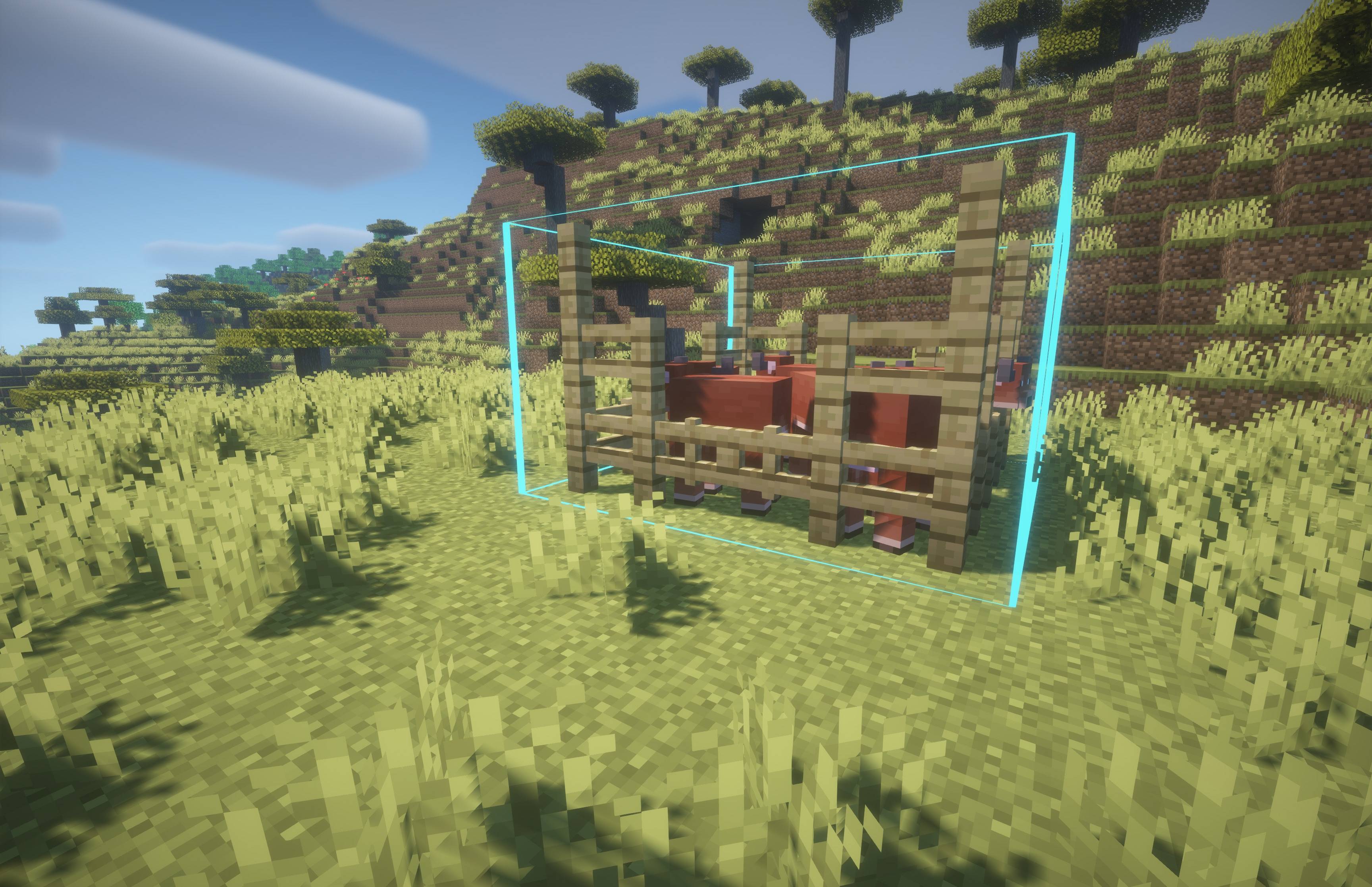
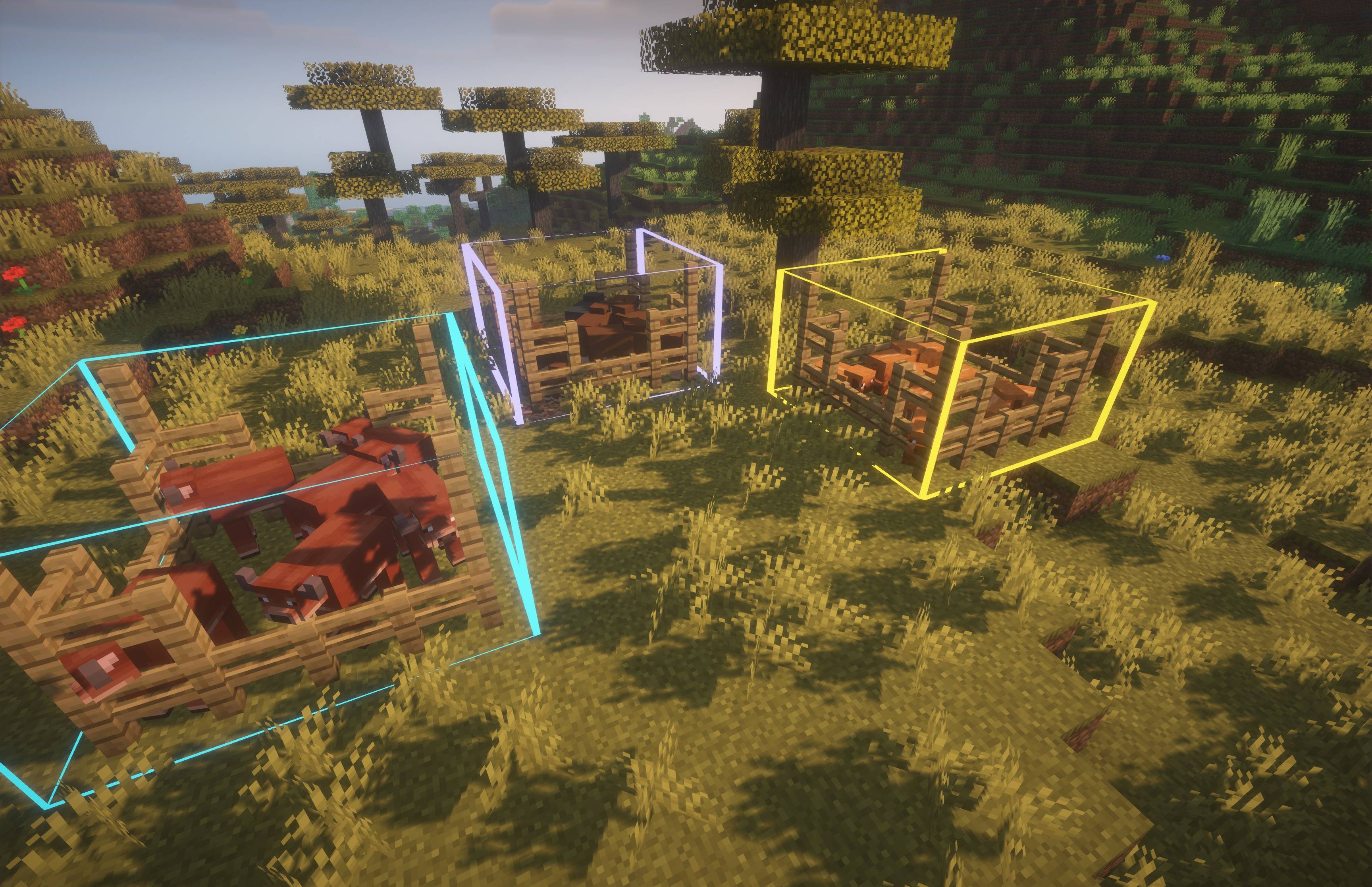
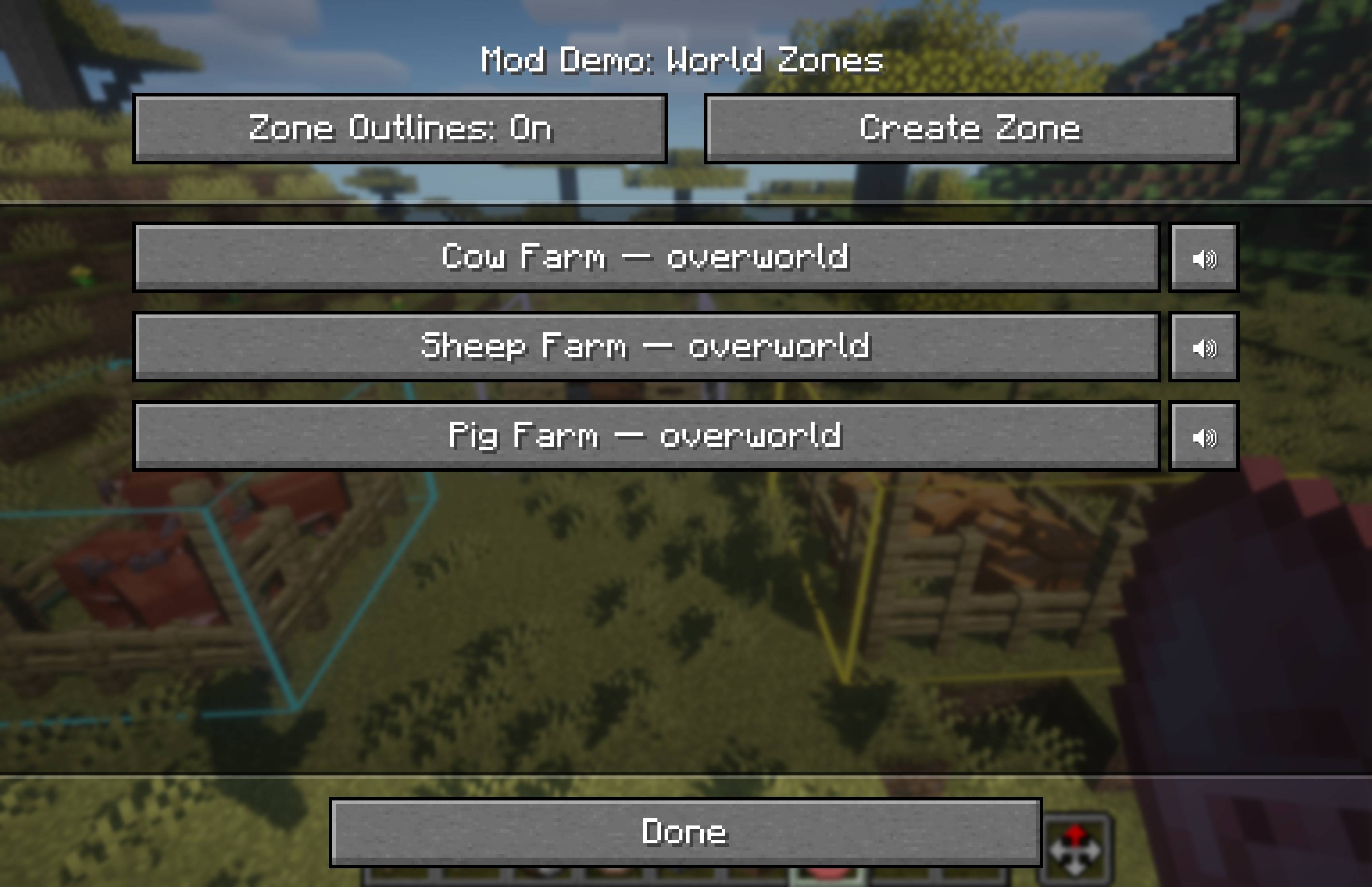
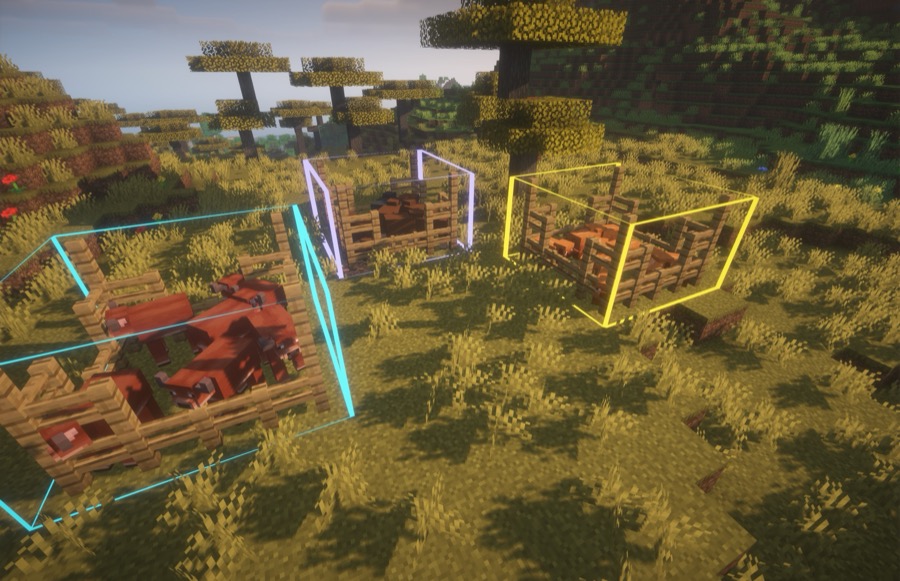
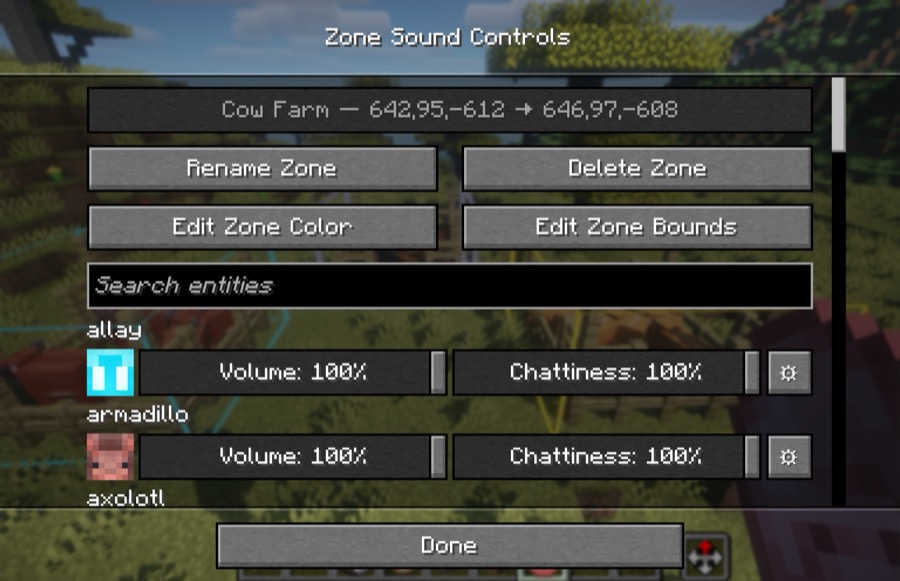
Give each catalogued vanilla mob its own Volume and Chattiness setting, then create coloured 3D sound zones for places such as animal farms, trading halls, mob grinders, and stables. It works in single-player and on multiplayer servers with no server installation.
Noisy Neighbors is entirely client-side. Install it once on your own client; it works in single-player, Realms-style multiplayer, and ordinary vanilla or modded servers without requiring anyone else to install it.
All Noisy Neighbors hotkeys can be changed in Minecraft's Controls menu:
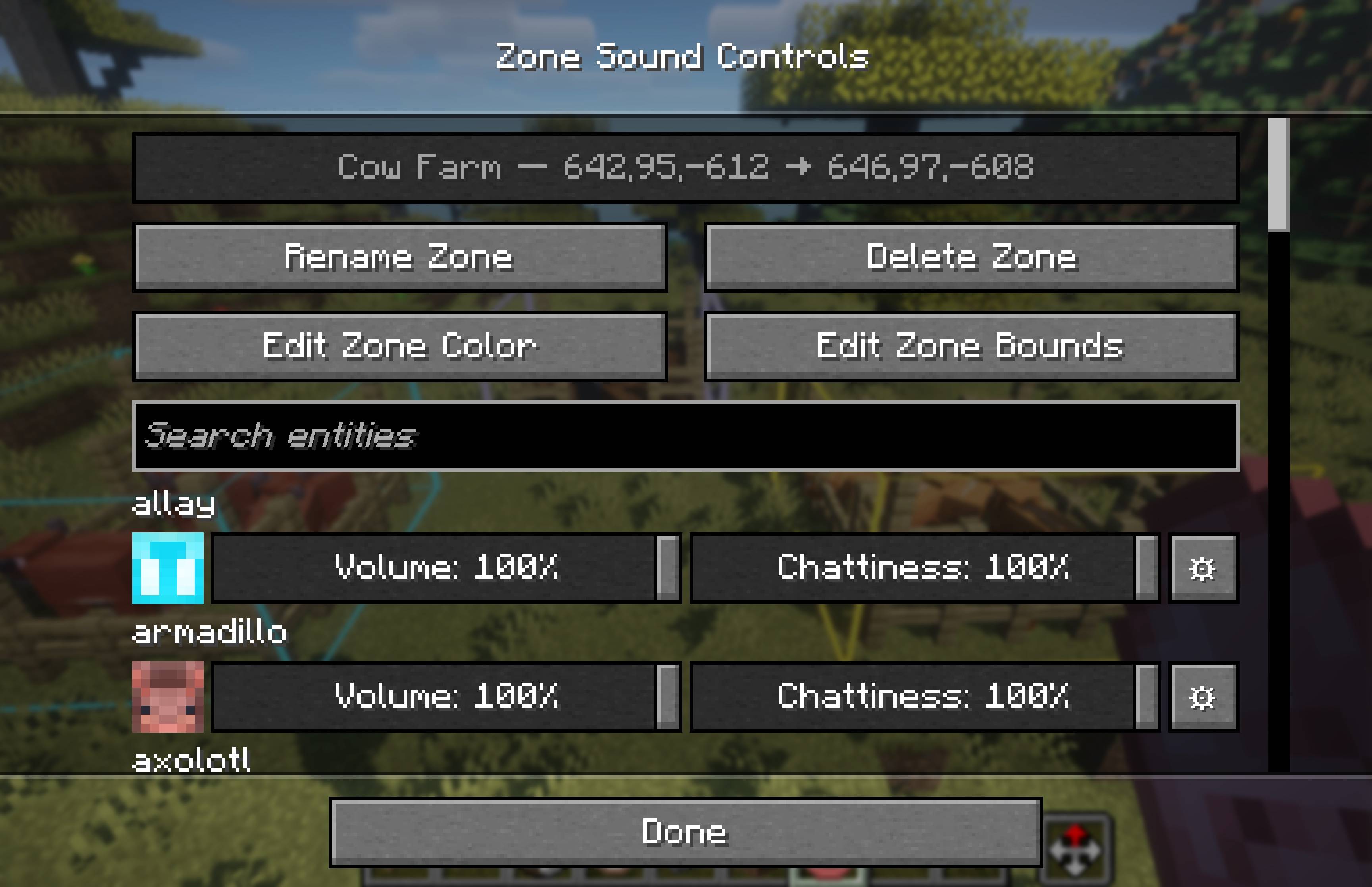
Every mob has two simple controls:
Use ⚙ Advanced Volume Controls beside a mob when one particular sound needs different treatment. For example, you can lower a villager's ambient chatter while leaving its trade sound louder. Advanced controls are available only for sound events that Noisy Neighbors can confidently associate with that mob.
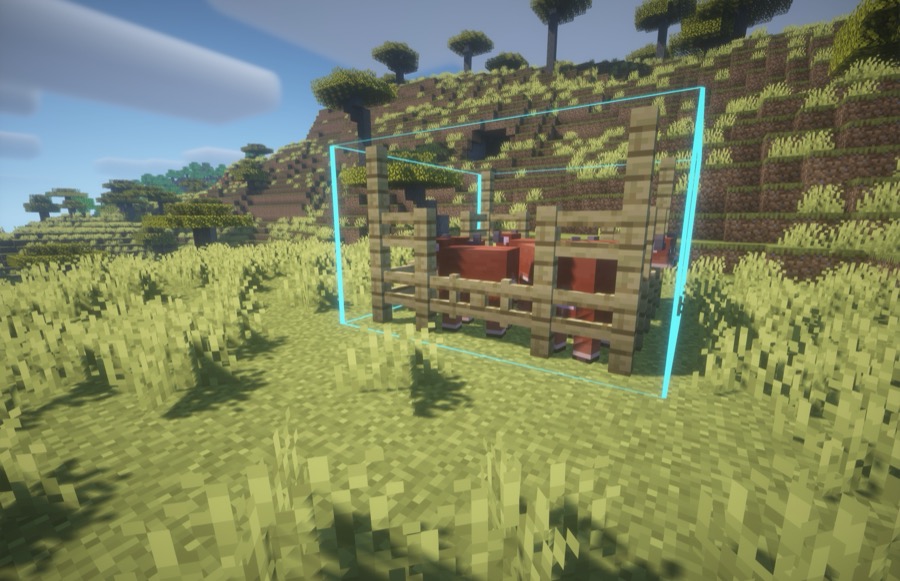
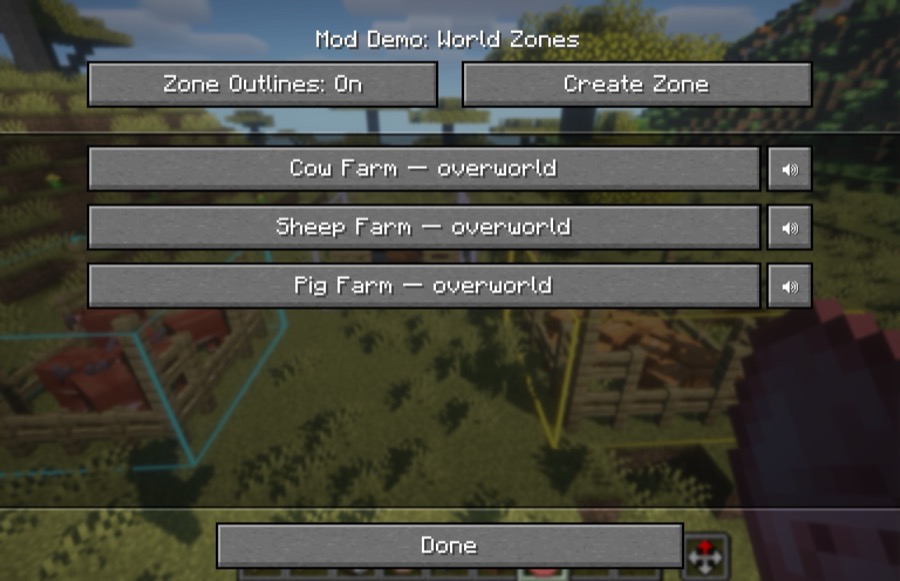
Global settings are your default everywhere. Zone settings apply on top when a sound originates inside that zone, so a cow farm can be quiet while cows outside remain normal. If zones overlap, their settings combine.
Use a sound zone whenever you only want a location to be calmer—an animal farm, mob grinder, trading hall, stable, or pet room.
Press your configured Create Zone key again while selecting corners to cancel.
Open Minecraft's Controls menu and look under Noisy Neighbors to configure these shortcuts:
From a zone's screen, you can rename it, change its outline colour, edit its bounds, or delete it.
Noisy Neighbors changes only its catalogued vanilla mob sounds. Player, block, unknown, and modded sounds continue to use Minecraft's normal audio behaviour. Some sounds shared by several entities cannot be safely attributed on a client-only installation and are left alone unless Minecraft provides their source.
Settings are stored locally in config/noisy-neighbors.json.
Looking to contribute to the Noisy Neighbors mod? See CONTRIBUTING.
MIT. See LICENSE.