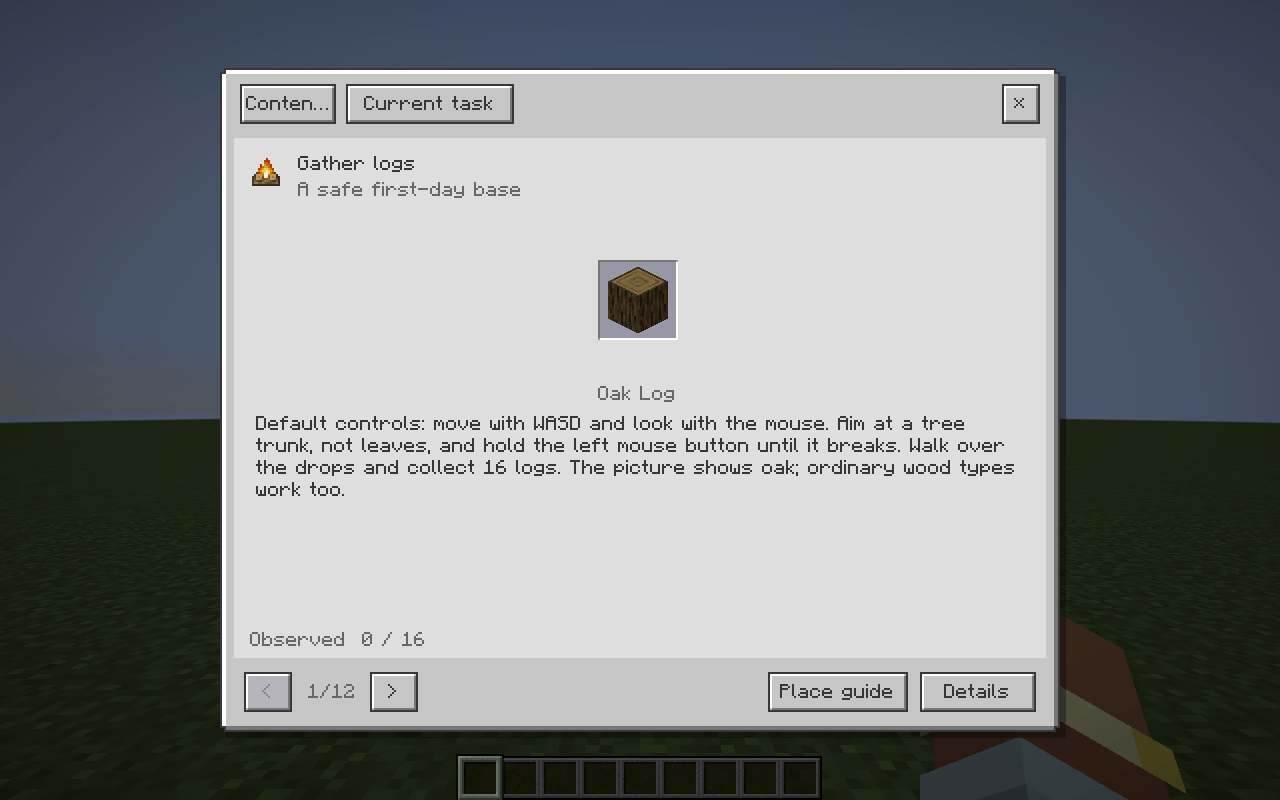
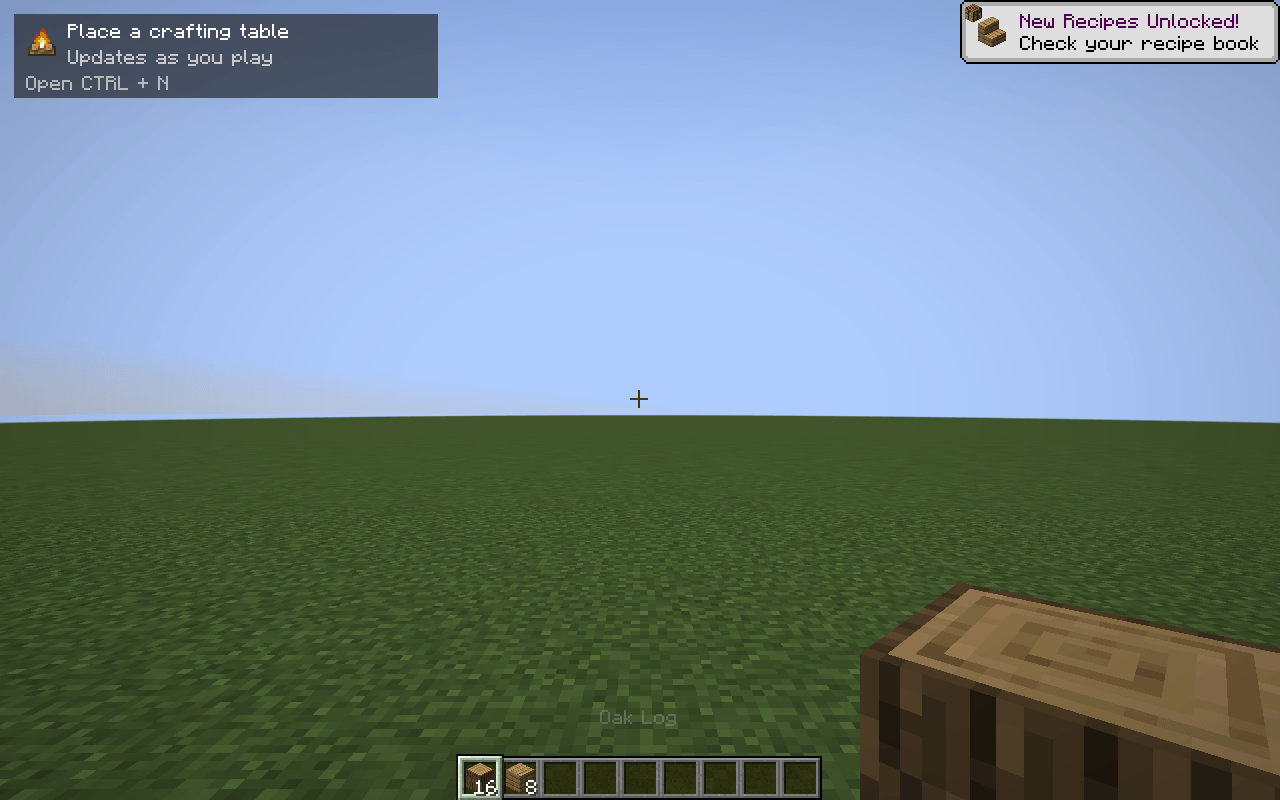
Press Ctrl+N to see what to do next in ATM10: one illustrated action, with a small HUD that follows your progress while you play.
Next Step is a progression companion for All the Mods 10 8.2. Its 12 chapters and 133 lessons cover early survival, technology, magic, the ATM Star and Creative goals. English and Korean are included.
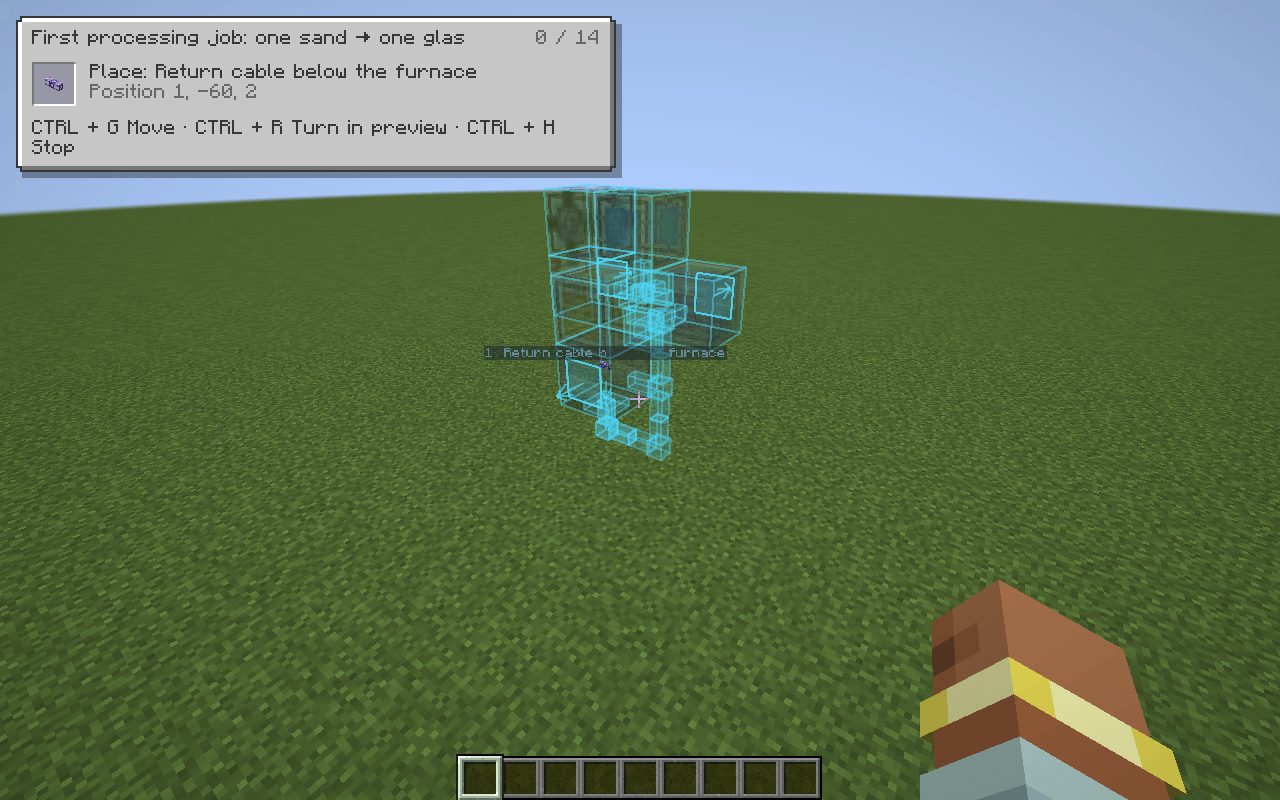
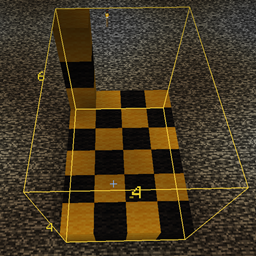
Choose Place guide in a supported lesson to display its plan in the world. Aim at a surface, rotate with Ctrl+R, then lock the position with Ctrl+G. Place the blocks yourself, using the overlay for position and orientation. Ctrl+L switches layer/full views for large plans; Ctrl+H closes the overlay.
The beta includes 9 plans linked to 24 lessons. After placement, check the lesson's power, settings and output conditions.
mods folder.atm-next-step-0.6.0-beta.3.jar in mods./nextstep.Keys are configurable under Options → Controls → Key Binds → Next Step for ATM10. Existing bindings are kept when updating.
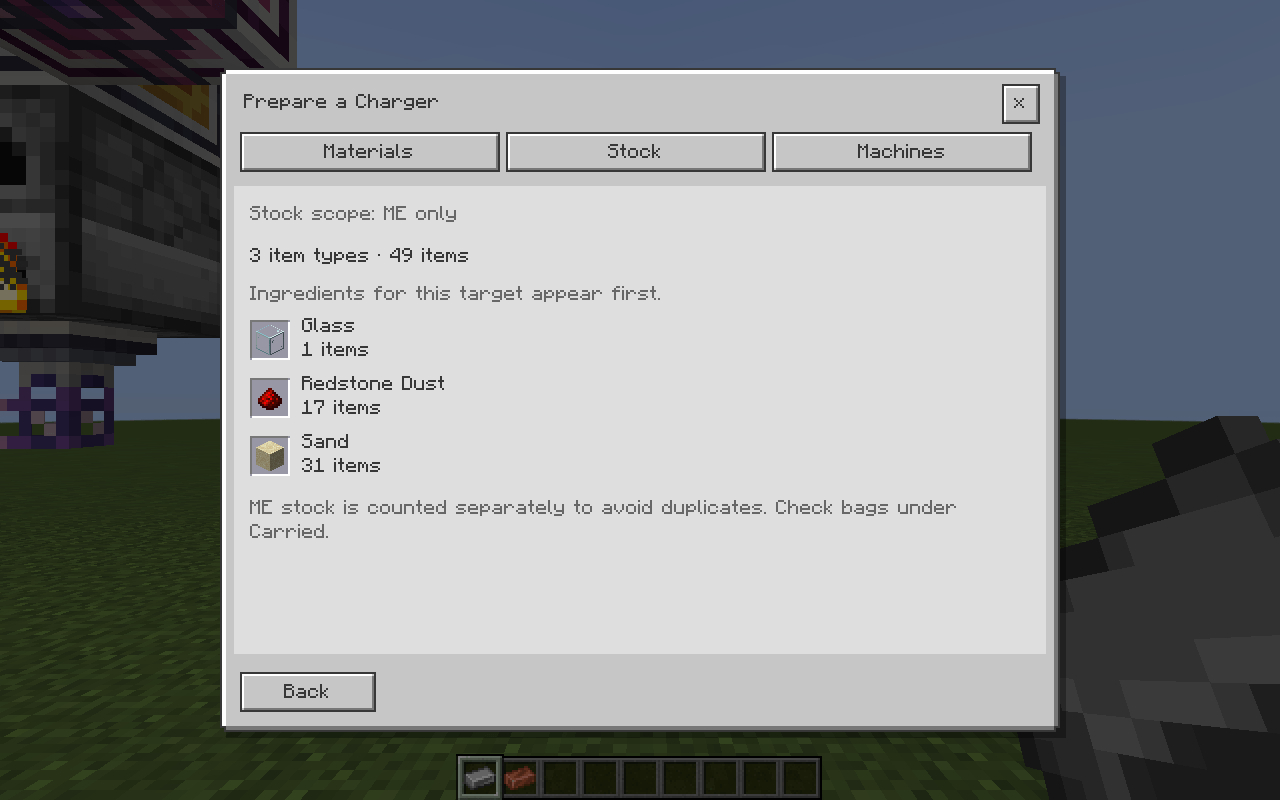
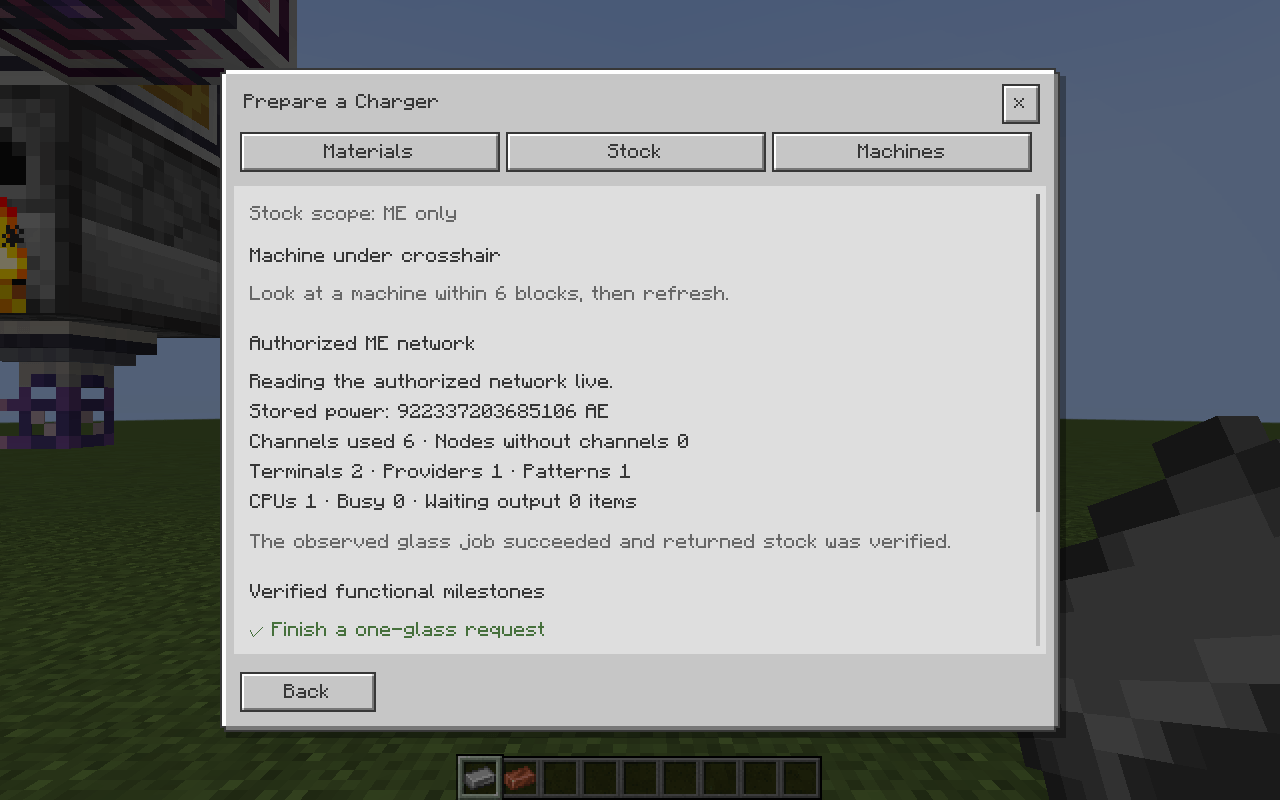
Install on the client for the guidebook. Singleplayer includes extended inspection with the same JAR. In multiplayer, put the same version on the server too for extended inventory and machine checks.
Use Next Step alongside JEI and the pack quests. Action-by-action page updates currently cover the first survival lesson. Other lessons use available item, quest and supported machine observations; conditions such as a safe home use Details → Check myself.
The later route is still being expanded, with 57 lessons needing more detailed operating instructions. A complete beginner survival playthrough using only this guide has not been verified.
This is an independent addon for ATM10 8.2, with no affiliation to its pack or integrated-mod teams.
Image note: The cover is an AI-assisted promotional illustration, not an in-game screenshot. Gallery screenshots show the actual game; each caption identifies its test setting.