Professional NDI video, LED displays, broadcast cameras and kinetic stage systems inside Minecraft.
NDI Stage Displays is a Forge 1.20.1 mod built for virtual concerts, festivals, broadcast studios and stage production.
Display real-time video from OBS, Resolume, vMix or any NDI source directly on Minecraft LED screens — and send Minecraft cameras back to your production software as real NDI feeds.
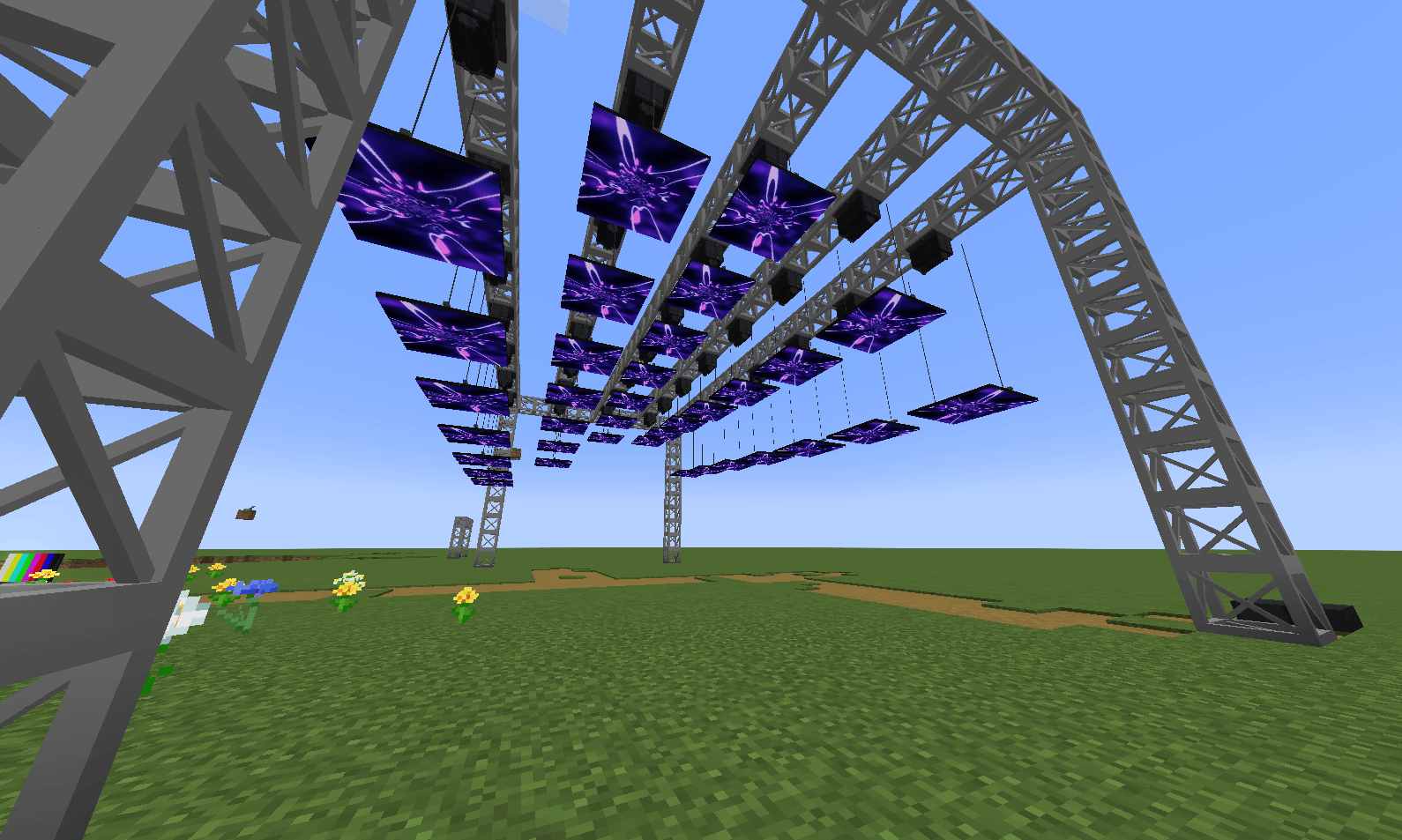
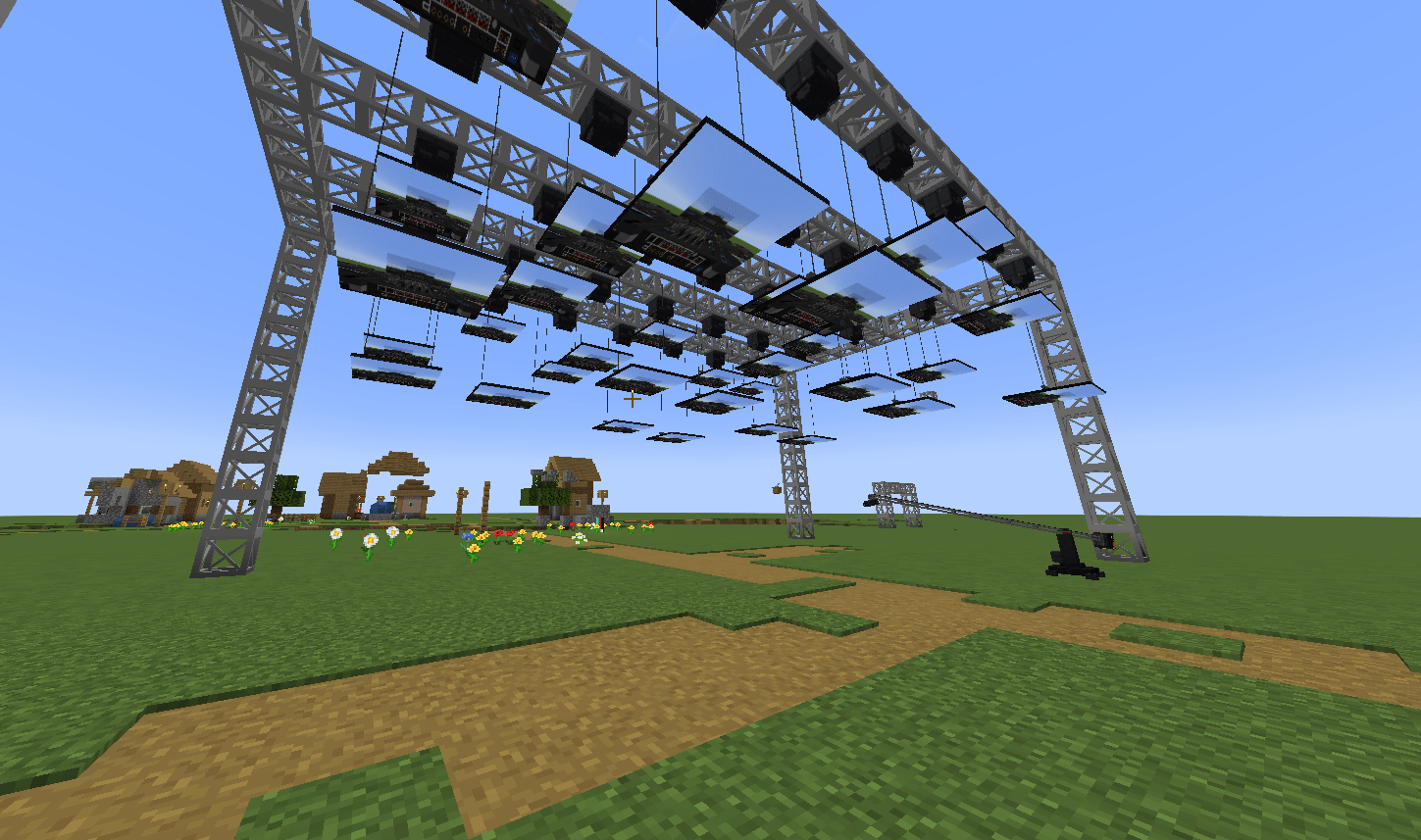
Build modular video surfaces that automatically merge into complete screens, up to 256 × 256 blocks.
Available displays include:
Right-click a screen to select an NDI source and configure its video mapping.
The processor displays the screen's native resolution, making it easy to match your OBS or Resolume canvas for a pixel-perfect 1:1 image.
Screens simulate actual LED modules with:
Minecraft can also become an NDI video source.
Camera rigs placed in-game appear directly in OBS, vMix and other NDI-compatible software.
Available cameras:
Camera settings include resolution, FPS, FOV, pan, tilt and custom NDI source names.
A red tally light indicates when supported cameras are live.
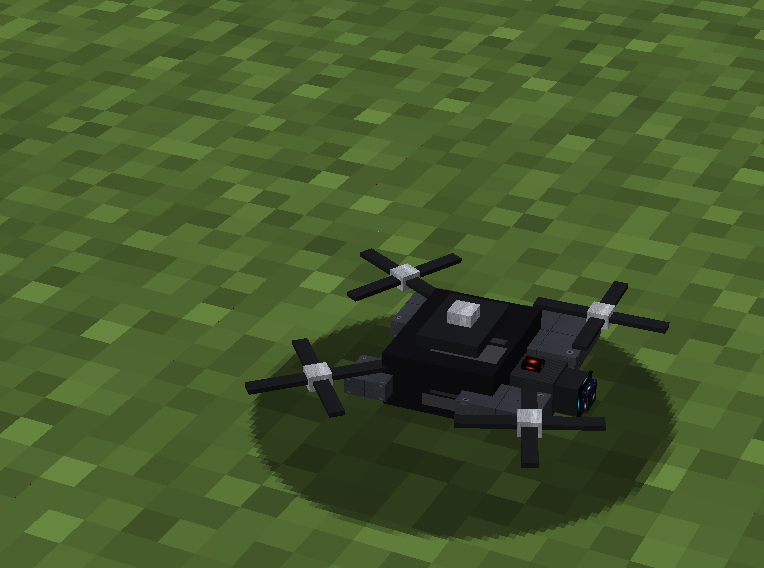
Fly a real camera drone around your production.
The drone publishes its own NDI source:
MC Drone
Control it using keyboard + mouse or a gamepad.
It also supports automated flight paths with:
Perfect for aerial shots over festivals and large stages.
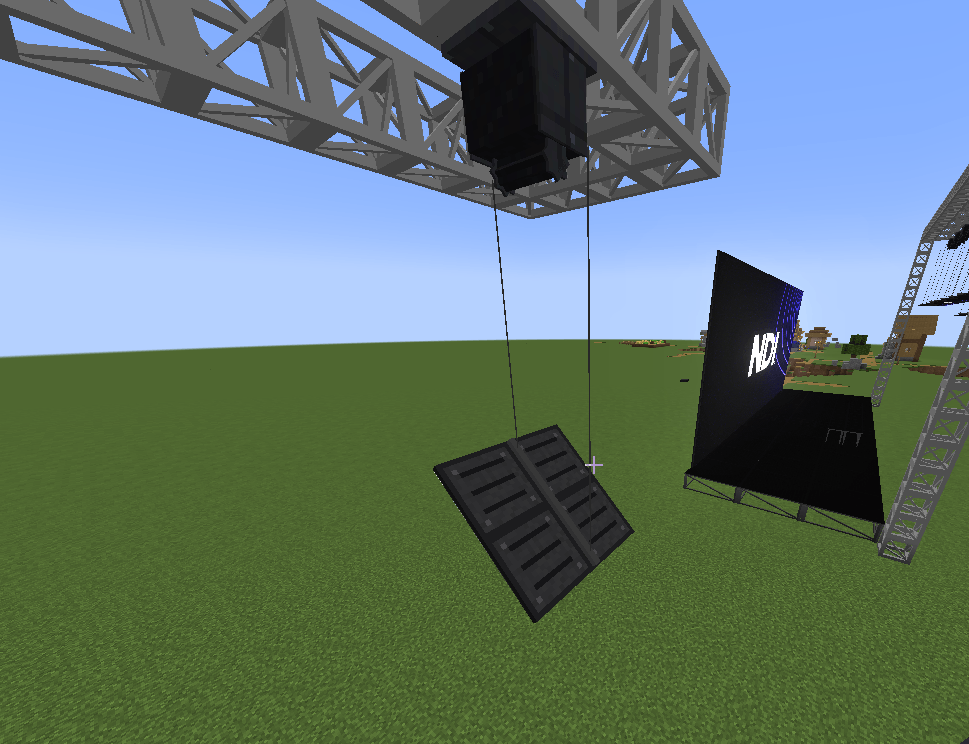
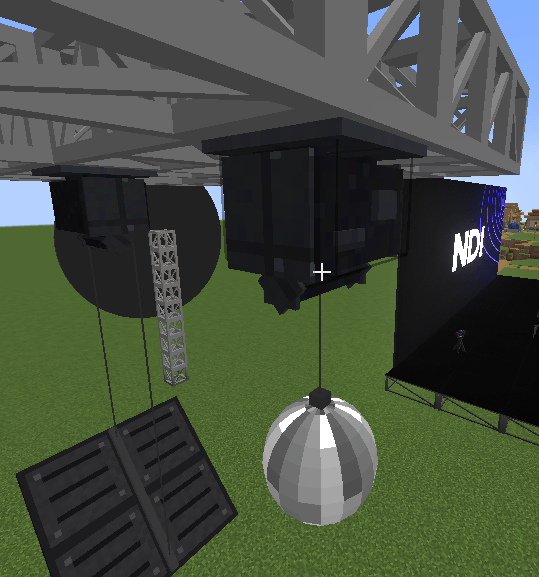
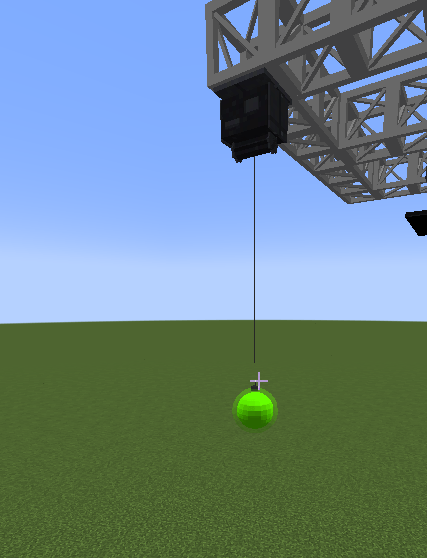
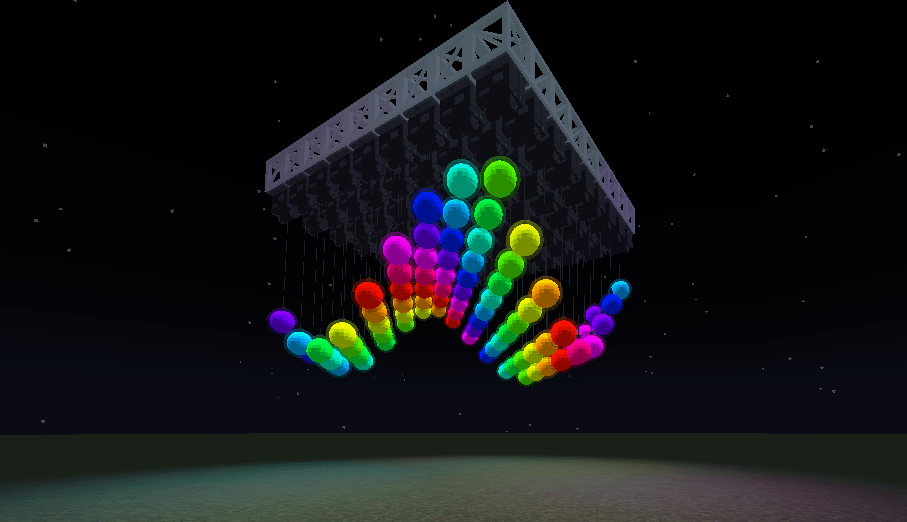
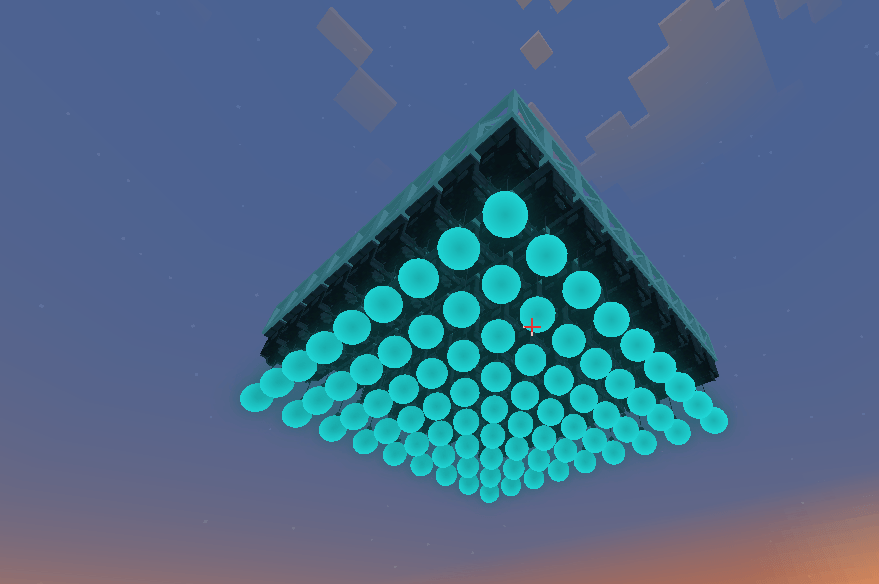
Create moving stage installations using ceiling-mounted winches.
Movement uses smooth:
Acceleration → Cruise → Deceleration
instead of simply teleporting the payload.
Winches can carry:
Kinetic LED installations can share one large video canvas, keeping the image correctly mapped while individual motors move.
Several tools are included for larger productions:
Create a stable NDI output and switch which Minecraft camera feeds it without changing the source selected in OBS.
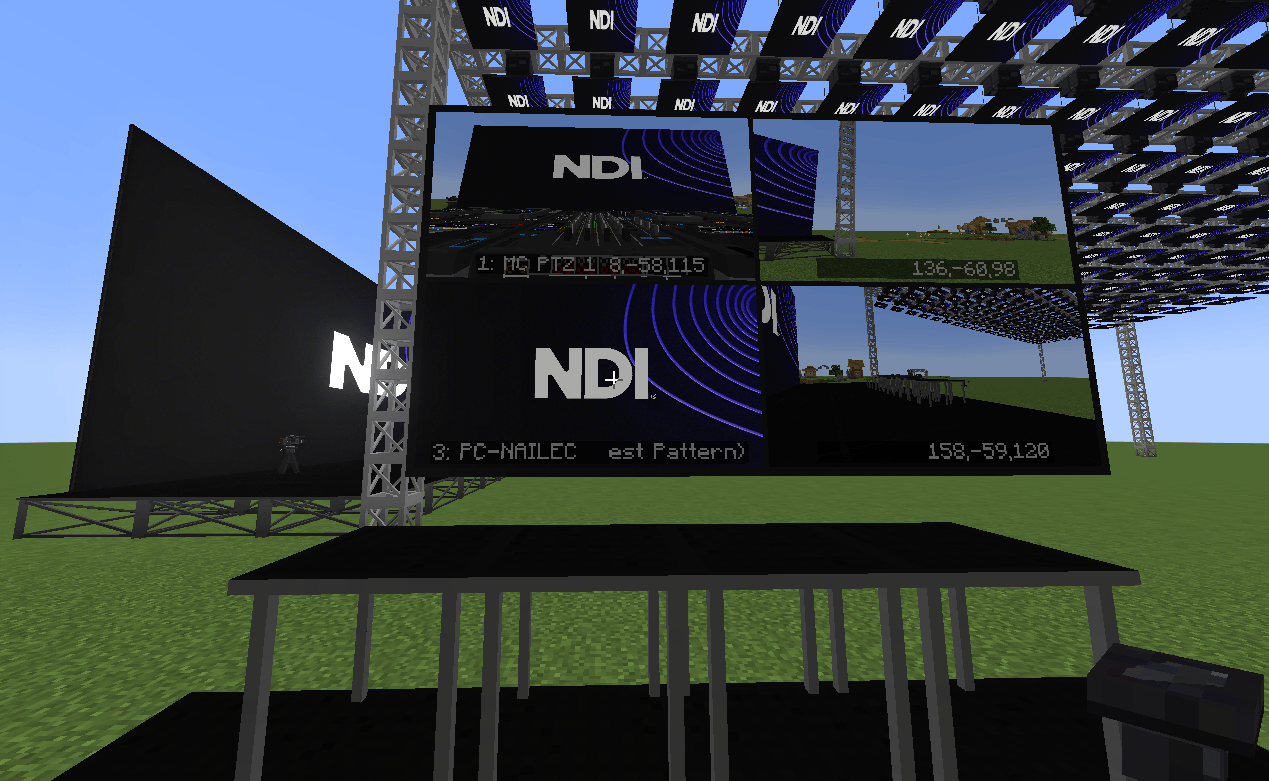
Monitor multiple video feeds using 2×2 or 3×3 layouts.
Quickly configure NDI sources, LED walls and entire kinetic winch parks.
Optional MCEF integration for displaying web content through NDI.
Optional Theatrical integration allows compatible systems to be controlled using DMX.
Supported controls include:
Compatible Extra Lights fixtures attached to winches retain their volumetric beams.
NDI video is handled client-side.
The Minecraft server stores and synchronizes the blocks and configuration, but never receives, decodes or transcodes NDI video.
Each player who wants to see NDI content needs the NDI runtime installed locally.
For camera output, one client should normally be configured as the broadcast host to prevent duplicate camera feeds.
Install it on every computer that needs to receive or send NDI video.
⚠️ Restart your computer after installing the NDI Runtime.
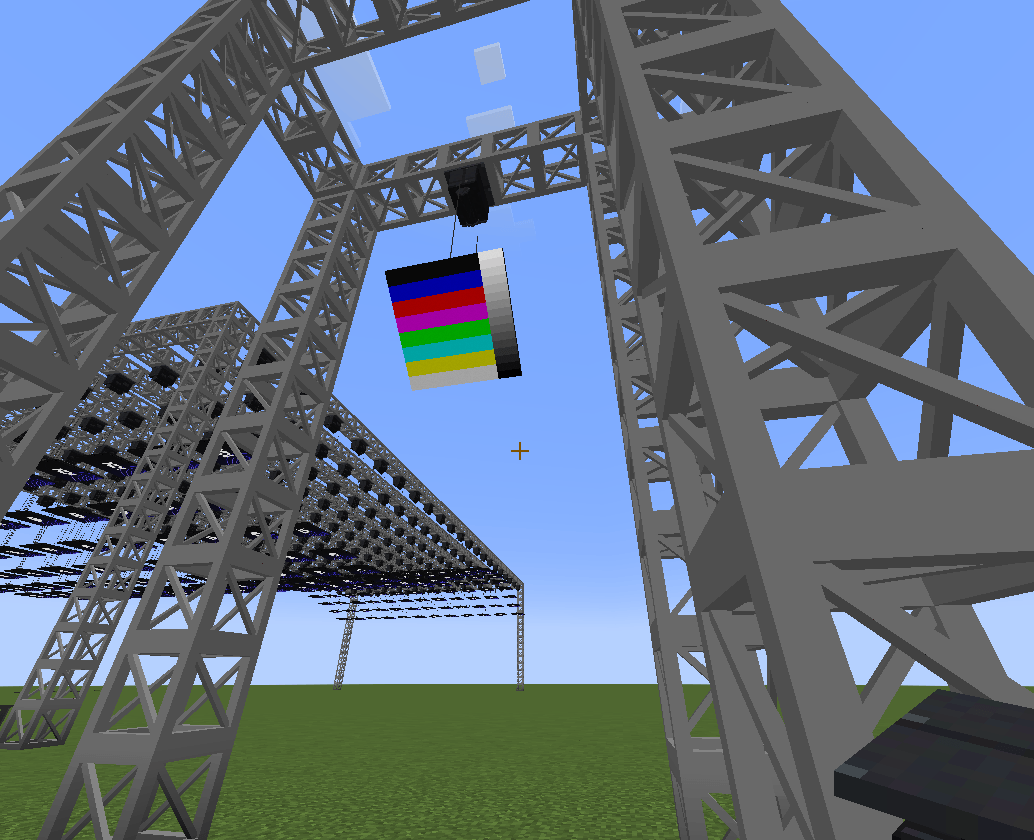
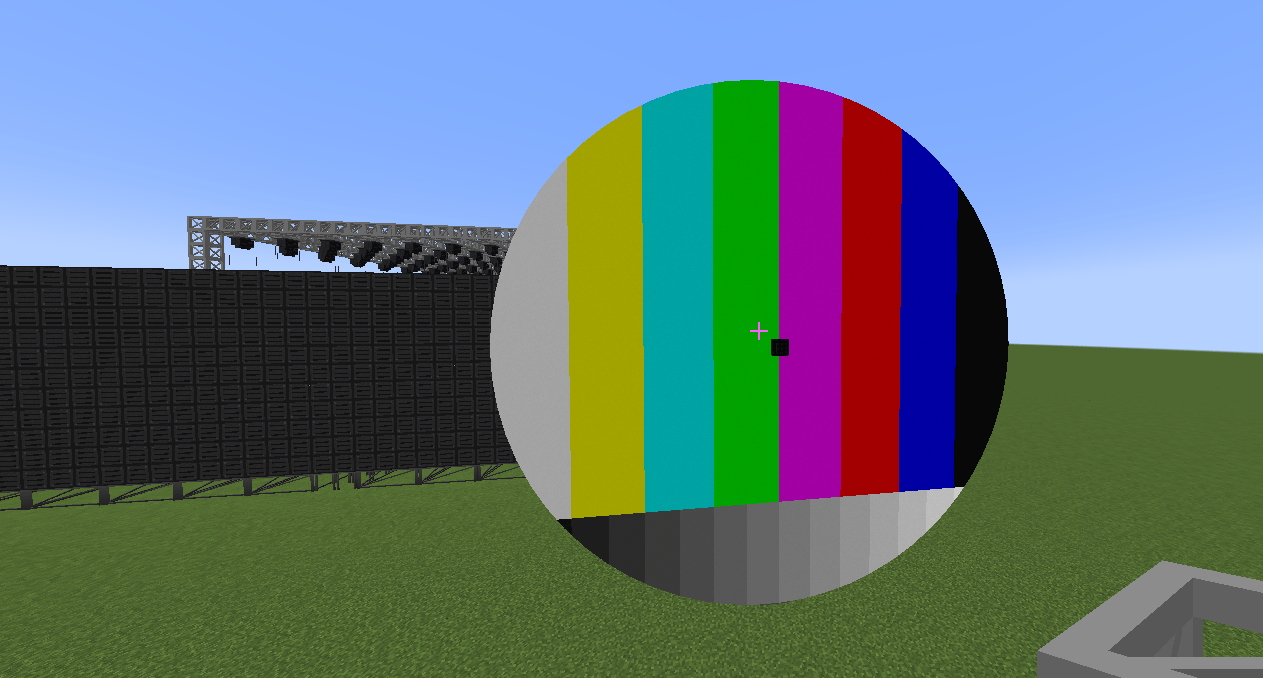
Without the runtime, the mod can still load and use test patterns, but live NDI video will not work.
For OBS, install DistroAV / obs-ndi and enable:
Tools → NDI Output Settings → Main Output
Then simply select the OBS source from your Minecraft LED screen.
Resolume and vMix can output NDI directly.
Minecraft's Fabulous graphics mode can currently prevent camera NDI output from working correctly.
If a camera isn't outputting:
Options → Video Settings → Graphics → Fancy / Fast
Avoid Fabulous when using NDI cameras.
LED screens can display flashing, strobing or rapidly changing video content depending on the NDI source being shown.
NDI Stage Displays is designed for:
Virtual concerts · Festivals · Broadcast studios · Livestreaming · Stage visualization · IMAG · Esports · Minecraft filmmaking · Kinetic stages
Connect Minecraft directly to your real production workflow: send video into the game, build professional stage displays, and send Minecraft cameras straight back into OBS or your broadcast system.
NDI® is a trademark of Vizrt NDI AB.
NDI Stage Displays is an independent project and is not affiliated with or endorsed by Vizrt or NDI.
Minecraft: 1.20.1 Mod Loader: Forge 47.x License: MIT