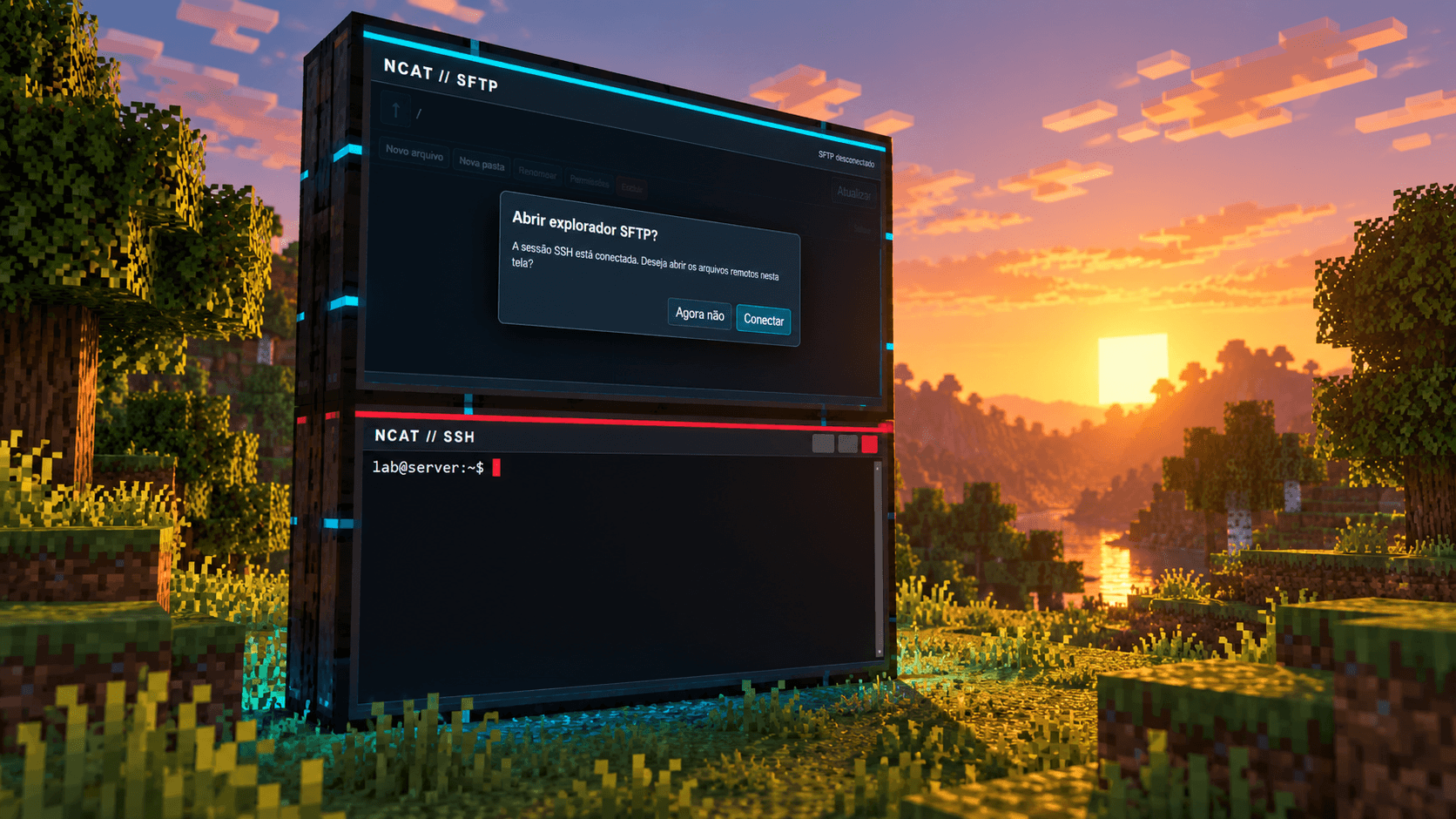
A networking and cybersecurity lab inside Minecraft.
Requires Minecraft 1.20.1, Forge 47.1.65+, Java 17 and MCEF 2.1.1.
NCAT Minecraft turns Minecraft into a networking and cybersecurity lab. In-game screens run a real Chromium browser. From them you can open SSH and SFTP sessions, a local terminal, remote desktop over RDP or VNC, and a proxy that pauses and edits HTTP requests in real time.
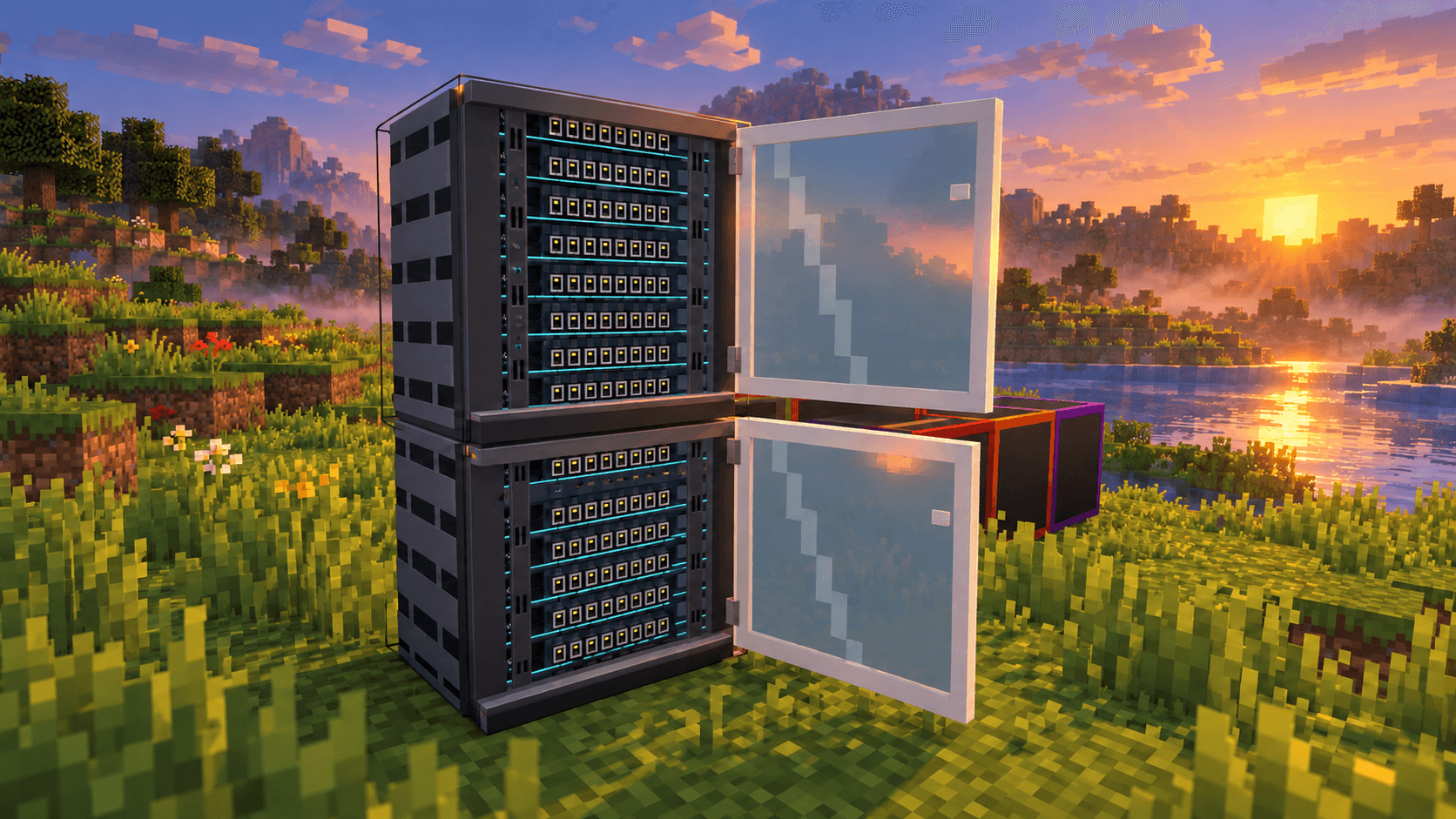
The network is physical too: data cables, RJ45 ports, VLAN-capable switches, racks full of modules and a workstation that reaches everything connected to it. The mod is built for classes and authorized labs, where students build the infrastructure by hand and watch the traffic flow.
Each screen is a block that joins its neighbours into a larger monitor. The frame colour tells you what it does.
| Screen | Frame | What it does |
|---|---|---|
| Browser | red | Full Chromium with tabs, zoom, fullscreen, history and an address bar. |
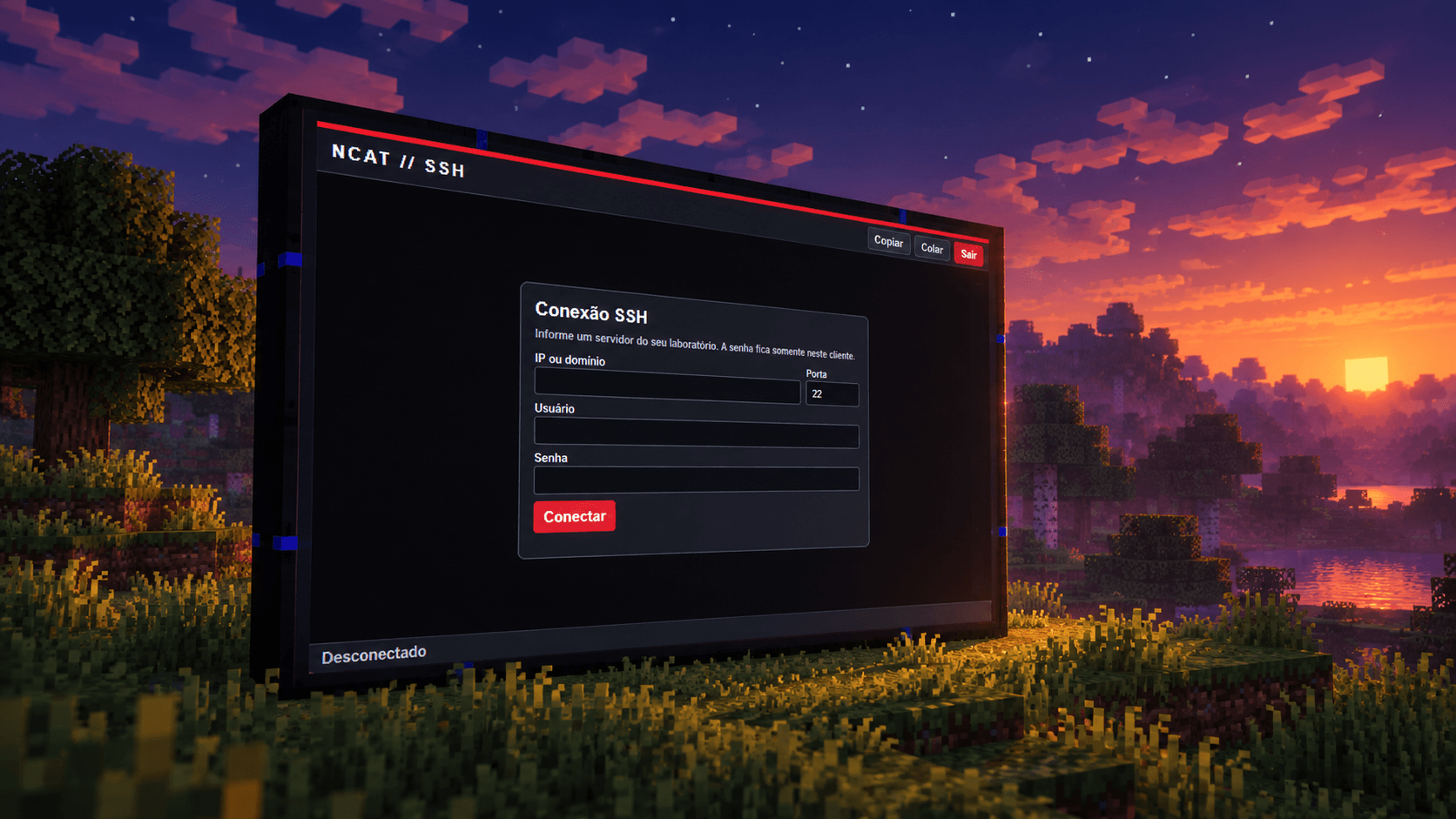
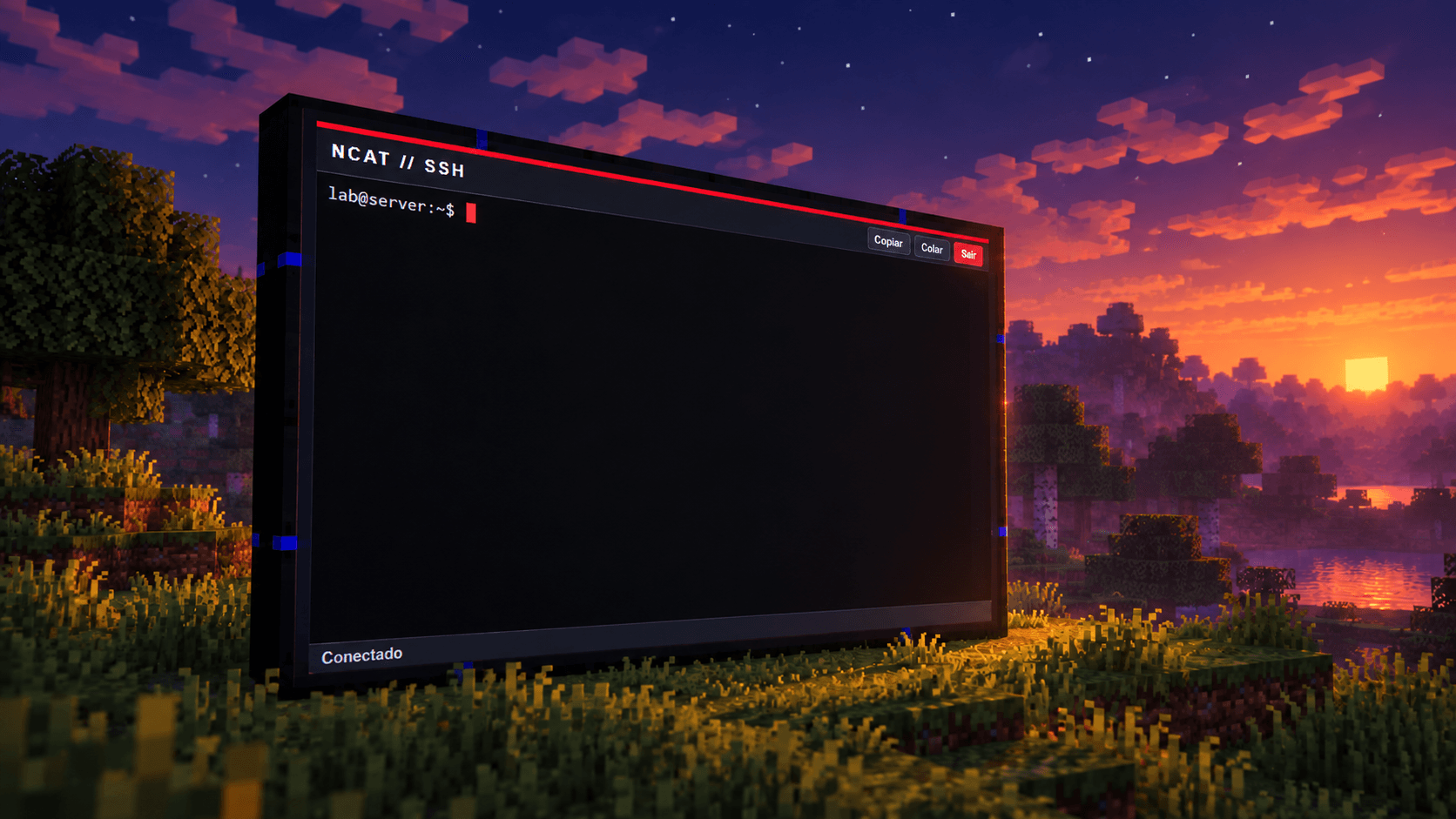
| SSH | blue | A real SSH terminal (xterm.js) that verifies the server fingerprint. The password stays on your client. |
| SFTP | cyan | File explorer for the linked SSH session: browse, edit UTF-8 text up to 256 KiB, create, rename, delete and change permissions. |
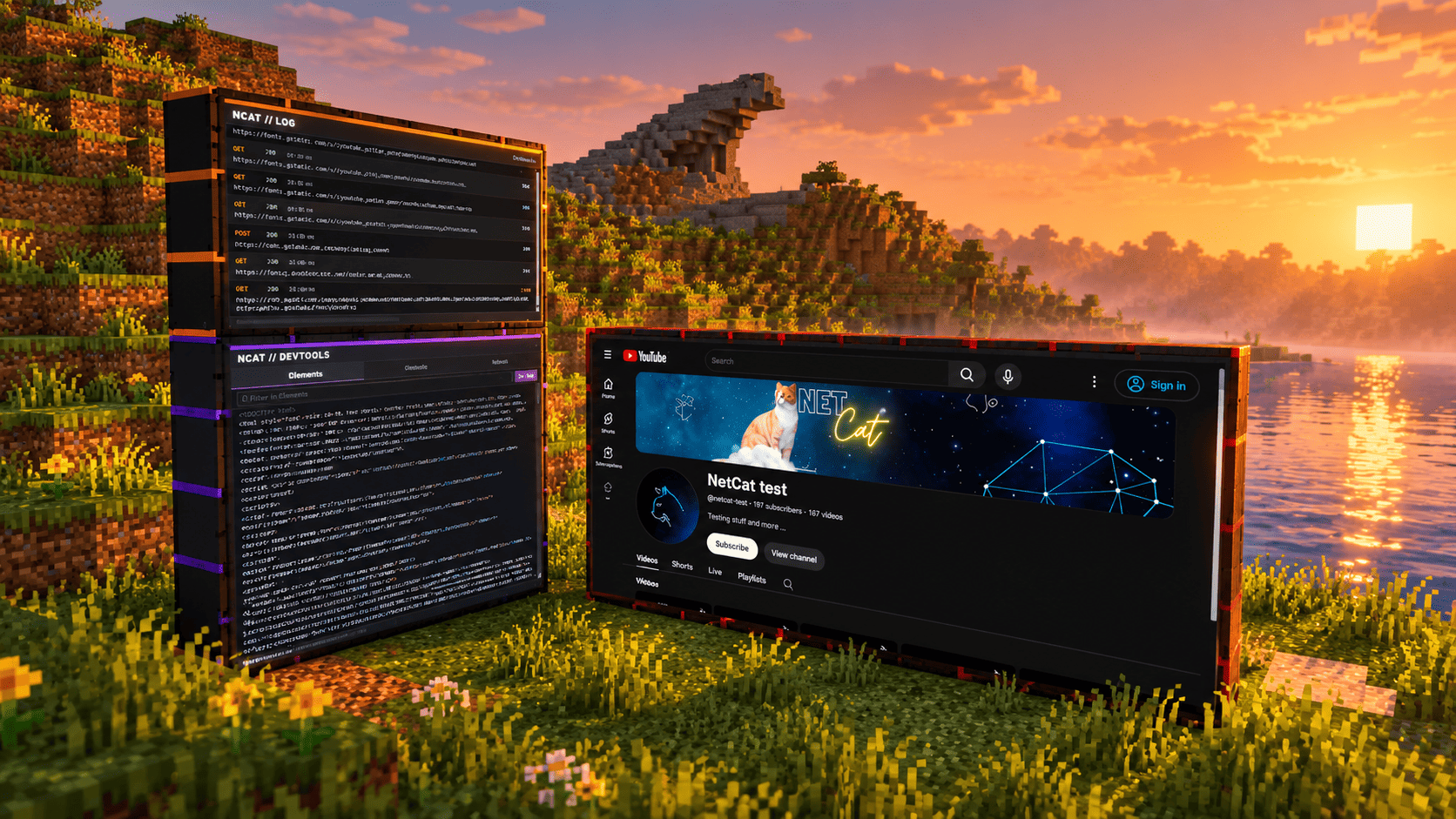
| Log | orange | Records the HTTP and HTTPS requests of the linked browser. The laser inspector turns any of them into a detail tablet. |
| Developer Tools | purple | Elements (HTML), JavaScript console and network tab for the linked browser. |
| Workstation | light blue | Shows and controls any screen or rack module reachable over the data network. A footer switches between them. |
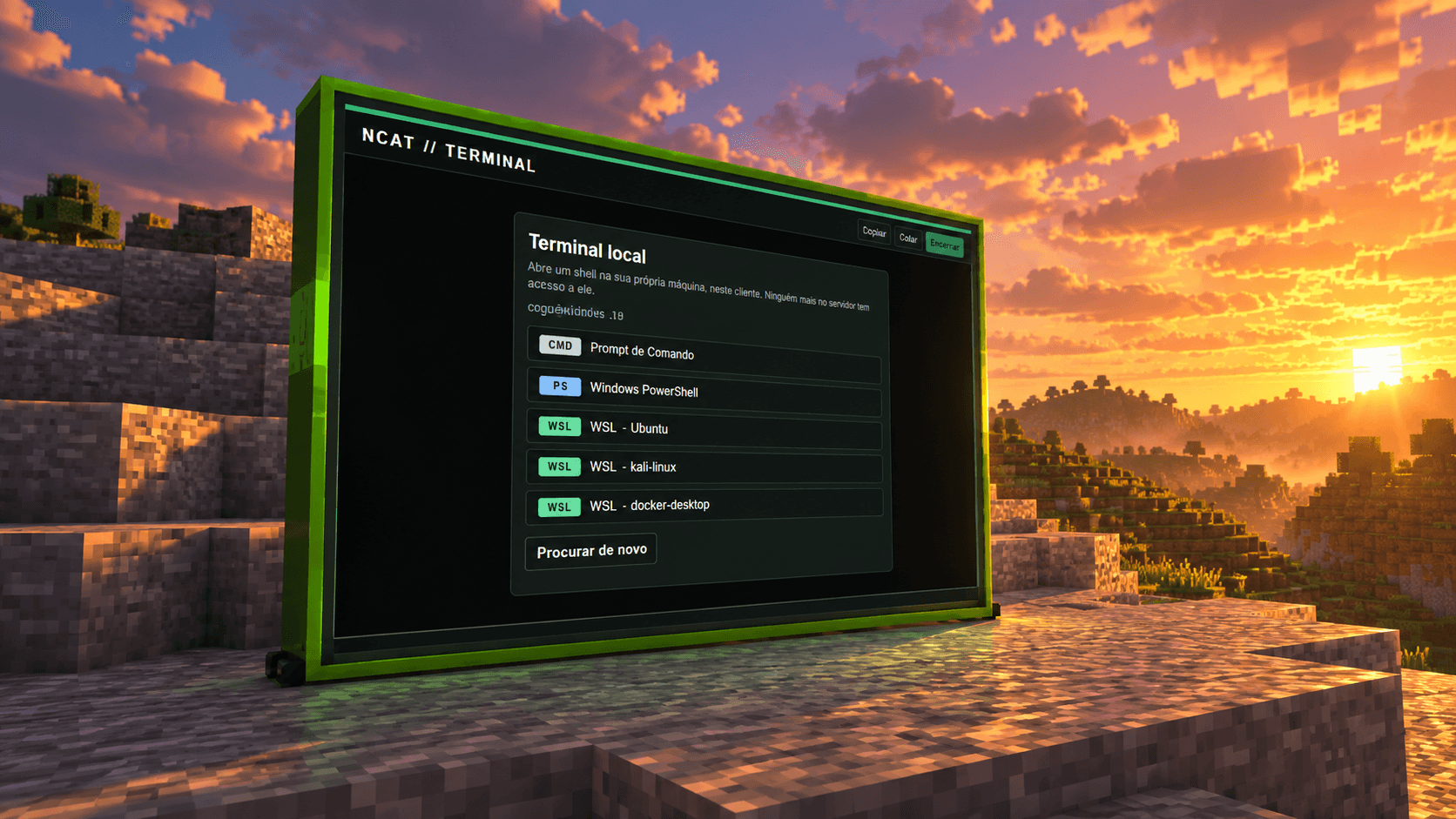
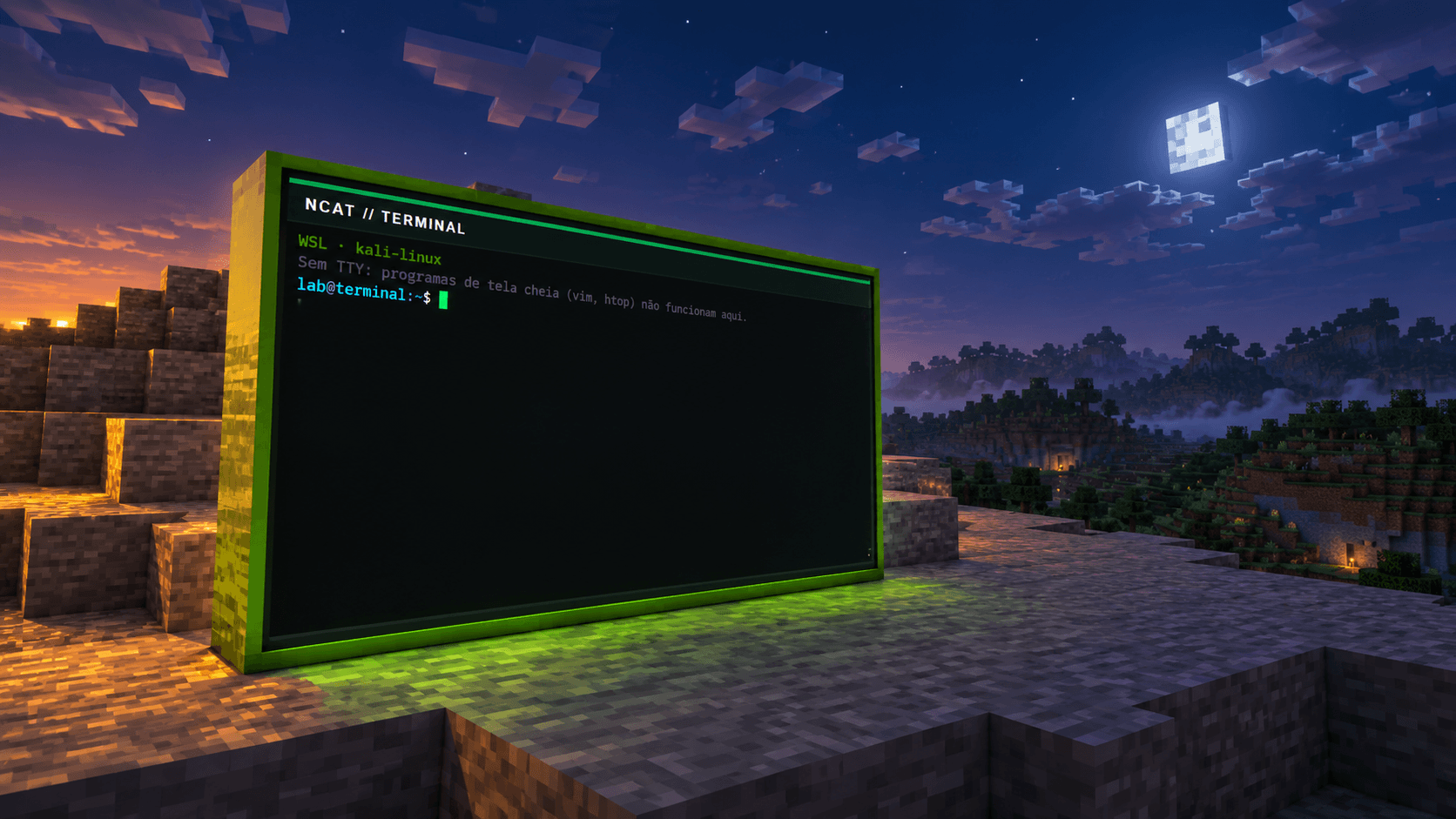
| Terminal | lime | A shell on your own computer: cmd, PowerShell, WSL distributions, bash, zsh. Runs on the client only. |
| Remote Connection | green | Remote desktop over RDP (FreeRDP) or VNC (noVNC). |
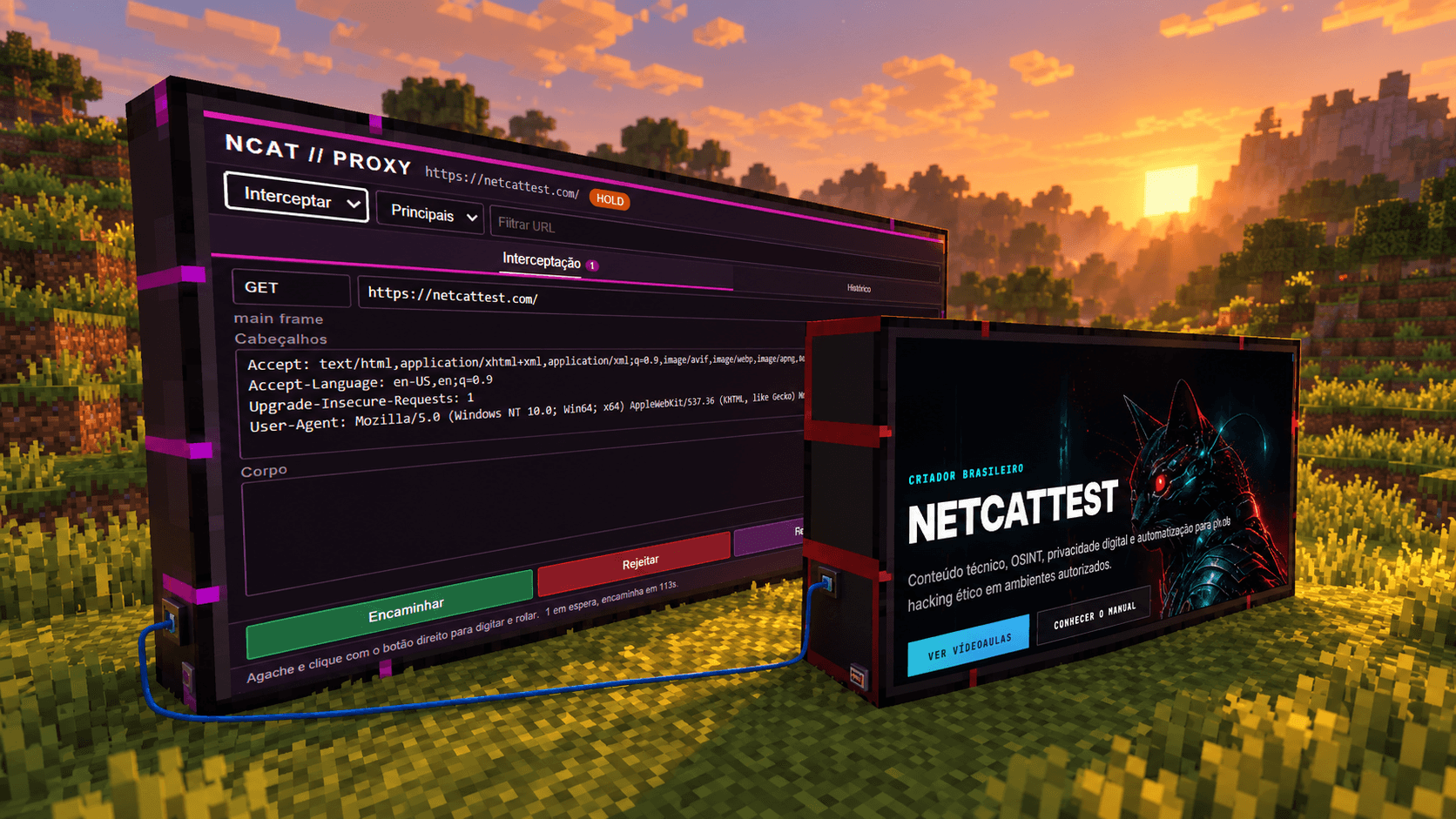
| Proxy | magenta | Intercepting proxy: watches traffic, pauses requests, lets you edit method, URL, headers and body, forward or drop, and keeps a history with response bodies. |
Gaming chair (you can sit on it), toilet, water cooler with jug and disposable cup, digital clocks (world time and local time), rubber duck and a Wi-Fi adapter.
| Item | Version |
|---|---|
| Minecraft Java Edition | 1.20.1 |
| Forge | 47.1.65 or newer, 47 series |
| Java | 17, 64-bit |
| MCEF | 2.1.1 for Forge 1.20.1 (required) |
| Operating system | Windows x64 or Linux x64 |
RDP only works on Windows x64 and Linux x64. The other screens depend on MCEF support for your platform. Every screen runs a Chromium instance, so give Minecraft at least 4 GB of memory.
ncat_minecraft-<version>.jar. If you see a file ending in -slim.jar, do not use it: it lacks the SSH and VNC libraries.mods folder:
%APPDATA%\.minecraft\mods~/.minecraft/modsmods/mcef-libraries, which can take a few minutes.Dedicated server: install NCAT Minecraft and MCEF in the mods folder of the server and of every player.
Verify the download: each release ships a SHA256SUMS.txt file. Compare it with the hash of your file:
sha256sum ncat_minecraft-*.jar
Get-FileHash .\ncat_minecraft-*.jar -Algorithm SHA256
Place screen blocks side by side to form a rectangle at least 2 blocks wide or tall (the default maximum is 16 × 16). Right-click any block with an empty hand: the screen turns on.
If a block is broken and placed back within 10 minutes, the screen comes back with the same settings and ports.
The log, developer tools and proxy screens analyse a browser. The SFTP screen uses an SSH session. There are two ways to link them:
Connect a workstation screen to the network. It lists every reachable screen and rack module, honouring VLANs and disabled ports. Pick a device in the footer to see and control its screen.
Link the proxy screen to a browser and pick a mode:
| Mode | Behaviour |
|---|---|
| Observe | Only records traffic. The browser loads normally. This is the default. |
| Active | The proxy sits in the request path and keeps the full request and response. |
| Intercept | Like active, but pauses each request so you can edit it and forward or drop it. |
A paused request is forwarded unchanged after 120 seconds so the page never hangs. The timeout can be changed in the configuration.
These apply to browser screens and to browser modules in a rack.
| Shortcut | Action |
|---|---|
Ctrl + L |
Edit the address |
F5 or Ctrl + R |
Reload |
Alt + ← / → |
Back / forward |
Alt + Home |
Home page |
Ctrl + T / Ctrl + W |
New tab / close tab |
Ctrl + Tab, Ctrl + 1…8 |
Switch tab |
Ctrl + + / - / 0 |
Zoom |
F11 |
Fullscreen |
Esc |
Leave the keyboard |
NCAT Browser · NCAT SSH · NCAT Terminal · NCAT Proxy · NCAT Remote Connection · NCAT Cables · NCAT Network Equipment · NCAT Workstation · NCAT Rack and Modules · NCAT Furniture
Everything can be crafted in survival. Names follow the game language.
<details> <summary>Show every recipe</summary>Screens
| Item | Ingredients |
|---|---|
| NCAT Browser Screen | 4× iron ingot, 3× glass pane, 1× redstone, 1× red dye |
| NCAT SSH Screen | 4× iron ingot, 3× glass pane, 1× redstone, 1× blue dye |
| NCAT SFTP Screen | 4× iron ingot, 3× glass pane, 1× redstone, 1× cyan dye |
| NCAT Log Screen | 4× iron ingot, 3× glass pane, 1× redstone, 1× orange dye |
| NCAT Developer Tools Screen | 4× iron ingot, 3× glass pane, 1× redstone, 1× purple dye |
| NCAT Workstation Screen | 4× iron ingot, 3× glass pane, 1× NCAT Browser Screen, 1× redstone |
| NCAT Terminal Screen | 7× iron ingot, 1× glass pane, 1× redstone |
| NCAT Remote Connection Screen | 4× iron ingot, 3× glass pane, 1× redstone, 1× green dye |
| NCAT Proxy Screen | 7× iron ingot, 1× glass pane, 1× quartz |
Keyboards
| Item | Ingredients |
|---|---|
| NCAT Browser Keyboard | 3× iron ingot, 3× stone pressure plate, 2× red dye, 1× redstone |
| NCAT SSH Keyboard | 3× iron ingot, 3× stone pressure plate, 2× blue dye, 1× redstone |
| NCAT SFTP Keyboard | 3× iron ingot, 3× stone pressure plate, 2× cyan dye, 1× redstone |
| NCAT Developer Tools Keyboard | 3× iron ingot, 3× stone pressure plate, 2× purple dye, 1× redstone |
| NCAT Workstation Keyboard | 4× iron ingot, 2× stone pressure plate, 1× copper ingot, 1× NCAT Browser Keyboard, 1× redstone |
| NCAT Terminal Keyboard | 3× quartz, 2× iron ingot, 1× copper ingot |
| NCAT Proxy Keyboard | 3× quartz, 2× iron ingot, 1× amethyst shard |
Network and cables
| Item | Ingredients |
|---|---|
| NCAT Data Cable | 2× copper ingot, 2× string, 1× redstone |
| RJ45 Data Port | 2× iron nugget, 2× copper ingot, 1× redstone |
| Data Port Installer | 2× iron ingot, 1× redstone, 1× stick |
| Cable Adjuster | 4× iron ingot, 1× stick |
| NCAT USB Cable | 2× iron nugget, 2× string, 1× copper ingot |
| USB Port | 2× iron nugget, 1× copper ingot, 1× redstone |
| USB Port Installer | 2× iron ingot, 2× stick, 1× USB Port |
| USB Cable Adjuster | 2× iron ingot, 2× stick |
| NCAT Serial Cable | 2× copper ingot, 2× iron nugget, 1× redstone |
| NCAT Unmanaged Switch (8 Ports) | 8× RJ45 Data Port, 1× redstone comparator |
| NCAT Managed Switch (8 Ports) | 2× copper ingot, 1× redstone, 1× redstone comparator, 1× NCAT Unmanaged Switch (8 Ports) |
| NCAT Configuration Tablet | 4× iron ingot, 1× glass pane, 1× redstone, 1× smooth stone slab |
Rack
| Item | Ingredients |
|---|---|
| Rack Cabinet 12U | 6× iron ingot, 2× glass pane, 1× iron bars |
| Rack Extension 18U | 8× iron ingot, 1× Rack Cabinet 12U |
| Wall Rack 6U | 4× iron ingot, 1× glass pane, 1× iron bars |
| Rack browser | 7× iron ingot, 1× NCAT Browser Screen, 1× redstone |
| Rack SSH | 7× iron ingot, 1× NCAT SSH Screen, 1× redstone |
| Rack SFTP | 7× iron ingot, 1× NCAT SFTP Screen, 1× redstone |
| Rack log | 7× iron ingot, 1× NCAT Log Screen, 1× redstone |
| Rack developer tools | 7× iron ingot, 1× NCAT Developer Tools Screen, 1× redstone |
| Terminal for rack | 3× iron ingot, 2× glass pane, 1× redstone |
| Remote desktop for rack | 3× iron ingot, 2× glass pane, 1× ender pearl |
| Proxy for rack | 3× iron ingot, 2× glass pane, 1× quartz |
| Rack switch | 7× iron ingot, 1× NCAT Unmanaged Switch (8 Ports), 1× redstone |
| Rack managed switch | 7× iron ingot, 1× NCAT Managed Switch (8 Ports), 1× redstone |
Tools
| Item | Ingredients |
|---|---|
| Linking Tool | 1× redstone, 1× iron ingot, 1× stick |
| Screen Configurator | 2× iron ingot, 1× glass pane, 1× redstone, 1× stick |
| Laser Pointer | 1× glass pane, 1× redstone, 1× copper ingot |
| NCAT Log Laser Inspector | 2× iron ingot, 1× amethyst shard, 1× redstone |
| NCAT Request Tablet | 7× iron ingot, 1× glass pane, 1× redstone |
Furniture
| Item | Ingredients |
|---|---|
| NCAT Blue Cat Gaming Chair | 3× black wool, 2× blue wool, 2× iron ingot, 1× leather, 1× stone slab |
| NCAT Porcelain Toilet | 6× block of quartz, 1× iron ingot |
| NCAT Water Cooler | 5× iron ingot, 1× white concrete, 1× redstone, 1× cauldron, 1× lapis lazuli |
| Disposable Cup | 1× paper |
| Disposable Cup of Water | 1× Disposable Cup, 1× water bucket |
| Digital Clock (world time) | 5× black concrete, 2× redstone, 1× glass pane |
| Digital Clock (local time) | 5× white concrete, 2× redstone, 1× glass pane |
| Rubber Duck | 4× yellow dye, 1× slimeball |
| ALTA Wi-Fi Adapter | 3× iron ingot, 2× black concrete, 2× block of quartz, 1× redstone |
The NCAT Water Jug uses a special recipe: 8 glass blocks around a water bucket, filling the 3×3 grid. The jug comes out full.
</details>The files live in the Minecraft config folder and are created on first launch.
ncat_minecraft_client.toml (each player)| Option | Default | Description |
|---|---|---|
terminal_enabled |
true |
Lets the terminal screen start a shell on your computer. |
terminal_directory |
empty | Starting folder for the terminal. Empty uses your home folder. |
proxy_enabled |
true |
Lets the proxy sit in the request path. When off, it only observes. |
proxy_hold_seconds |
120 |
How long (5 to 600 s) a paused request waits before going through unchanged. |
proxy_max_body_kib |
1024 |
Largest body (16 to 8192 KiB) the proxy keeps in memory. |
load_distance |
30 |
Distance, in blocks, at which screens start rendering. |
unload_distance |
32 |
Distance at which screens stop rendering. |
input.keyboard_camera |
true |
Moves the camera toward the focused field while you type. |
ncat_minecraft_common.toml (server and single player)| Option | Default | Description |
|---|---|---|
browser_options.home_page |
mod://ncat_minecraft/main.html |
Home page for browser screens. |
browser_options.blacklist |
empty | Domains blocked on every screen. |
screen_options.max_width / max_height |
16 / 16 |
Largest screen size, in blocks. |
screen_options.max_resolution_x / _y |
1920 / 1080 |
Largest screen resolution. |
mini_server.miniserv_port |
25566 |
TCP port of the file server inherited from WebDisplays. Set 0 to turn it off. |
mini_server.miniserv_quota |
1024 |
Per-player quota for that file server, in KiB. |
The file also contains options inherited from WebDisplays that do not affect NCAT features.
terminal_enabled = false.proxy_enabled = false.25566 when a world loads. If you do not use it, turn it off with miniserv_port = 0.browser_options.blacklist to block domains on every screen.| Symptom | What to do |
|---|---|
The game will not start and reports a missing mcef |
Install MCEF 2.1.1 for Forge 1.20.1 in the mods folder. |
| The screen stays black the first time | MCEF is still downloading Chromium. Wait and check the game log. |
| The screen will not turn on | Check that the rectangle is complete, with no missing blocks, and at least 2 blocks wide or tall. |
SSH or SFTP fail with NoClassDefFoundError |
You are using the -slim.jar file. Switch to the complete jar. |
| RDP is unavailable | RDP only exists on Windows x64 and Linux x64. VNC works without a native library. |
| The terminal does not list WSL | Run wsl --list on Windows to check that distributions are installed. |
| A page will not load through the proxy in active mode | Switch back to Observe and check the history. A redirect loop is cut off after 5 hops. |
| The build fails with a toolchain error | Point JAVA_HOME at a JDK 17. |
Minecraft is a trademark of Mojang Studios. This is an unofficial project with no affiliation with Mojang or Microsoft.