



📖 About 📖
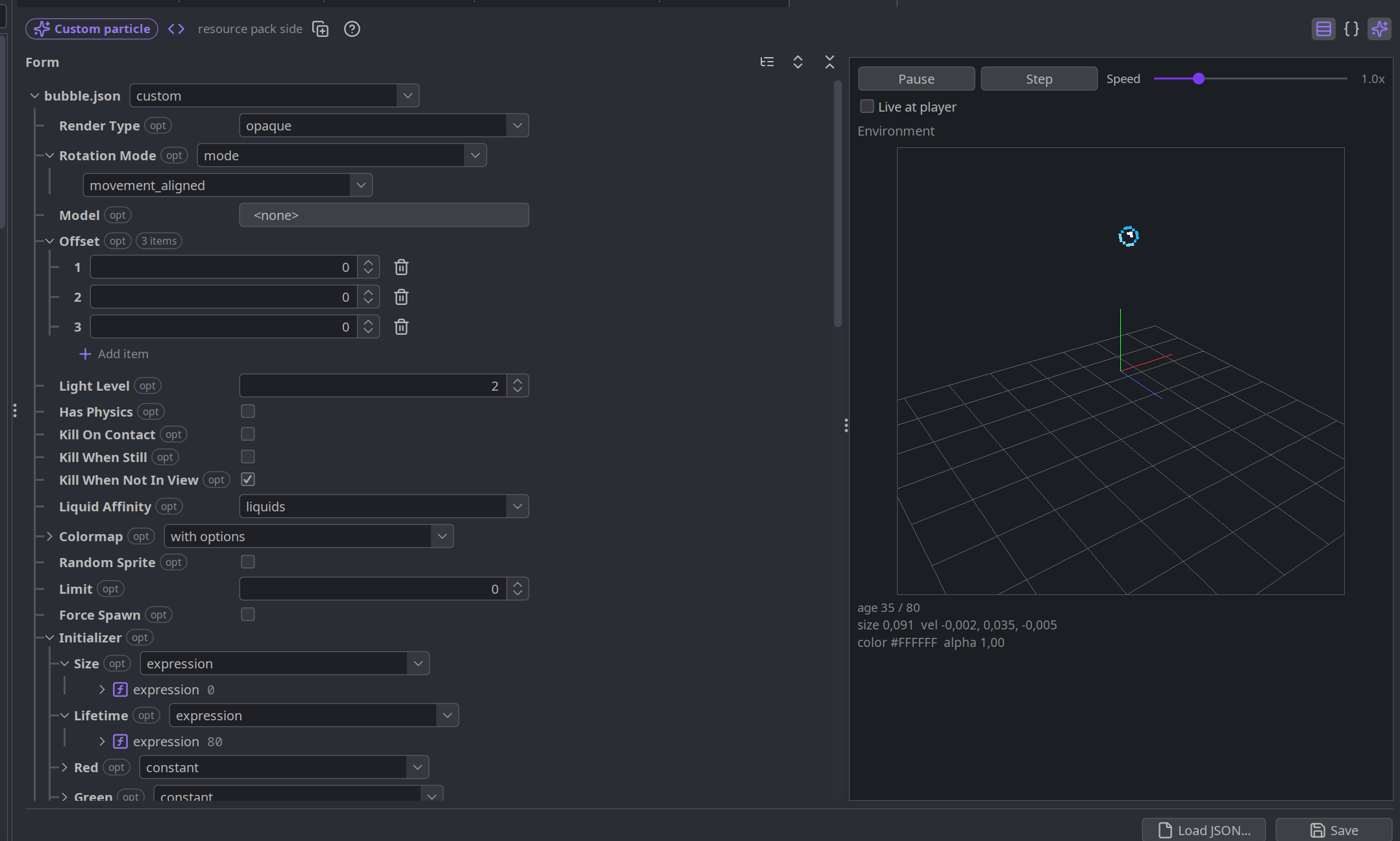
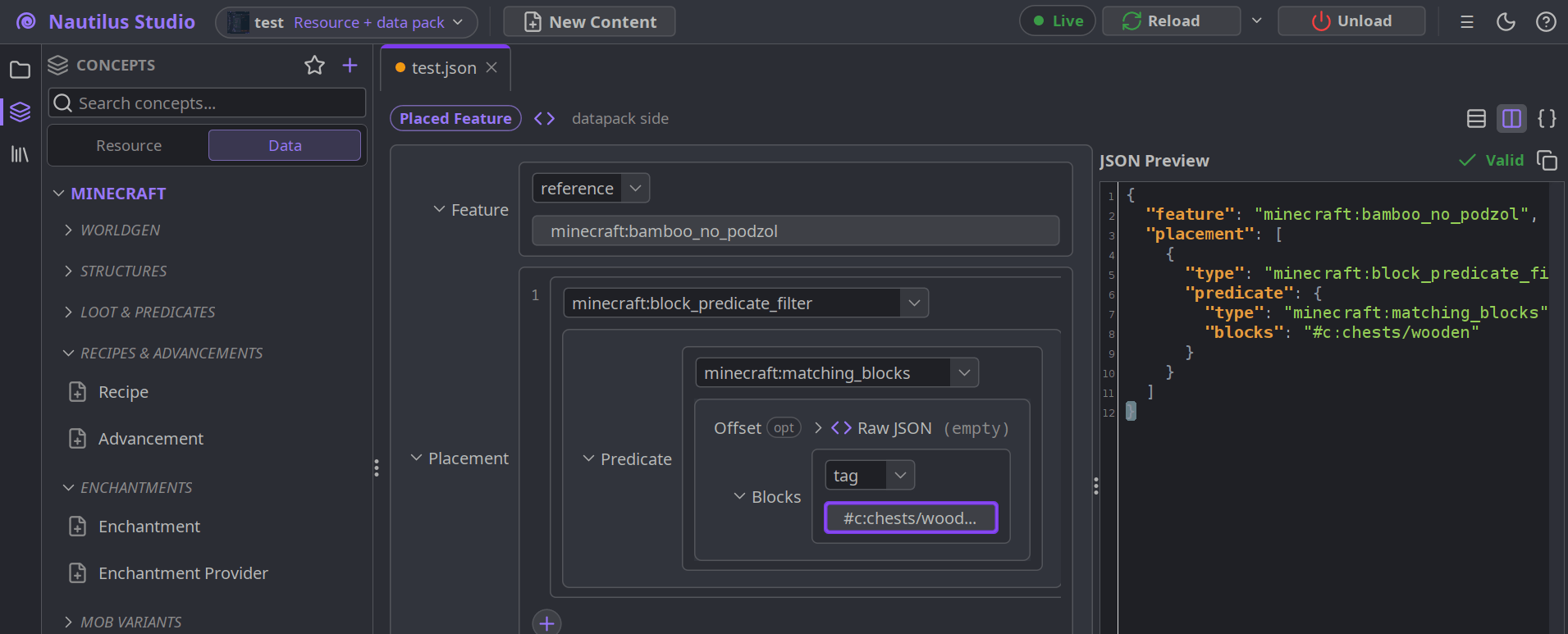
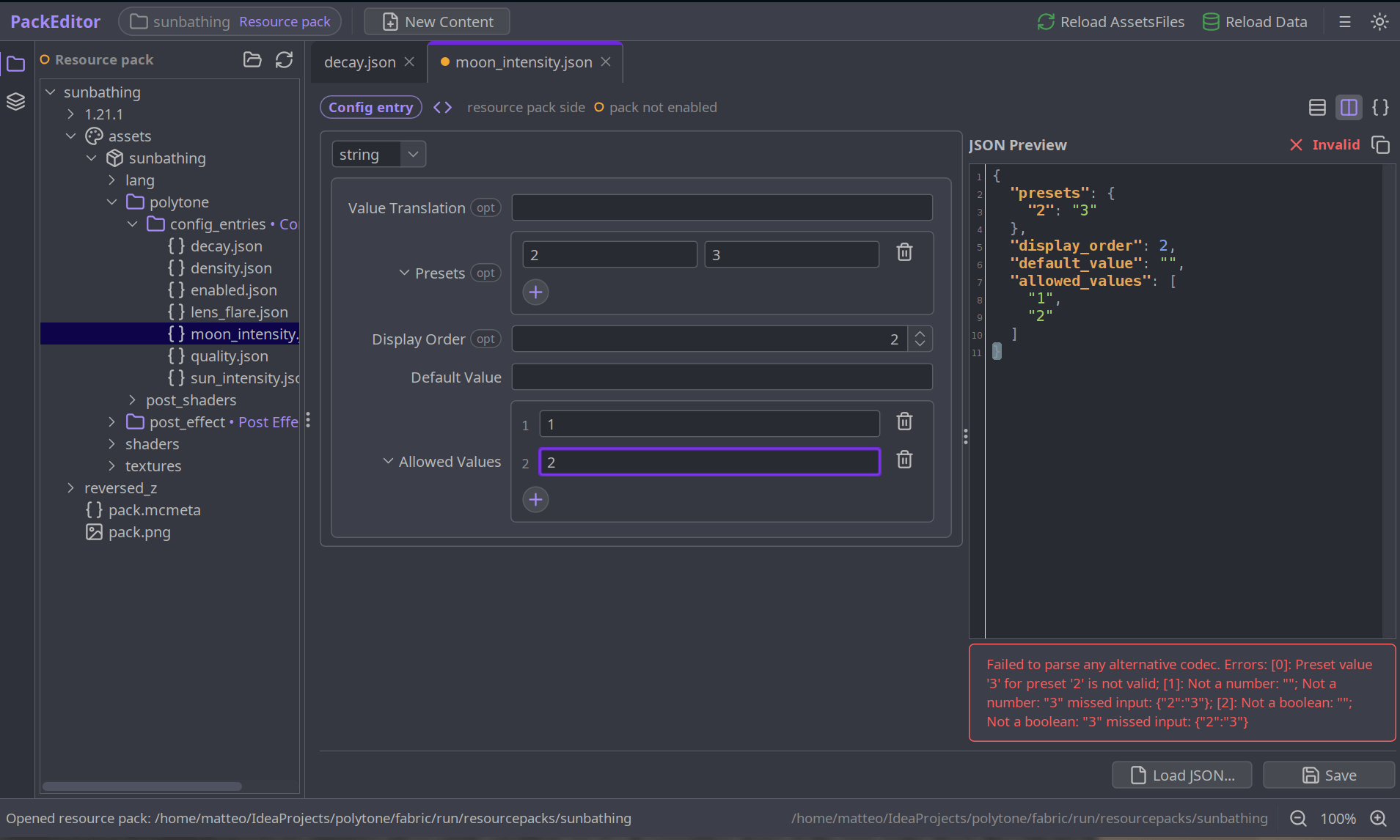
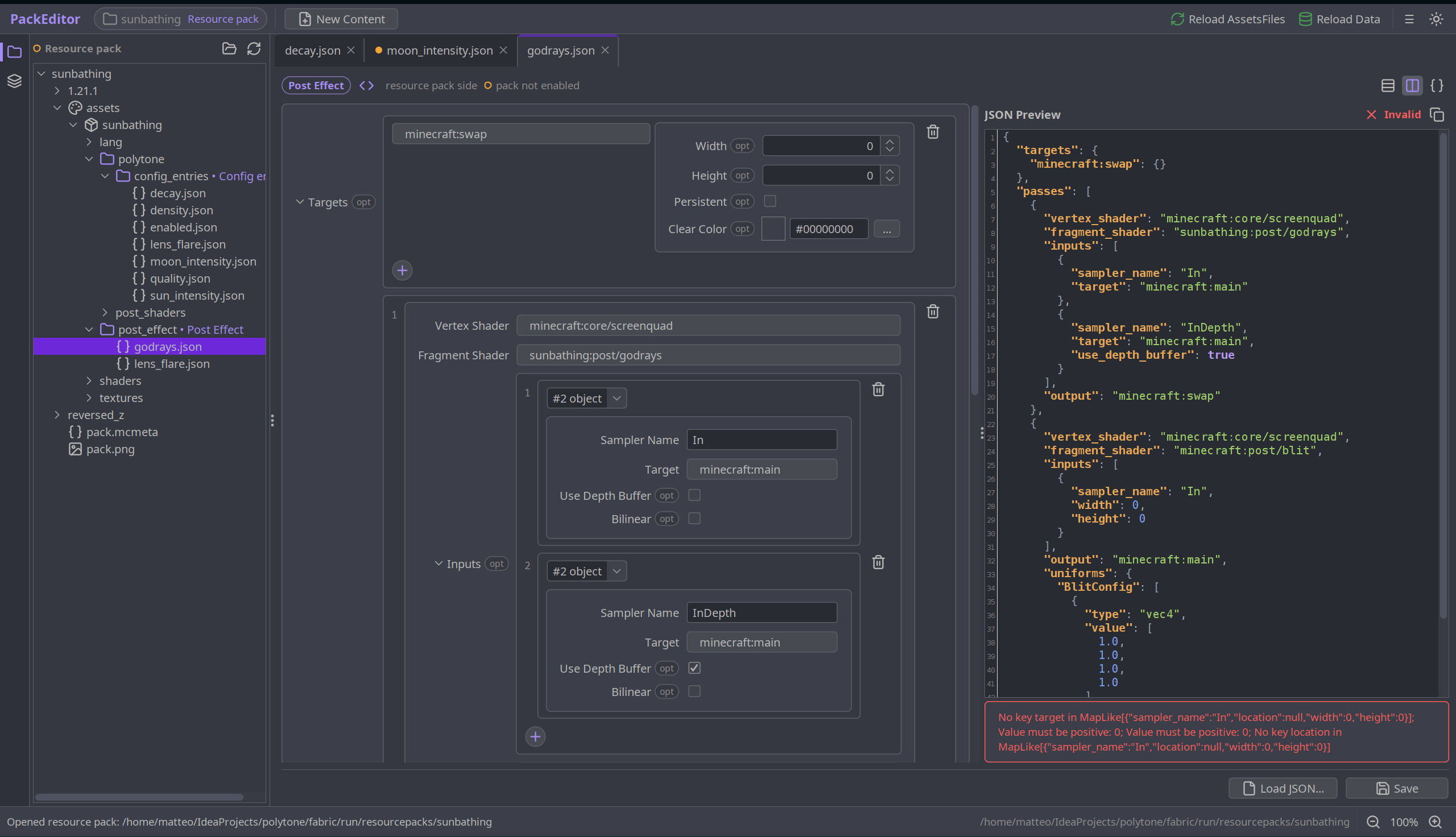
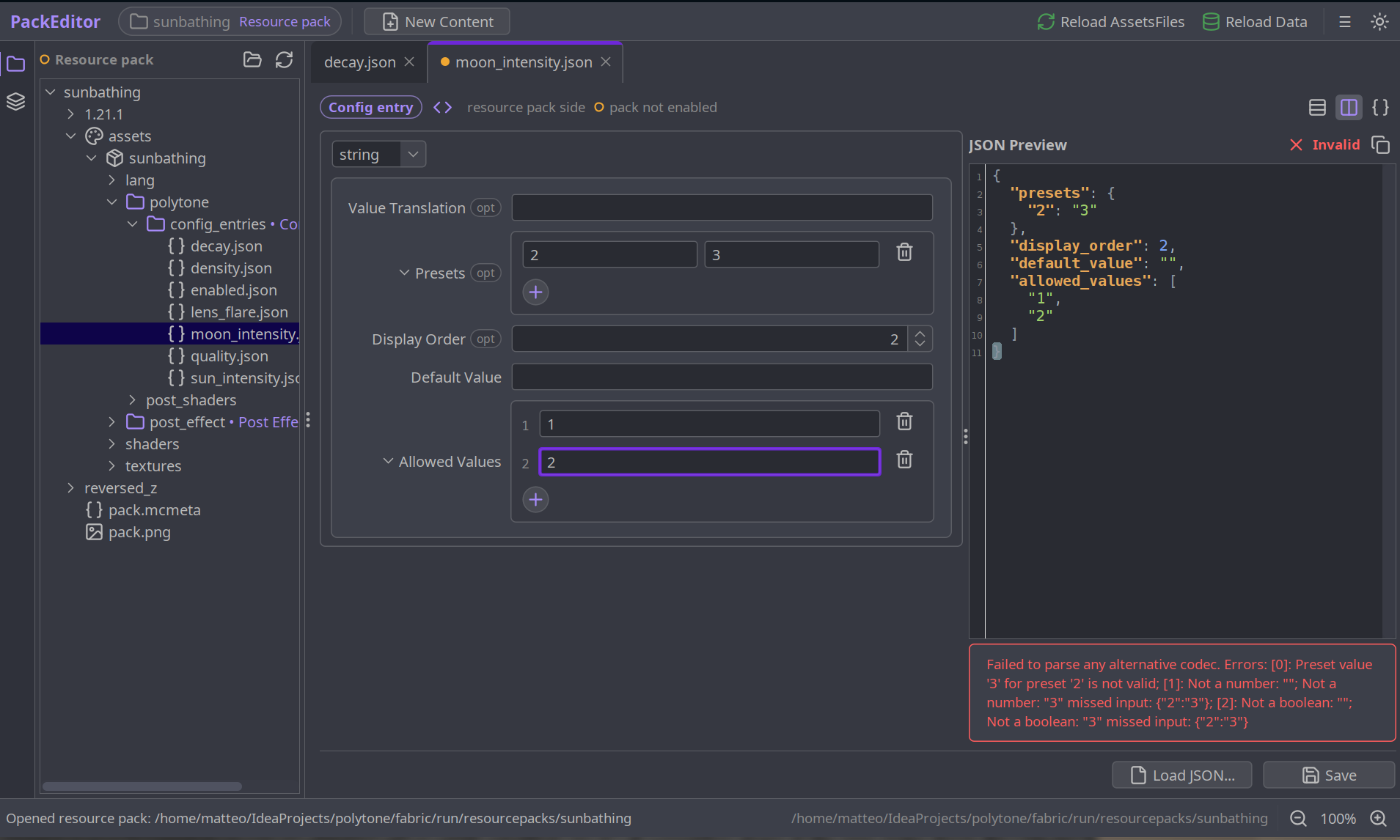
Nautilus Studio is an in-game data and resource pack workbench. Instead of hand-writing JSON and guessing at the right fields, it opens a full editor alongside the game: pick a file, fill in a generated form, hit reload, and the change appears in the running world.
The forms are built automatically from the game's own content definitions, so it works with modded content as well as vanilla.
🖼️ Media 🖼️
📦 Features 📦
What It Can Edit
Using It
Nautilus Studio runs best on Fabric. On NeoForge the editor window can occasionally fail to open, due to Java's headless-window restrictions.
🛠️ For Mod Developers 🛠️
For most things the mod should just work. However if you want proper compat here is what you can do:
To register your codec so they appear by default in the editor you can register them like such:
NautilusStudioApi.register(
    "My Mod",                  // group name, shown next to "Minecraft"
    "Widget Layout",           // this content type's label
    MY_CODEC,                  // your per-file Codec (the DIRECT_CODEC)
    Side.CLIENT_RESOURCES,     // CLIENT_RESOURCES (assets/) or SERVER_DATA (data/)
    "mymod/widgets"            // folder the files live in
);
To get nicer widgets, a color picker, a slider, a dropdown for a sum type, build your codec as a CodecUI SchemaCodec and pass that instead. It stays a real Codec with the same wire format. Anything CodecUI can't read falls back to a validated raw-JSON editor, so registering is always safe.
Simply add these lines (jar-in-jar, so CodecUI ships inside your mod) and replace your Codec calls with SchemaCodec calls, following the API in that class:
repositories {
    maven { url "https://registry.somethingcatchy.net/repository/maven-public/" }
}

dependencies {
    // Fabric (Loom)
    modImplementation "net.mehvahdjukaar:codecui-fabric:1.21.11-0.4.0"
    include           "net.mehvahdjukaar:codecui-fabric:1.21.11-0.4.0"

    // NeoForge (ModDevGradle)
    implementation "net.mehvahdjukaar:codecui-neoforge:1.21.11-0.4.0"
    jarJar         "net.mehvahdjukaar:codecui-neoforge:1.21.11-0.4.0"
}
See the CodecUI repo for the full DSL and examples.
❓ F.A.Q. ❓
Q: Is this client-side only?
A: Yes. The editor is a client tool: it edits pack files on disk and reloads your client. You don't need it on a server.
Q: Do players need this to use my pack/mod?
A: No. Nautilus Studio is a creation tool. The packs you make with it are plain vanilla data/resource packs that work for everyone.
Q: Does it work with modded content?
A: Yes. Any mod that registers its codec (a one-liner, thanks to CodecUI) shows up automatically. You can also add custom codecs yourself by class name.
Q: What if Nautilus Studio doesn't understand a file?
A: It falls back to a live-validated raw JSON editor with syntax highlighting, so you can still edit anything.
Q: Do I need CodecUI as a dependency?
A: No. Nautilus Studio bundles it. You only touch CodecUI directly if you want to hand-tune your editor's widgets.
Q: Fabric or NeoForge?
A: Both are supported. Fabric is the smoother experience; on NeoForge the external window can occasionally hit AWT headless limitations.
❤️ Support Me ❤️
Modding takes a lot of my time. If you like what I do and want to support me, you'll receive a custom Globe and/or Statue just for you - this also applies if you buy a server from Akliz using the code below.

Need a server? Akliz offers top-tier servers built for modded Minecraft, with a great community and support team.
Use code "supplementaries" to get 20% off and support me at the same time!

🦉 Our Mods 🦉