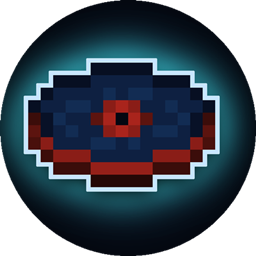
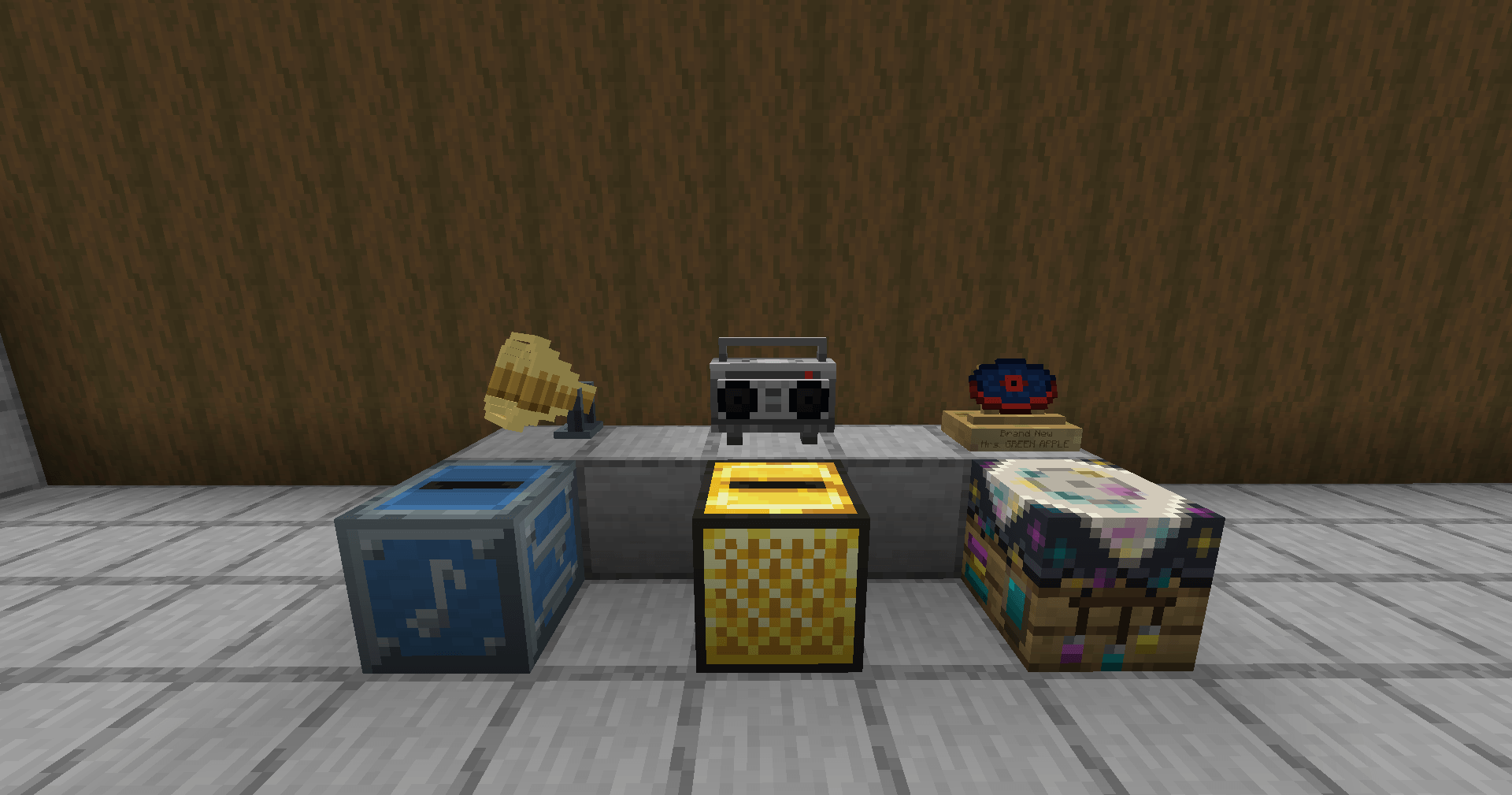
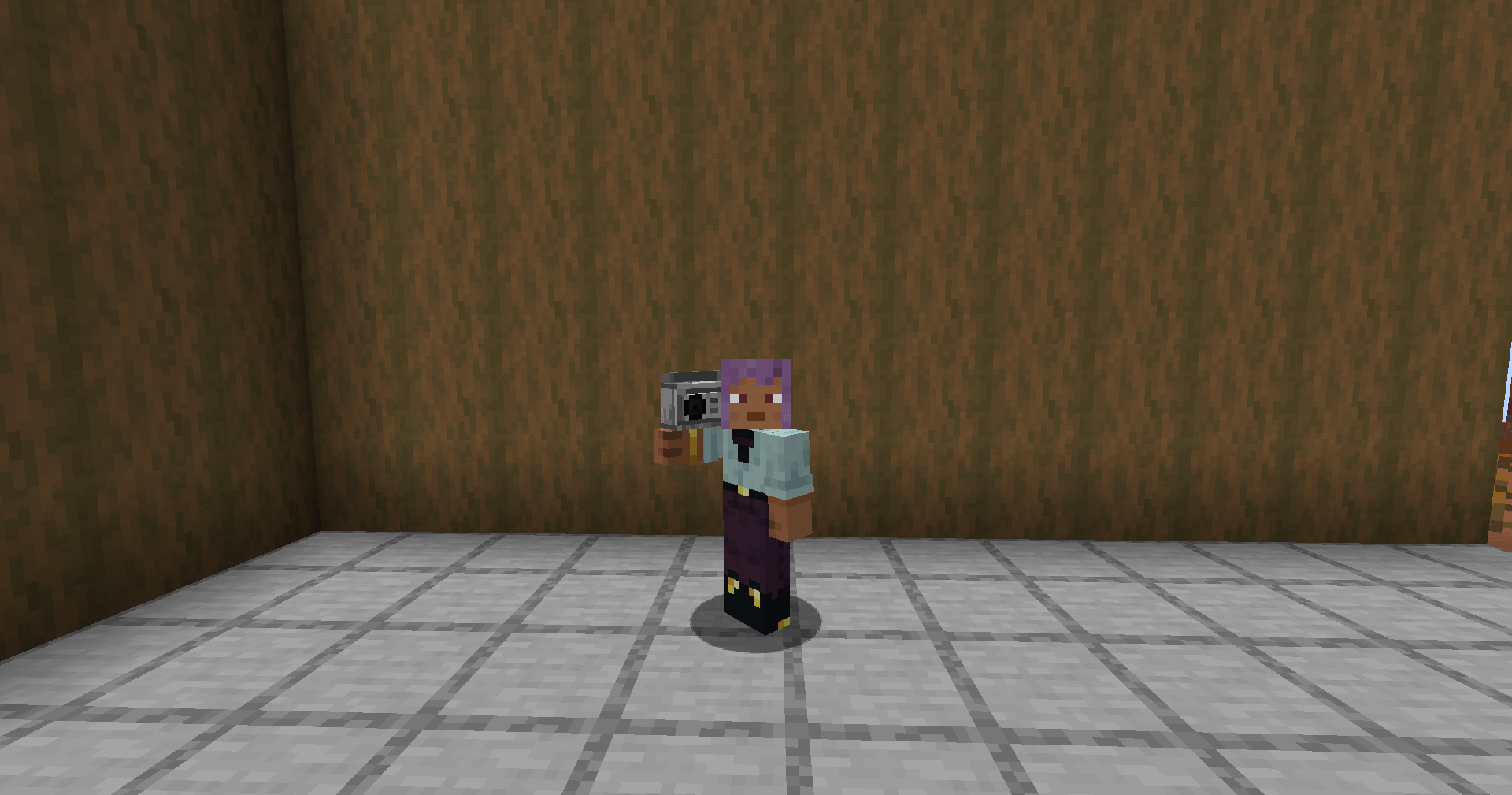
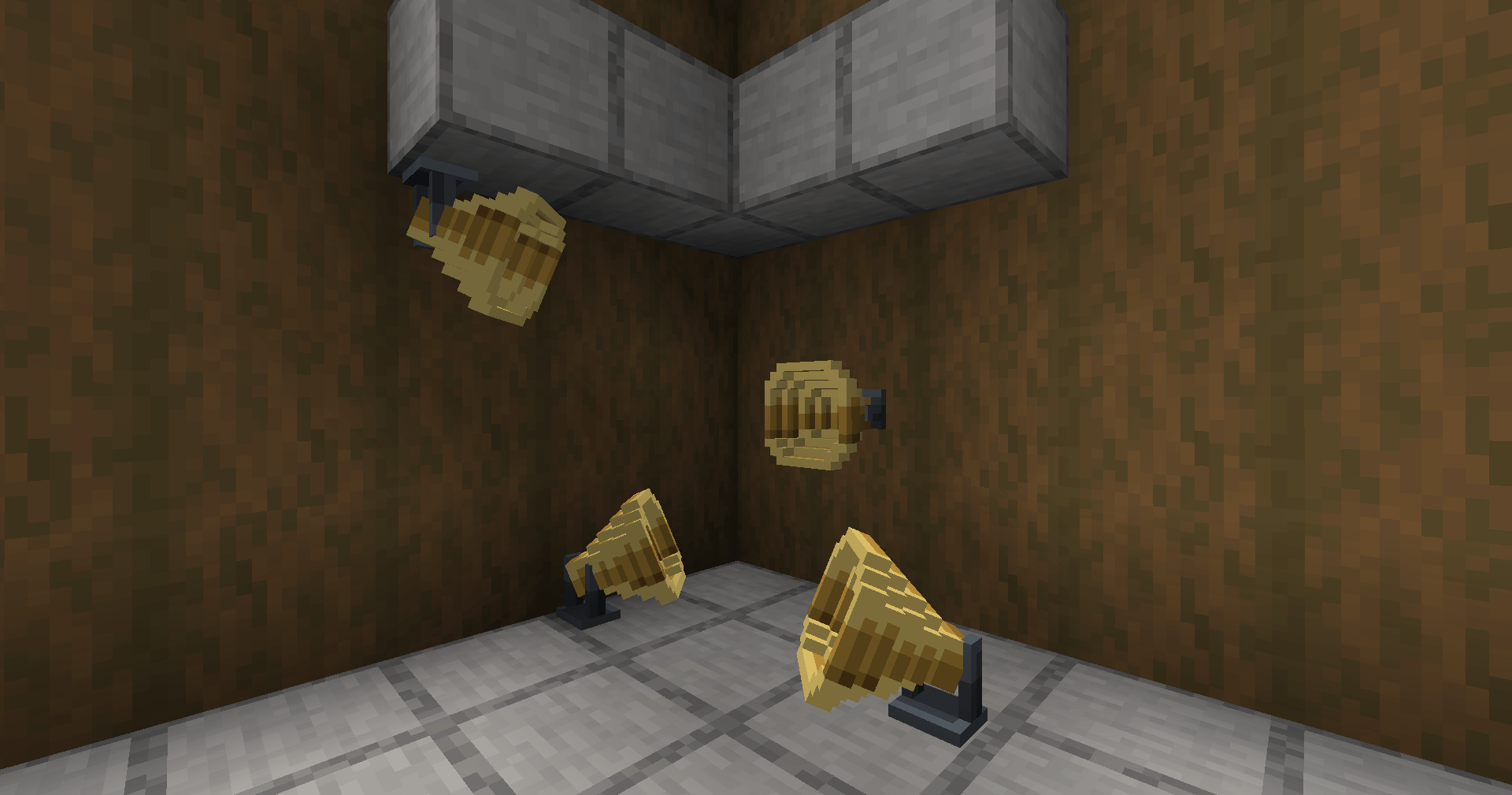
Paste a track link, insert a blank disc, and get a custom music disc that plays in a vanilla jukebox.
Minecraft only gives you a fixed set of music discs and no way to play your own music. This adds a crafting block: paste a URL (YouTube, Spotify, SoundCloud, Bandcamp, or a direct stream), drop in a blank disc, and it makes a disc that streams that track from an ordinary jukebox — with the vanilla "Now Playing" overlay and positional audio.
Features
Works with YouTube, Spotify, SoundCloud, Bandcamp, and direct stream URLs
Spotify links resolve by song and artist, so you get the actual track instead of a video title
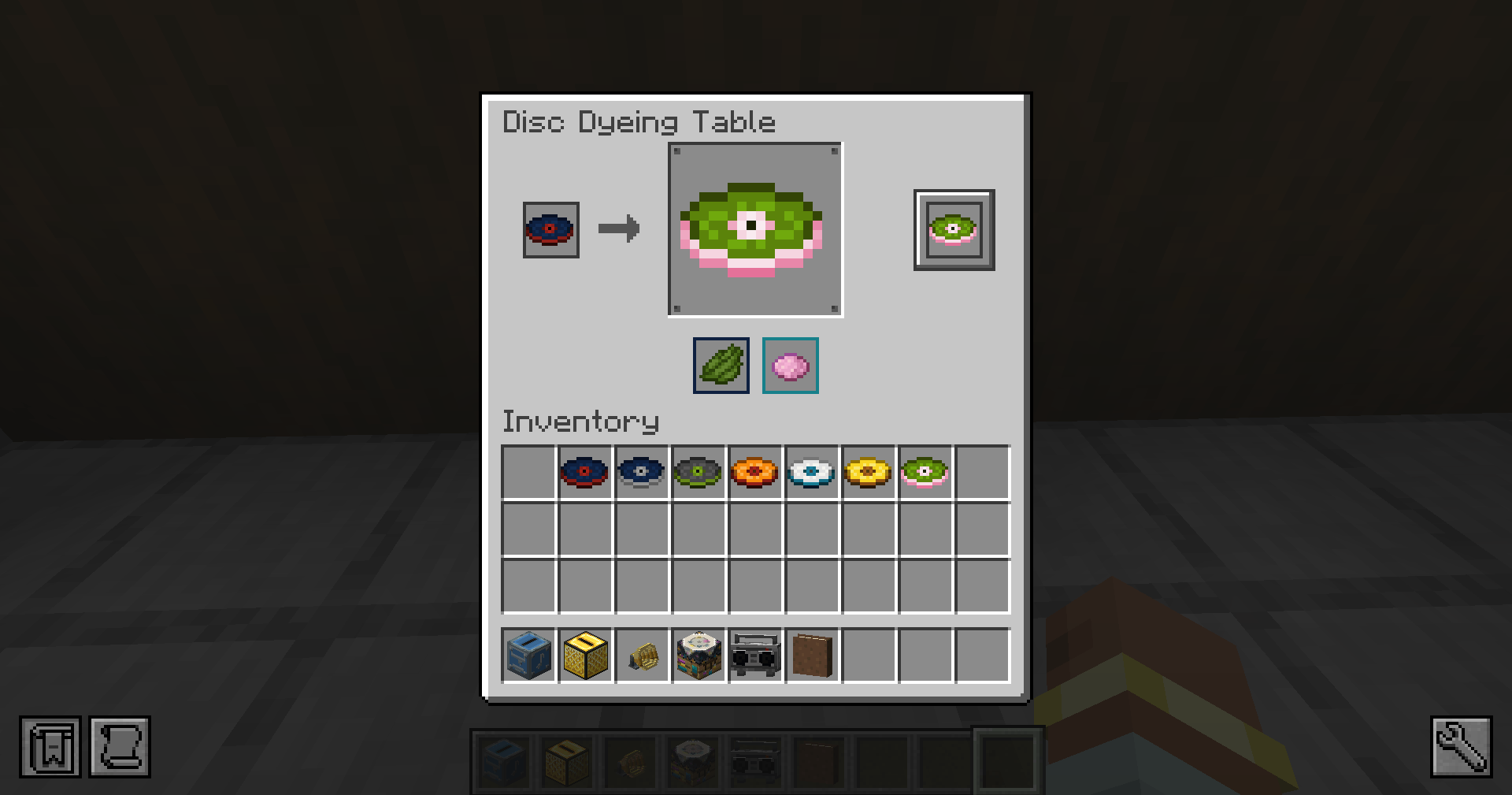
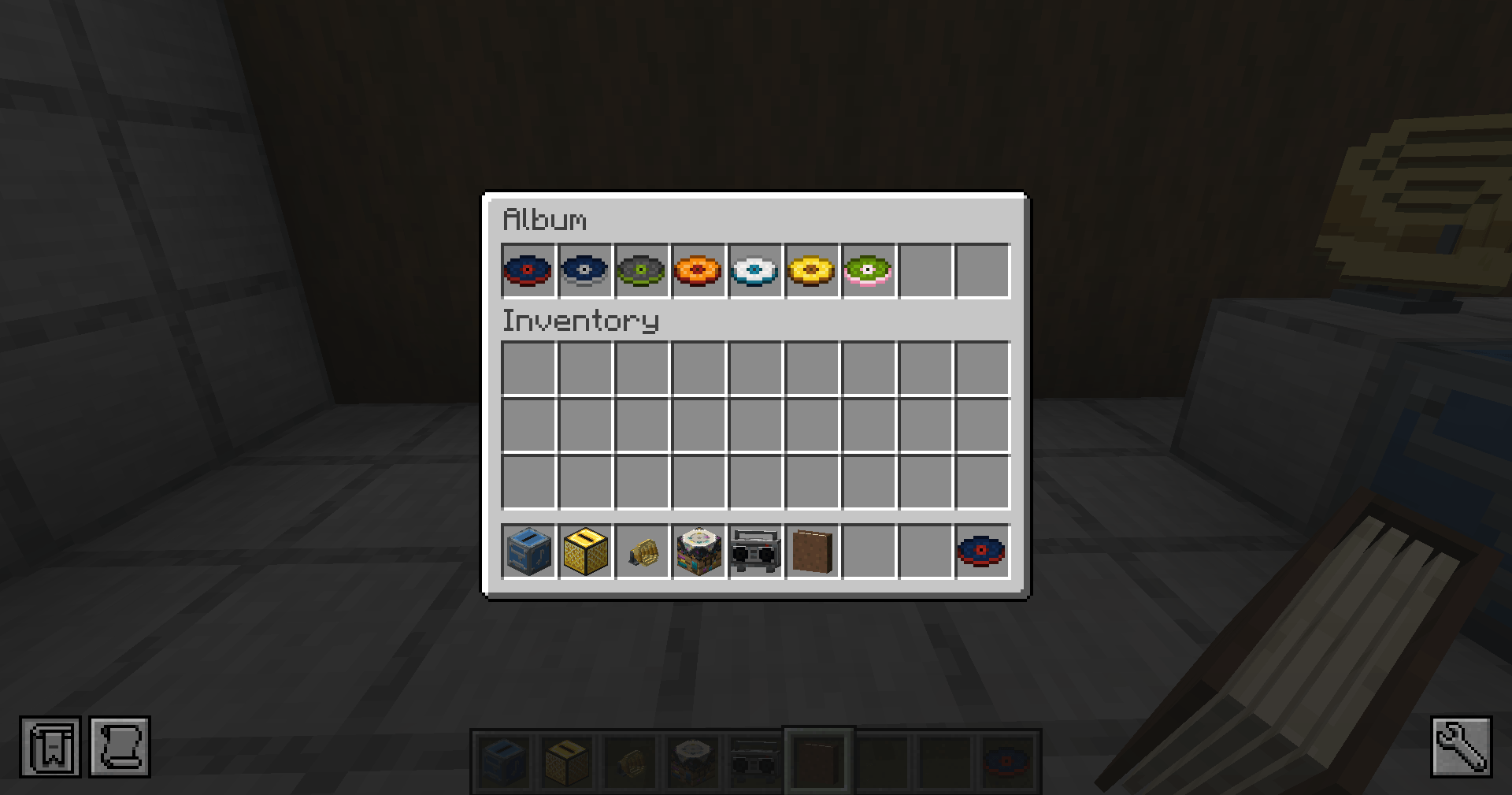
Each song gets its own disc color, and the same song always looks the same
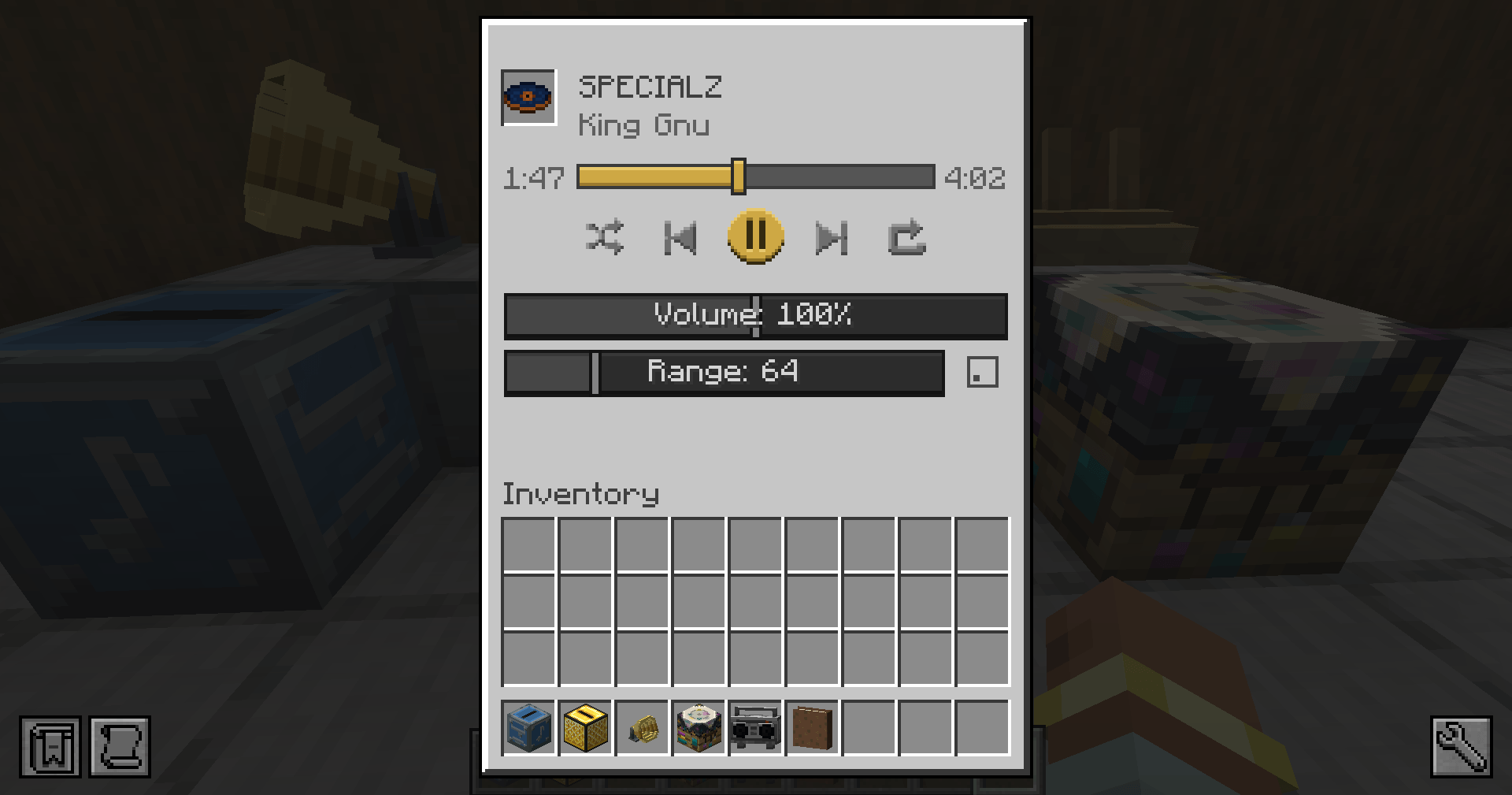
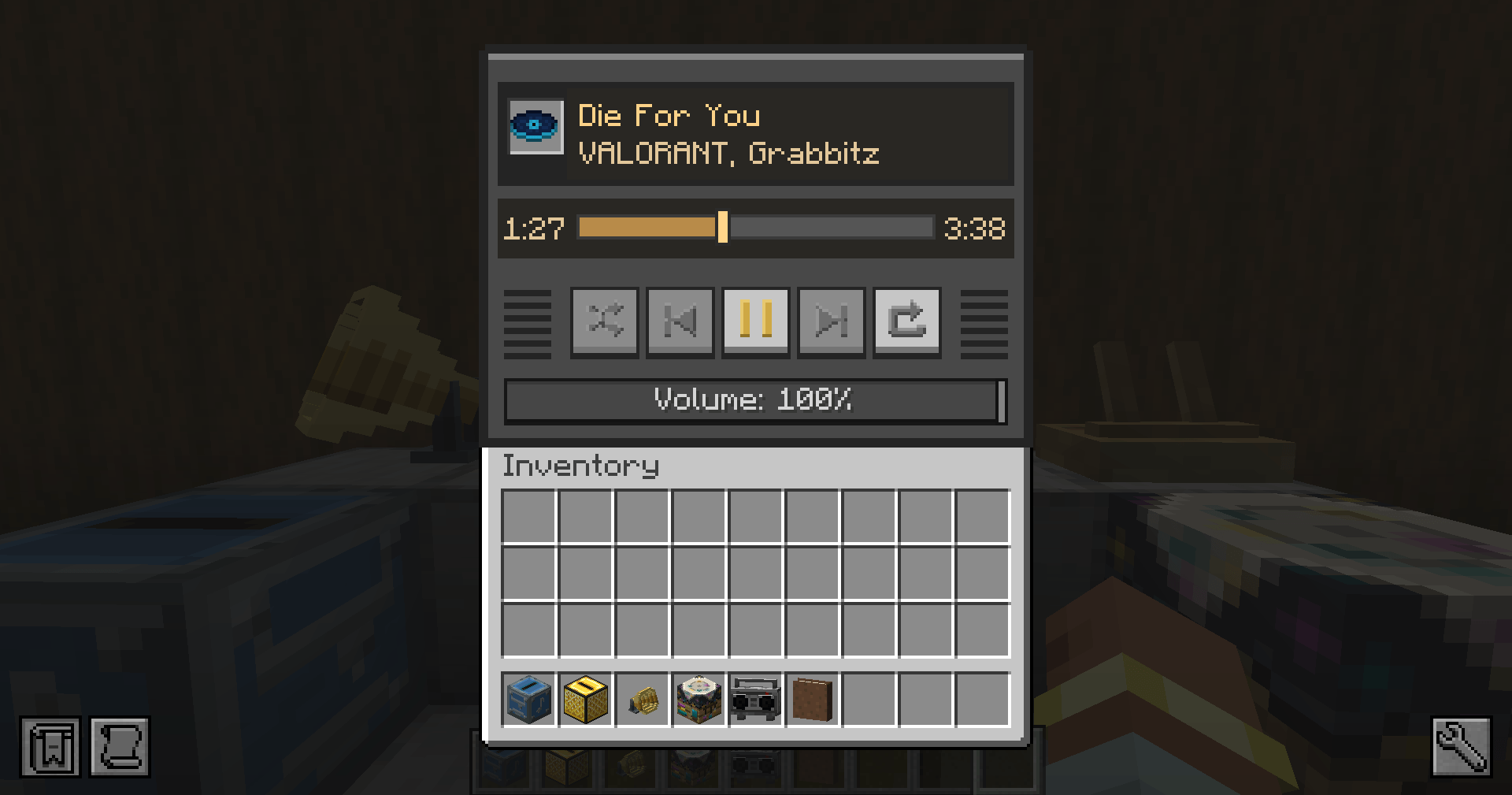
The disc tooltip shows the title, artist, and length
On a multiplayer server everyone hears it — including players who walk up mid-song, synced to the current position
How to use
Craft a Blank Disc (lapis lazuli + iron) and a Music Disc Maker block.
Open the block, paste a track URL, and insert the Blank Disc — a Custom Music Disc appears in the output.
Put the disc in a vanilla jukebox to play it.
Notes
Audio is streamed from the source each time it plays — it isn't stored inside the disc, so it needs an internet connection. Some tracks may be region-locked or unavailable.
Install it on the server and on every client; audio plays client-side. No other mods required.