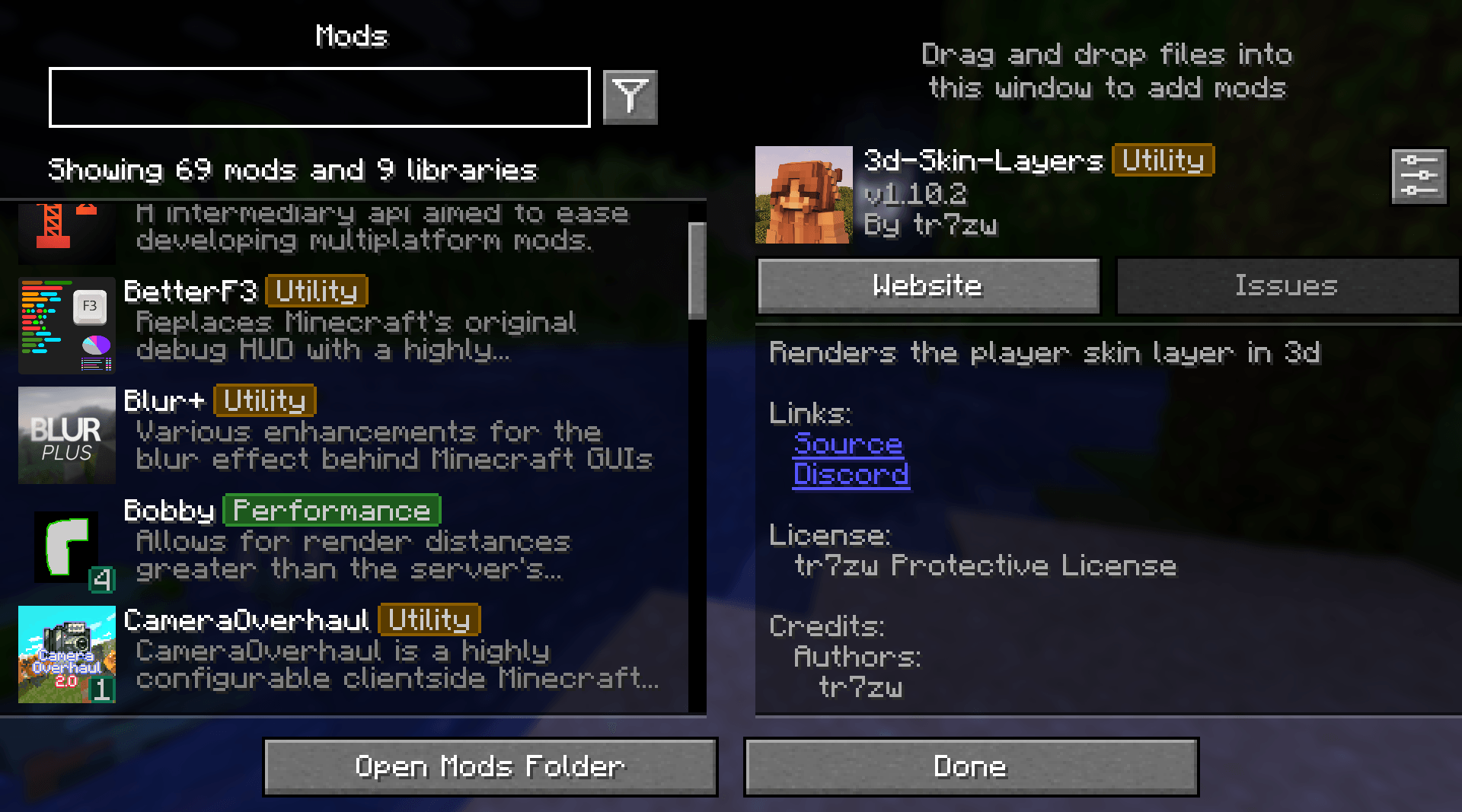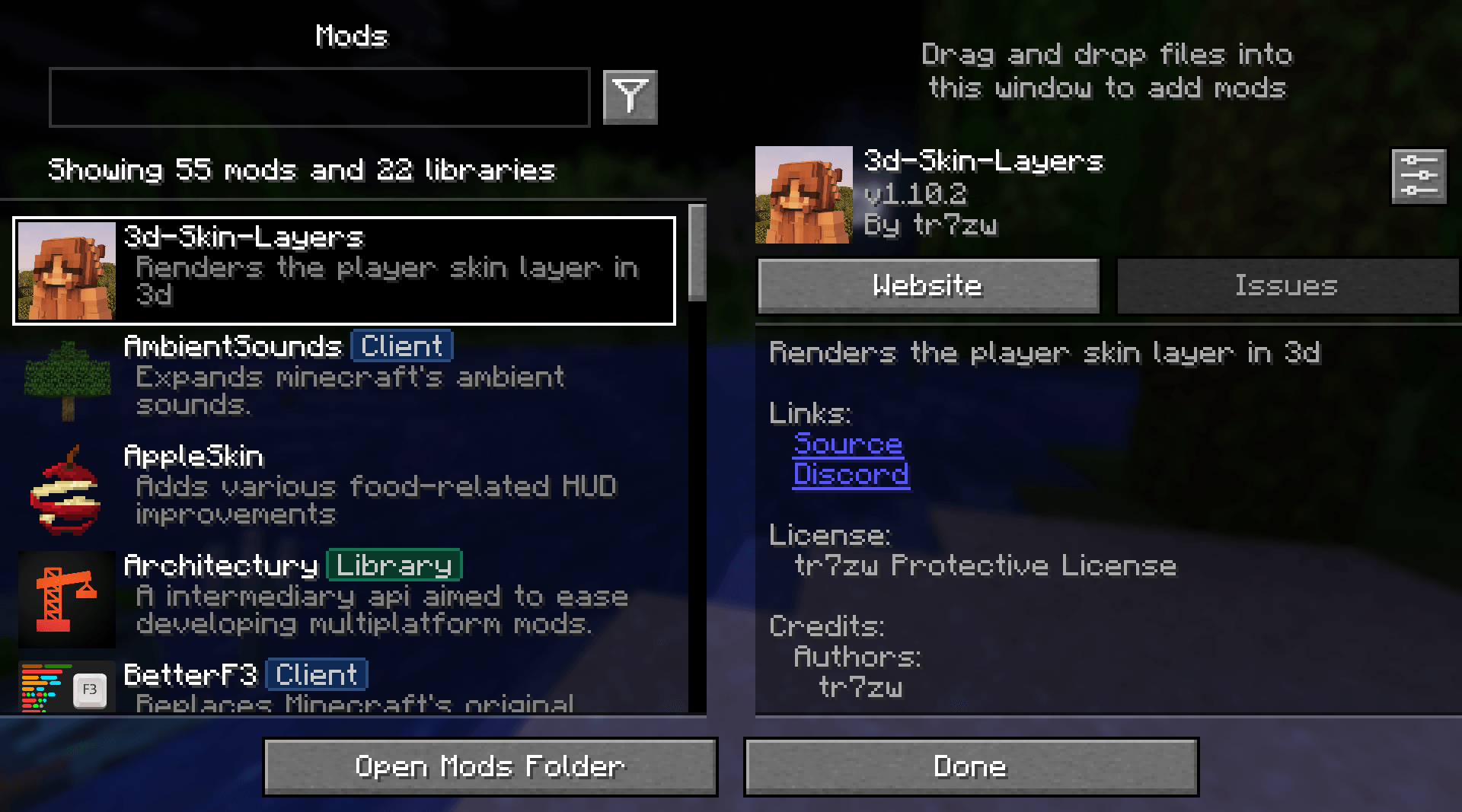
Mod Menu Filter is a client Fabric utility mod that modifies Mod Menu to include tag-based filtering, coloured badge overlays, favorites, and per-profile configurations
| Dependency | Notes |
|---|---|
| Fabric Loader | Per-version minimum |
| Mod Menu | Per-version compatible range |
| Cloth Config | Per-version compatible range |
mods/ folder.Open Mod Menu → Mod Menu Filter to access the full settings screen.
Tag database (config/mod_menu_filter.json)
Tags and the mods they apply to are stored in config/mod_menu_filter.json. A bundled default_tags.json is written on first launch as the base.
Most of these settings can be configured through the built-in configuration screen
{
  "tagOverrides": {
    // add a mod to an existing built-in tag
    "sodium": ["performance"],
    // assign multiple tags to one mod
    "iris": ["performance", "rendering"]
  },
  "customTags": {
    // define a completely new tag
    "rendering": {
      "displayName": "Rendering",
      "color": 9699609
    }
  },
  "hiddenTags": ["library"],
  "favoriteMods": ["sodium"],
  "activeProfile": "default"
}The mod ID is shown in Mod Menu's detail panel or in the mod's fabric.mod.json file inside its JAR.
This project is licensed under the MIT License. Feel free to include it in any modpack!