Mineuniverse
Mods
Mobs Are Gone

Mobs Are Gone

MOD
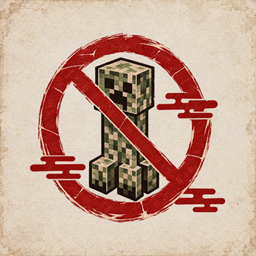
Mobs Are Gone lets you blacklist mobs you don't want spawning in your Minecraft world.
by Blazelow
Download Claim this project
2,441 downloads
0 likes
0 followers
Updated Oct 14, 2026
0 hypes
Follow0
Mobs Utility & QoL
Advertisement Remove ads with Premium →

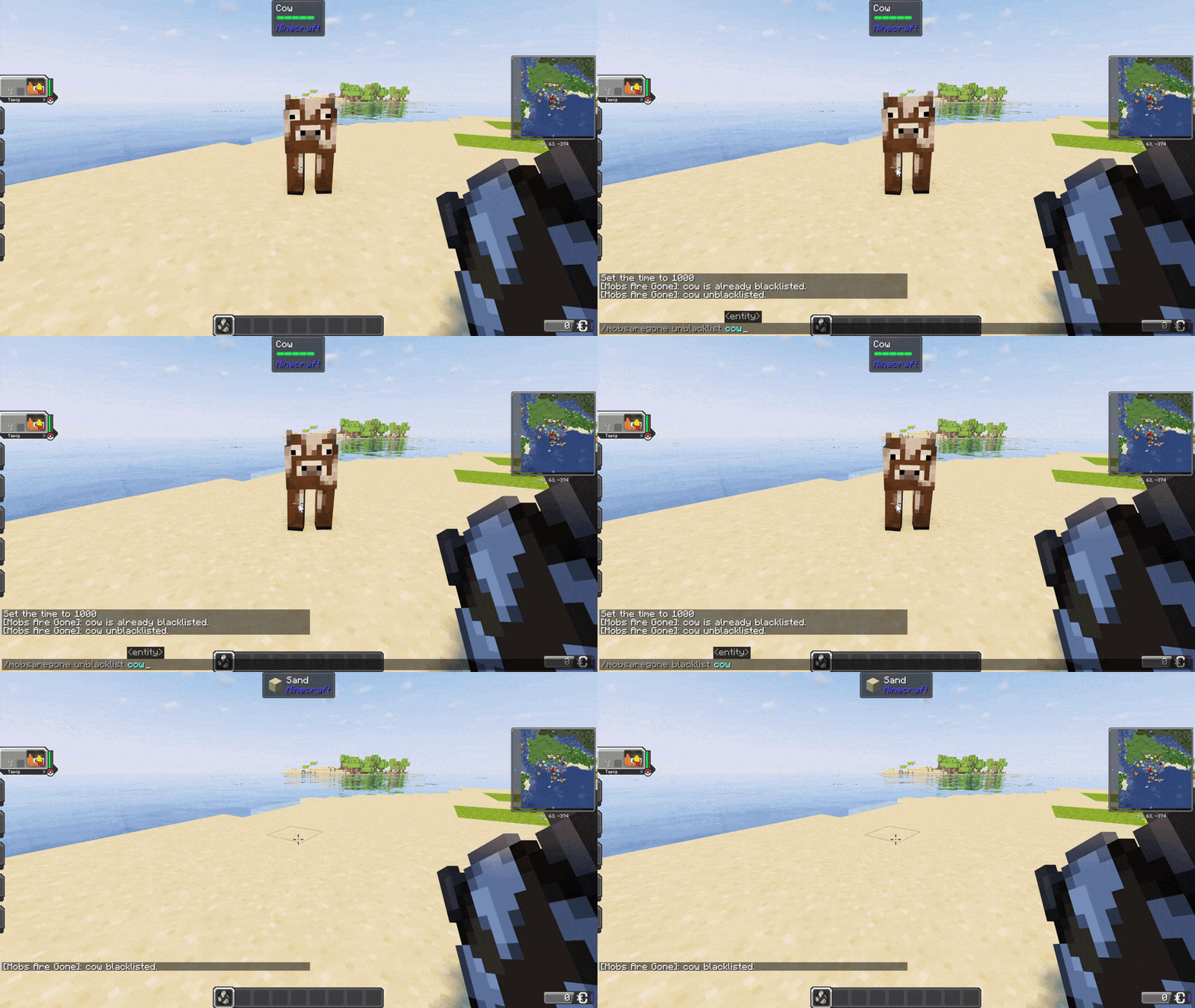
Mobs Are Gone lets you blacklist mobs you don't want spawning in your Minecraft world.

Blacklisted mobs are prevented from spawning, and existing mobs can be removed when you add them to the blacklist. Changes are applied immediately, without restarting the game.

Use:

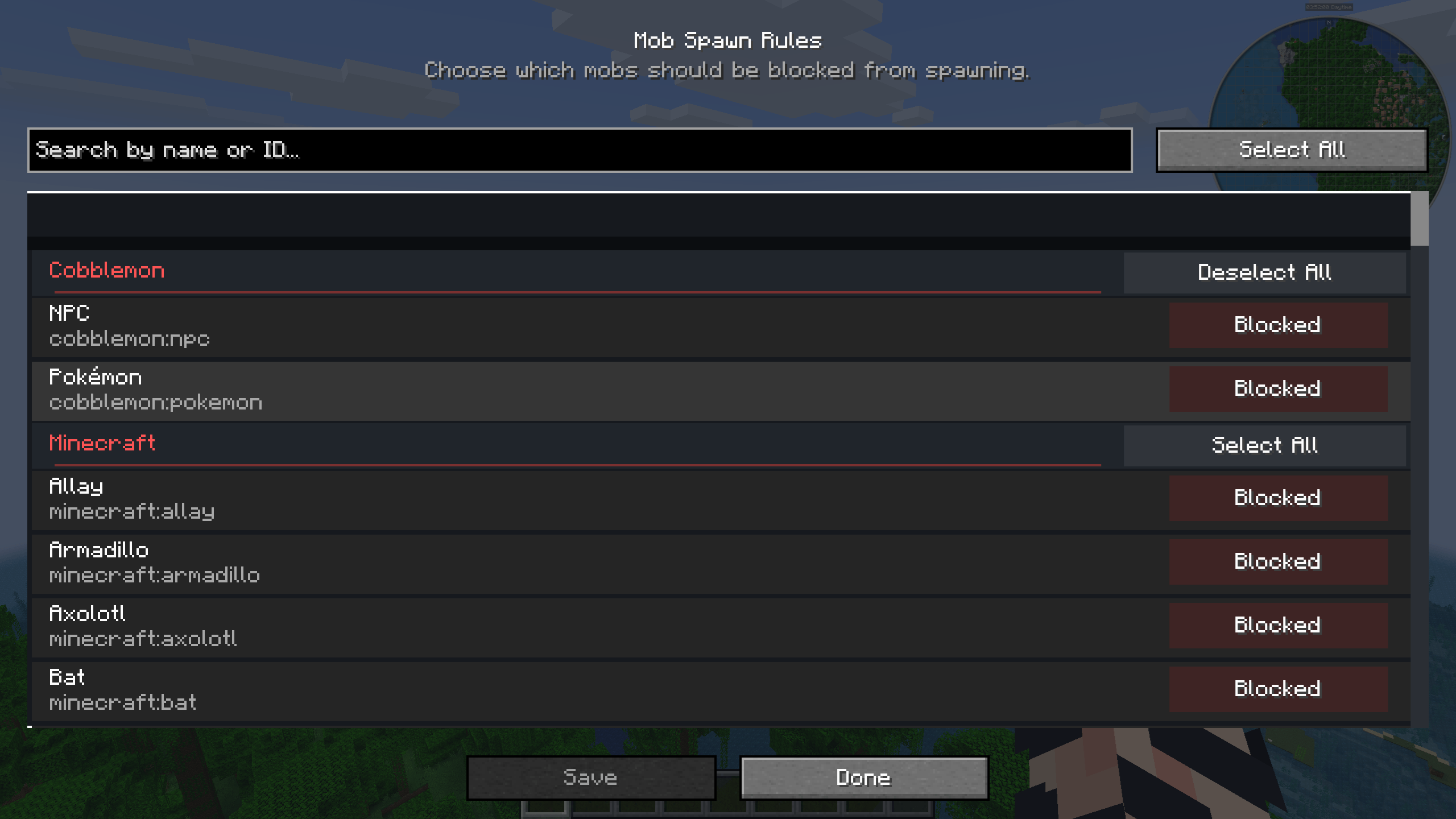
/mobsaregone config

to open the in-game configuration screen, search for mobs, and browse them by mod. You can also open the configuration through Catalogue on Fabric and NeoForge, or Mod Menu on Fabric.

You can also manage the blacklist with commands:

/mobsaregone blacklist <entity>
/mobsaregone unblacklist <entity>

The blacklist can also be edited manually through:

config/mobsaregone-blacklist.json

Spawner Mob Rules

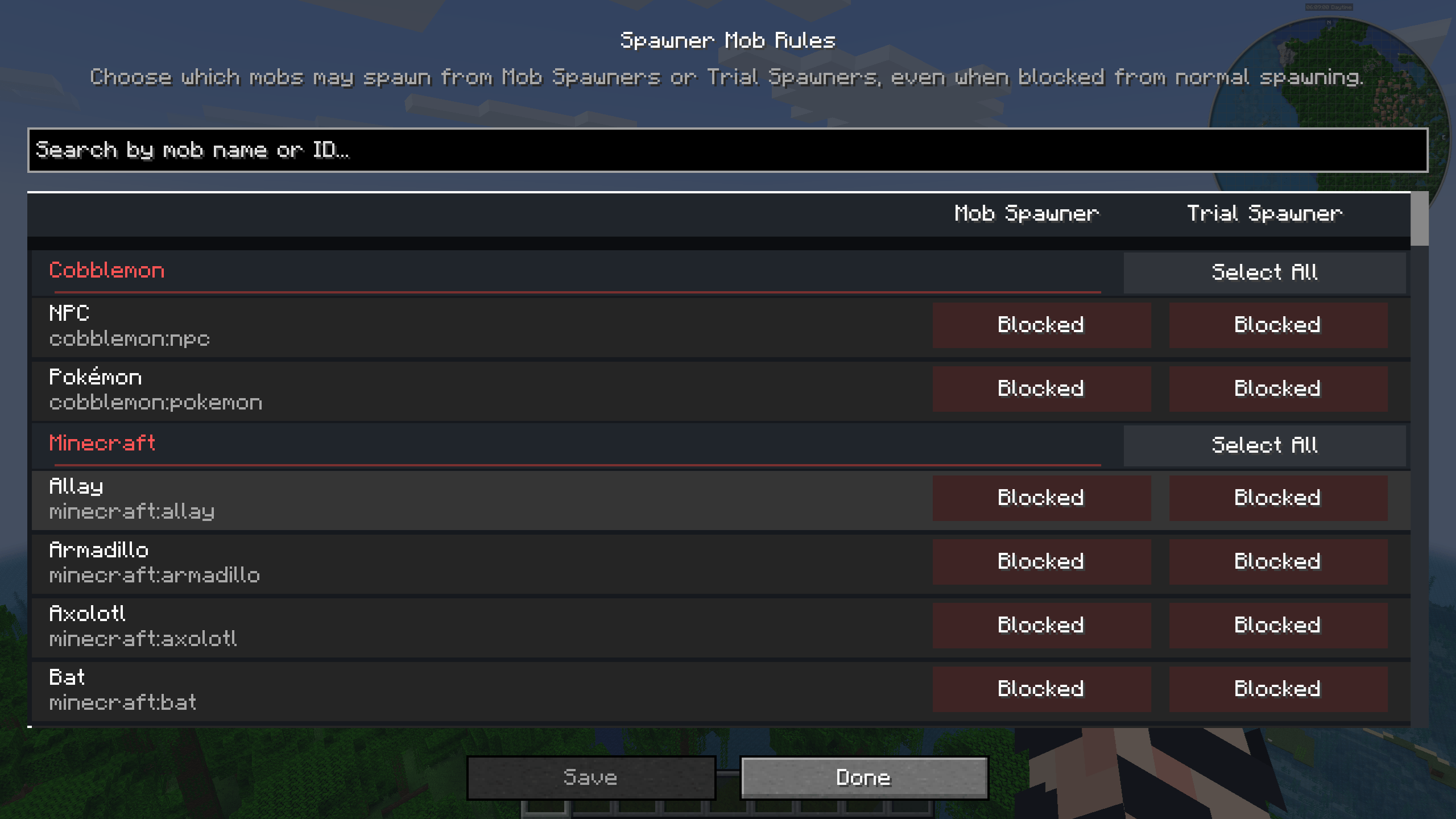
You can separately choose which blacklisted mobs are allowed to spawn from Mob Spawners and Trial Spawners.

Use:

/mobsaregone mobspawner <entity> allow|block
/mobsaregone trialspawner <entity> allow|block

You can also manage these rules through the Spawner Mob Rules screen, with separate controls for Mob Spawners and Trial Spawners.

Perfect for Cobblemon players who don't want unwanted vanilla mobs getting in the way, or for anyone who prefers a more cozy Minecraft experience without unwanted mobs.

Modpack support: Mobs Are Gone can be freely included in modpacks.

FAQ

Can I blacklist mobs from other mods?
Yes, including mobs from other installed mods.

Do changes require a restart?
No. Changes are applied immediately.

Can I use cow instead of minecraft:cow ?
Yes, both work.

What happens when I allow a mob from a spawner?
Allowing a mob only affects it while that mob is on your blacklist. It does not remove the mob from the blacklist.

If you run into a problem with Mobs Are Gone, please leave a comment with the details so I can look into it.

MobsAreGone-2.0.4-neoforge-1.21.1.jar
MC Client, 1.21.1, NeoForge, Server
Release 2026-09-21 Get
MobsAreGone-2.0.4-fabric-1.21.1.jar
MC Client, Fabric, 1.21.1, Server
Release 2026-09-21 Get
MobsAreGone-2.0.3-neoforge-1.21.1.jar
MC Client, 1.21.1, NeoForge, Server
Release 2026-09-18 Get
MobsAreGone-2.0.3-fabric-1.21.1.jar
MC Client, Fabric, 1.21.1, Server
Release 2026-09-18 Get
MobsAreGone-2.0.2-neoforge-1.21.1.jar
MC Client, 1.21.1, NeoForge, Server
Release 2026-09-17 Get
MobsAreGone-2.0.2-fabric-1.21.1.jar
MC Client, Fabric, 1.21.1, Server
Release 2026-09-17 Get
MobsAreGone-2.0.1-fabric-1.21.1.jar
MC Client, Fabric, 1.21.1, Server
Release 2026-09-16 Get
MobsAreGone-2.0.1-neoforge-1.21.1.jar
MC Client, 1.21.1, NeoForge, Server
Release 2026-09-16 Get
MobsAreGone-2.0.0-fabric-1.21.1.jar
MC Client, Fabric, 1.21.1, Server
Release 2026-09-15 Get
MobsAreGone-2.0.0-neoforge-1.21.1.jar
MC Client, 1.21.1, NeoForge, Server
Release 2026-09-11 Get
MobsAreGone-1.1.1-neoforge-1.21.1.jar
MC Client, 1.21.1, NeoForge, Server
Release 2026-08-26 Get
MobsAreGone-1.1.0-neoforge-26.1.2.jar
MC Client, NeoForge, Server, 26.1.2
Release 2026-08-22 Get
MobsAreGone-1.1.0-neoforge-1.21.1.jar
MC Client, 1.21.1, NeoForge, Server
Release 2026-08-22 Get
MobsAreGone-1.0.0-neoforge-1.21.1.jar
MC Client, 1.21.1, NeoForge, Server
Release 2026-03-21 Get

More from Blazelow

Advertisement Remove ads with Premium →

You Might Also Like