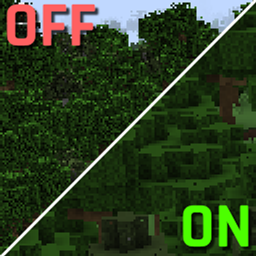
Ever noticed that distant textures become very fuzzy when introducing a mod or two, maybe a resource pack? Here's your fix.
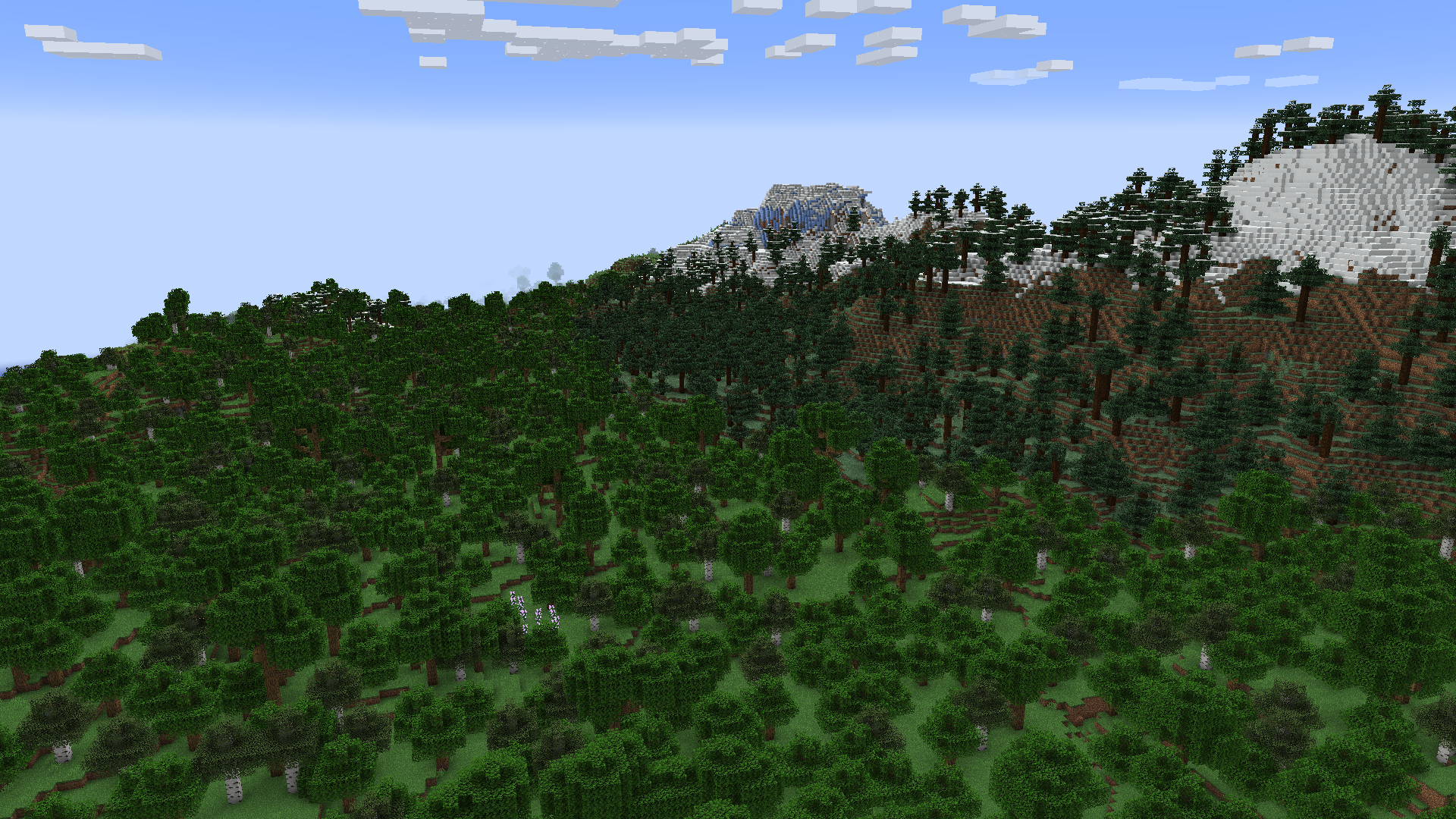
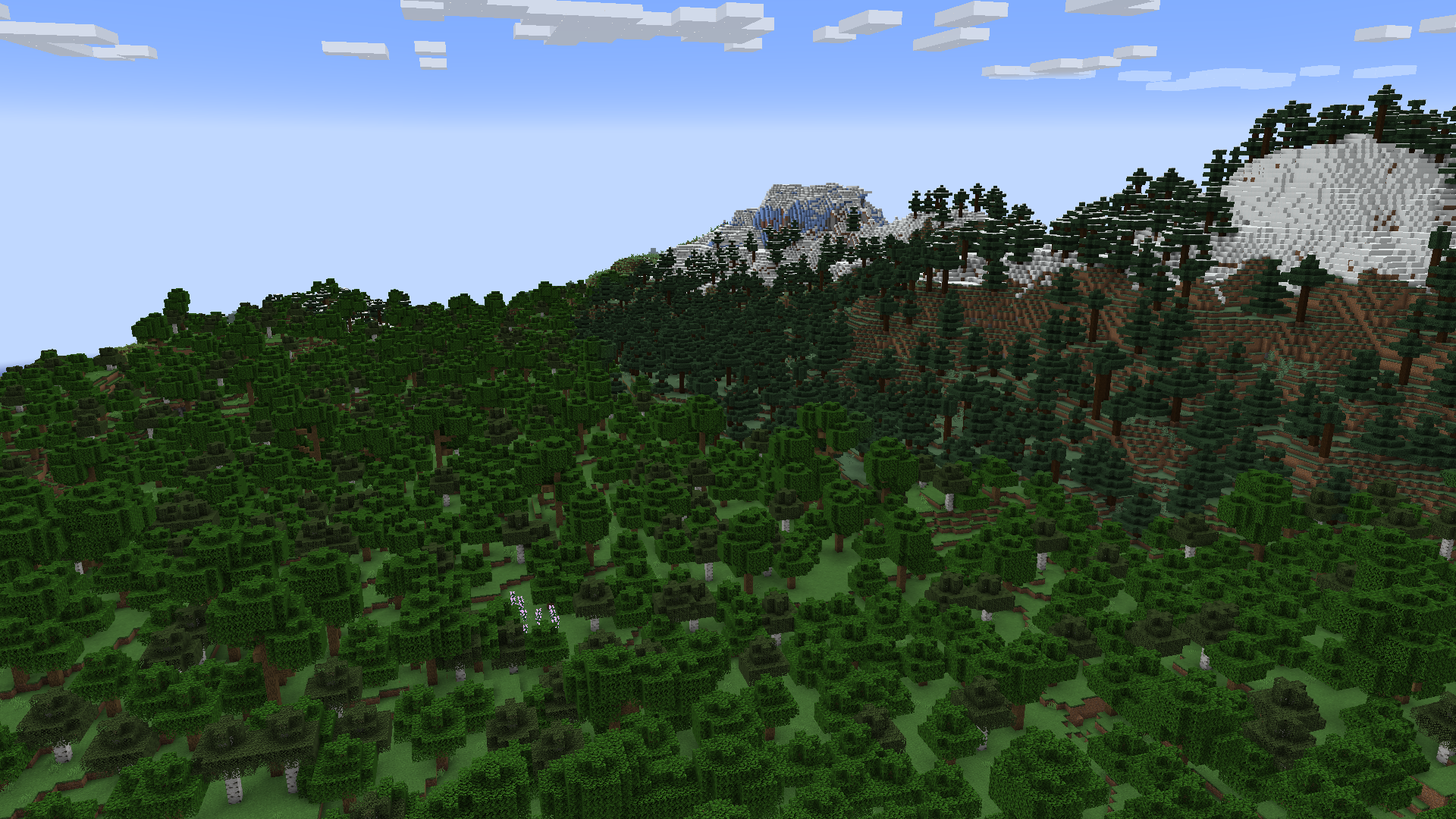
The difference is not actually immediately noticeable, unless you look closely at the images.
Before vs After
One of your mods or resource packs has a texture that isn't a power of two being used in the blocks or items. A power of two texture is 16x16, 32x32, 64x64, 128x128, etc.
Your textures should always be a power of two regardless, even if they're being added to a texture atlas that is already a power of two. It's nice to have a standard, and for any textures that aren't on an atlas, they would provide some rendering optimizations on their own.
They have their own fix for this, which I ported to mixin into Kilt, then adapted into its own mod because for some reason no one else has done this. Everyone that has is all me.