Control MC
Control MC is a quality of life/admin and server util management and can also be used as an api
Currently available for 1.20.1, 1.21.1 (neoforge)
Video:
Features:
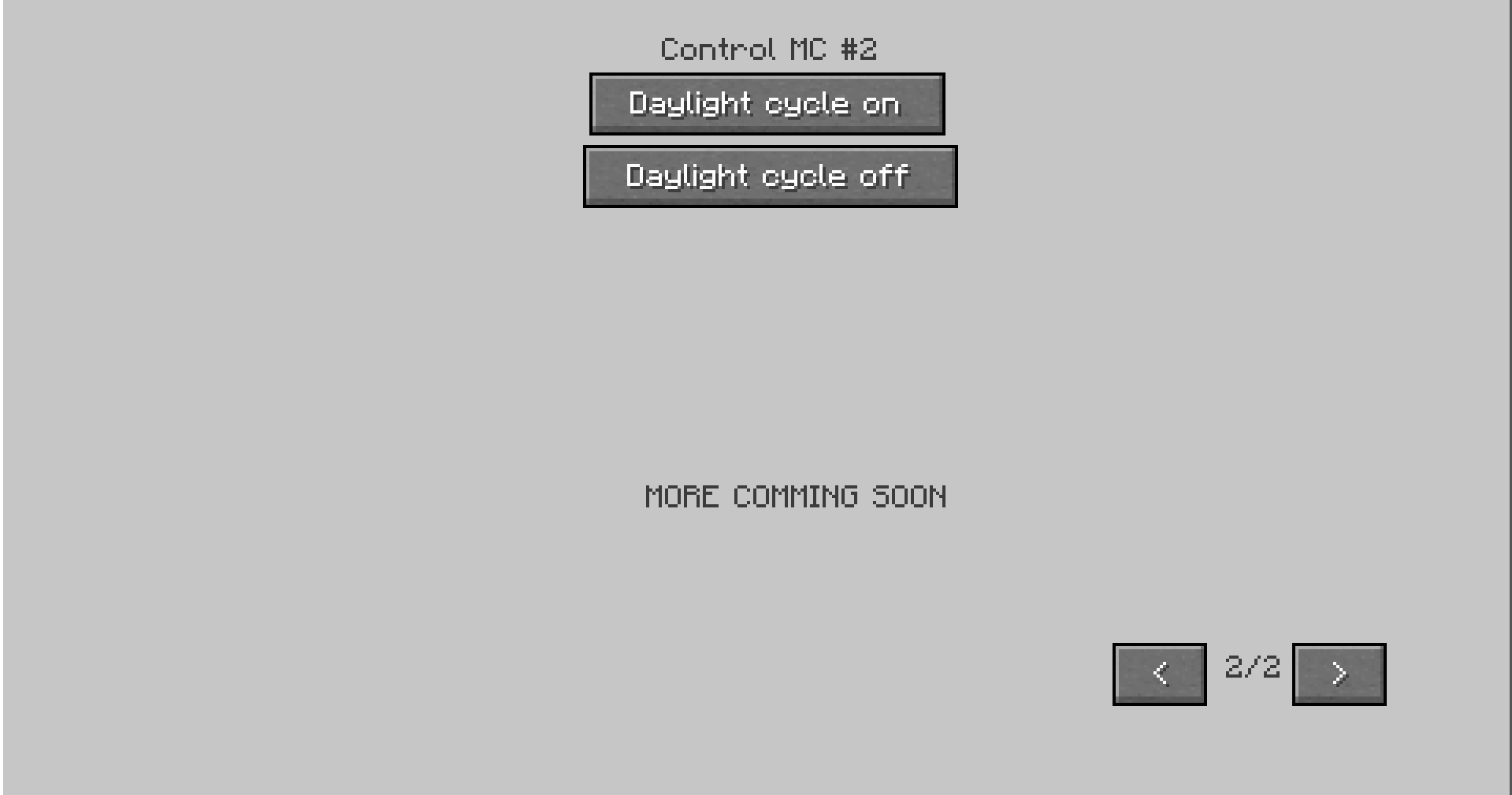
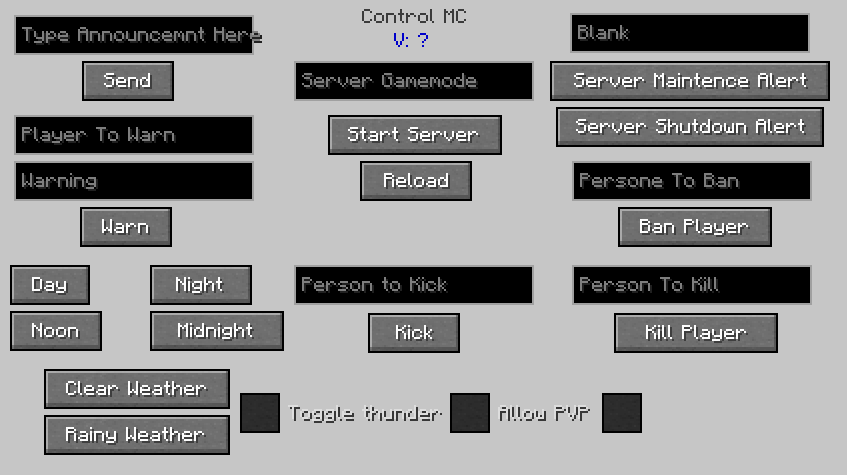
This system allows the operator or player to adjust there server as well client games. It also fixes a few various bugs in vanilla Minecraft that have not been fixed yet.
Upcoming updates include:
New addons
Incompatibility detector
MORE MODES!!!
Find other versions of Control MC on the website linked above.
Other versions include:
Control MC [legacy] - coming soon
And all Control MC Addons
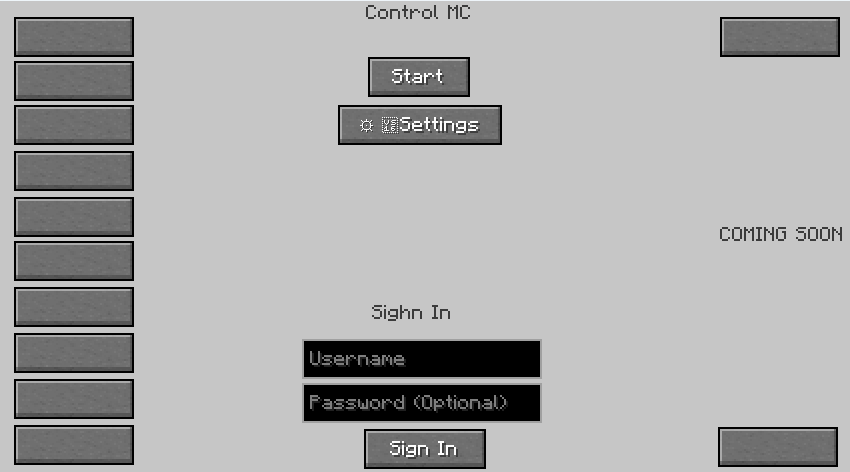
You can also make an account on the website associated with your Minecraft username. Then you can sign in in the game menu. If you have an account you can access account settings in game as well as online. When you first create an account it can take up to 24 hrs to load once it loads you will be able to log in. If you experience any problems or have any questions feel free to ask them in the comments or on the websites.
FOR PROFFESIONAL SERVERS: Special functions will be unlocked if you are an operator, such as the ban function. At some point there will probably be an addon that adds even cooler controls for servers.
FOR LAN SERVERS: You will have all abilities that you would for client except for the ban tool and other pro server tools.
FOR CLIENT GAMES: All abilities will be available except for the ban tool and other pro server tools.
DIRECTIONS: Press O to open the start menu, and then press start and wait for the main menu to load. Also other Addons might add another keybind that will be put in the description of the Addon.
Recomended File: Lateest version of the forge loader, neoforge will not be given many updates.
If there are any bugs, either comment them or go to the website.
Addons: (IN UPCOMMING UPDATE 1.12.0)
How To Install: First open the game and open the Control MC menu, Next click Add Addon then add the addon via the ID
Voice Chat Addon | ID: vc | Dependencies: Simple Voice Chat