Turn your EasyNPC characters into real shopkeepers — powered by MiguelEconomy.
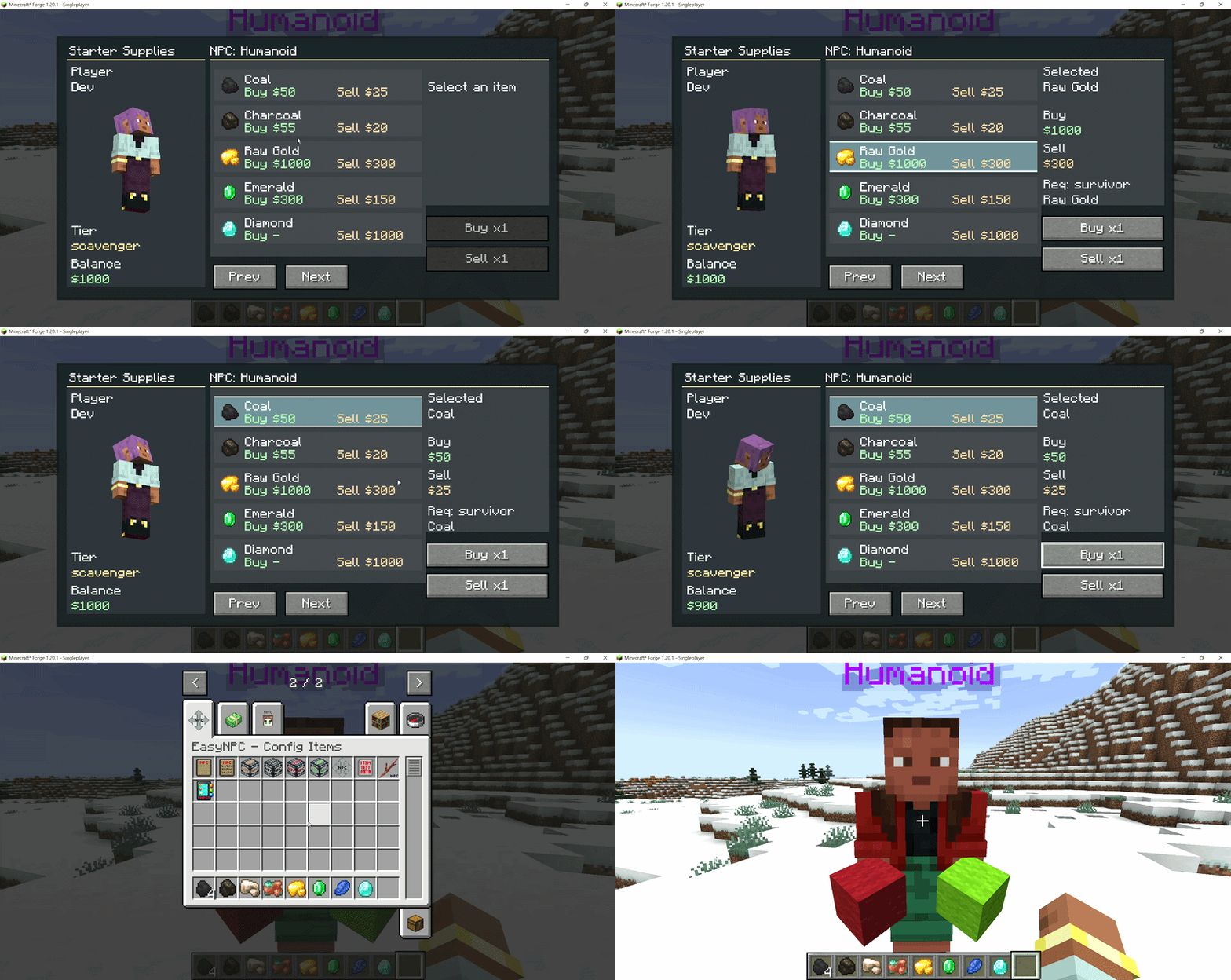
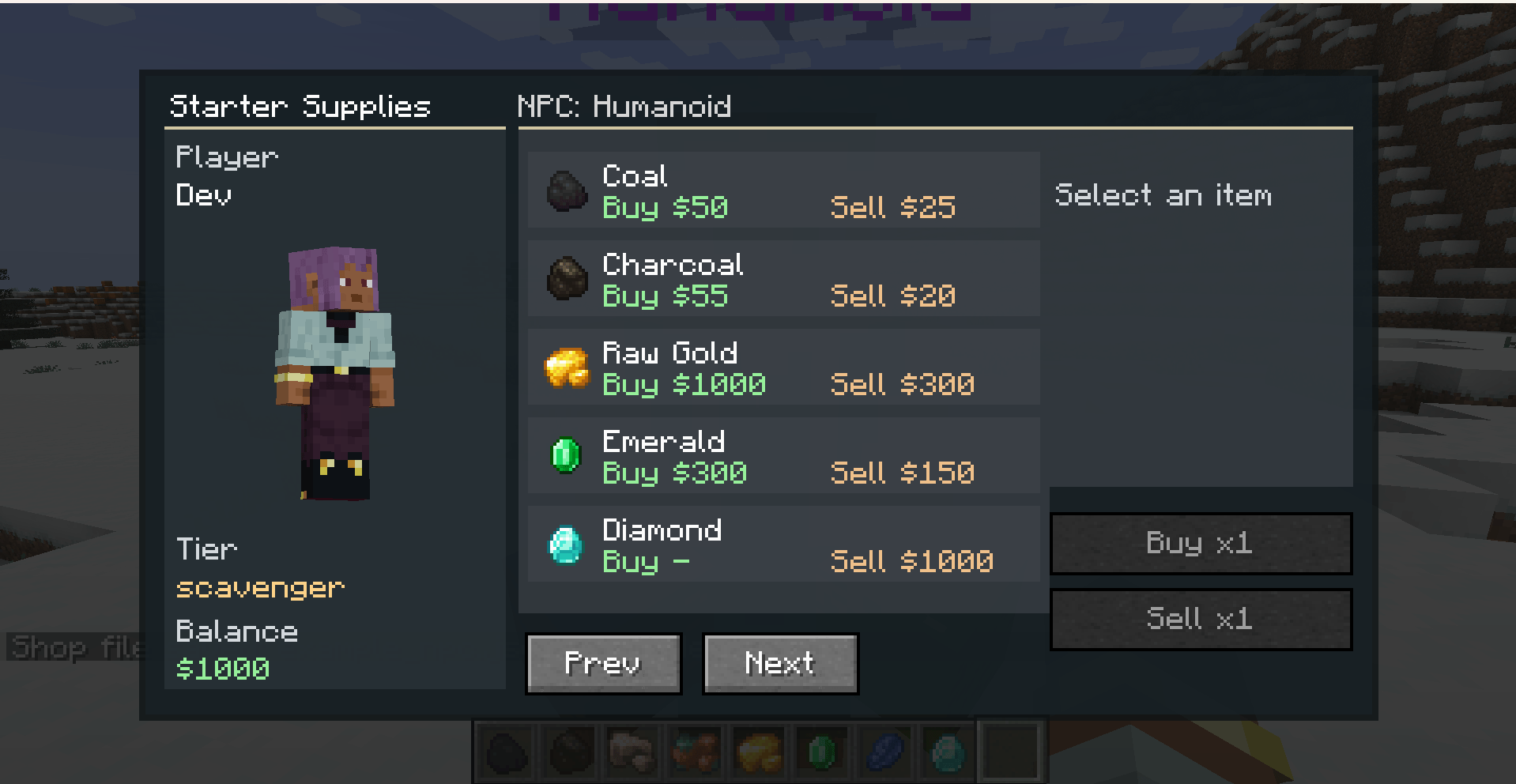
This mod is an addon that bridges two popular mods: EasyNPC (which lets you place and customize NPC characters) and MiguelEconomy (which adds an in-game currency system). Together they let players walk up to an NPC, open a shop, and buy or sell items using coins — no command blocks, no complicated setup.
| Mod | Required? |
|---|---|
| Minecraft Forge 1.20.1 | Yes |
| MiguelEconomy | Yes (handles the currency) |
| EasyNPC | Yes (provides the NPCs) |
Option A: In-Game Shop Builder
/shop create command (requires operator permission).Option B: JSON Files
config/migueleconomy_easynpc/npc_shops/.json file in that folder represents one NPC's shop. You can copy and edit example_npc.json as a starting point./shop reload, to apply changes.Example NPC shop file:
{
  "shops": [
    {
      "id": "basic_goods",
      "title": "Basic Goods",
      "description": "Everyday supplies.",
      "requiredTier": "survivor",
      "entries": [
        {
          "id": "bread",
          "item": { "itemId": "minecraft:bread", "count": 1 },
          "buyEnabled": true,
          "sellEnabled": false,
          "buyPrice": 10,
          "sellPrice": 0,
          "description": "A loaf of bread."
        }
      ]
    }
  ],
  "npcBindings": [
    {
      "npcName": "Merchant",
      "shopIds": ["basic_goods"]
    }
  ]
}
Tip: You can match an NPC by name (
npcName) or by their exact UUID (npcUuid). Using UUID is more reliable if multiple NPCs share the same name.
Players start at the Survivor rank. As they earn money and level up jobs through MiguelEconomy, they automatically advance through ranks. Each rank can unlock:
The tier list and requirements are configured in:
config/migueleconomy_easynpc/progression.json| Command | Permission | What it does |
|---|---|---|
/level |
Player | Opens your progression screen so you can see your current tier and unlock path |
/shop create |
Operator | Opens the in-game Shop Builder with a blank draft for a new shop |
/shop builder |
Operator | Opens the in-game Shop Builder |
/shop builder open |
Operator | Same as /shop builder; kept as a readable alias |
/shop reload |
Operator | Reloads shop, NPC binding, progression, and economy config without restarting |
/shop debug |
Operator | Shows shop/debug counts, detected EasyNPC entities, mapped NPCs, and economy adapter status |
/he shopbuilder |
Operator | Legacy alias for opening the Shop Builder |
/he reloadshops |
Operator | Legacy alias for /shop reload |
/he debugshop |
Operator | Legacy alias for /shop debug |
/he settier <players> <tier> |
Operator | Manually sets one or more players to a progression tier |
/shop create, /shop builder, /shop reload, /shop debug, and the /he admin commands require operator permission level 2.
config/
└── migueleconomy_easynpc/
    ├── progression.json       ← tier definitions and unlock requirements
    └── npc_shops/
        ├── example_npc.json   ← auto-generated sample, safe to delete
        └── your_npc.json      ← one file per NPC (or group of NPCs)