Build without fear.
MEMENTO adds a player-focused history system to Minecraft.
Placed the wrong blocks?
Destroyed part of your build by accident?
Want to return to an earlier point in your project?
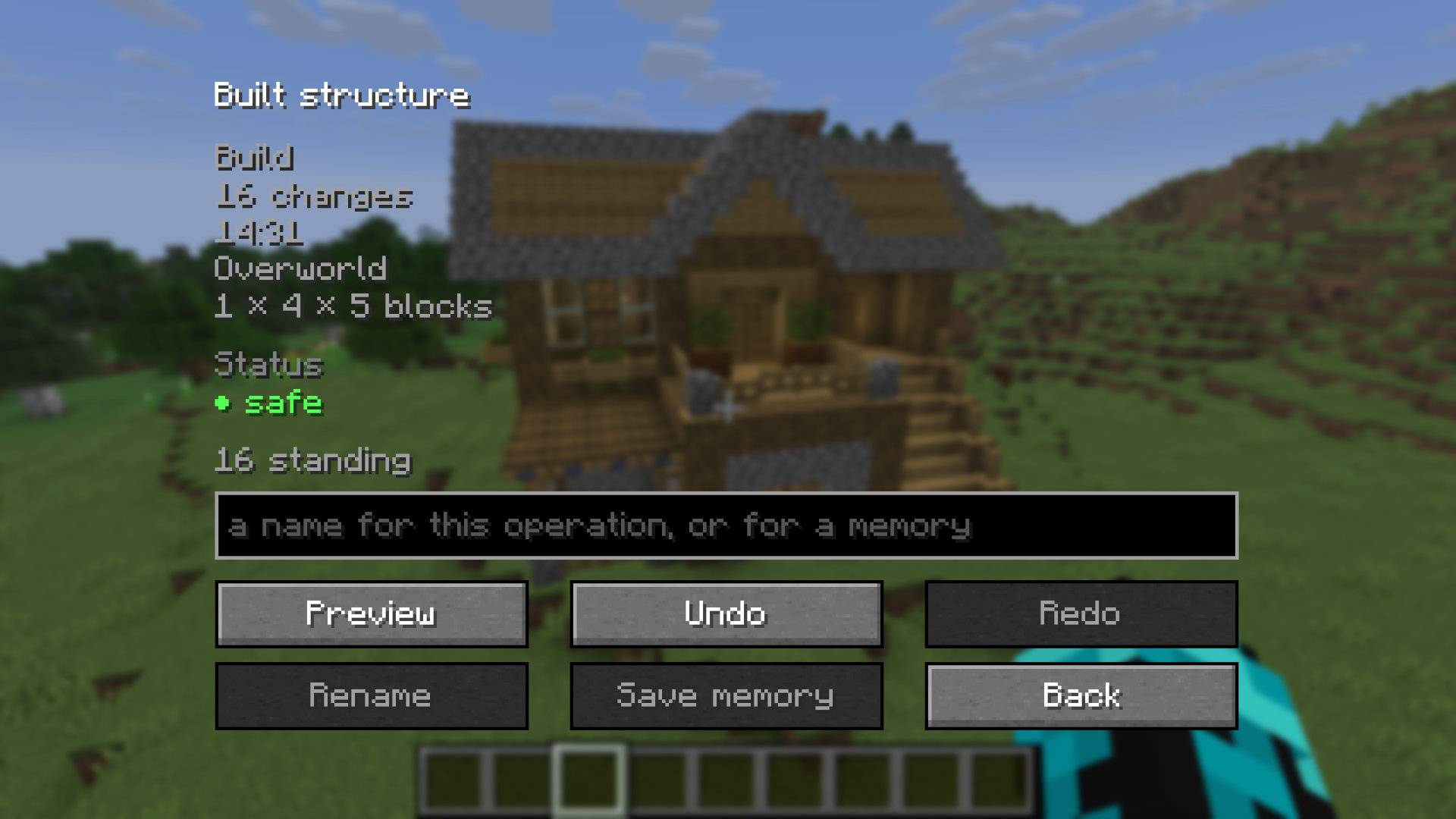
MEMENTO remembers your actions and lets you safely Preview, Undo, and Redo them without turning Minecraft into a world editor.
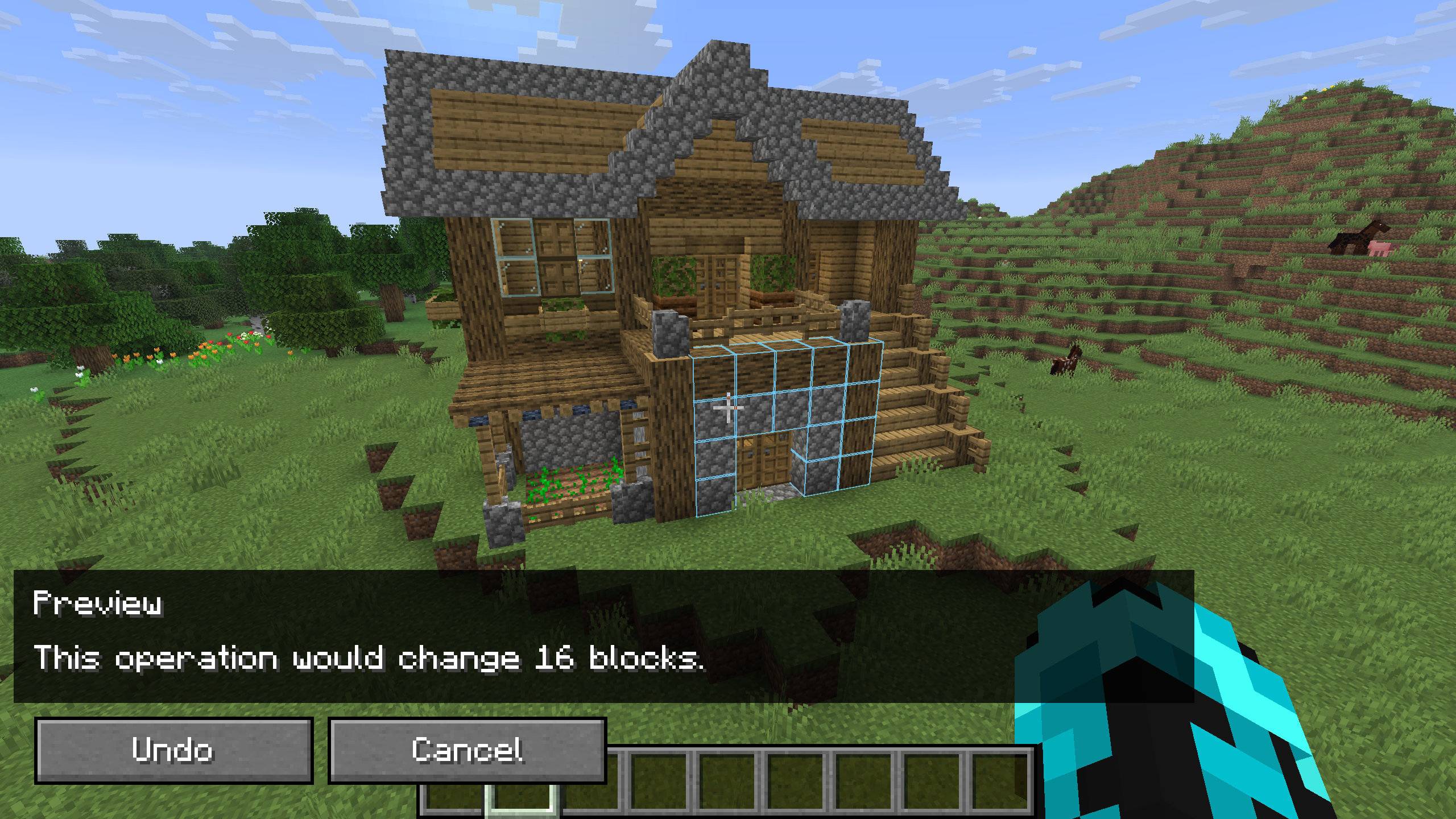
Press Z to undo your latest action.
MEMENTO groups individual block changes into meaningful actions, so building a wall or digging an area can become one history entry instead of dozens of unrelated blocks.
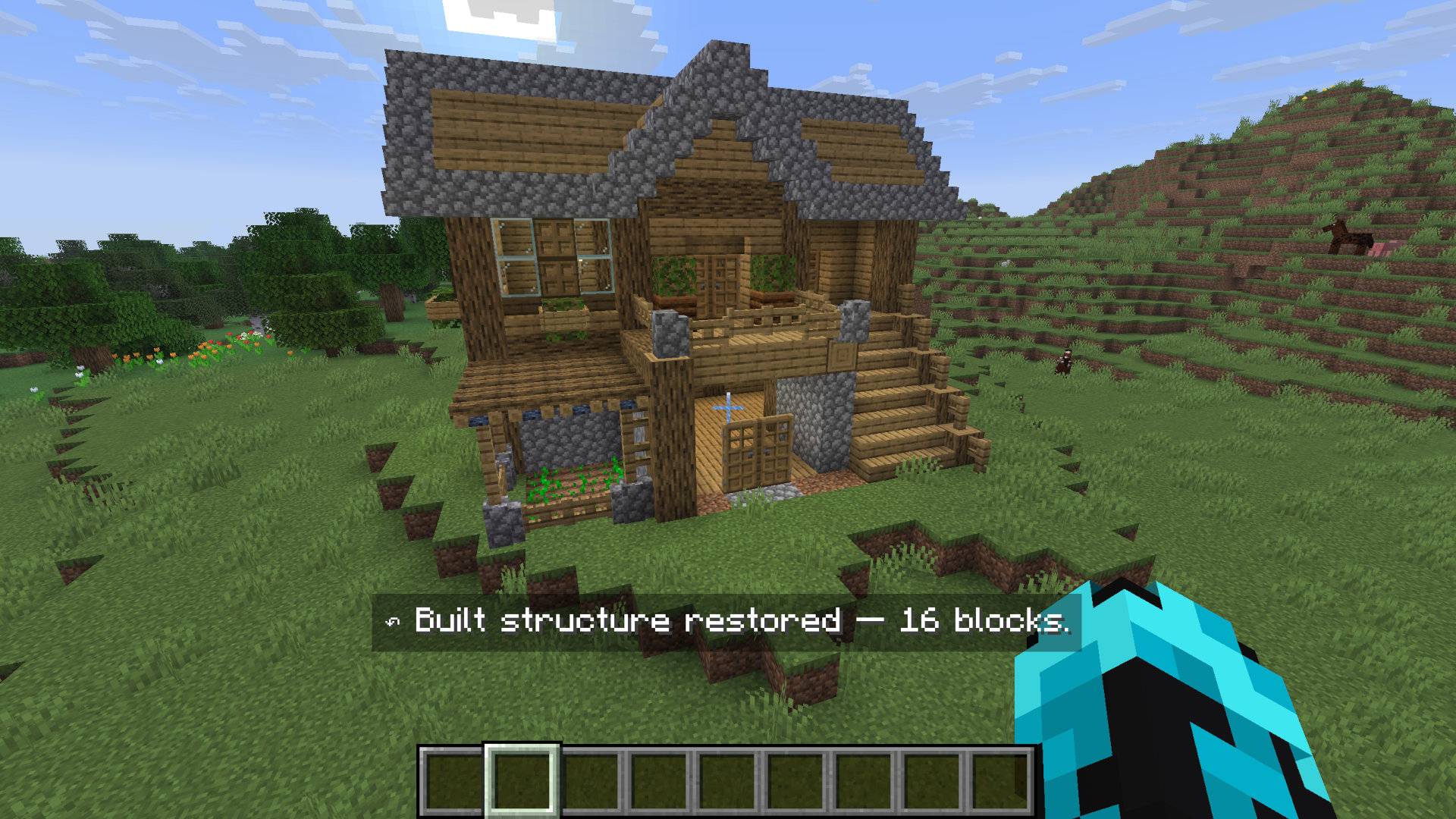
Press Y to redo an action you previously undid.
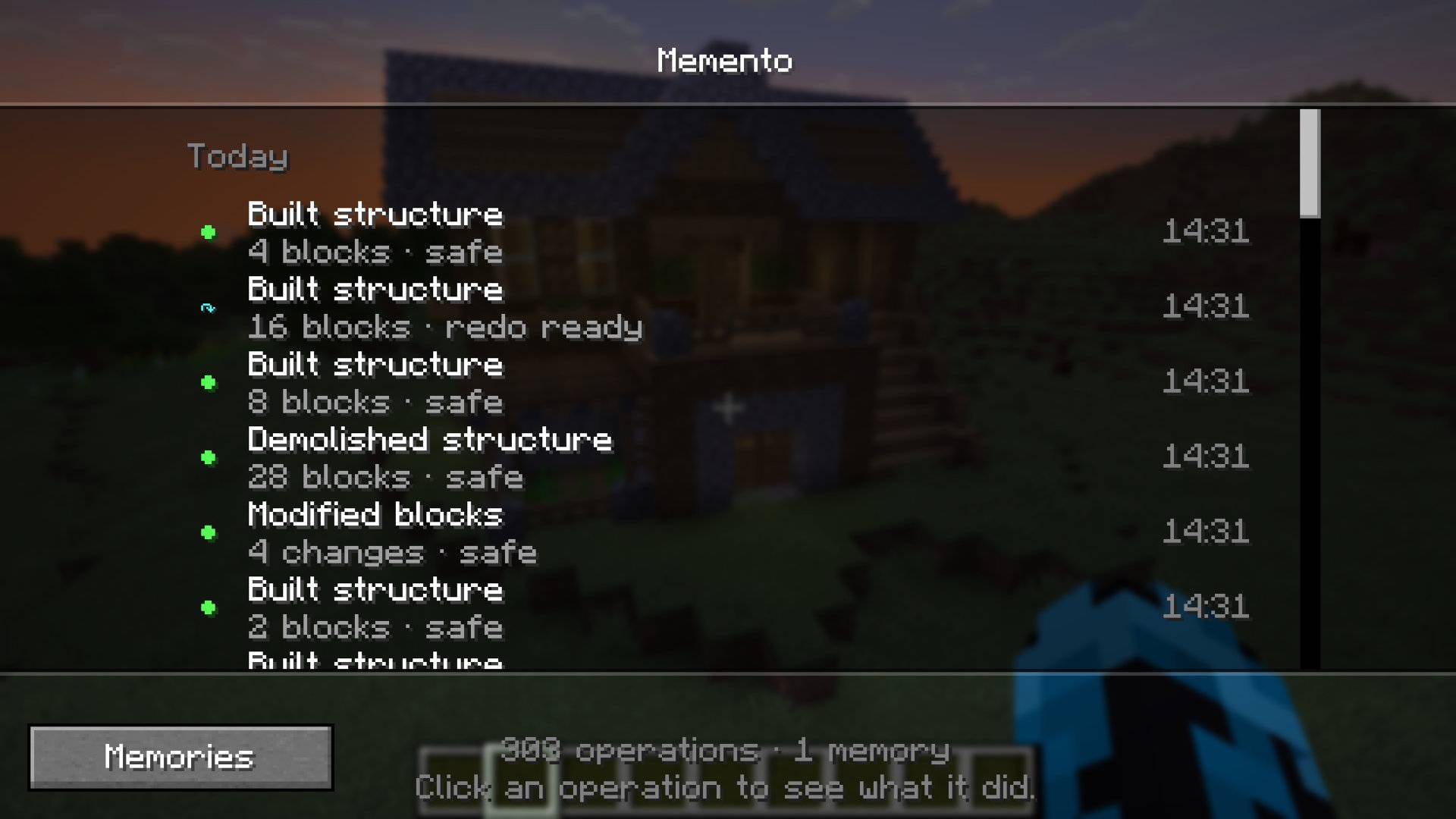
Press H to open the MEMENTO History.
Instead of showing raw block updates, MEMENTO presents your actions as a readable timeline.
From there you can:
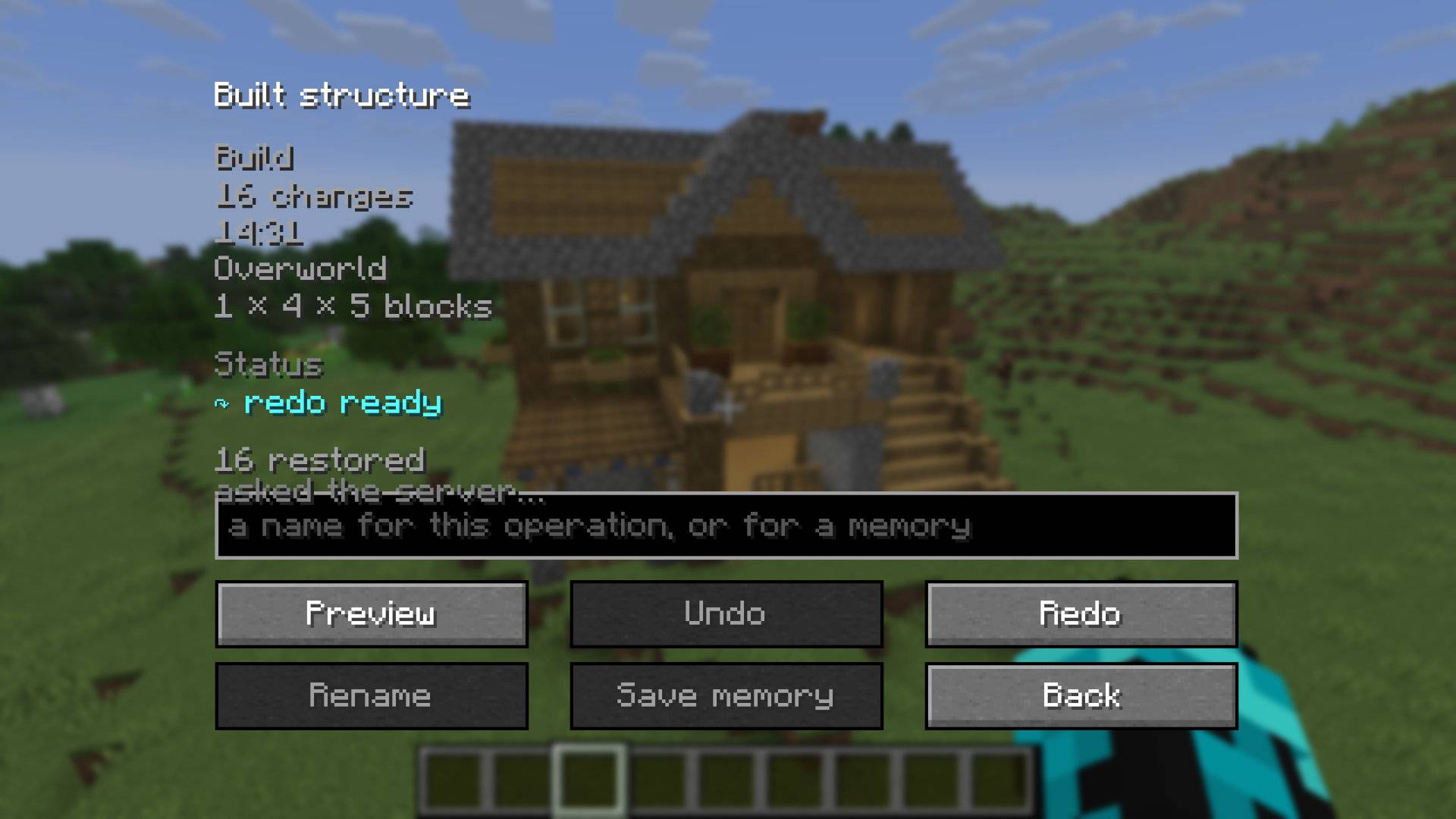
Not sure what an Undo will change?
Open Preview first.
MEMENTO displays ghost blocks in the world so you can see what would be restored before anything is actually changed.
Preview is client-side and does not modify the world.
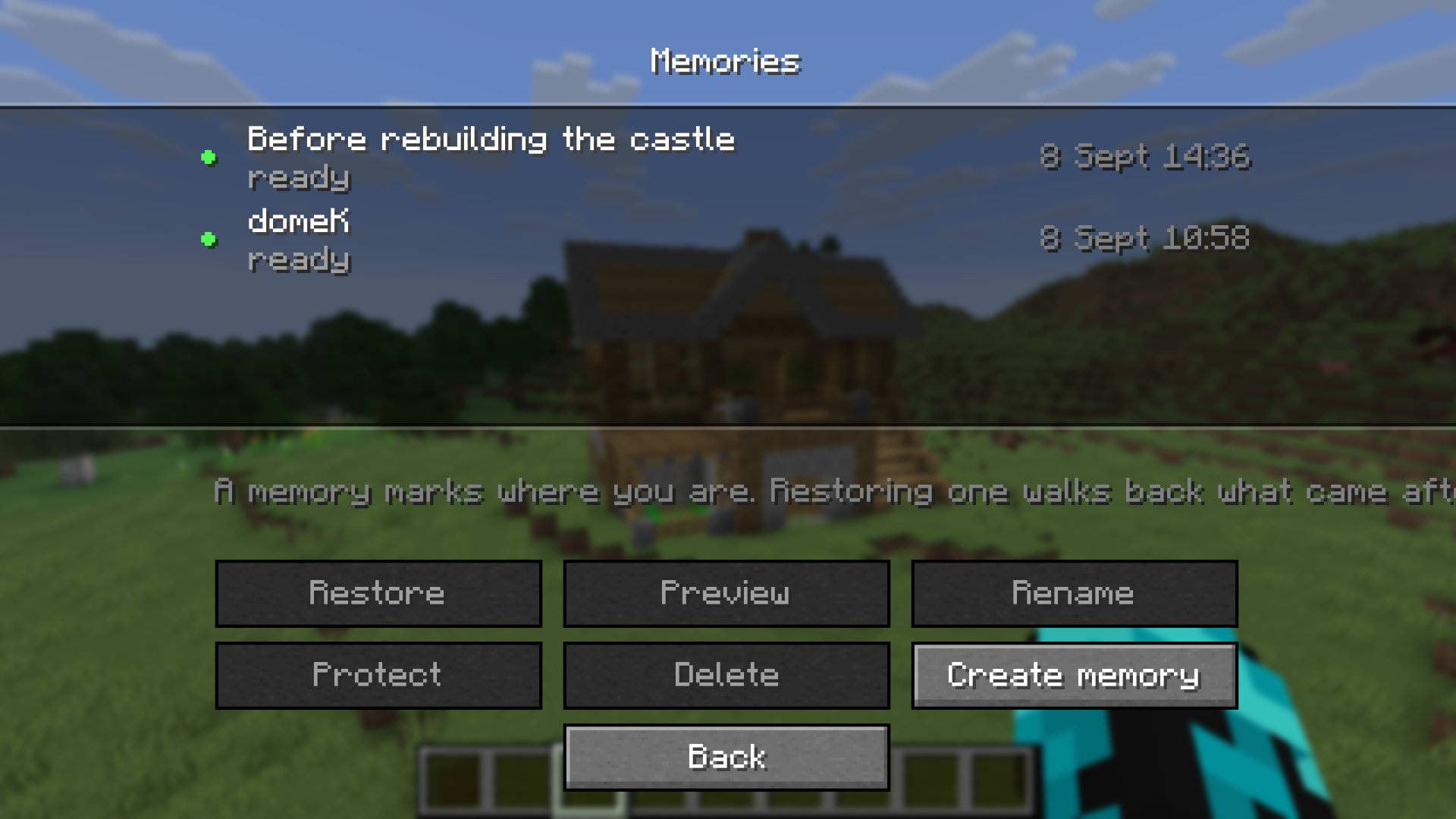
A Memory marks a point in your history.
Create one before starting a large build, renovation, or experiment.
Later, MEMENTO can determine which operations happened after that Memory and safely restore what is still recoverable.
Memories are logical history checkpoints — they are not full world backups.
Minecraft worlds keep changing.
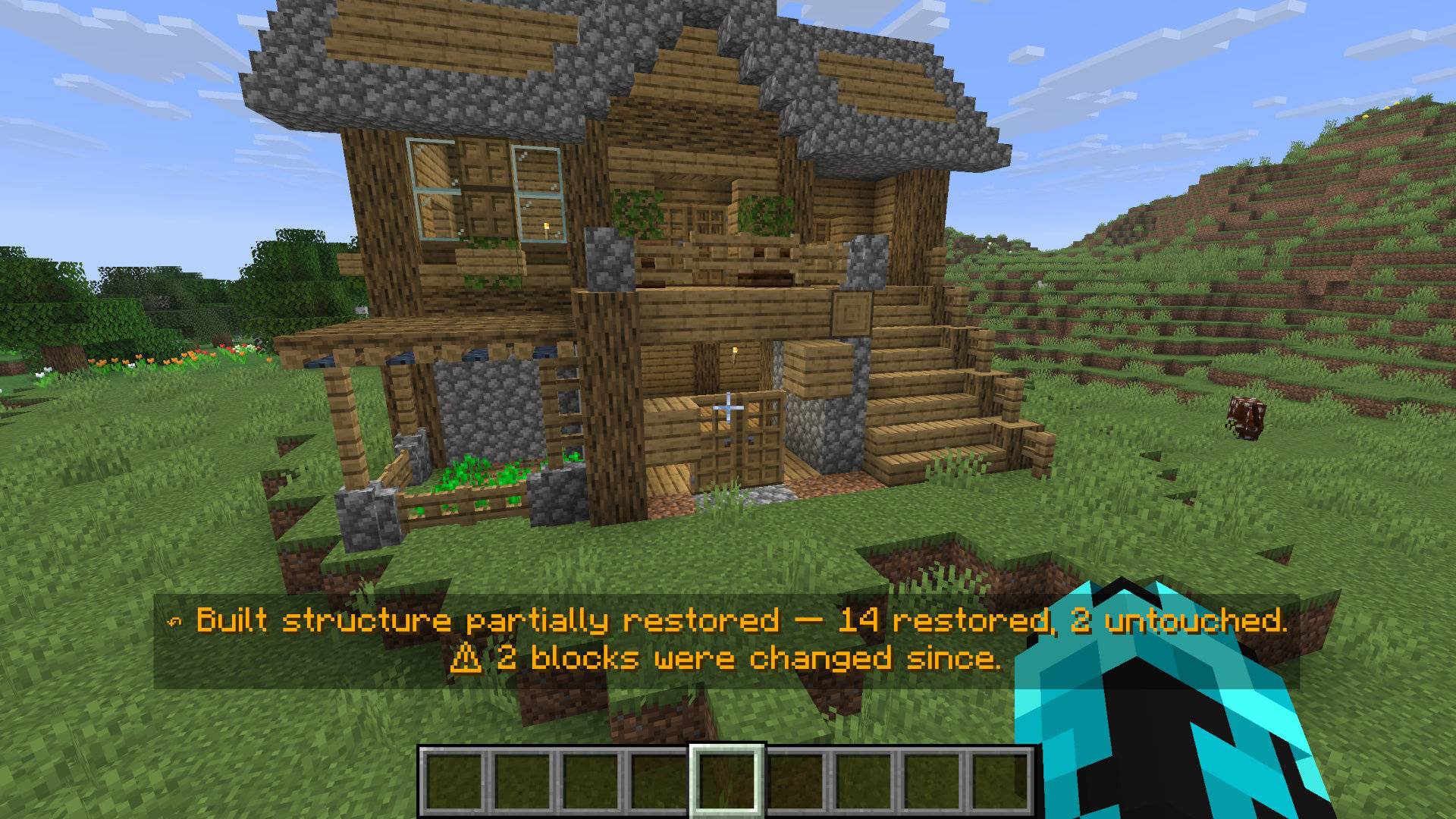
If part of an old operation has been modified later, MEMENTO does not blindly overwrite the current world.
For example:
48 blocks in the original operation
43 safely restored
5 left untouched because they changed later
MEMENTO tells you what happened instead of pretending the restore was perfect.
MEMENTO is designed with multiplayer safety in mind.
If Player A builds something and Player B later changes one of those blocks, Player A's Undo will not simply overwrite Player B's later work.
The server validates restores against the current world before applying them.
The client never decides what the world should become.
MEMENTO is not Creative-mode materialization disguised as Undo.
Where MEMENTO can safely account for items, restoring changes respects item conservation.
If the mod cannot prove that an operation can be restored safely, it fails closed instead of guessing.
| Key | Action |
|---|---|
| Z | Undo |
| Y | Redo |
| H | Open MEMENTO History |
All keybindings can be changed in Minecraft's Controls menu.
For the full MEMENTO interface, install the mod on both the server and client.
MEMENTO 1.0 uses conservative fixed limits that were tested as part of its release:
Configuration is planned for a later version.
MEMENTO is intentionally not a complete world rewind system.
It focuses on restoring player-authored actions safely.
Autonomous world consequences such as:
may occur outside the recorded player operation and are not guaranteed to be restored.
Fluid propagation is currently outside the verified v1 guarantee.
MEMENTO uses persistent history and recovery information so an interrupted restore does not automatically continue based on assumptions.
If Minecraft or the server crashes during a restore, MEMENTO verifies the world again before allowing further restoration.
If item accounting becomes uncertain after a crash, that operation may remain permanently blocked rather than risking item duplication.
MEMENTO follows one important rule:
If the mod cannot prove that restoring something is safe, it does not guess.
That means a restore may occasionally leave something untouched.
That is intentional.
Keeping your world safe is more important than forcing every Undo to succeed.
MEMENTO 1.0.0 — Minecraft 26.2 / Fabric