Description
(NOTE: This mod is under development but it can be downloaded and used)
(NOTE: A lot of things are yet to be added)
Latest 1.21.1 version: 1.1.10.3-b-patch
Latest 1.21 version: 1.1.3
Lastest 1.20.1 version: 1.0.9
This mod cannot run without the Mekanism mod!
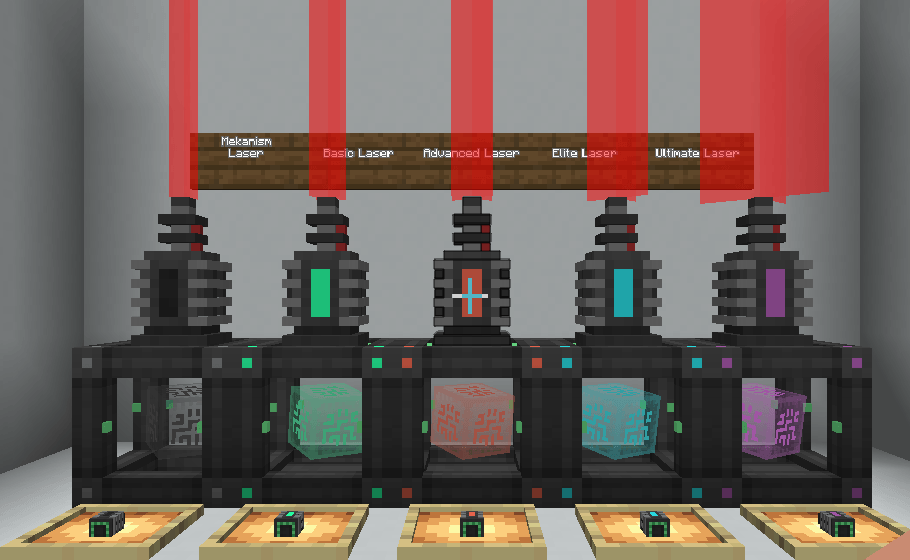
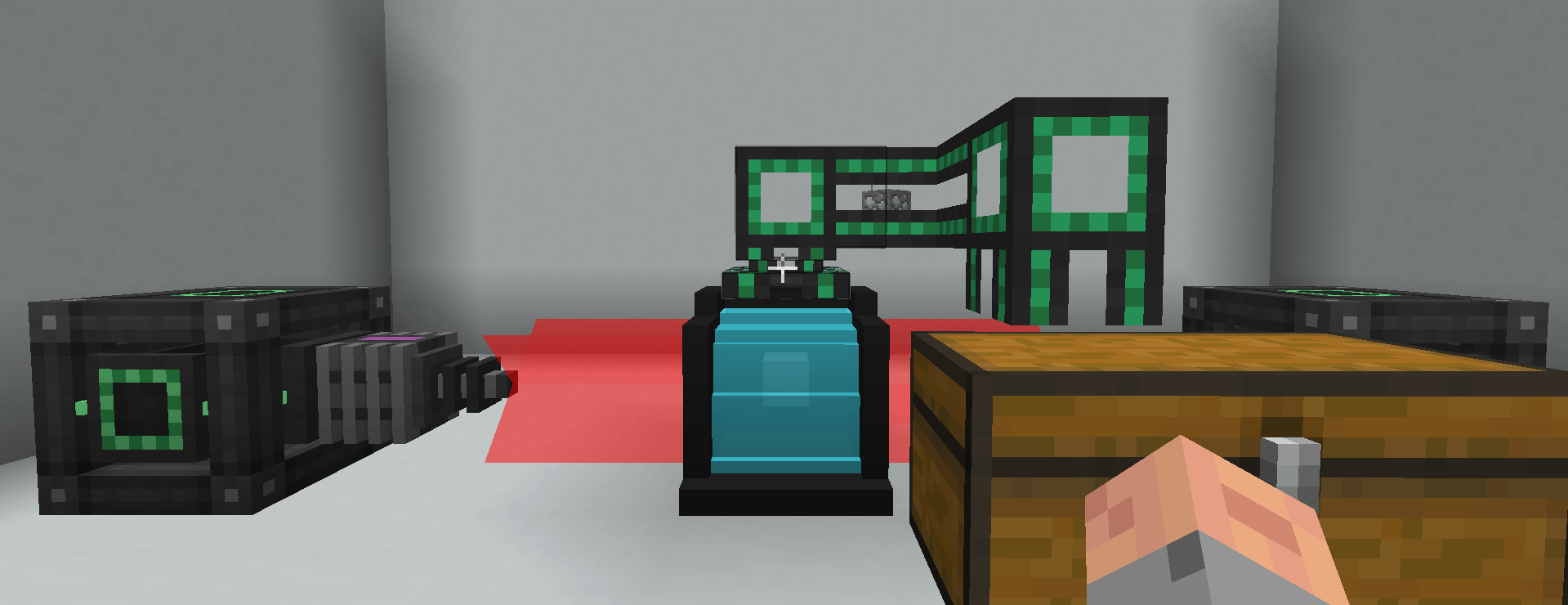
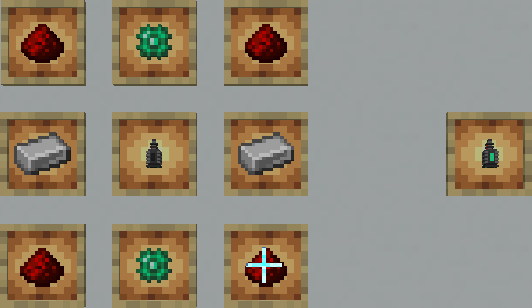
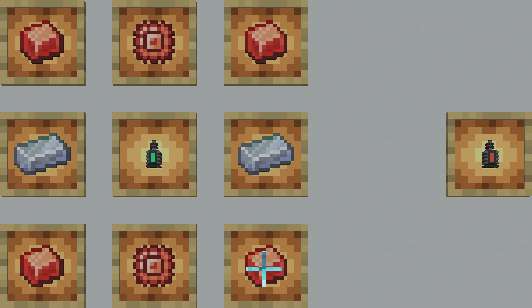
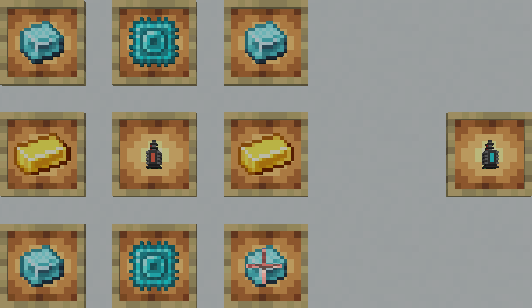
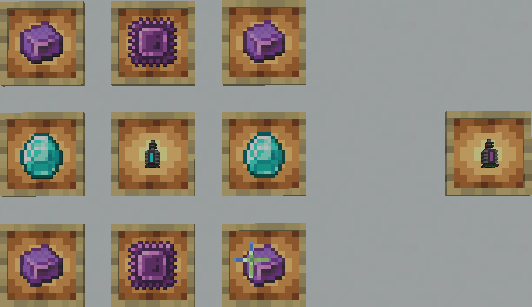
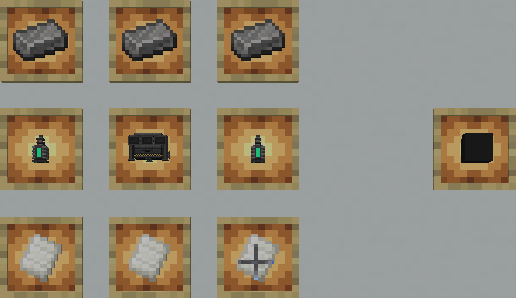
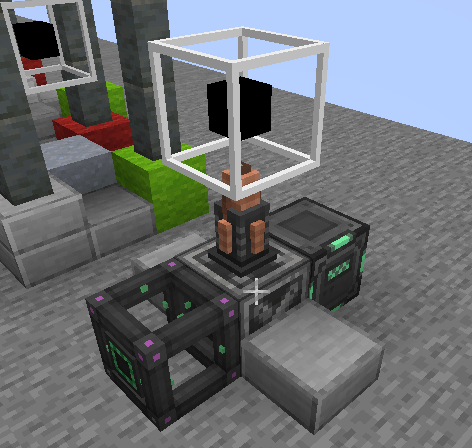
With this mod, you will get extra abilities with lasers, such as laser doors, security systems, and the ability to upgrade lasers from basic to ultimate tiers.
"Mekanism Lasers" is not just a security mod; with this mod, you can make an infinite ore generator!
Join our Discord server: https://discord.gg/FuuNQHqEPv
Please report any issues at https://github.com/Ominox0/mekanism_lasers/issues
Let me thank you all for +3M downloads, it means a lot to me! <3
For the best experience install both Jade and JEI
I highly recommend mod Mekanism Turrets & Fences by SkelMaximus, this mod is excellent if you want further protection of your base!

AD
Become Premium to remove Ads!
What means Verified?
-
Compatibility: The mod should be compatible with the latest version of Minecraft and be clearly labeled with its supported versions.
-
Functionality: The mod should work as advertised and not cause any game-breaking bugs or crashes.
-
Security: The mod should not contain any malicious code or attempts to steal personal information.
-
Performance: The mod should not cause a significant decrease in the game's performance, such as by causing lag or reducing frame rates.
-
Originality: The mod should be original and not a copy of someone else's work.
-
Up-to-date: The mod should be regularly updated to fix bugs, improve performance, and maintain compatibility with the latest version of Minecraft.
-
Support: The mod should have an active developer who provides support and troubleshooting assistance to users.
-
License: The mod should be released under a clear and open source license that allows others to use, modify, and redistribute the code.
-
Documentation: The mod should come with clear and detailed documentation on how to install and use it.
AD
Become Premium to remove Ads!
How to Install
Download Forge & Java
Download Forge from the offical Site or here. If you dont have Java installed then install it now from here. After Downloading Forge you can run the file with Java.
Prepare
Lounch Minecraft and select your Forge istallation as Version this will create a Folder called Mods.
Add Mods
Type Win+R and type %appdata% and open the .minecraft Folder. There will you find your Folder called Mods. Place all Mods you want to play in this Folder
Enjoy
You are now Ready. Re-start your Game and start Playing.