Loading...
Beta Modpages Unclaimed

Marbled's Arsenal [MA]

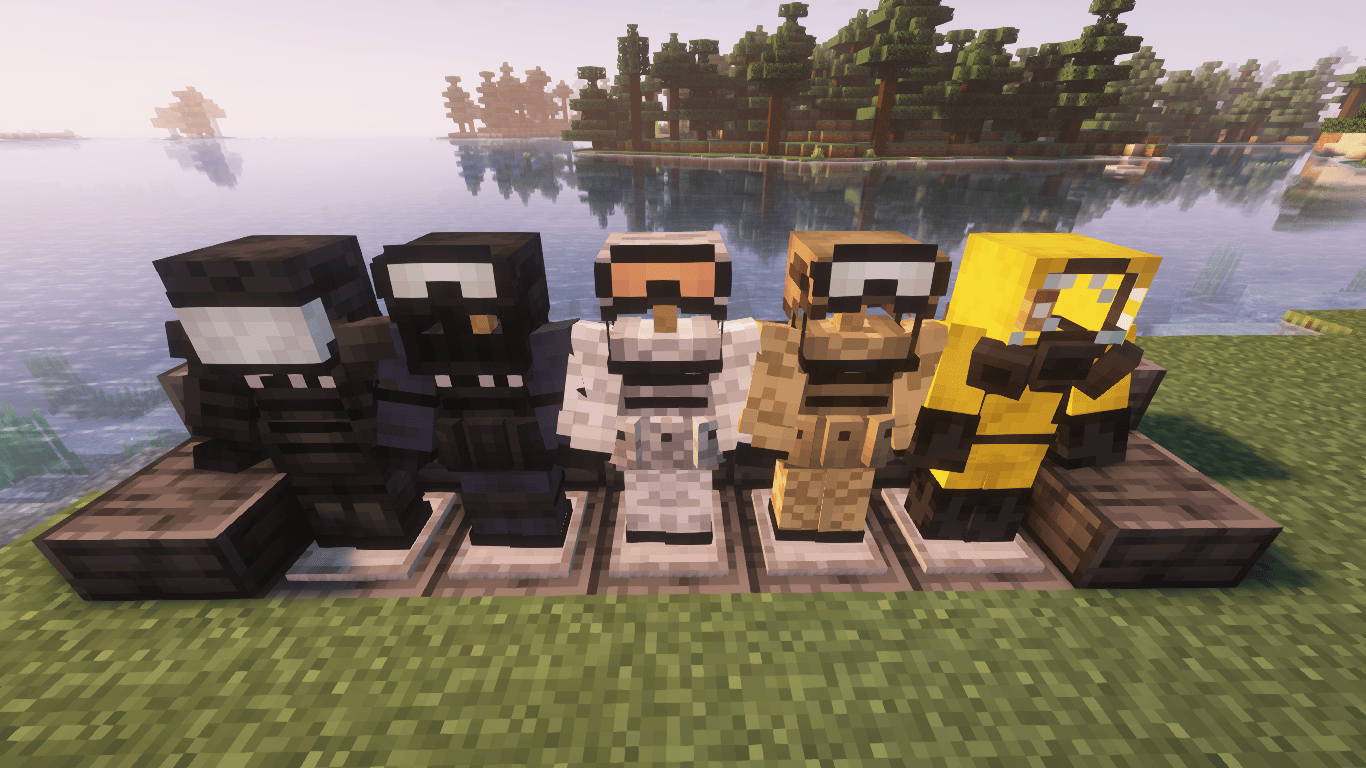
A mod that adds modern militaristic armors and melee weapons.

0 Likes
658343 Downloads
Created by MarbledNull

Description

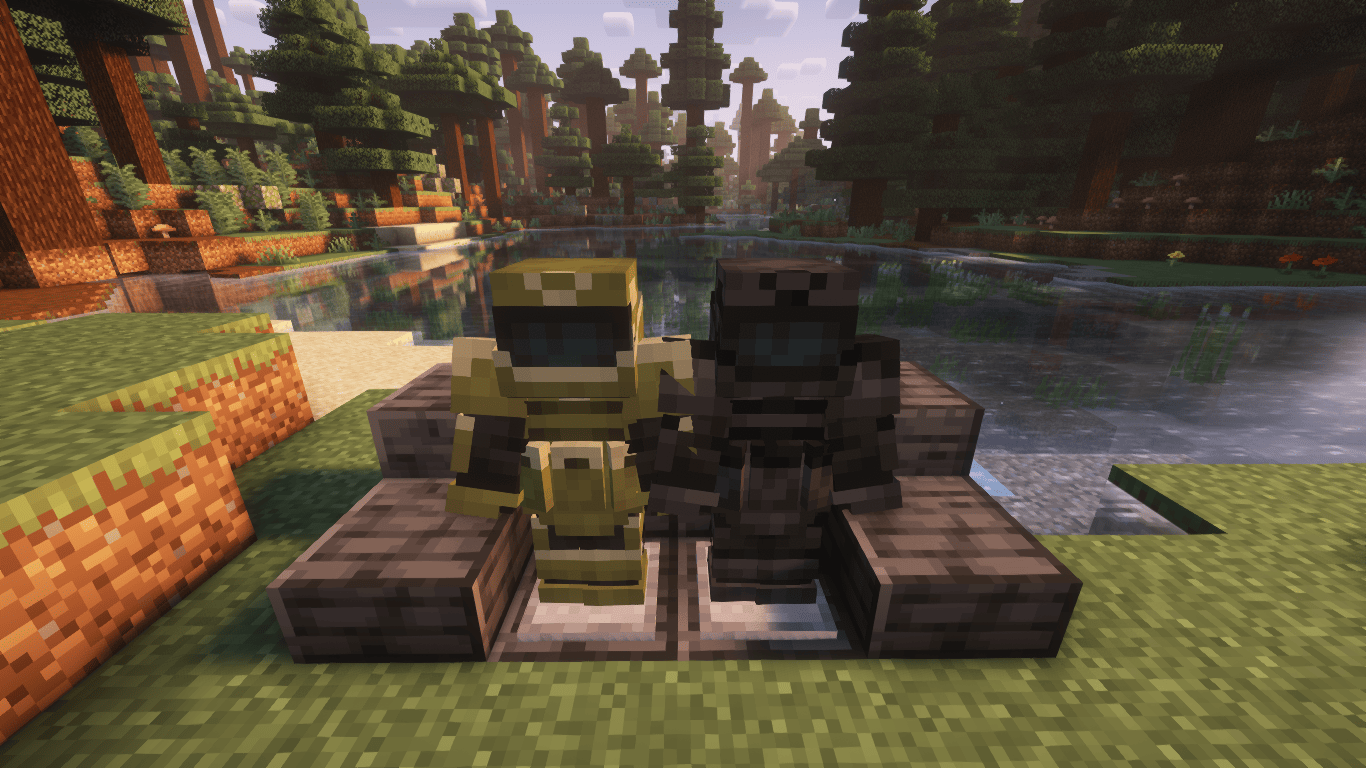
Marbled's Arsenal (Legacy) is a mod for Forge 1.16.5+ that adds tactical and militaristic armours (and melee weapons 1.16.5-1.19.2) while aiming to be vanilla friendly. A project from MarbledHubb Studios. REQUIRES GECKOLIB & 1.19.2+ MISCELLANEOUS METALS (Formerly Marbled's Core). Incompatible with OptiFine.

This mod is now discontinued as of 10/18/2025. A recontinuation/successor mod is currently being developed. See this tweet for more information.

Features


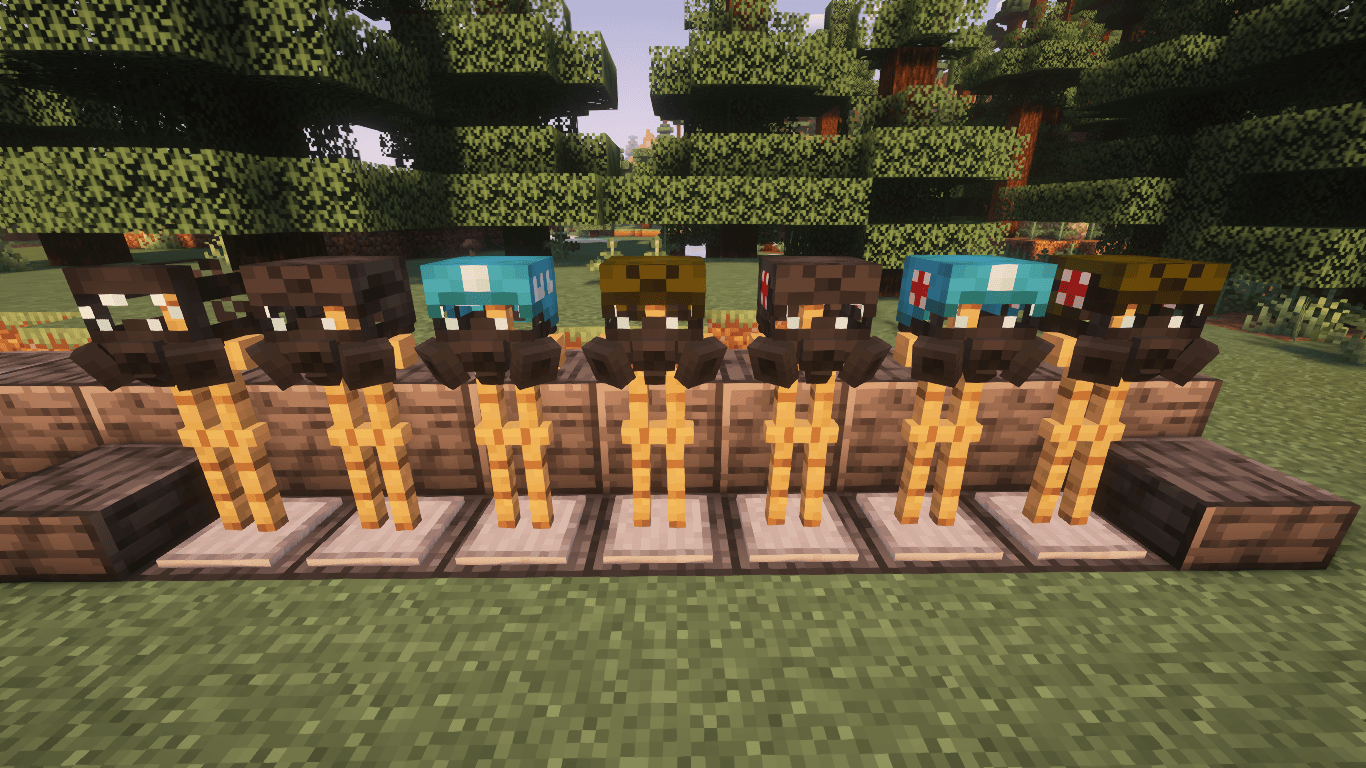
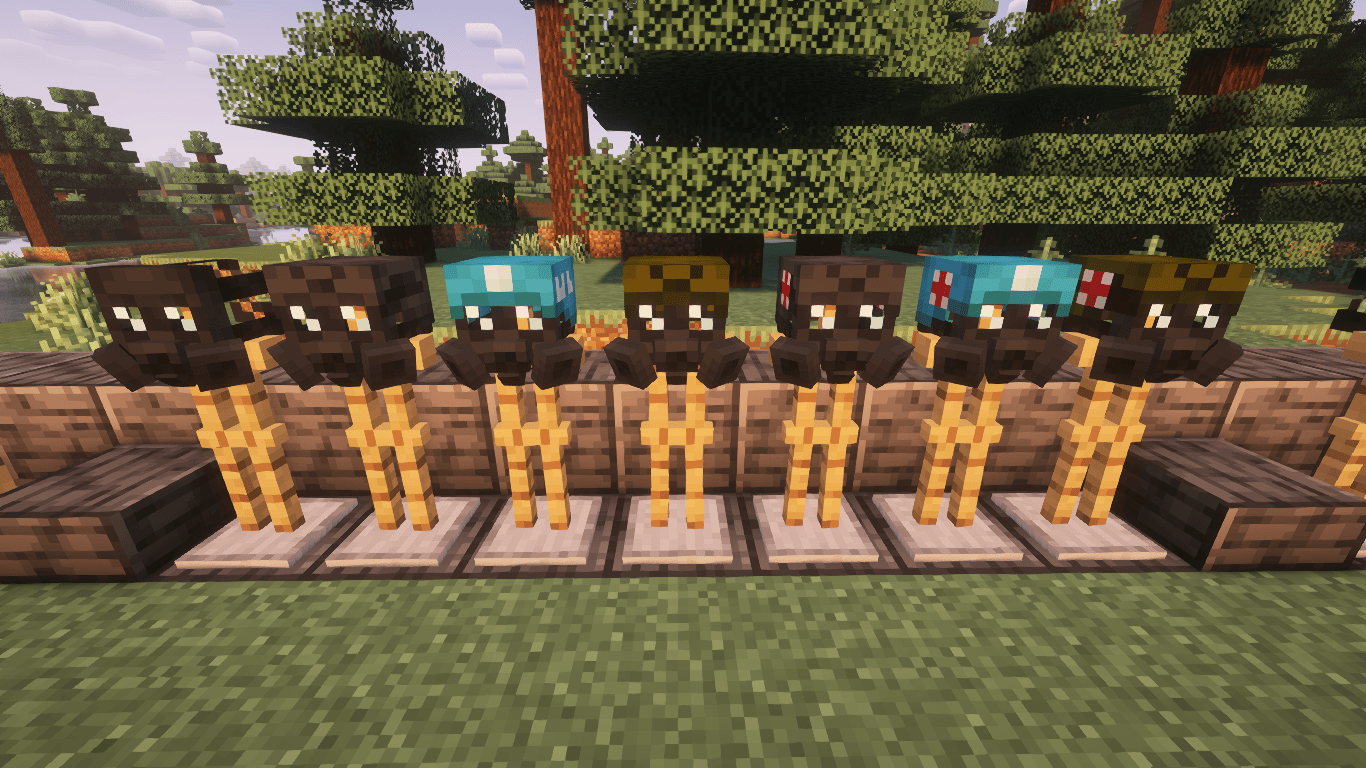
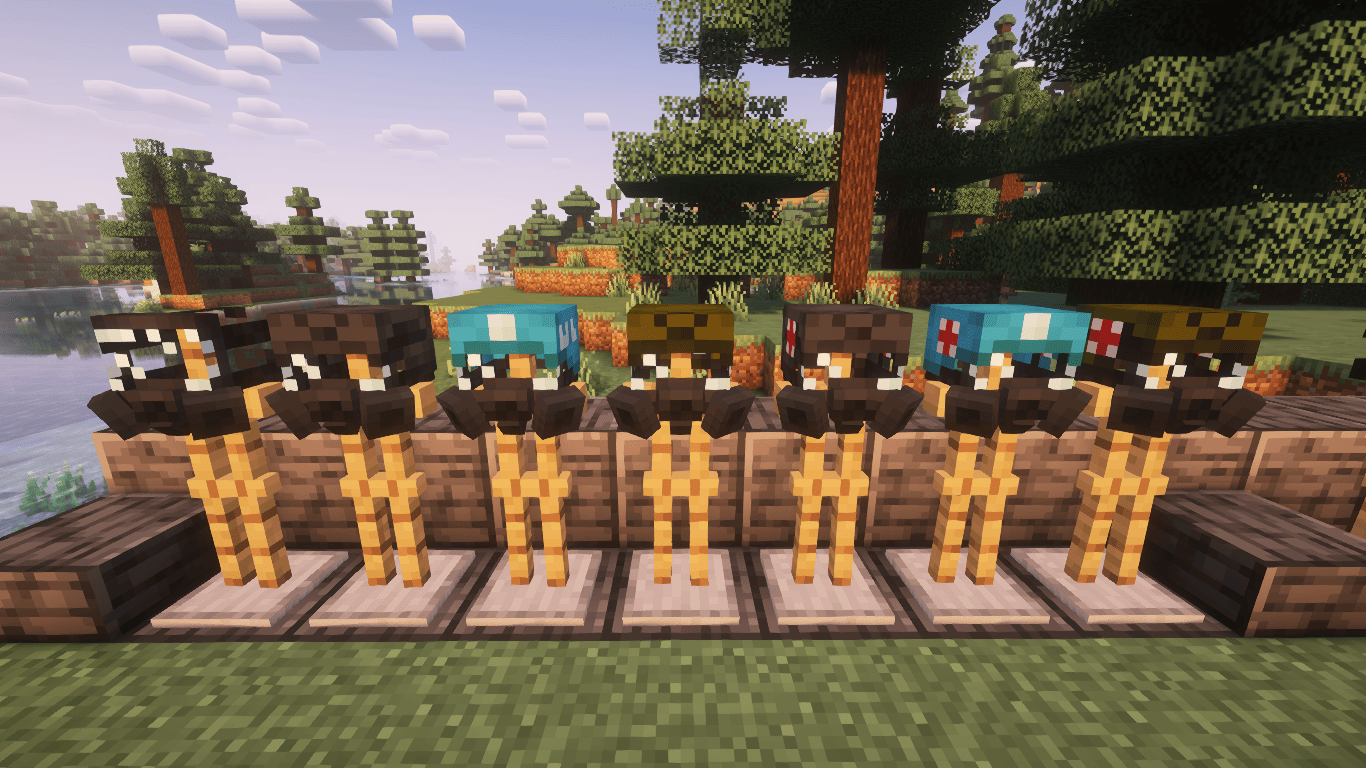
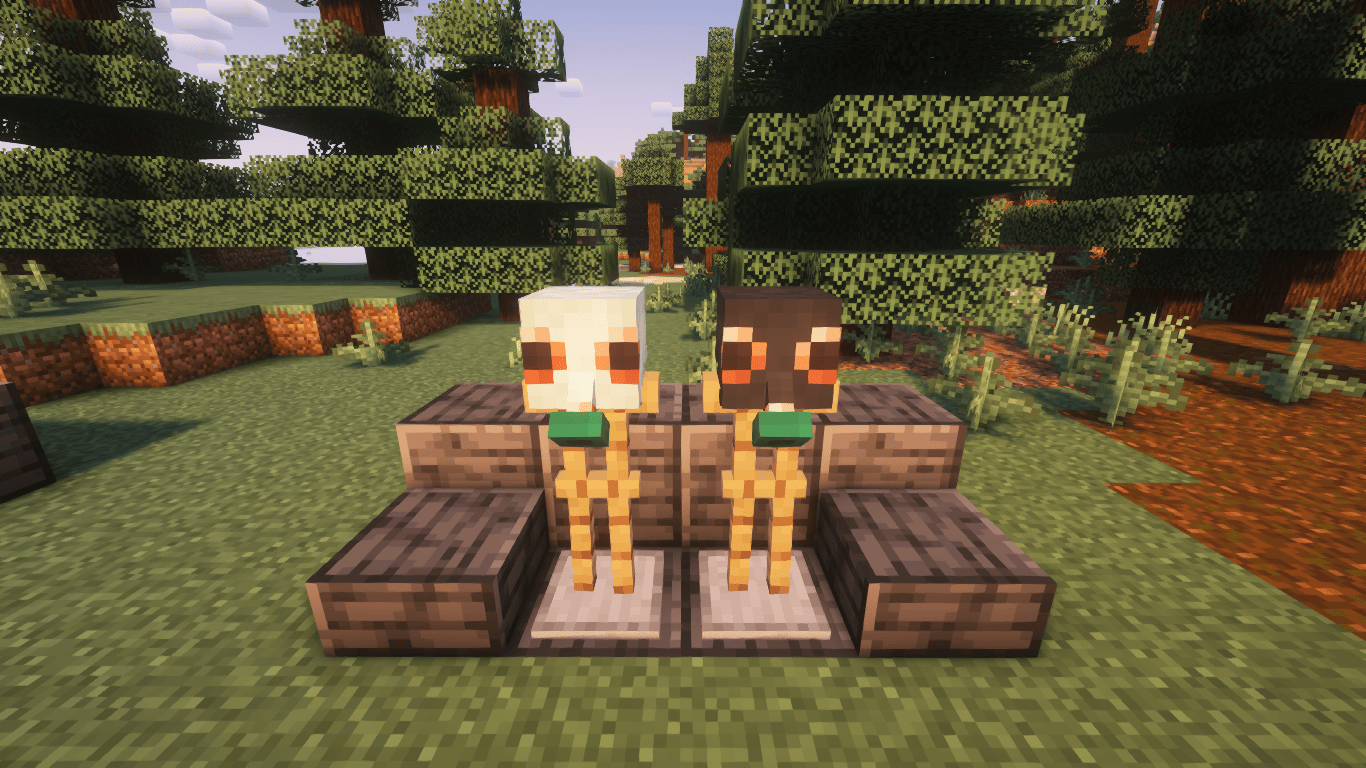
  • CM-6M Gas Mask (+ helmet variations)
  • CM-7M Gas Mask (+ helmet variations)
  • CM-8M Gas Mask (+ helmet variations)
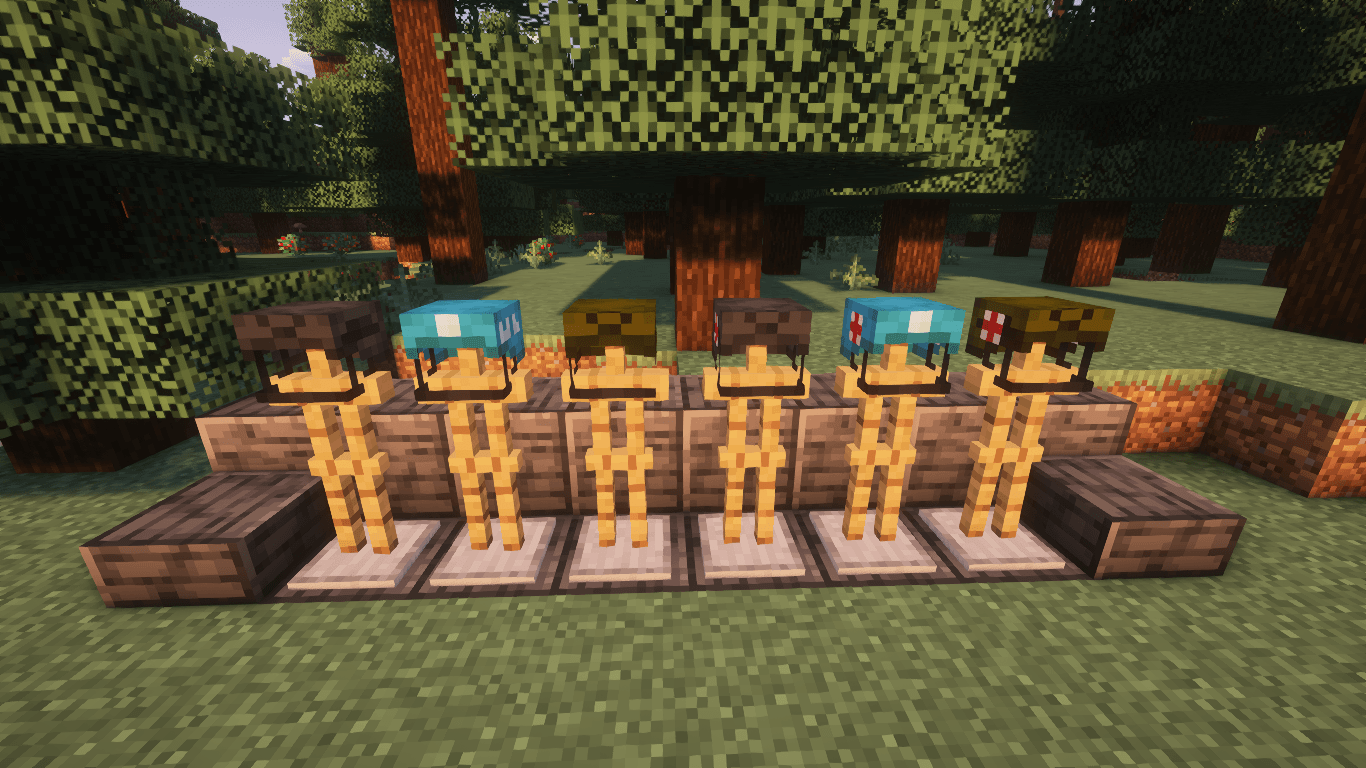
  • Combat Helmet (+ helmet variations)
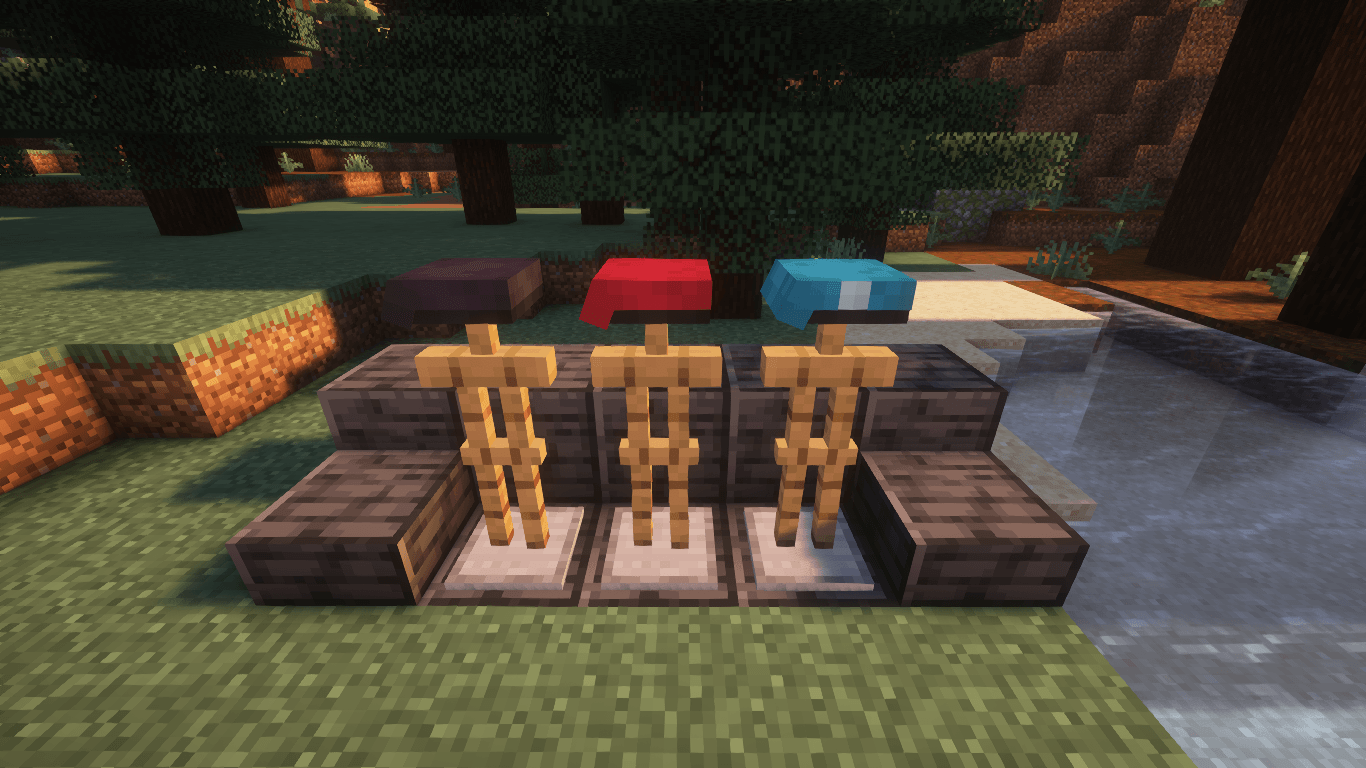
  • Military Berets (Red, Black, UN)
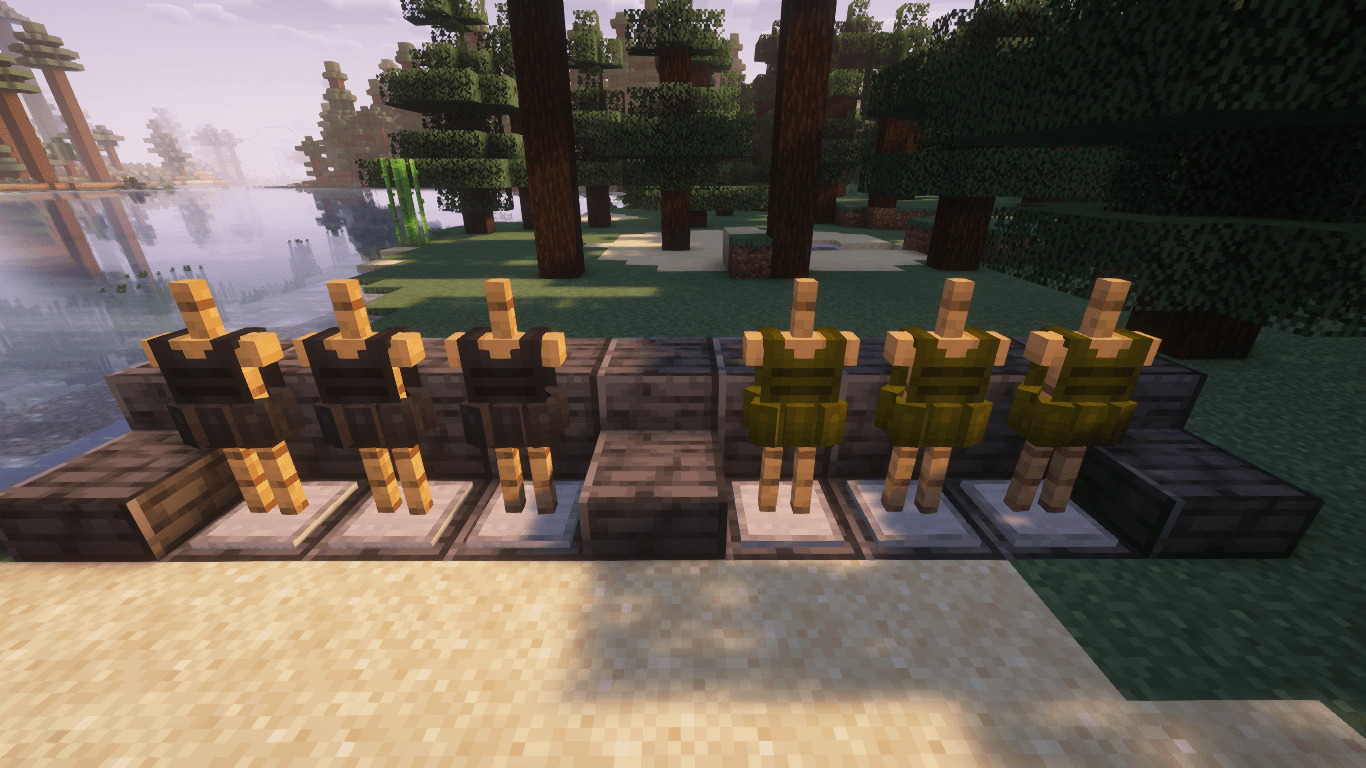
  • Tactical Carriers (Olive, Black. Light, Heavy)
  • Hazmat Armor
  • Riot Armor
  • SWAT Armor
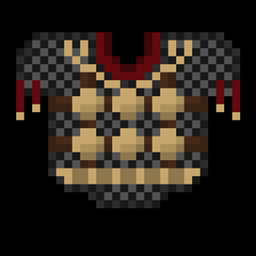
  • Military Armors (Desert camo, Winter camo)
  • Juggernaut Armors (Olive, Black)
  • Ghillie Armors (All leaf variants)
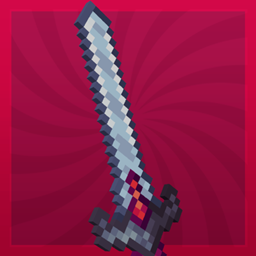
  • Melee weapons (1.19.2-)

Usage


  • You may use this in your modpacks, no credit required but it would be apprecated.
  • You may use this in your video, no credit required but it would be appreciated.
  • You may NOT re-distribute this mod or its assets ANYWHERE. 

MarbledHubb Studios is proudly partnered with BisectHosting! When using our code "marbledhubb", you are saving 25% off any gaming server while supporting us by commission, supporting the development of our projects!

AD Become Premium to remove Ads!

What means Verified?

  • Compatibility: The mod should be compatible with the latest version of Minecraft and be clearly labeled with its supported versions.
  • Functionality: The mod should work as advertised and not cause any game-breaking bugs or crashes.
  • Security: The mod should not contain any malicious code or attempts to steal personal information.
  • Performance: The mod should not cause a significant decrease in the game's performance, such as by causing lag or reducing frame rates.
  • Originality: The mod should be original and not a copy of someone else's work.
  • Up-to-date: The mod should be regularly updated to fix bugs, improve performance, and maintain compatibility with the latest version of Minecraft.
  • Support: The mod should have an active developer who provides support and troubleshooting assistance to users.
  • License: The mod should be released under a clear and open source license that allows others to use, modify, and redistribute the code.
  • Documentation: The mod should come with clear and detailed documentation on how to install and use it.

AD Become Premium to remove Ads!

How to Install

1

Download Forge & Java

Download Forge from the offical Site or here. If you dont have Java installed then install it now from here. After Downloading Forge you can run the file with Java.

2

Prepare

Lounch Minecraft and select your Forge istallation as Version this will create a Folder called Mods.

3

Add Mods

Type Win+R and type %appdata% and open the .minecraft Folder. There will you find your Folder called Mods. Place all Mods you want to play in this Folder

4

Enjoy

You are now Ready. Re-start your Game and start Playing.

More Mods like this

Dark Utilities

Expansive content mod which adds a little bit of everything.

Building Gadgets

A collection of Gadgets to make building large structures a little bit easier!

Draconic Evolution

Draconic Evolution is a mod that adds some extremely expensive high tier items to the game.

Thermal Innovation

Thermal Technology marches on. Adds Thermal-style tools and equipment!

Redstone Arsenal

Behold the Redstone (Flux) Revolution - adds a set of RF-Powered Armor and Tools to make your adventuring Fluxtastic!

Advanced Hook Launchers

Adds different hooks with launchers which give you ability to climb, abseil, jump off the cliffs, pull entities or players, and even slay the dragons!

Ceramics

Form clay into tools and armor then harden it using heat