Lorian’s Arch Orbit
This is a project by AI. If you mind this, please do not use this mod.
A building-assistance mod for Creative builders, map makers, and modpack teams. It supports Minecraft 26.2 on Fabric and NeoForge; major features can be toggled independently and hot-reloaded.
Features
Press O to open the configuration screen or P to open the editor. All keybindings can be changed in Minecraft's Controls settings.
Except for interaction reach modification, which requires server support, all features are client-side.
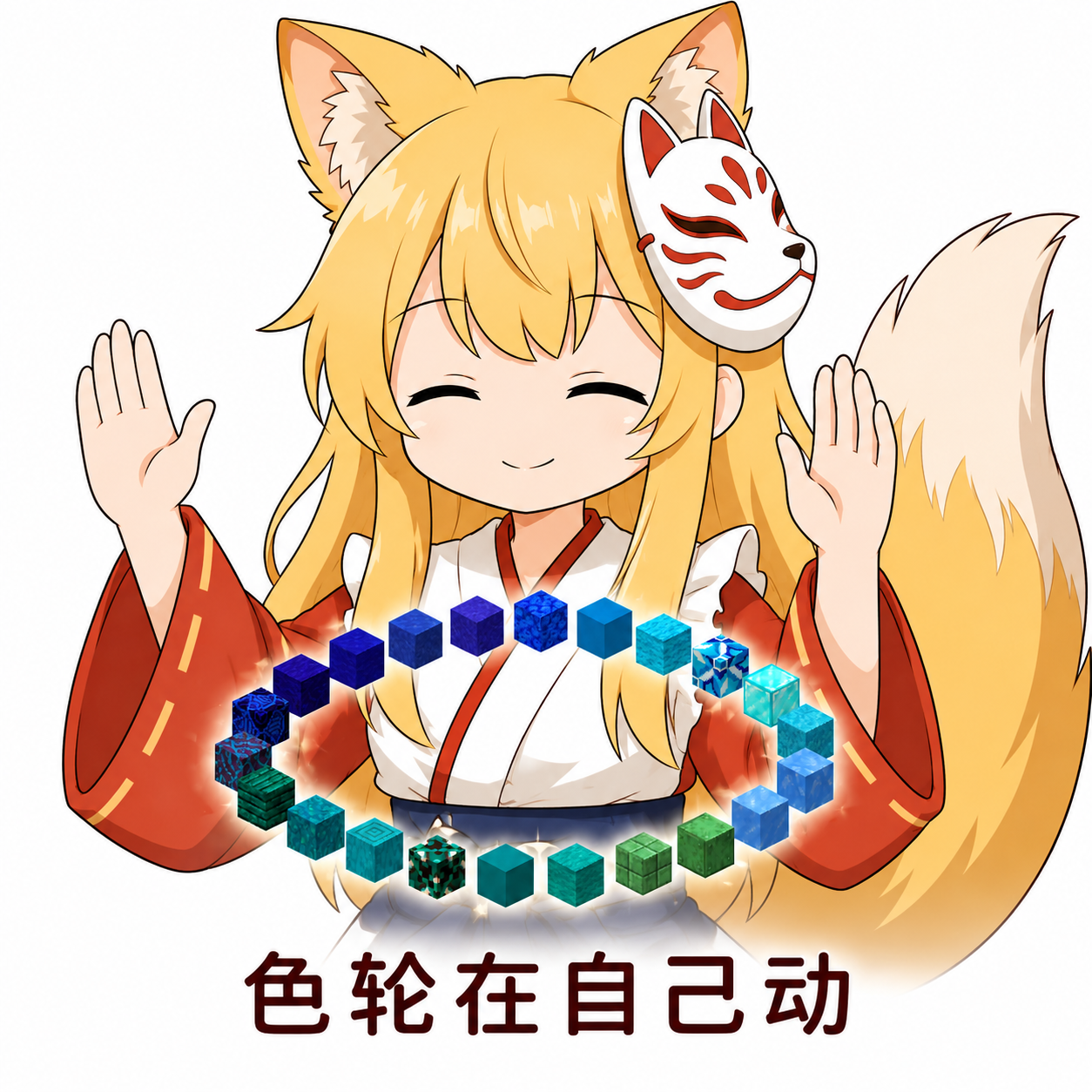
Primary / Secondary / Temporary Item Color Wheels
- Hold
R to open the primary wheel; quickly double-tap and hold the second press for the secondary wheel, or triple-tap and hold the third press for the temporary wheel. Scroll to switch held items, then release to close
- Choose from three group presets: block type, block family, and color. You can also edit groups, reorder items, and share them through JSON files or share codes
- Wheels adapt to the window size, with configurable target positions and indicator styles; the temporary wheel can use gradient results directly
See the Color Wheel Guide for details.
![alt text]()
Block Gradients
- Choose colors or blocks as stops to generate a light-to-dark, warm-to-cool, or custom block gradient
- Select textures from different block faces, replace and lock individual results, and inspect tiled textures or compare results
- Apply results to a temporary wheel, inventory, or permanent wheel group; gradient parameters and candidate palettes can also be imported and exported separately
See the Gradient Guide for details. Color data comes from HueBlocks and needs to be downloaded initially; valid cached data can be used afterward.
![]()
Smart Middle-Click Pick Block
- A short middle-click keeps vanilla Pick Block behavior; holding for about 100 ms opens a candidate wheel for nearby blocks
- Choose between adjacent, range, and context modes; context mode is enabled by default
![]()
Interaction Reach Modification
- Hold
G and scroll to adjust interaction reach from 5 to 128 blocks; disabled by default
- Requires this mod on both the client and server, with authorization in the server configuration
![]()
Connected-Texture Fixes
- Fills missing joining faces on standard walls, glass panes, beds, doors, chests, and extended pistons, plus the four narrow Nether Portal edge faces and the five non-top End Portal faces
- Each fix can be toggled independently, including the exposed joining face left when one double-chest half is removed with block updates disabled
![]()
Invisible-Block Display
- Press
V to toggle barrier and light-block display together; the types can be filtered in the configuration
![]()
Dependencies
Fabric
NeoForge
Fabric includes optional Radial compatibility: when both wheels share a key, this mod takes priority if its wheel can open; otherwise, Radial handles the key. Separate bindings also work.
Documentation
English
中文 / Chinese
The configuration, data, migration, and update documents above are currently available in Chinese.
TODO
- Structure-block display
- Custom tool & command wheel
Credits
- LotTweaks: behavioral reference for color wheels, smart pick, and interaction reach.
- Visible Barriers: behavioral reference for invisible-block display.
- HueBlocks: reference for gradient functionality and source of block color data.
- The lovely Jiu Hu (酒狐).
License
MIT License.