Please Consider Donating - Every Dollar Counts
An unofficial port of the Locks mod by Melonslise to Minecraft Forge 1.20.1.
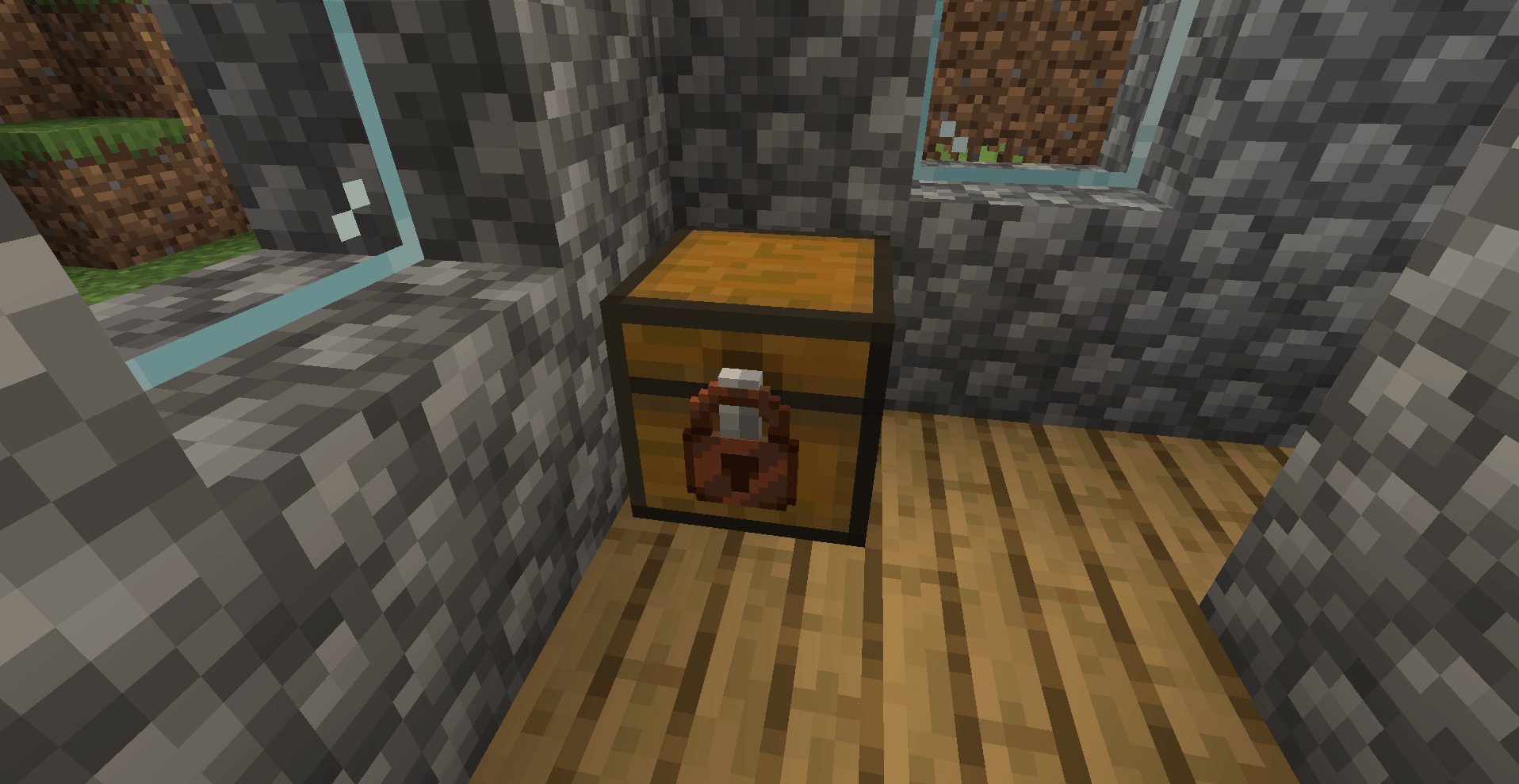
Locks is a small but unique mod that lets you attach flexible, universal locks to any block in the game — including blocks from other mods. Protect your doors, chests, furnaces, and more with a dynamic locking system and an interactive lock picking minigame.
Attach locks to any block — not just chests. Doors, trapdoors, furnaces, dispensers, hoppers, and modded blocks all work. Locks are spatial, so a single lock can cover multiple blocks at once.
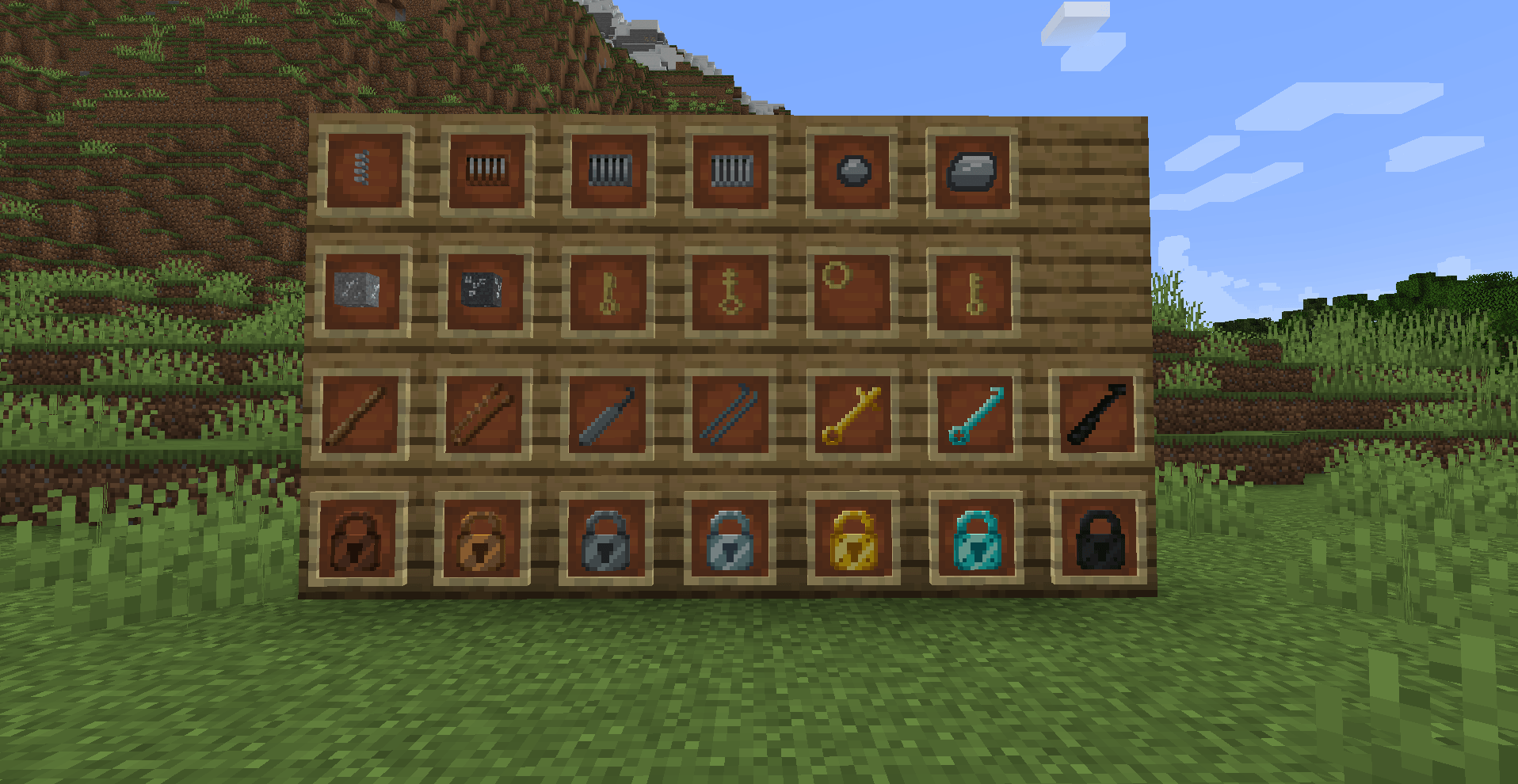
| Tier | Pins | Enchantability | Resistance | Pick Strength |
|---|---|---|---|---|
| Wood | 5 | 15 | 4 | 0.20 |
| Copper | 6 | 16 | 8 | 0.28 |
| Iron | 7 | 14 | 12 | 0.35 |
| Gold | 6 | 22 | 6 | 0.25 |
| Steel | 9 | 12 | 20 | 0.70 |
| Diamond | 11 | 10 | 100 | 0.85 |
| Netherite | 14 | 8 | 200 | 0.95 |
Netherite items are fire-resistant and survive in lava, just like vanilla netherite gear. They're crafted at a smithing table using a Netherite Upgrade Template.
All locks and lock picks are fully data-driven — add your own custom tiers via simple JSON files, or tweak existing stats through config files, TOML overrides, or datapacks. No code changes needed!
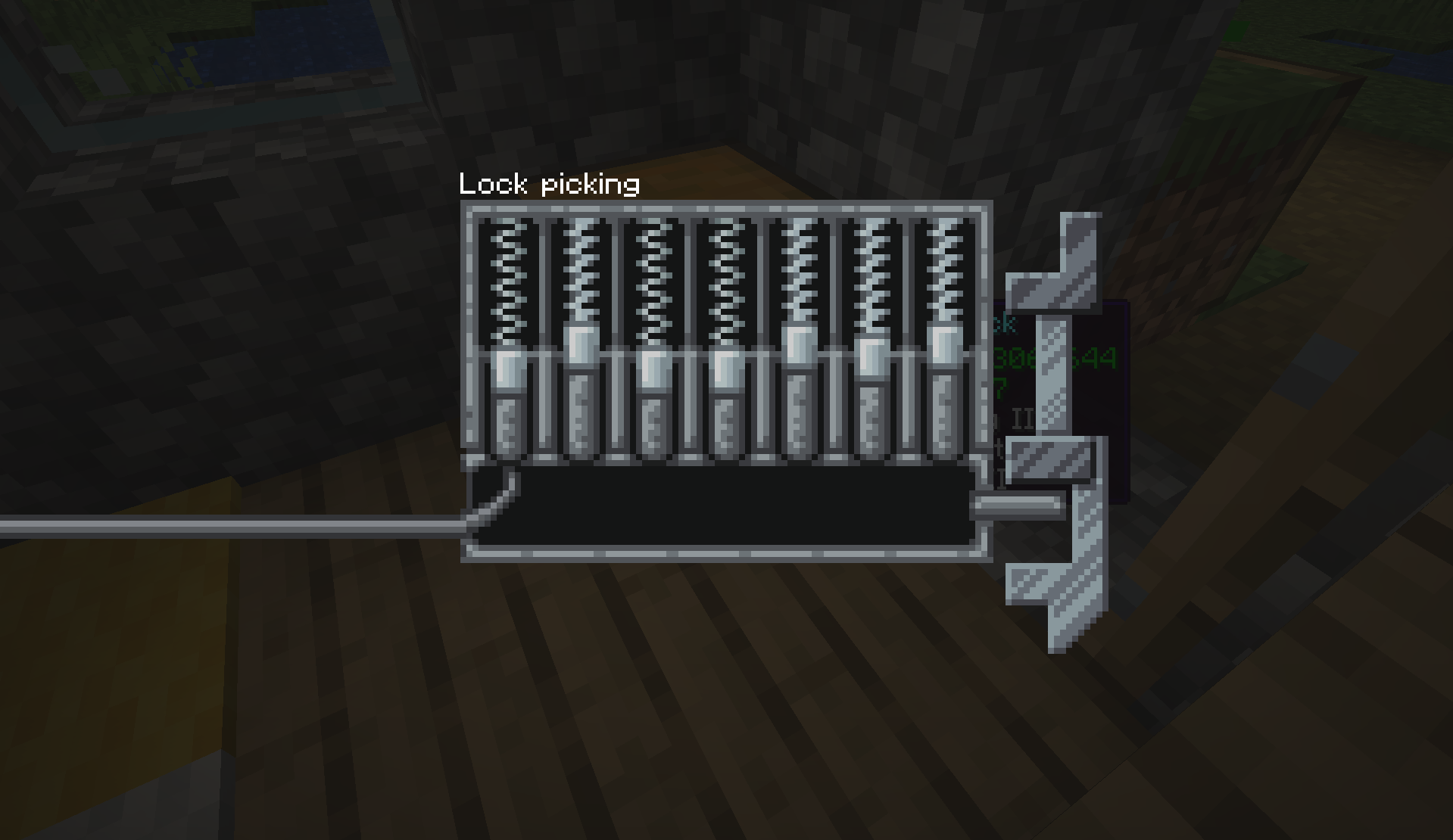
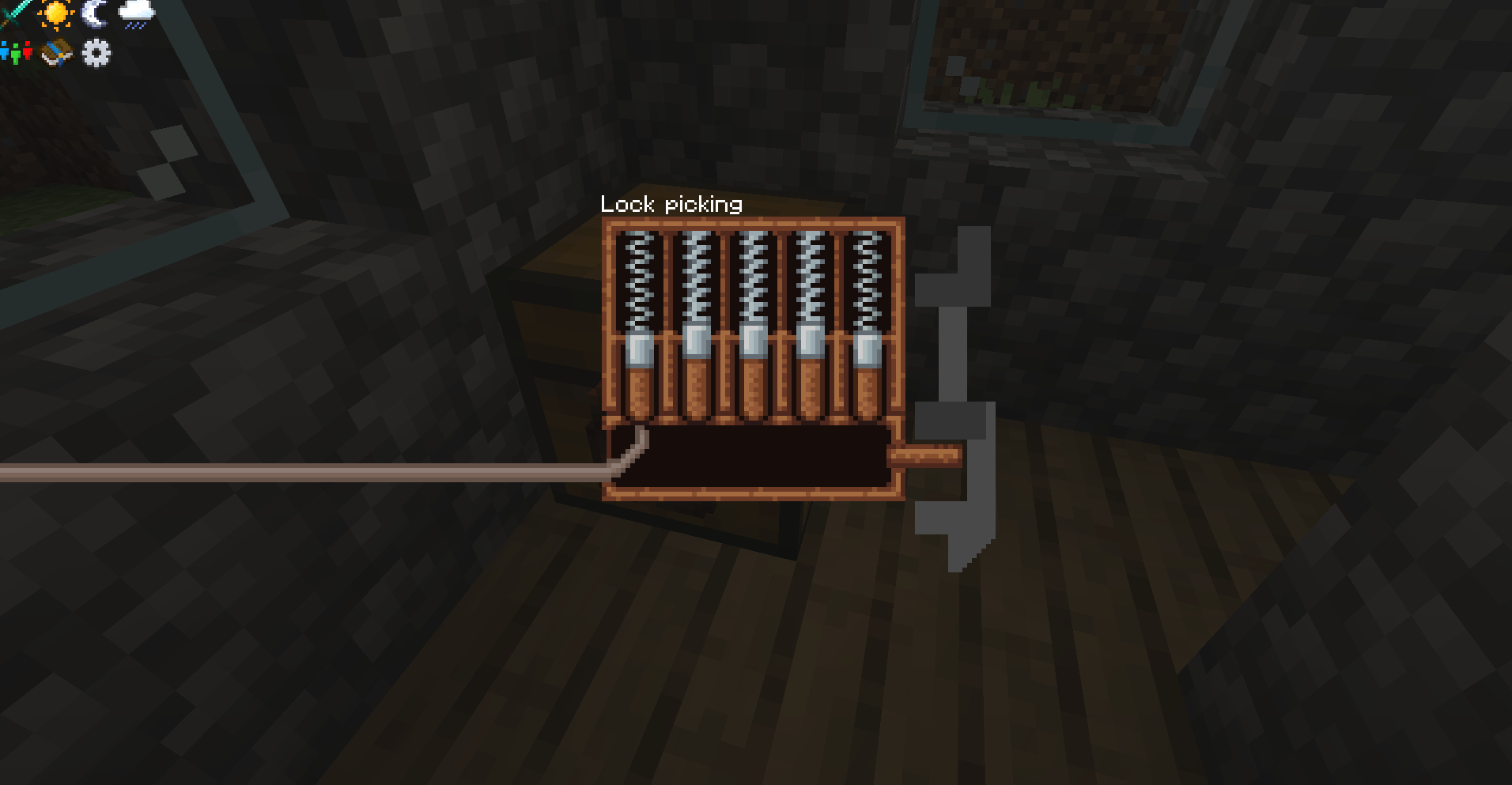
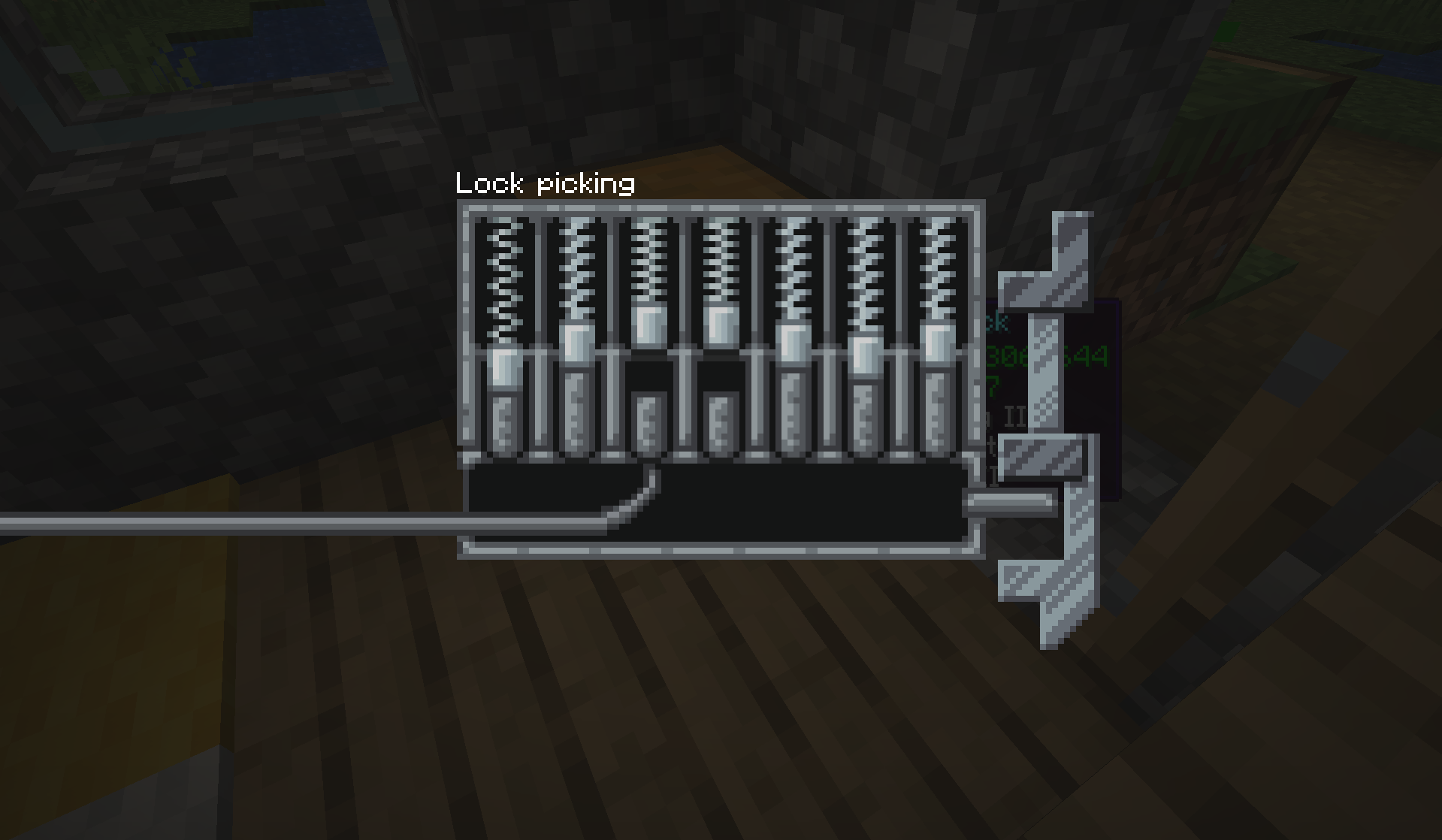
Pick locks with an interactive pin-matching minigame. Match each pin to crack the combination. Higher-tier picks are more effective against tougher locks.
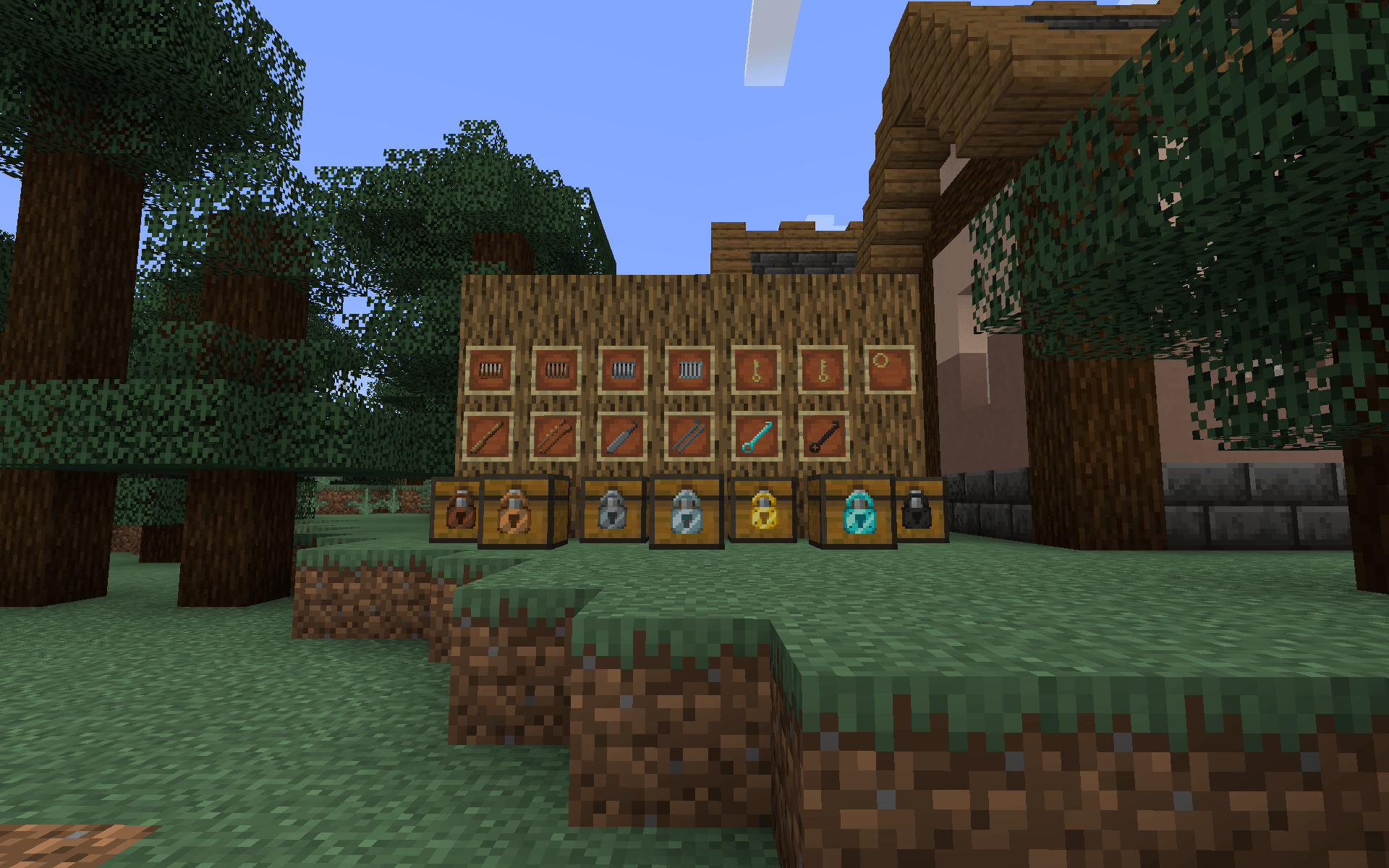
Lock Picks: Wood, Bobby Pin (copper), Iron, Steel, Gold, Diamond, Netherite (+ custom)
Craft keys that match your locks, or use a Key Ring to carry multiple keys. A Master Key opens any lock.
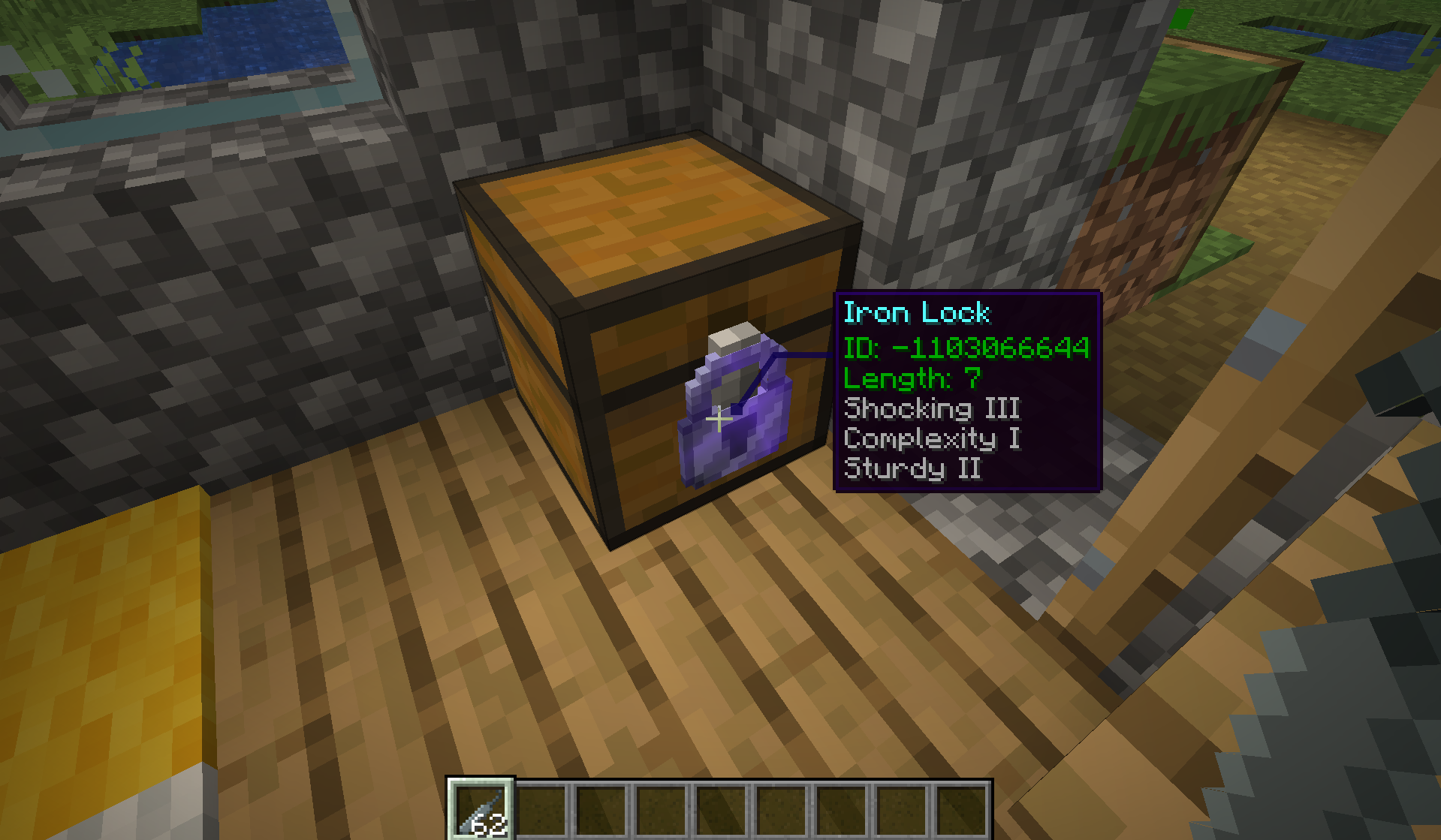
Each enchantment can be individually enabled or disabled in the server config.
Locked blocks are protected from:
Lock tier is determined by the value of a chest's loot table contents. Village chests get wood or copper locks, while end city chests get gold or diamond locks. Every generated chest gets at least a wooden lock — no chest is left unprotected.
Locks Reforged has a fully data-driven item system. You can add entirely new lock and lock pick tiers — or tweak existing ones — using three different methods depending on your needs.
Drop a JSON file into the config folder to register a brand new lock or lock pick item. The mod auto-discovers these at startup.
To add a custom lock, create config/locks/lock_types/<name>.json:
{
  "length": 7,
  "enchantment_value": 14,
  "resistance": 12
}
length — Number of pins (1-20)enchantment_value — Enchantability (1-50)resistance — Explosion resistance (0-1000)To add a custom lock pick, create config/locks/lockpick_types/<name>.json:
{
  "strength": 0.5
}
strength — Pick effectiveness (0.01-10.0)The filename becomes the item's registry name under the locks: namespace (e.g., netherite_lock.json registers as locks:netherite_lock). Config-folder items override JAR-bundled items of the same name, so you can also use this to replace built-in stats.
Important: Custom items registered this way will appear in-game automatically, but they will be invisible and uncraftable without:
assets/locks/models/item/<name>.json, assets/locks/textures/item/<name>.png)data/locks/recipes/<name>.json) and adding the item to the appropriate tag (data/locks/tags/items/locks.json or lock_picks.json)The mod creates example files at config/locks/lock_types/_example.json.disabled and config/locks/lockpick_types/_example.json.disabled on first launch for reference.
Datapacks can override the stats of any existing lock or lock pick on a per-world basis. Overrides are applied on world load and whenever /reload is run, making them ideal for modpack authors or adventure maps.
To override lock stats, place a JSON file at data/<namespace>/locks/lock_stat_overrides/<name>.json:
{
  "item": "locks:iron_lock",
  "length": 3,
  "resistance": 50
}
To override lock pick stats, place a JSON file at data/<namespace>/locks/lockpick_stat_overrides/<name>.json:
{
  "item": "locks:iron_lock_pick",
  "strength": 1.5
}
Only the fields you list are changed — omitted fields keep their current values. Multiple datapacks can provide overrides; they stack in datapack load order.
Every built-in lock and lock pick has TOML config entries in locks-common.toml that let you override individual stats without needing a datapack. Set any value to -1 (or -1.0 for pick strength) to use the JSON default.
# Example: make the copper lock have 8 pins instead of 6
["Lock Stats"."Copper Lock"]
    Length = 8
    "Enchantment Value" = -1
    Resistance = -1

# Example: double the copper pick strength
["Lockpick Stats"]
    "Copper Lockpick Strength" = 0.56
TOML overrides are applied before datapack overrides, so datapacks take final precedence.
When multiple systems provide values for the same stat, the order of precedence is:
/reload)Lock mechanisms (Wood, Copper, Iron, Steel) are basic crafting components — they are not data-driven and cannot be added via config or datapack. Each lock recipe requires its corresponding mechanism as the center ingredient.
All settings are customizable via config files. Note that locks-server.toml is per-world and lives in a different location than the other two:
config/locks-common.toml — World generation and item stats
saves/<world>/serverconfig/locks-server.toml — Server-side gameplay rules (generated per-world on first load)
config/locks-client.toml — Client-side settings
Stale config files: When the mod is updated with new tiers (e.g. Copper was added after the initial release), existing TOML files keep their old defaults. For example, the "Generated Locks" list won't include locks:copper_lock unless you manually add it or delete locks-common.toml to let it regenerate with the new defaults.
This is an unofficial port that preserves all original gameplay. Licensed under CC BY-NC 3.0, consistent with the original mod.