LinuxCraft OS 🐧
Welcome to the terminal. LinuxCraft OS is a hardcore, unique experience that replaces standard Minecraft mechanics with a retro Linux-style terminal interface. Forget about clicking on a crafting table—if you want to survive, you'll need to type!
💻 Core Mechanics
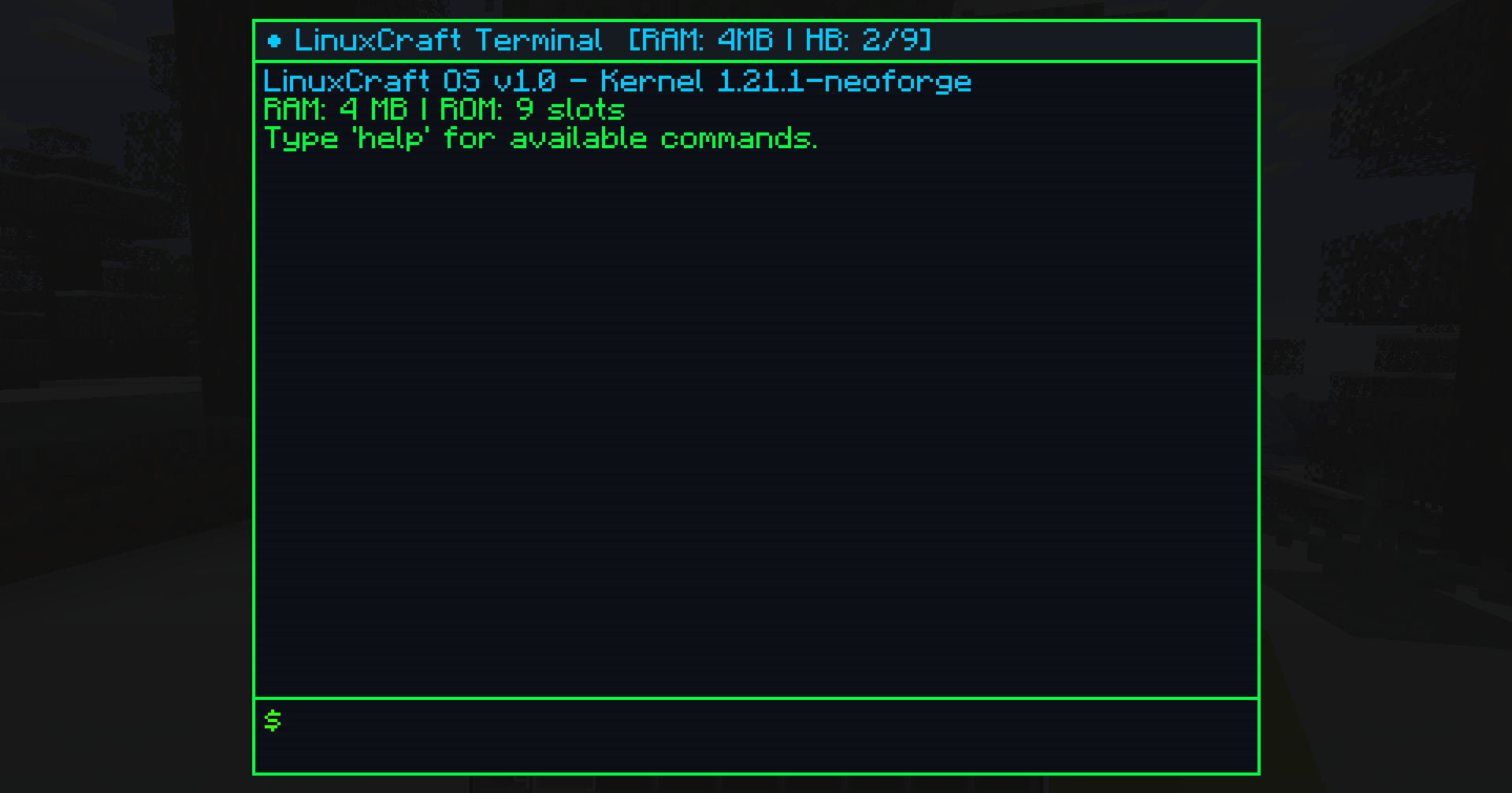
- Terminal-Based Gameplay: Right-clicking any workstation (Crafting Table, Furnace, Stonecutter, Smithing Table, etc.) opens the Dev Terminal instead of the vanilla GUI.
- Compile Your Items: Standard crafting is replaced by the
compile <recipe_name> command. Want an iron pickaxe? Type compile iron_pickaxe. The terminal will consume the required ingredients from your inventory and start building the item.
- Recipe Complexity: Different items have different compile complexities. Simple items compile fast, while advanced gear takes longer. Be careful—trying to compile something far beyond your system's capabilities will cause a Blue Screen of Death (BSOD)!
🔧 Hardware Upgrades
You start with a basic system, but you can upgrade your computer by finding or compiling hardware parts:
- RAM Sticks: Increases compile speed and allows you to compile more complex recipes. Watch out for infected RAM!
- ROM Chips: Unlocks additional slots in your main inventory.
- Flash Drives: Unlocks your hotbar slots.
- Upgrades come in 3 tiers: Basic (c3), Advanced (c6), and Elite (c9).
🦠 Viruses & Antivirus
- Infected Hardware: Picking up dropped RAM sticks has a 10% chance to infect your system with a computer virus.
- Glitching System: A virus will cause your terminal to glitch, displaying red errors, and will eventually force-close your terminal if left untreated.
- Antivirus Scan: Run the
antivirus command to start a deep system scan and remove the malware.
⚙️ Terminal Features & Commands
- Interactive Typewriter Tutorial: A built-in, immersive tutorial that guides you through your first steps.
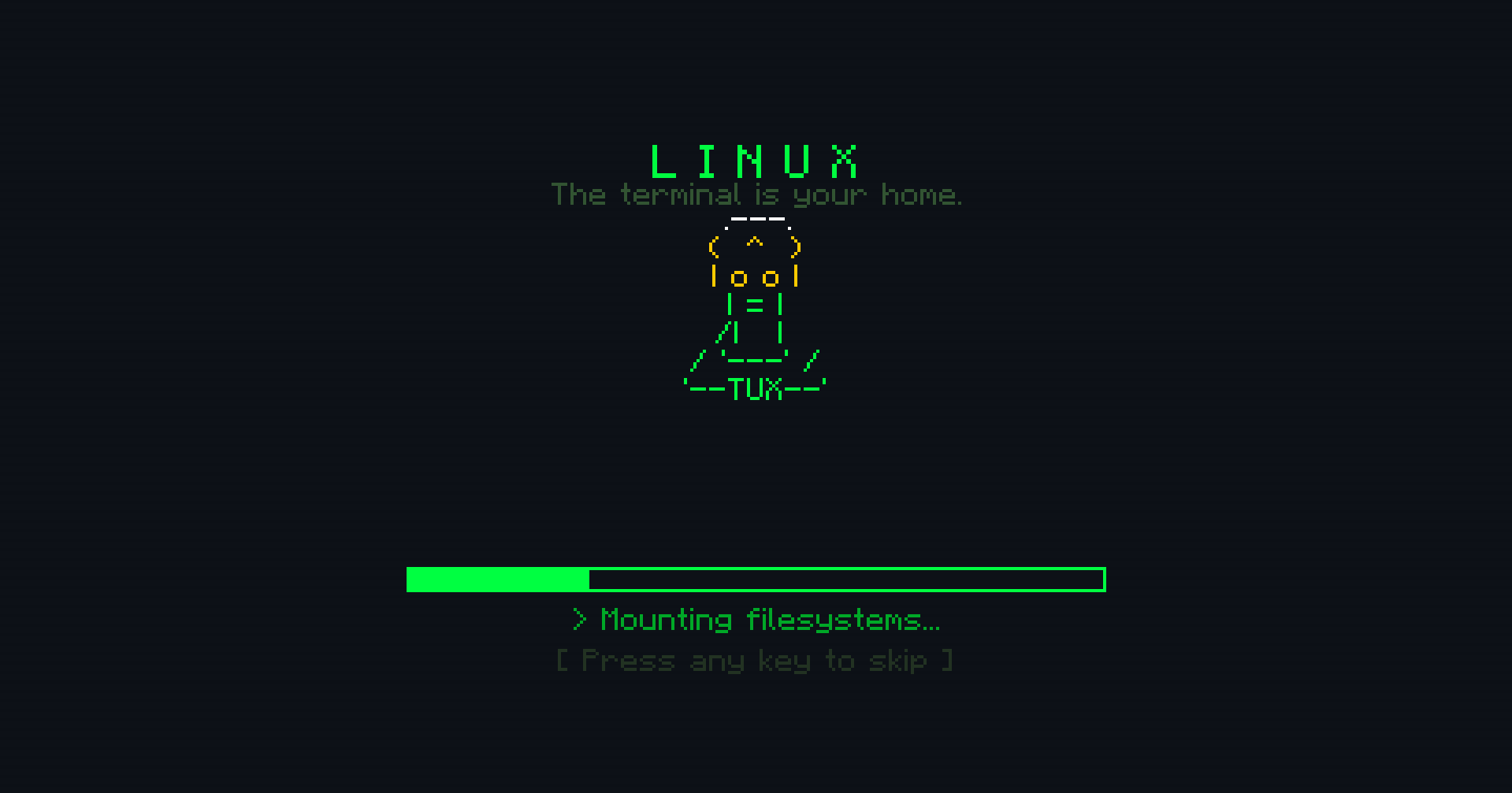
- Boot Sequence: A realistic Linux boot animation when you first open the terminal in a new world.
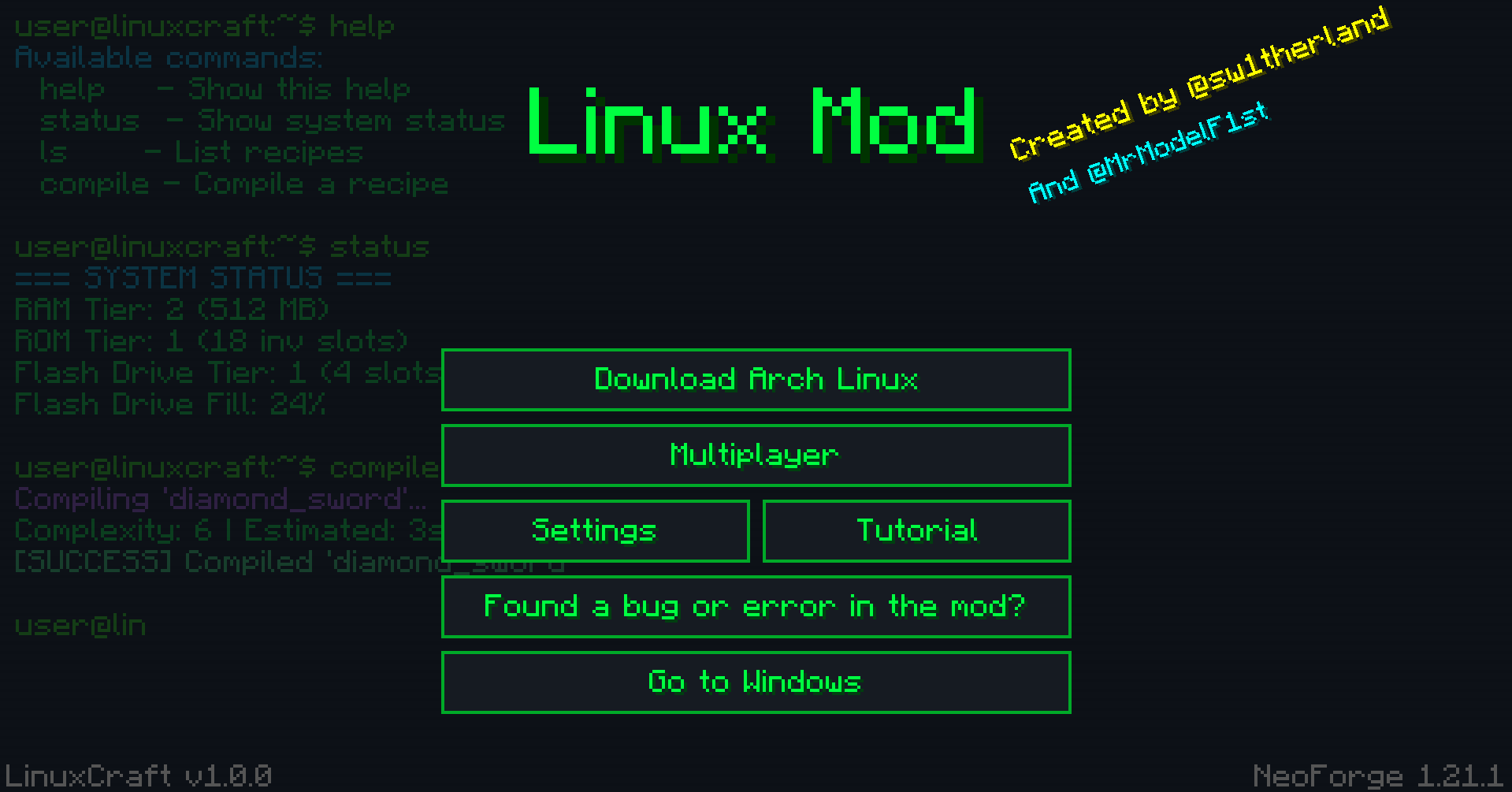
help: Lists all available commands.ls: Displays a list of example recipes.status: Shows your current installed hardware (RAM, ROM, Flash) and system health.uname: Displays kernel and OS info.rm <item>: Deletes/drops an item from your inventory.- Cron Jobs: The terminal supports executing commands in the background.
🛡️ For Server Admins
- The mod includes a hidden Admin Control Panel. Type
/gdr (this command is hidden from the tab-autocomplete list) to access a powerful server management GUI.
Created by @sw1therland and @MrModelF1st (Telegram)