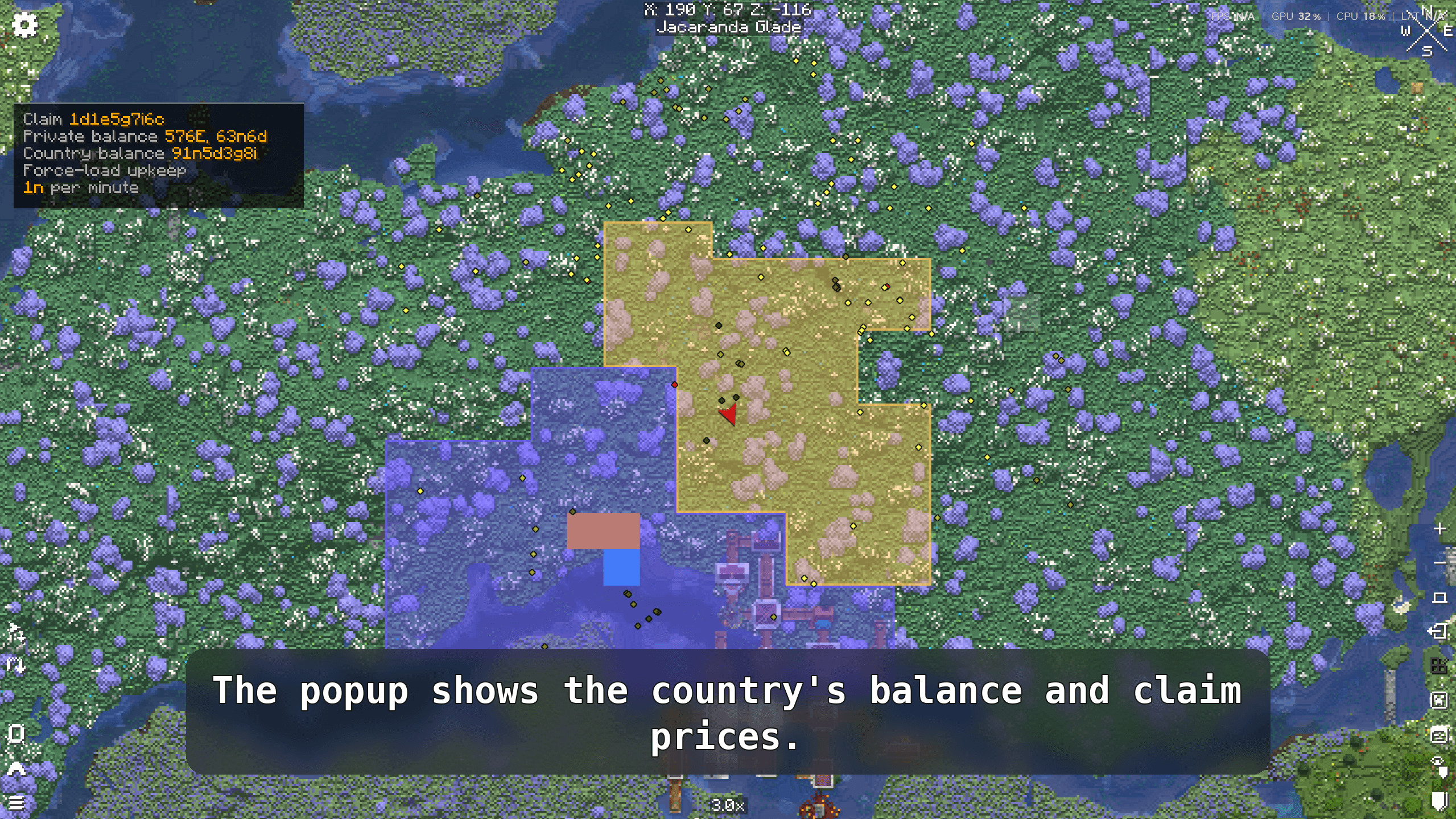
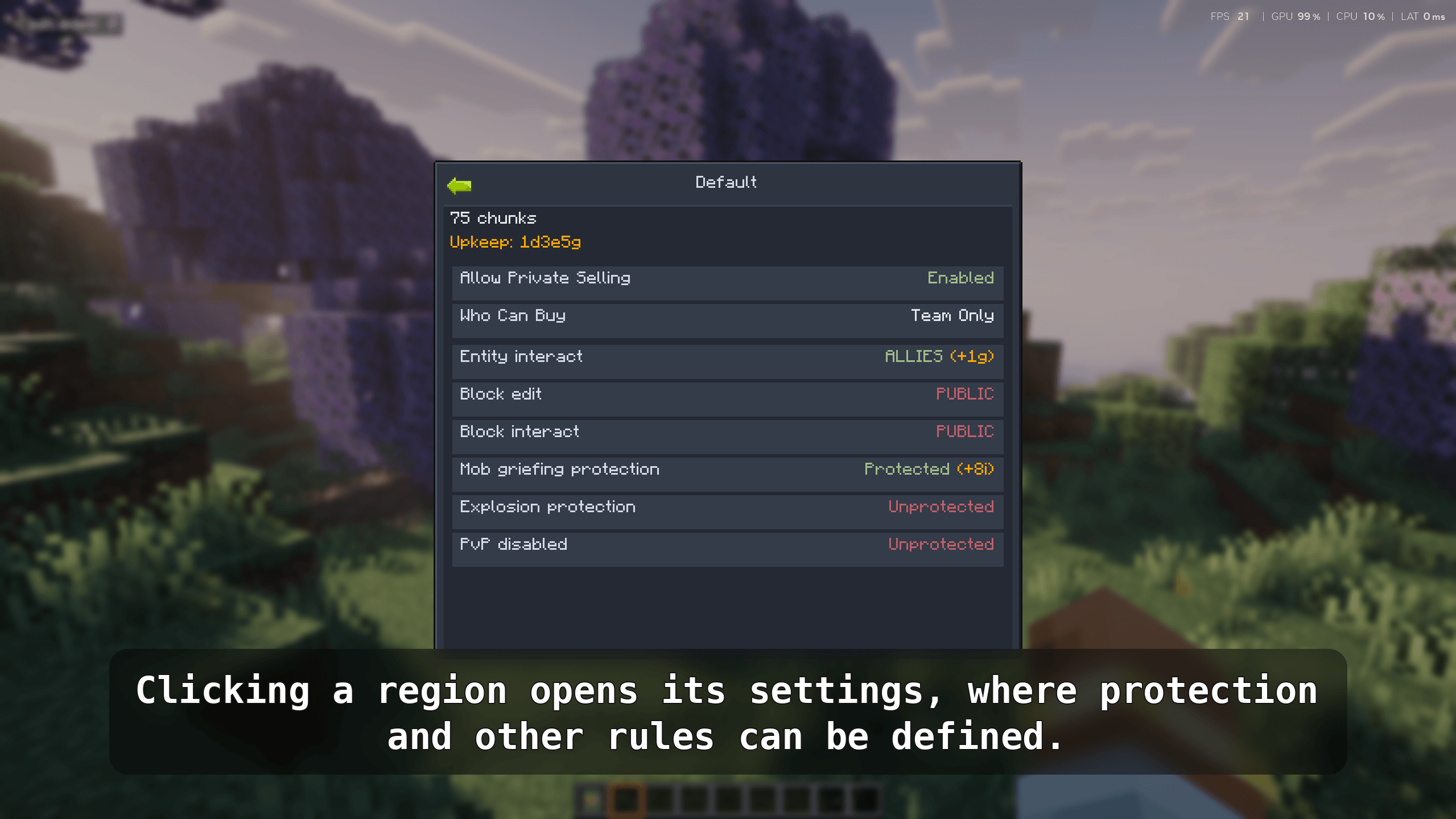
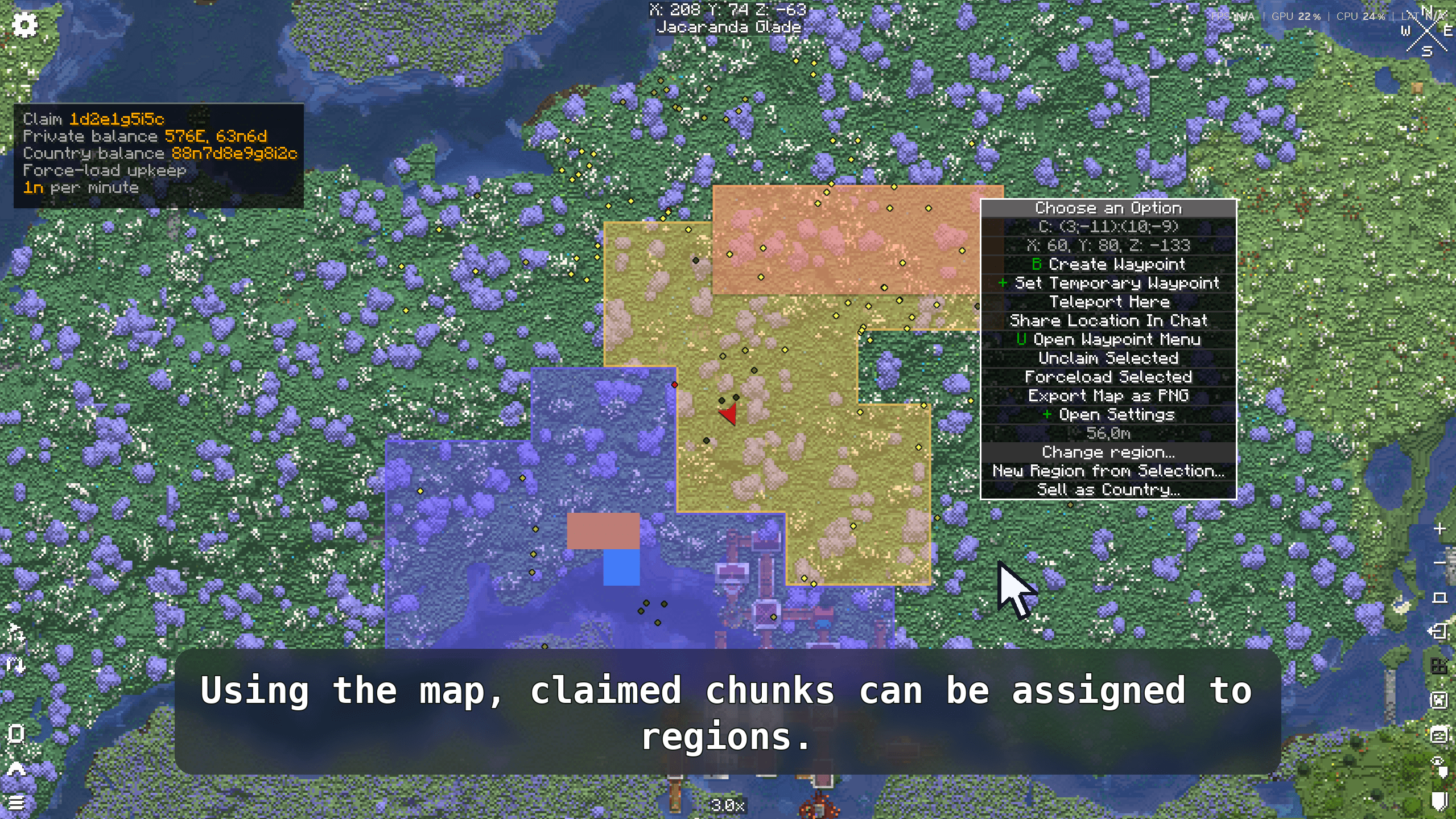
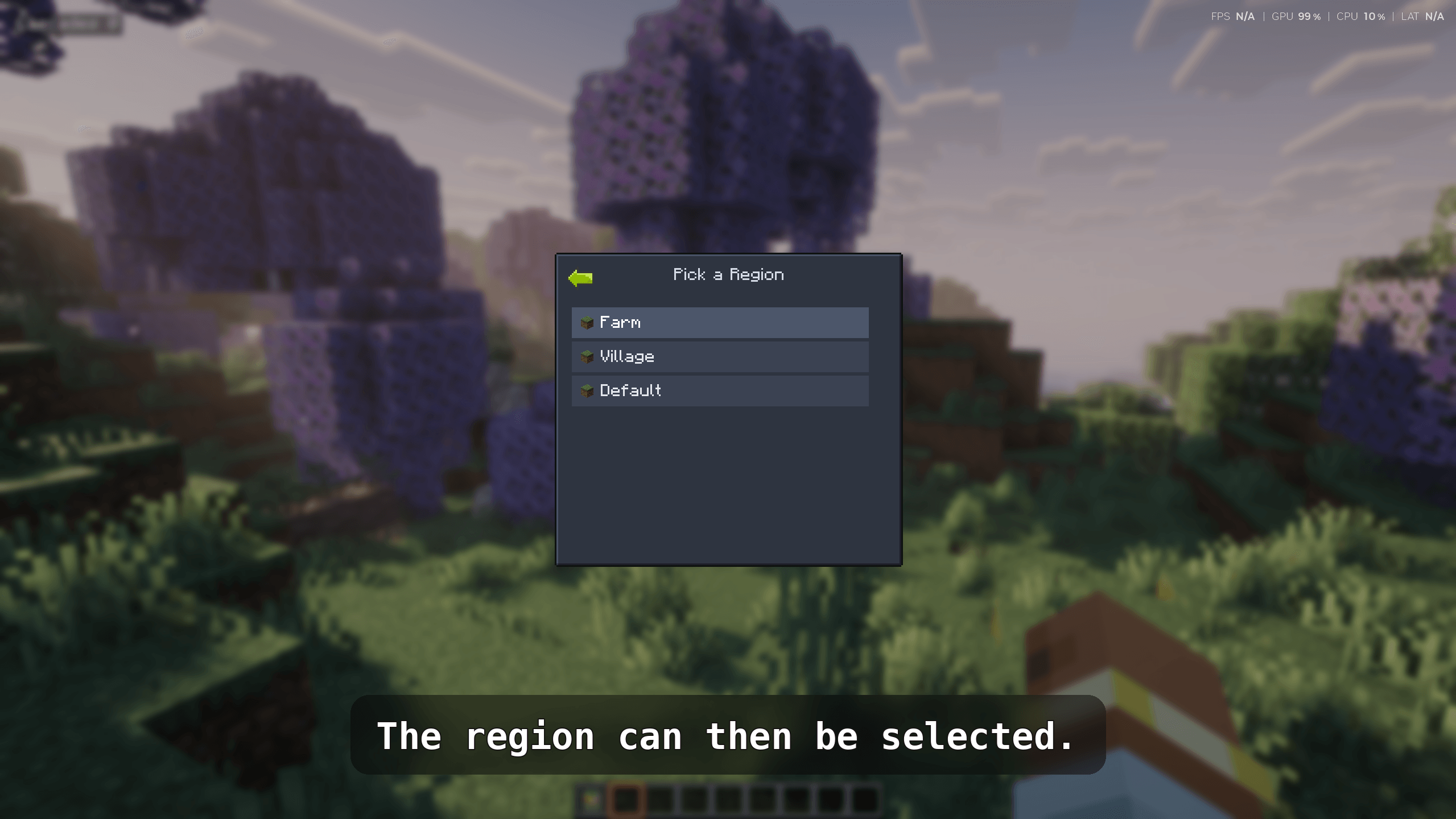
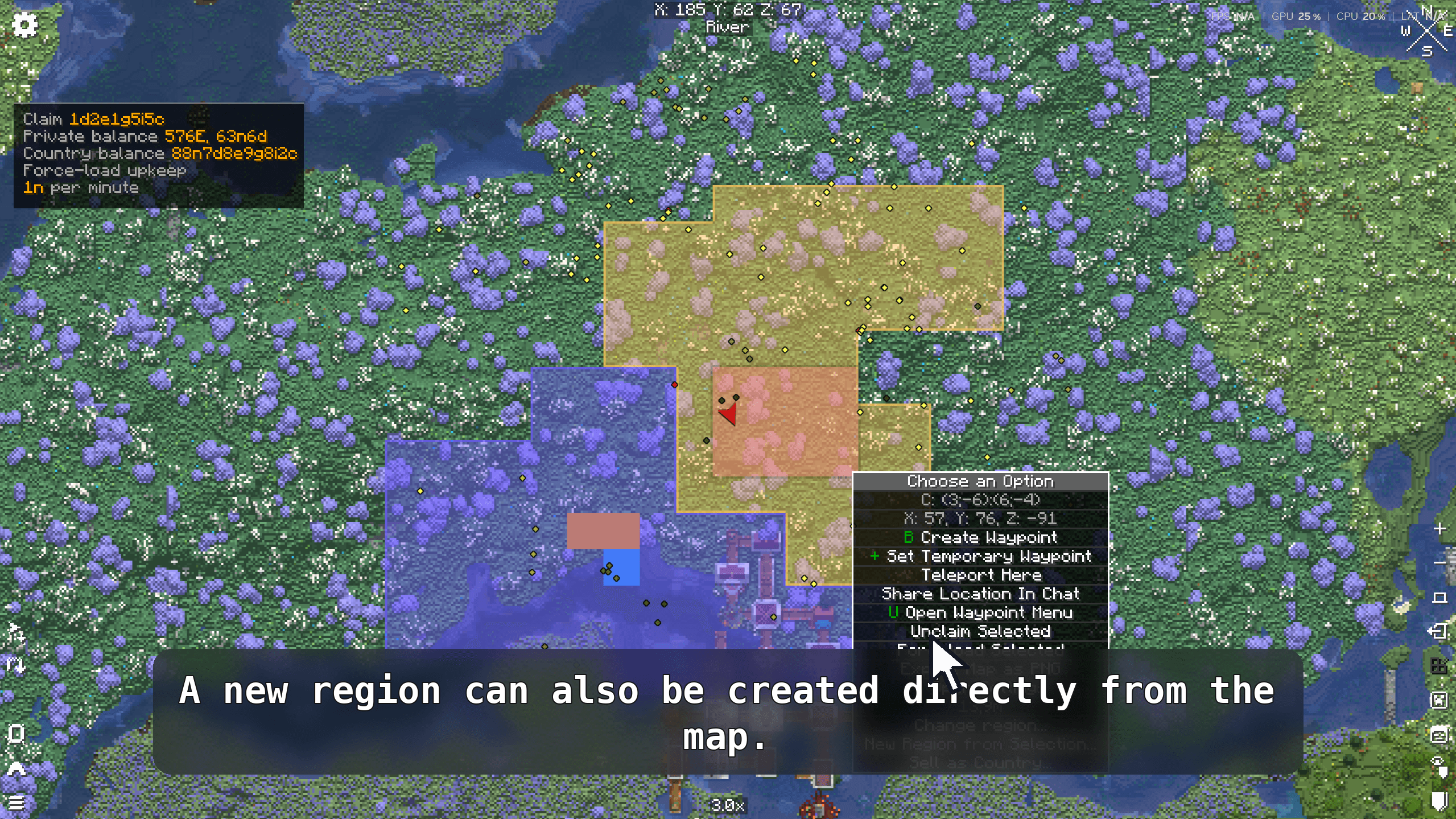
LC FTB Hook connects Lightman's Currency with FTB Chunks and FTB Teams, turning chunk claiming and land protection into an economy-driven system. Claiming costs money, protections require ongoing upkeep, and teams can declare war on each other — with upkeep scaling accordingly.
Minecraft: 1.21.1 · Loader: NeoForge · Side: Both (required on server and client)
Every claimed chunk is either a Build chunk or a Land chunk.
| Build chunk | Land chunk | |
|---|---|---|
| Purpose | Base, builds, infrastructure | Territory, borders, open land |
| Available protections | Mob griefing, explosions, PvP, block interact/edit, entity interact | Block interact and block edit only |
| Upkeep billing | Per chunk | Per group of N chunks (cheaper for large territories) |
| Switch | Alt + click/drag in the FTB Chunks map | Same |
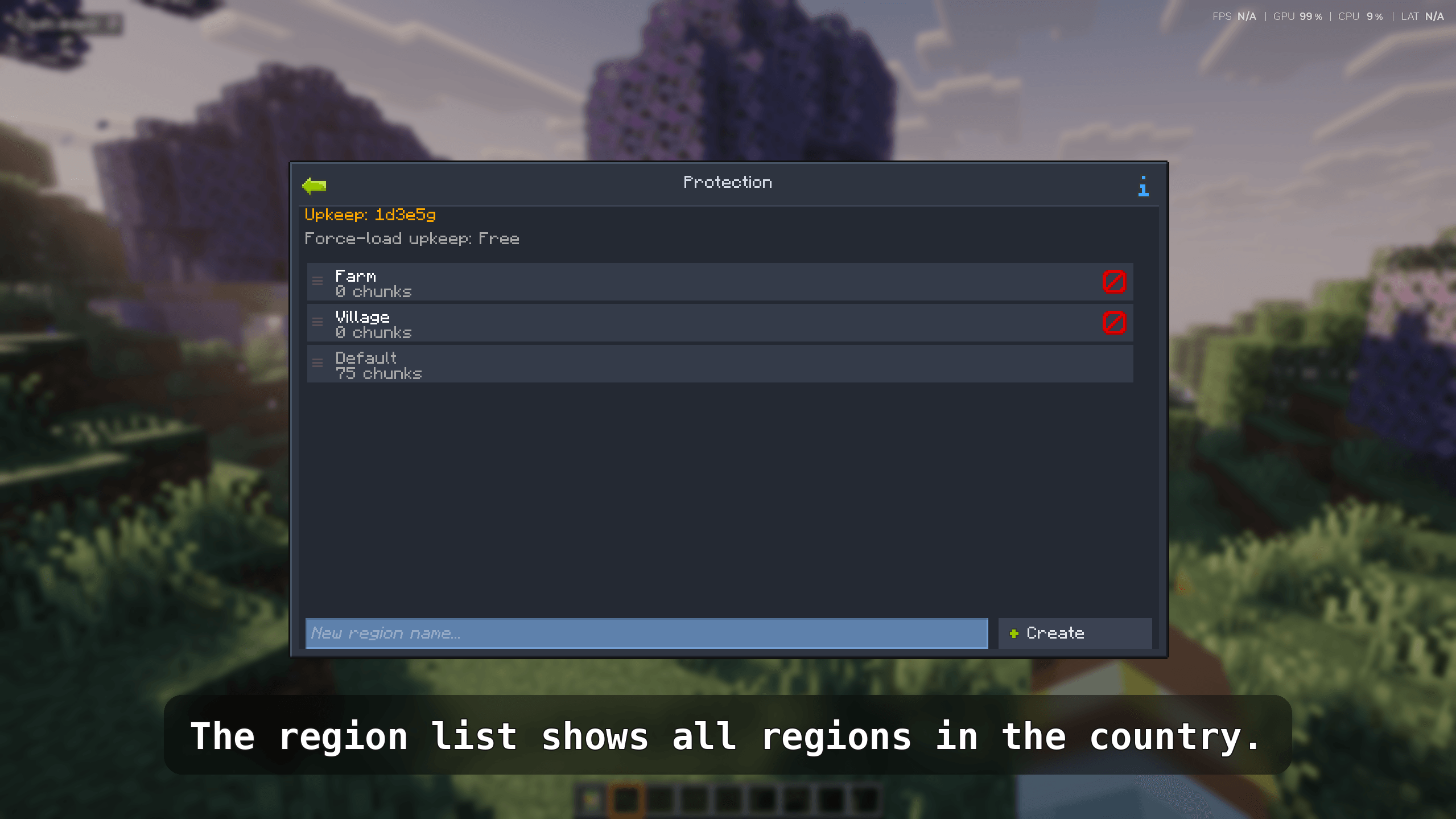
When an FTB party is created, LC FTB Hook automatically creates a linked Lightman's Currency bank account for it. The account mirrors the team hierarchy at all times:
The account cannot be deleted while the party is alive. When the party disbands, any remaining balance and chunk refunds are distributed to each member's personal account.
Joining a party dissolves your personal claims and refunds them to your personal account.
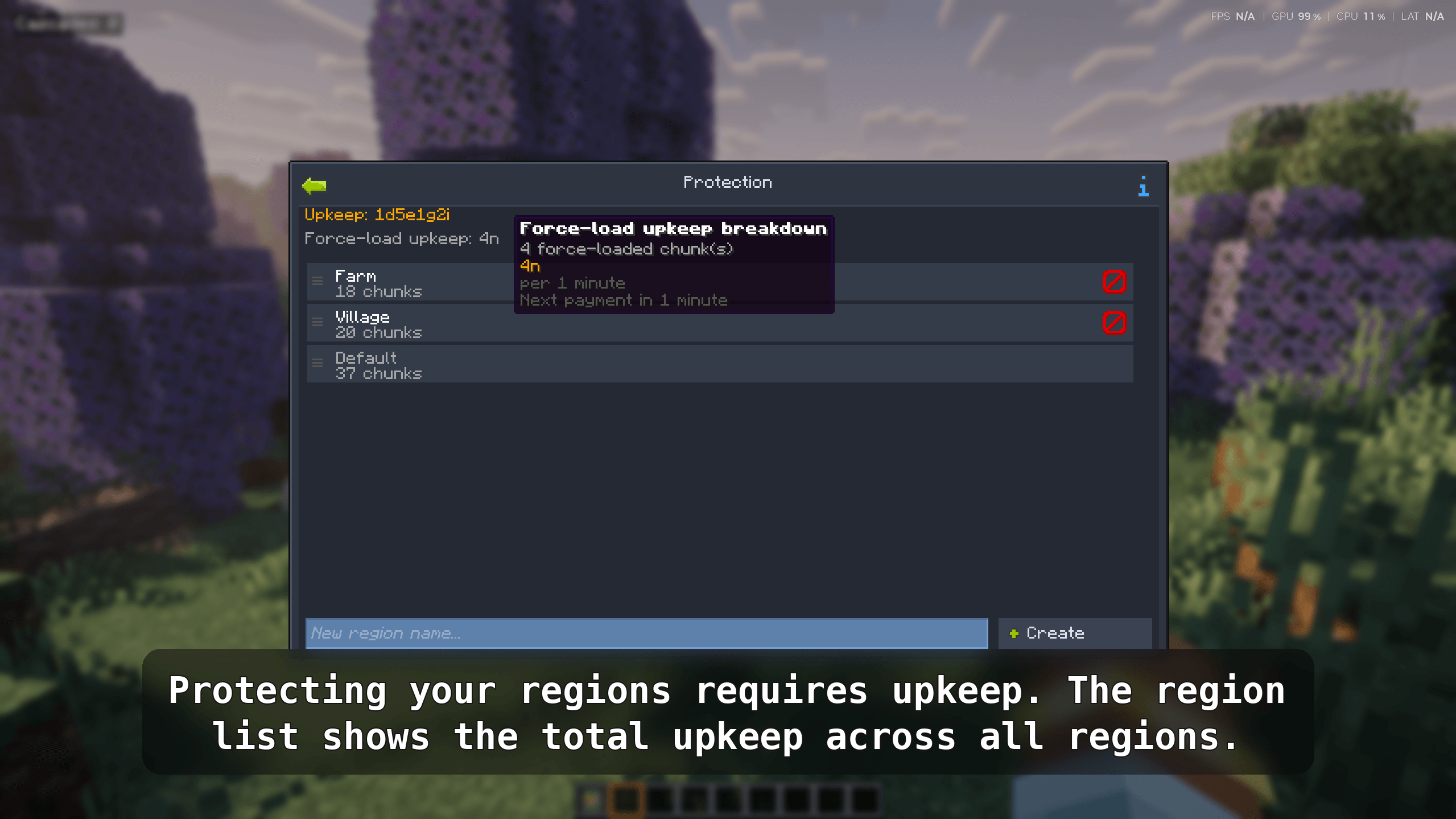
Protecting your land is not free — protections must be paid for periodically (configurable; default: every hour).
Upkeep formula:
cost = base_protection_price × number_of_billable_chunksEach active protection adds a per-chunk price to the base rate. Prices per protection are independently configurable.
If the account runs out of money:
Changes to protections and force-loads are queued to the next upkeep period to prevent mid-period exploits.
Teams with claimed chunks can declare war on each other. War raises upkeep costs:
base × Σ(l^i) for i incoming wars, where l is the configurable war cost multiplier.l^n (where n is the ordinal of that war).War declarations and endings are queued to the next upkeep period. If a team cannot pay full upkeep, outgoing wars are frozen until the balance is restored. The war system can be disabled entirely per server.
The War screen (accessible from Team Settings) shows active and pending wars, upkeep cost breakdowns, and target vulnerability indicators (unprotected block edit, explosions, PvP).
Enabling force-load on a chunk is free, but each force-loaded chunk adds a periodic charge.
| Mod | Required |
|---|---|
| Lightman's Currency | ✅ |
| FTB Library | ✅ |
| FTB Teams | ✅ |
| FTB Chunks | ✅ |
| NeoForge 21.1.234+ | ✅ |
.jar in your mods/ folder.mods/ folder.Important: The mod must be installed on both the server and every client — it registers custom network payloads and client-side UI mixins.
The config file is generated at:
world/serverconfig/lc_ftb_hook-server.tomlReload it by restarting the server or using /reload (some values apply immediately).
| Key | Default | Description |
|---|---|---|
claimPrice |
100 |
Cost in copper units to claim one chunk |
freeChunks |
0 |
Number of free chunks each team/player gets before paying |
landChunkGroupSize |
5 |
Land chunks are billed once per this many chunks |
unclaimRefundRatio |
0.6 |
Fraction of claim price refunded on unclaim (0–1) |
forceLoadUpkeepPrice |
25 |
Upkeep cost per force-loaded chunk per period |
upkeepPeriodMinutes |
60 |
How often upkeep is charged (real-time minutes) |
| Key | Default | Triggers when… |
|---|---|---|
mobGriefProtectionPrice |
10 |
Allow Mob Griefing = false |
explosionProtectionPrice |
10 |
Allow Explosion Damage = false |
pvpDisablePrice |
5 |
Allow PvP Combat = false |
blockInteractProtectionPrice |
15 |
Block Interact Mode ≠ Public |
blockEditProtectionPrice |
15 |
Block Edit Mode ≠ Public |
entityInteractProtectionPrice |
15 |
Entity Interact Mode ≠ Public |
| Key | Default | Description |
|---|---|---|
warEnabled |
true |
Enable the war system |
warCostMultiplier |
2.0 |
Exponent l for incoming and outgoing war cost scaling |
When upkeep cannot be paid, protections are dropped in the order defined by protectionDismantleOrderLand (land chunk protections, stripped first) and protectionDismantleOrderBuild (build chunk protections, stripped second). Use FTB property id paths without namespace.
Players need a Lightman's Currency bank account with a positive balance. Place an ATM or use your wallet to deposit money. As a server operator, you can give money directly:
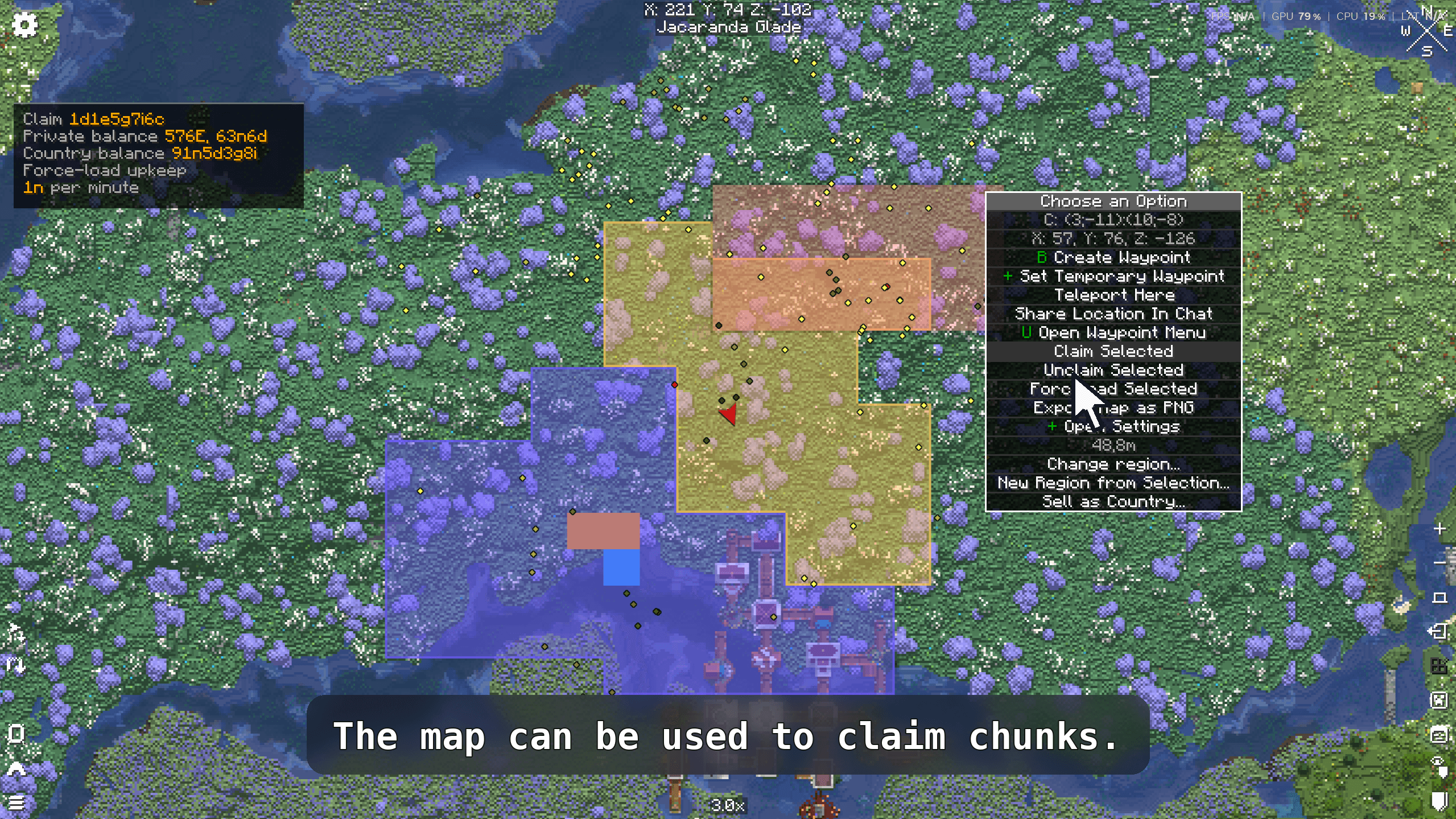
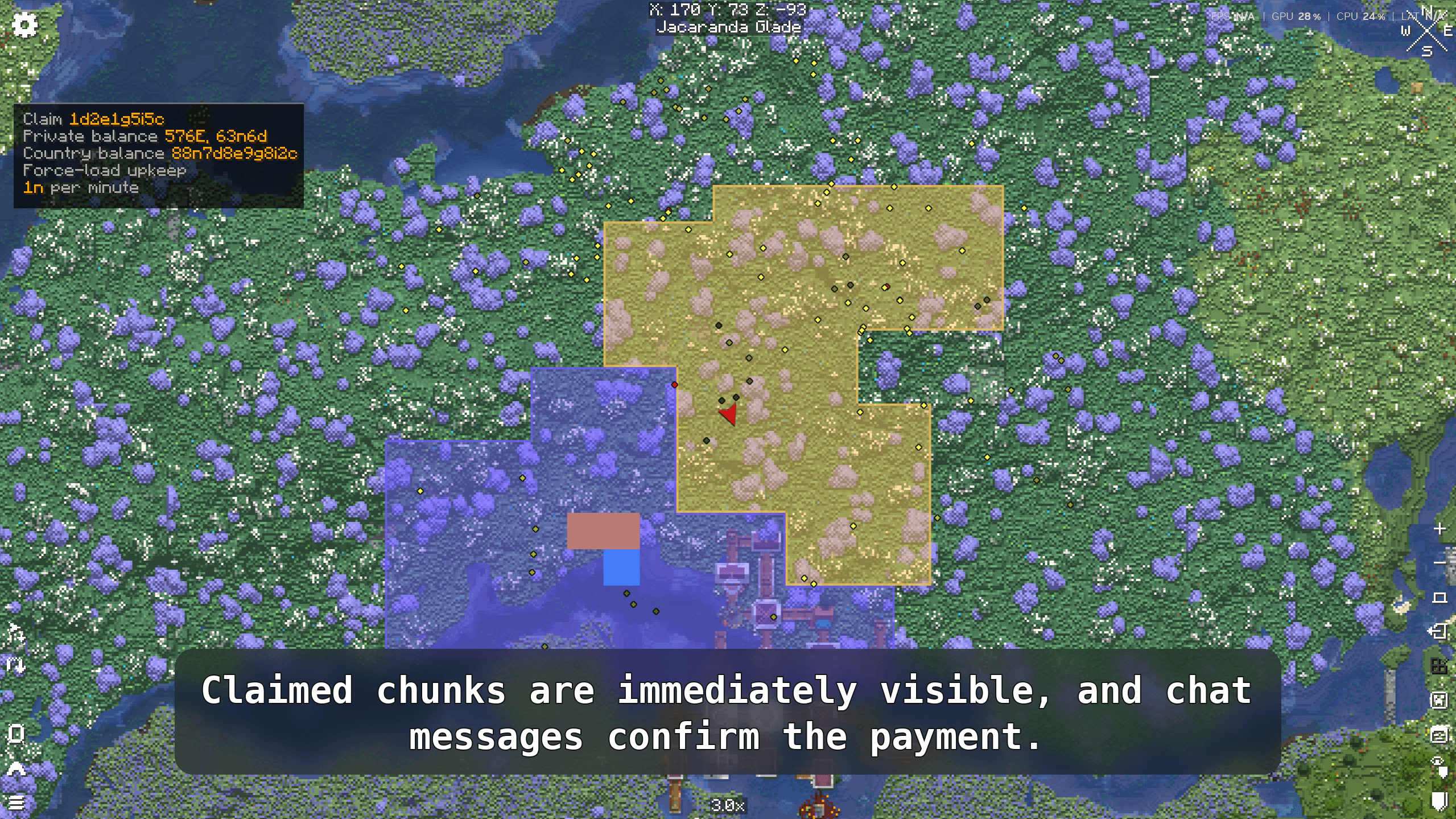
/lcbank give players <playername> <amount>Open the FTB Chunks map (M by default). Click a chunk to claim it. The claim price is deducted from your bank account automatically. If you don't have enough, the claim is rejected with a chat message.
Unclaiming a chunk refunds part of the price (60% by default).
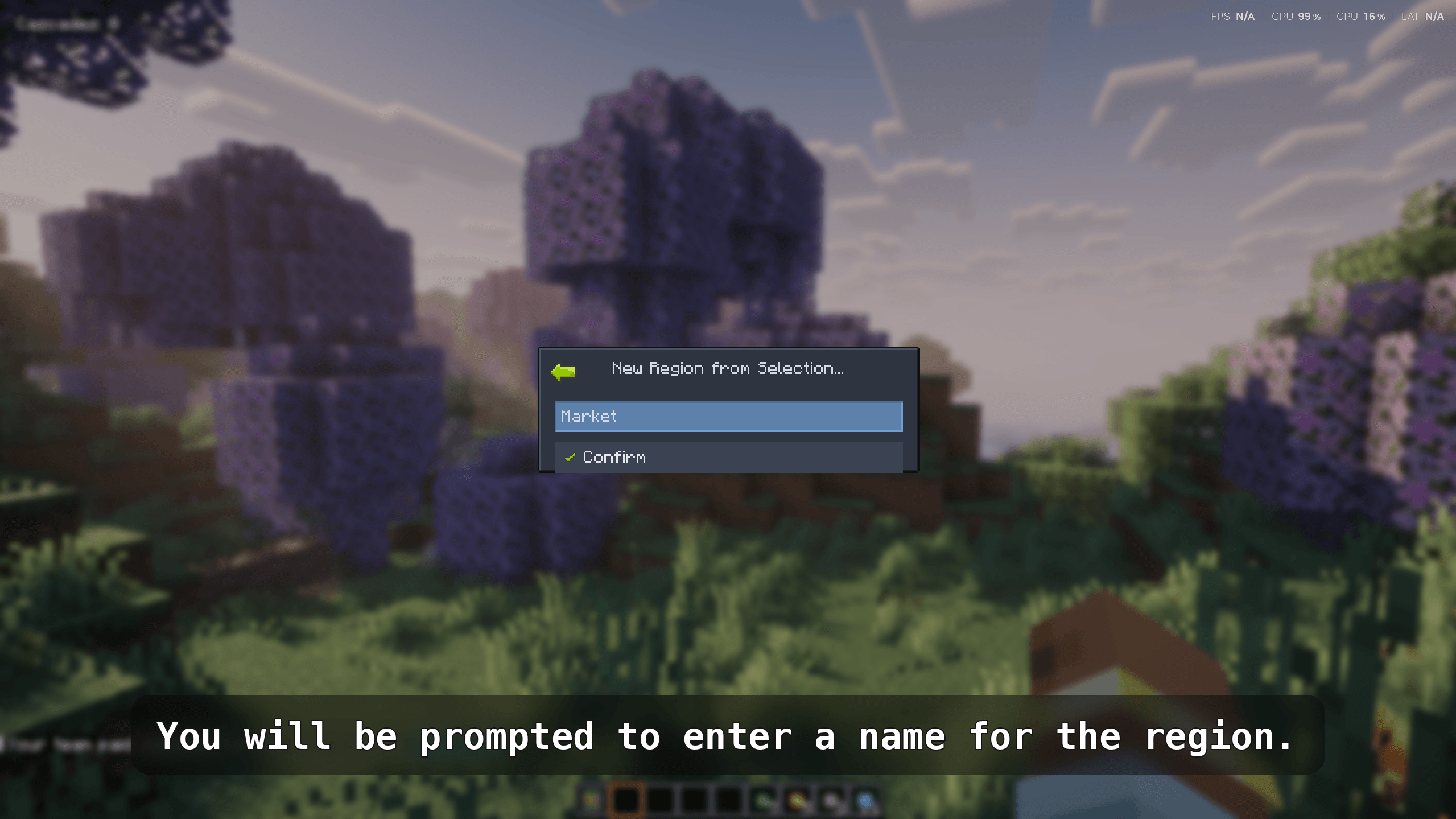
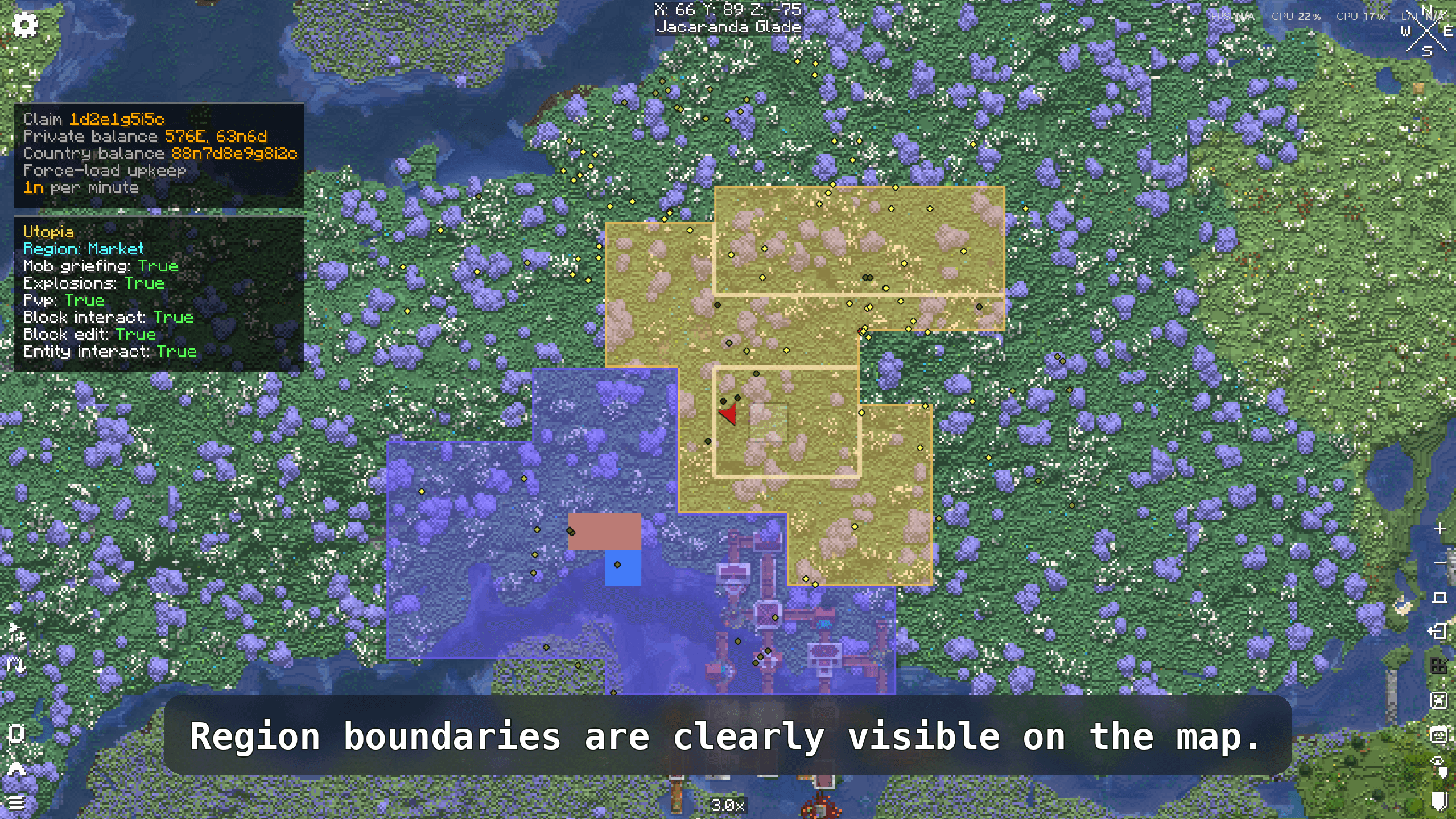
By default all claimed chunks are Build chunks. To mark some as Land chunks (cheaper upkeep, restricted protections), hold Alt and click or drag over chunks in the FTB Chunks map. A confirmation message appears in chat.
Land chunks use separate block interact and block edit protection settings, visible in the FTB Teams config under "Land Chunk Protection".
Open your FTB Teams settings and navigate to the protection properties. Each protection shows its per-chunk price next to the toggle. Enable protections you want to pay for. If your balance is too low to afford the new upkeep, the change is blocked and reverted.
Protections take effect immediately; the upkeep for them will be charged at the next billing period.
Create a party via FTB Teams. LC FTB Hook automatically creates a linked bank account for the team. Fund the team account through any ATM (select the team account from the account list).
Only owners and officers can claim chunks, force-load them, or manage war for the team.
In the FTB Chunks map, enable force-load on any of your claimed chunks as usual. There is no upfront cost, but each force-loaded chunk adds a charge to the next upkeep bill.
When upkeep is charged, a chat message summarises the payment. Click [See more] in that message to view a full breakdown including which protections were active and what each cost.
Owners and officers can also run:
/upkeep detailsto see the most recent breakdown at any time.
To see the order in which protections would be dropped if upkeep fails:
/upkeep priorityIf the war system is enabled, open your FTB Teams settings and click the War button (visible to owners and officers). The war screen shows:
Click a team row to declare war (pending until the next upkeep period) or to queue an end to an existing war. War costs are shown in the tooltips before confirming.
Declaring war increases your periodic upkeep. Make sure your team account can cover the new total before committing.
| Command | Who can use it | Description |
|---|---|---|
/upkeep details |
Team owners & officers | Show the latest upkeep cost breakdown |
/upkeep priority |
Team owners & officers | Show the protection dismantle order and current active costs |
Q: Why was my protection disabled?
A: Your team's bank account did not have enough balance to pay upkeep. Top up the account and the protection will be re-enabled at the next billing cycle automatically.
Q: Can members claim chunks?
A: No. Only team owners and officers can claim, unclaim, or force-load chunks on behalf of the team.
Q: What happens when my party disbands?
A: All claimed chunks are unclaimed (with the configured refund), the remaining balance in the team account is distributed to members, and the team account is deleted.
Q: Can I disable the war system?
A: Yes. Set warEnabled = false in the server config. The war button disappears from the client UI automatically.
Q: Where is the config file?
A: world/serverconfig/lc_ftb_hook-server.toml on a dedicated server, or saves/<world>/serverconfig/lc_ftb_hook-server.toml in single-player.