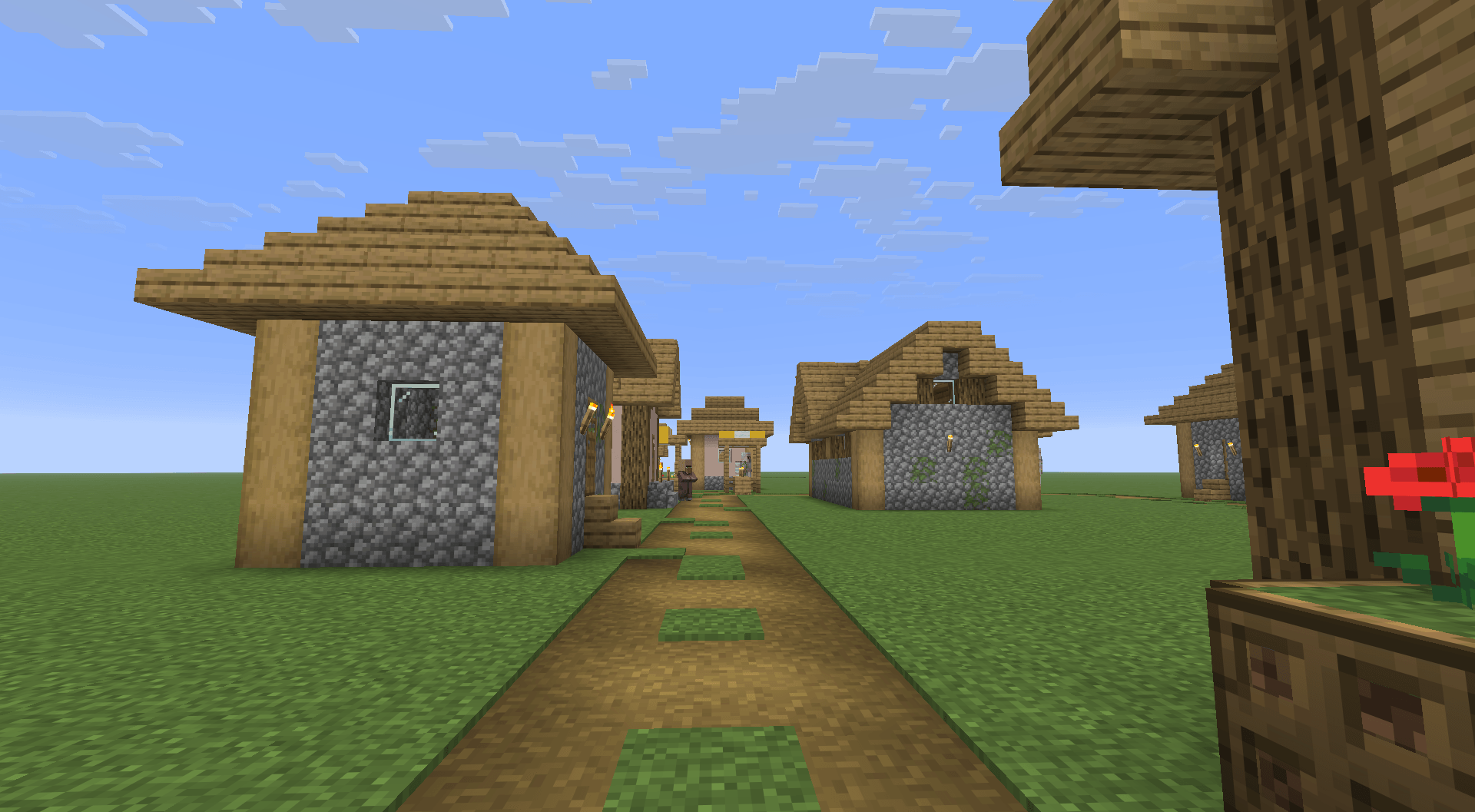
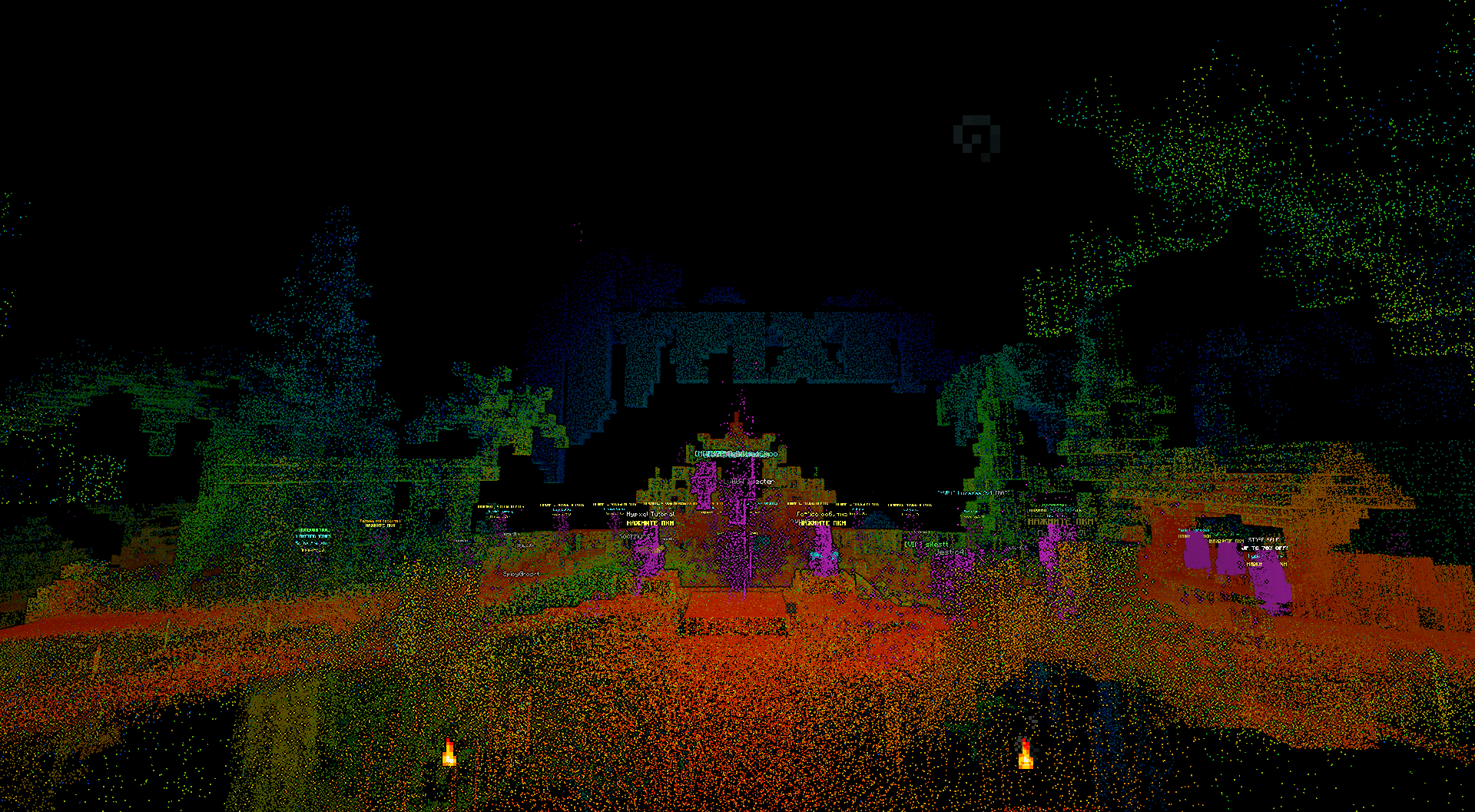
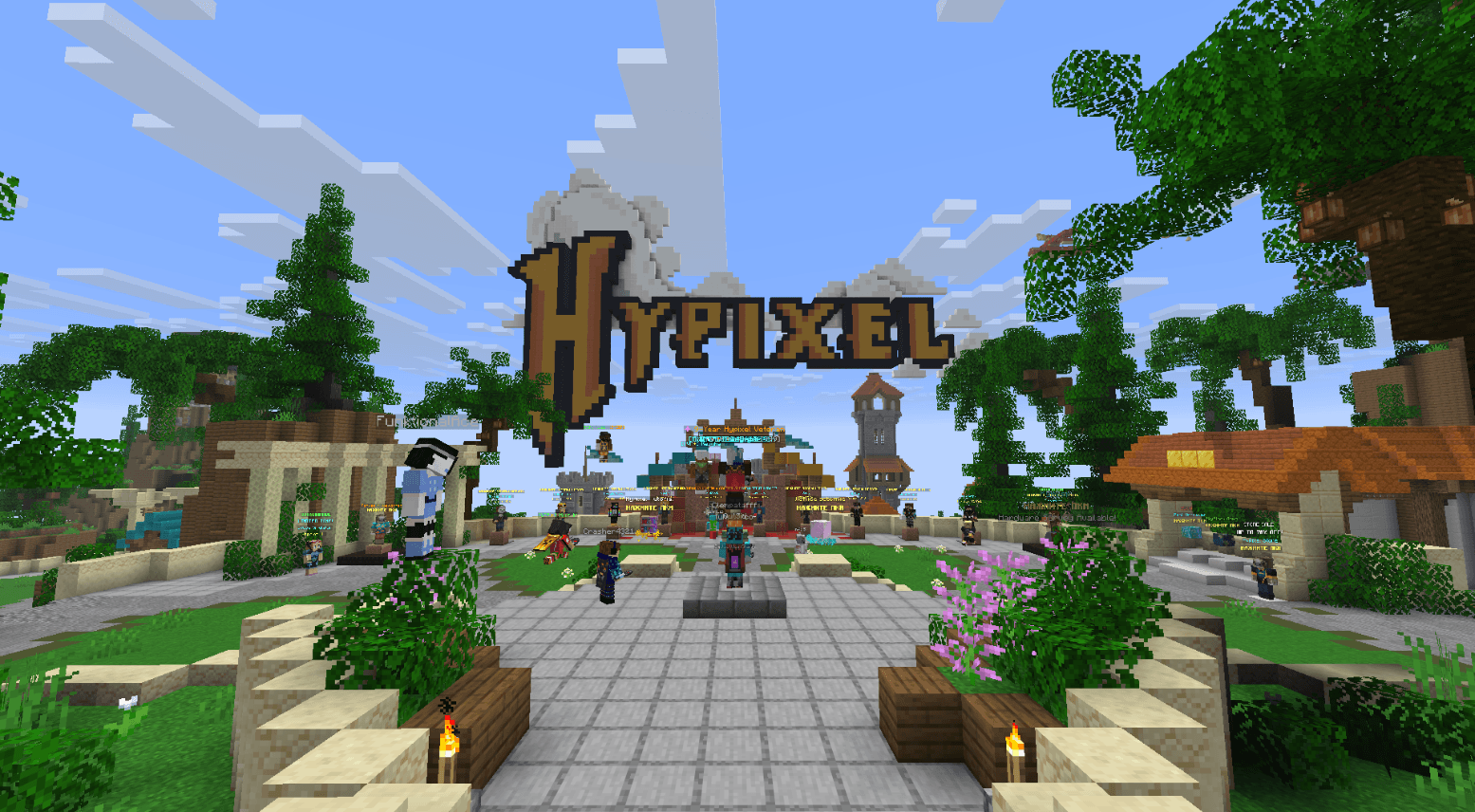
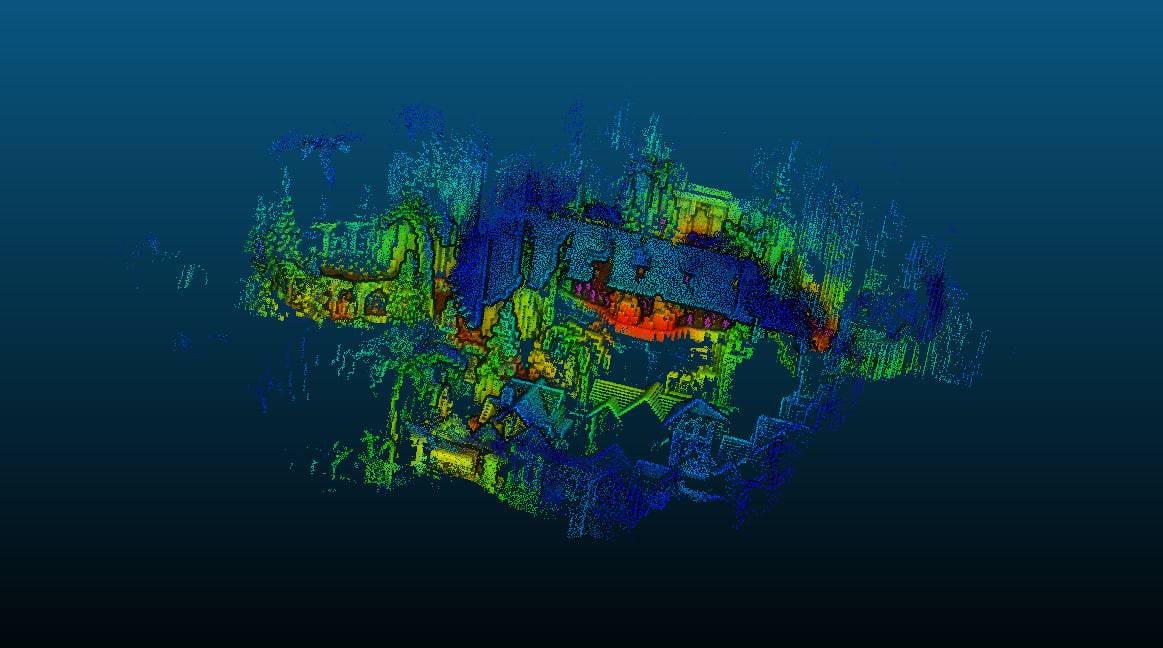
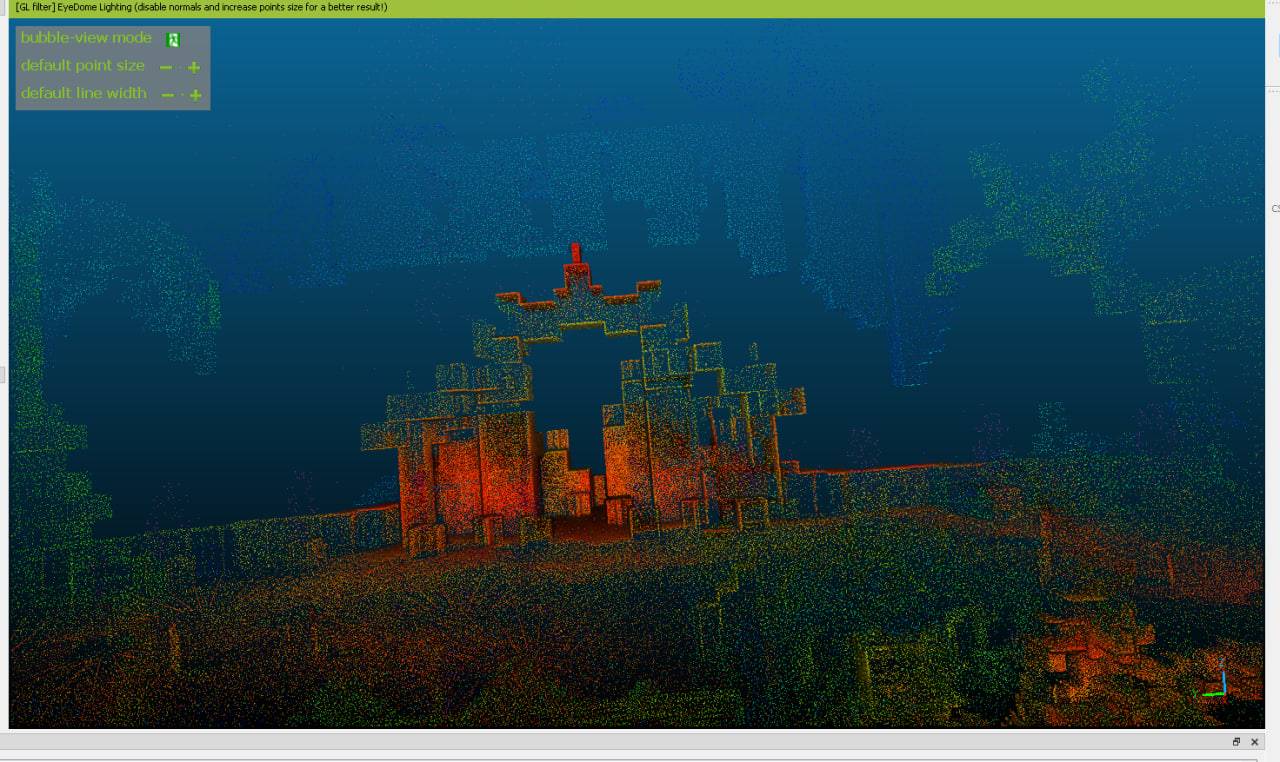
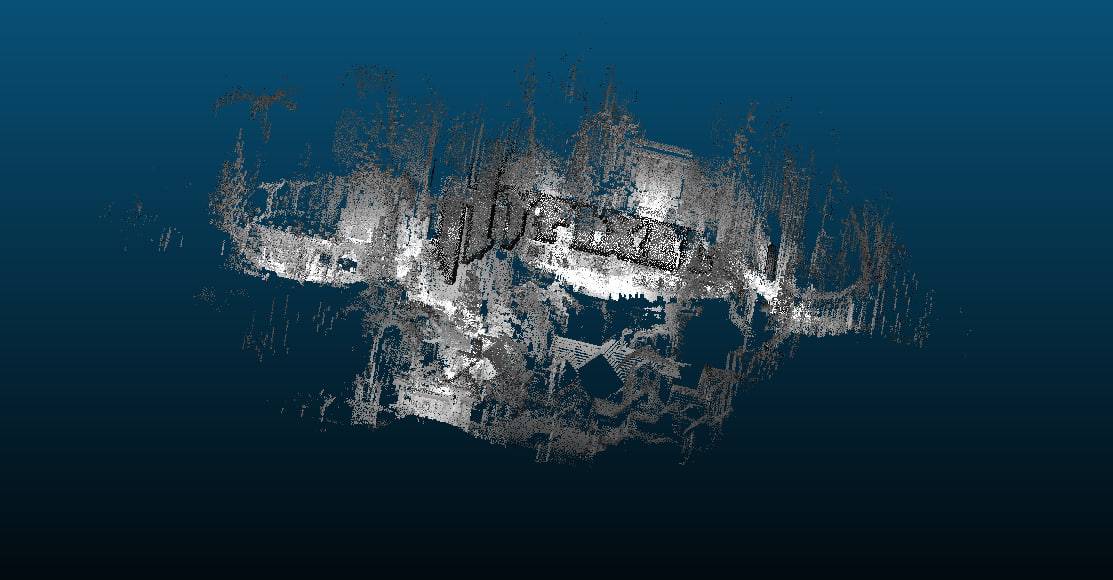
A lidar scanner for Minecraft 26.2 (Forge). Client side only.
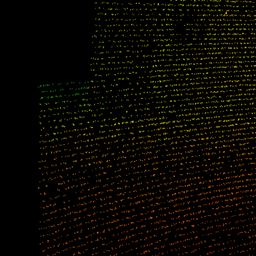
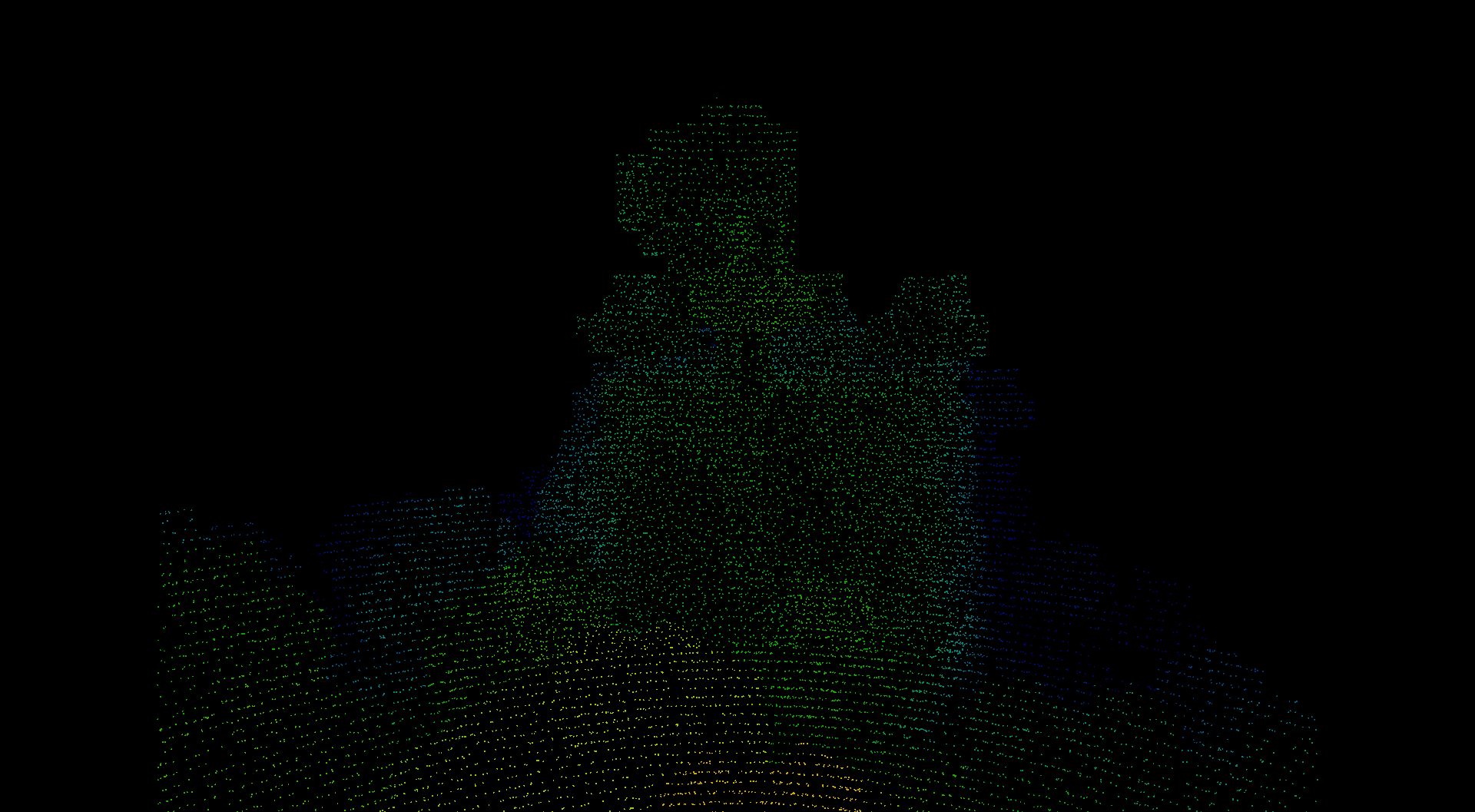
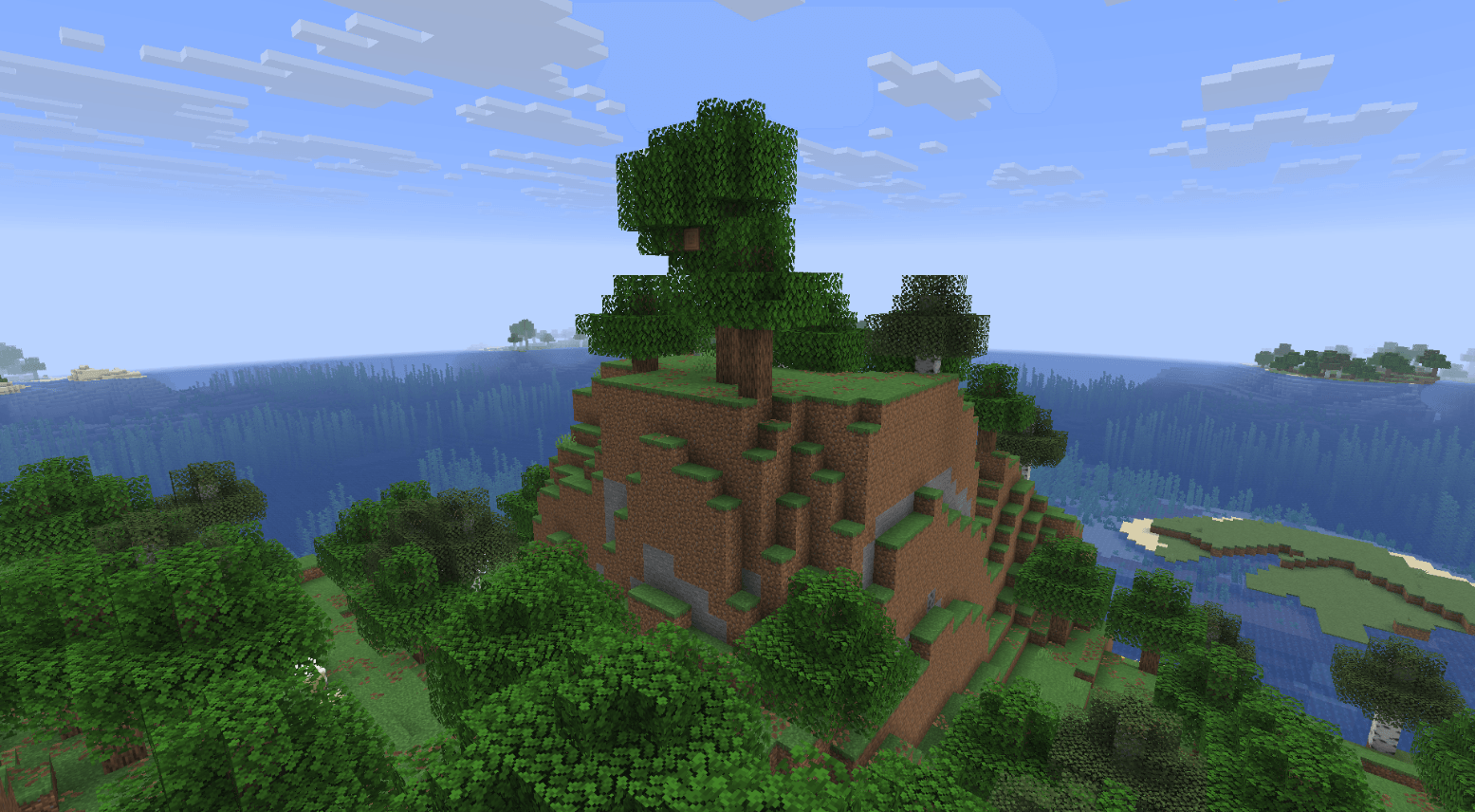
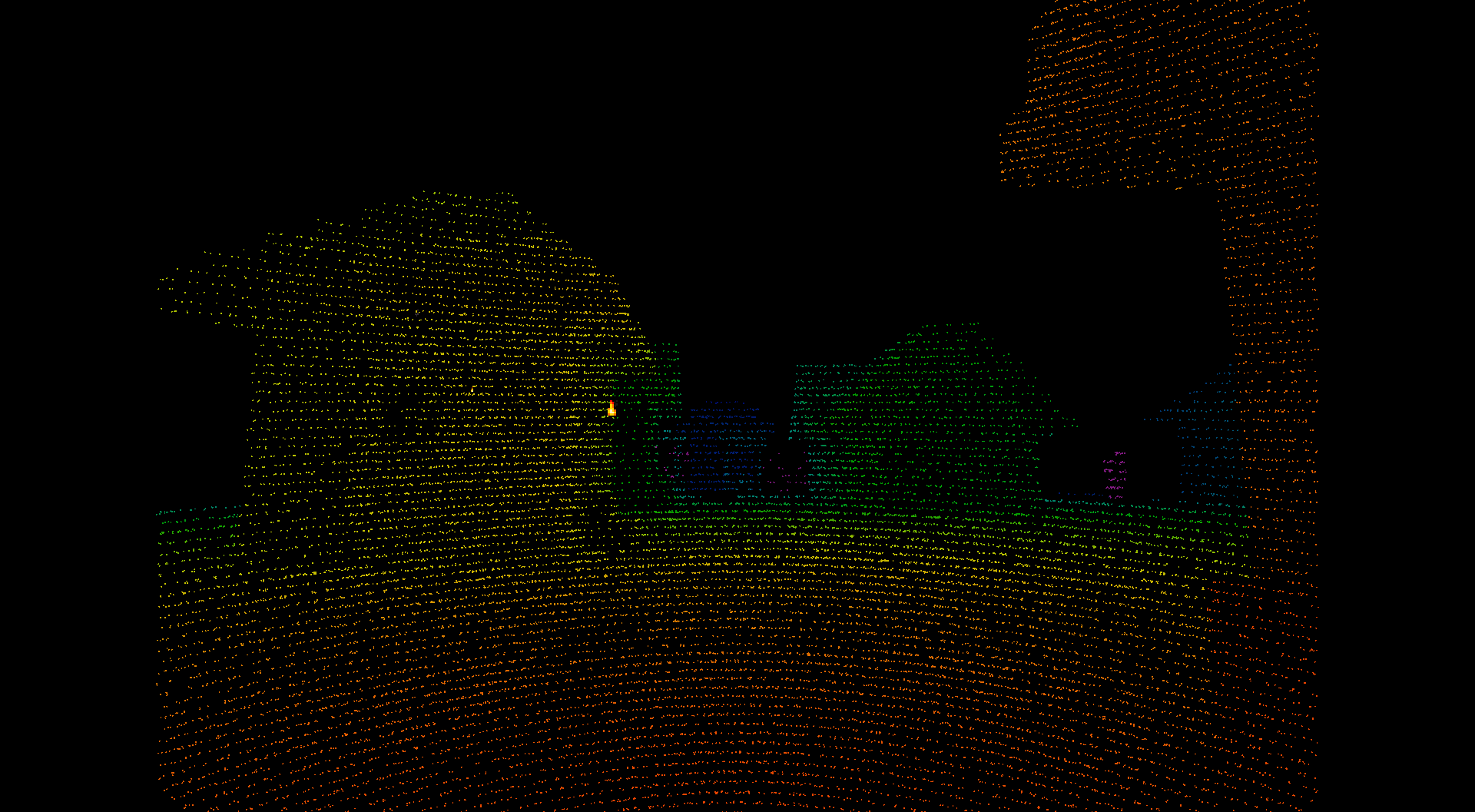
Hold the scan key and the sensor fires a budget of pulses each tick. Every return becomes a point in a cloud that stays where it was measured. The world itself is not drawn, so what you see is the scan and nothing else.
The mod does not flash on its own, but two things are worth knowing. The world toggle switches the whole screen between lit and black as fast as you press it, and the point grid is a regular high contrast pattern. Both are recorded triggers for people with photosensitive epilepsy. A sparse cloud on black also asks a lot of contrast vision, and long sessions in the dark tire the eyes.
The mod says the same thing on first launch, on a page you cannot skip.
| Key | What it does |
|---|---|
V hold |
scan |
Z |
cycle scan mode: line, cone narrow, cone normal, cone wide, spin |
H |
area map scan of the space around you |
J |
open the settings |
K |
export the cloud of this dimension |
N |
erase the cloud, press twice to confirm |
B |
show or hide the world |
None of them collide with the vanilla bindings.
Range, reflectance and noise follow the lidar equation rather than a colour ramp on a raycast. The sensor is specified the way real units are: by the range at which a ten percent reflective target still returns.
The cloud holds ten million points by default, thins itself so rescanning a wall costs nothing, expires points when the world changes, and is saved per world - by the world folder, so two worlds of the same name keep their own clouds.
Erasing with N takes both the cloud in memory and the saved one, because a world has one cloud and the mod should not report an empty cloud while holding a full file. Since that loses measurements, the first press only asks and names what would go; the erased file is renamed rather than deleted, and the mod tells you its name.
K writes the cloud of the current dimension to ASPRS LAS 1.4 (point record format 7) or to PLY, or to both. Every point carries colour, return strength as intensity, an ASPRS class code and a scan angle, so the file opens in CloudCompare, QGIS or any survey tool with the fields such a tool expects.
Files land in <game dir>/lidar/export/.
46 options, each with its unit, its range and the source of its number. Open them with J in game, or from the mods list. Worth knowing first: maxRange, raysPerTick, scanFovDeg, maxStoredPoints, pointSpacing, returnMode, edlStrength, renderRange, exportFormat.
If the frame rate drops, lower raysPerTick first, then maxStoredPoints, then renderRange.
Every option is documented with its unit, range and source on the reference page: https://zenoyui.github.io/lidar-scan/
World hiding is implemented with Mixin against Minecraft render methods, so conflicts are likely with mods that rewrite the same path: Sodium-style optimizers and Iris/Oculus shaderpacks. Not tested against them.
Open an issue at https://github.com/Zenoyui/lidar-scan/issues and say which version of the mod you run, what you did, and what happened.