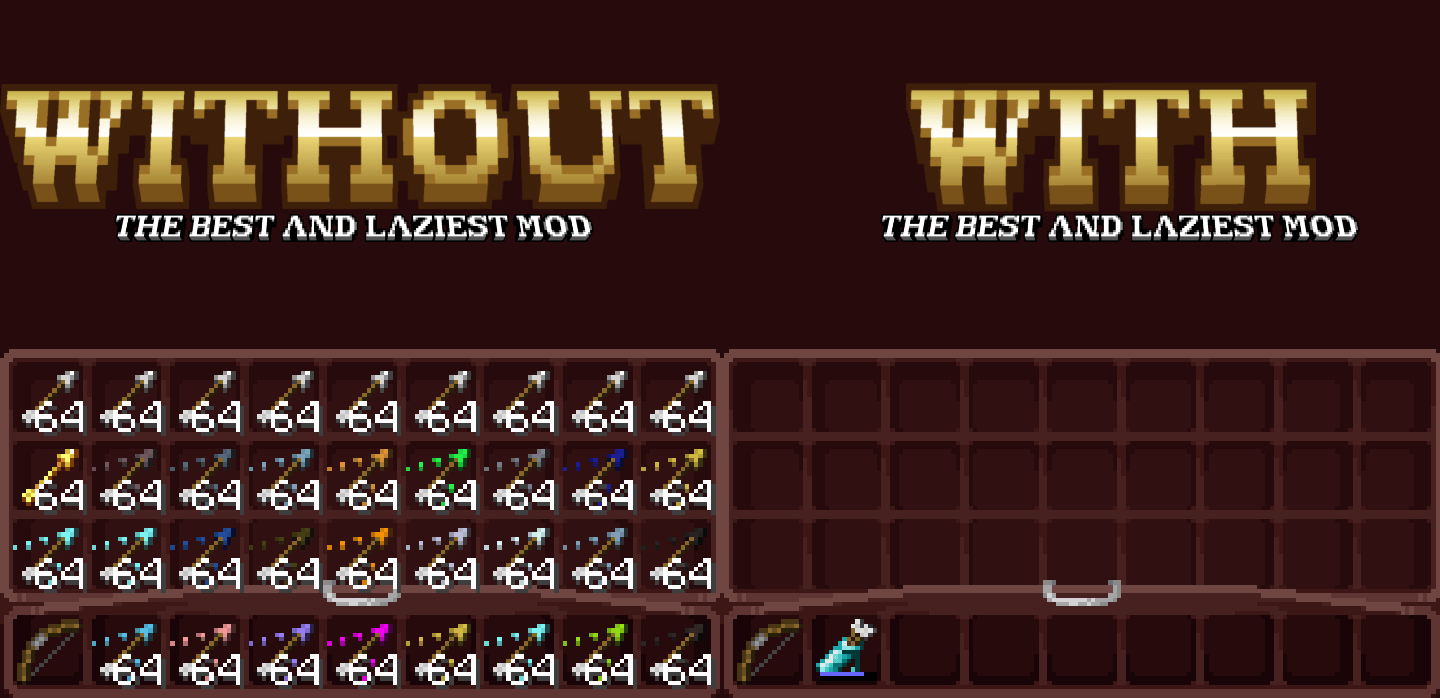
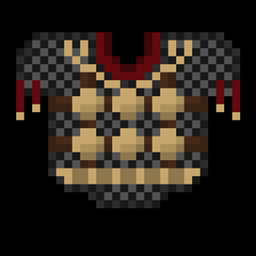
LazyQuiver adds tiered quivers to Minecraft 1.19.2 (Fabric), letting you carry, organize, auto-collect, and cycle through arrows — from basic flint to advanced tipped variants.
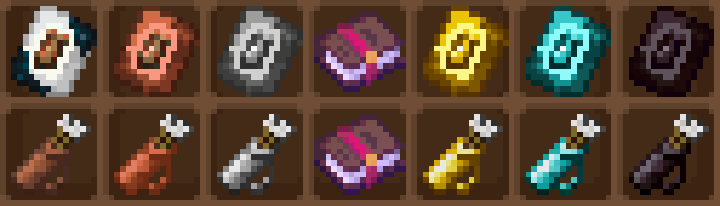
| Tier | Slots | Upgrade |
| Leather | 9 | Crafted (5 Leather + 4 String) |
| Copper | 18 | Smithing: Leather + Copper Template |
| Iron | 27 | Smithing: Copper + Iron Template |
| Gold | 36 | Smithing: Iron + Gold Template |
| Diamond | 45 | Smithing: Gold + Diamond Template |
| Netherite | 54 | Smithing: Diamond + Netherite Template (fireproof) |
Arrows matching your selected type are automatically routed from your inventory into the quiver. Available in three modes:
enable_base_auto_collect = true in configMakes fired arrows unpickupable (CREATIVE_ONLY pickup type). Perfect for tipped arrows — shoot without leaving clutter.
Both custom enchantments (Auto-Collection, Alchemical Infinity) appear naturally on quivers in the enchanting table.
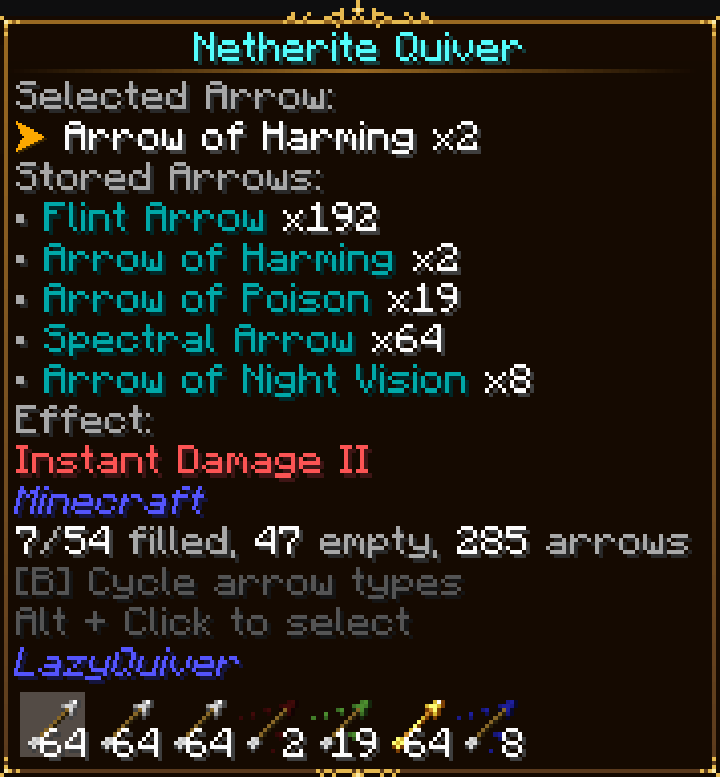
Hover a quiver to see:
Quivers and templates generate in chests across all structure tiers:
Dungeons, Strongholds, Mineshafts, Bastions, Desert/Jungle temples, Igloos, Woodland Mansions, Shipwrecks, End Cities, Buried Treasure, and Villages.
Full progression tree guiding you from Leather to Netherite quiver.
(All commands require OP level 2+)
/lazyquiver reload config — Reload config file/lazyquiver autocollect <true/false> — Toggle base auto-collection/lazyquiver create <name> <slots> <item_id> — Spawn a custom quiver *work in progress*Q: Can I change slot counts?
A: Yes — edit quivers.toml and run /lazyquiver reload config.
Q: Do quivers work with crossbows?
A: Yes — both bows and crossbows pull from quivers.
Q: How do I toggle auto-collection in-game?
A: Hold the quiver and press Shift + Left Click on air.
Q: My config broke after updating — what happened?
A: Old JSON configs are auto-migrated to TOML on first launch. The : character in TOML keys is not supported — use plain names like leather_quiver.
Development: Lattoso
Libraries: Fabric Loader, Fabric API, Fabric Loom, Yarn Mappings, Mixin (SpongePowered)
Report bugs or suggest features on the project's GitHub repository. Include Minecraft version, mod version, logs, and reproduction steps.